Image Watermark Remover
Remove watermarks and restore backgrounds
Image Watermark Remover
Remove watermarks and restore backgrounds
Showcase
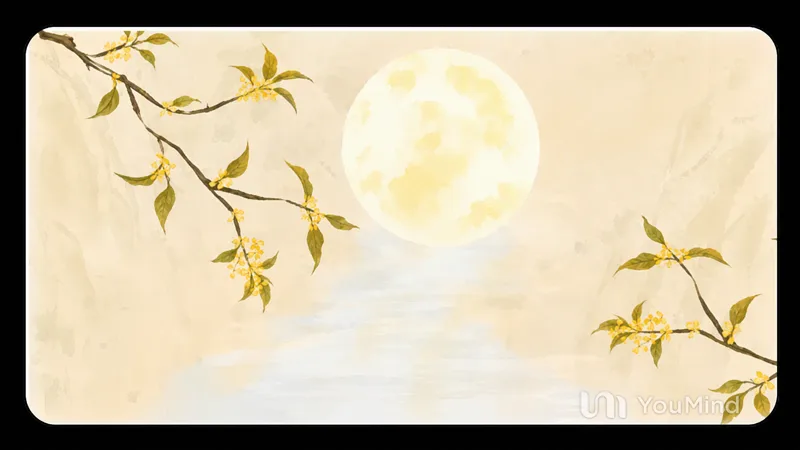
去除图片水印
月下金枝花影(去水印)
去除图片水印
月下金枝花影(去水印)
Description
After you upload or reference an image, this Skill automatically identifies watermarks in the image, including text, URLs, logos, semitransparent overlays, and repeated tiled marks. It seamlessly fills them with a background that matches the surrounding area while keeping everything else unchanged—the subject, composition, color tone, and aspect ratio. It is suitable for situations where source images contain platform watermarks, copyright marks, or semitransparent overlays and you need a clean version. Supports single or multiple images.
Related Skills
View all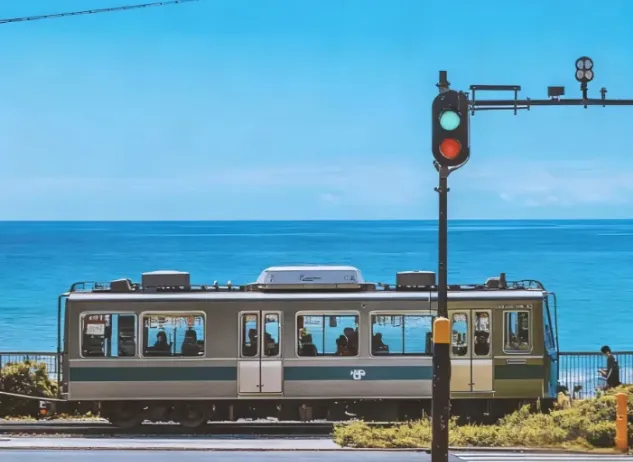 Image
ImageJapanese Watercolor from Photos
Turn landscape and streetscape photos into Japanese gallery-style, hand-painted watercolor art illustrations, complete with generous paper space and refined handwritten typography. ✨ Key highlights Gallery-quality negative space: The subject is kept small and centered, surrounded by generous warm-white cotton paper texture for a modern stationery and art-print feel. Authentic hand-painted watercolor texture: Naturally creates washed, blended effects, translucent layers of color, and loose hand-painted edges—without harsh outlines or a digital look. Intelligent scene refinement: Preserves key landmarks, architectural outlines, and distinctive light and shadow from the original image while naturally simplifying busy backgrounds and unnecessary objects. Poetic handwritten typography: Automatically adds a poetic short line and year at the bottom in dark gray or navy handwritten lettering, creating a calm, restrained everyday atmosphere. 📸 Ideal uses Reimagining travel memories: Turn streets, small shops, mountains, and seascapes from your travels into vintage postcards. Personal creative designs: Create phone wallpapers, stationery posters, physical postcards, and decorative art prints. Social media visuals: Provide restrained, sophisticated, and stylistically consistent artistic covers for platforms such as Xiaohongshu and WeChat Moments. 🚀 How to use Upload any landscape, architecture, or streetscape photo with a clear composition to automatically generate a matching minimalist watercolor art print.
 Image
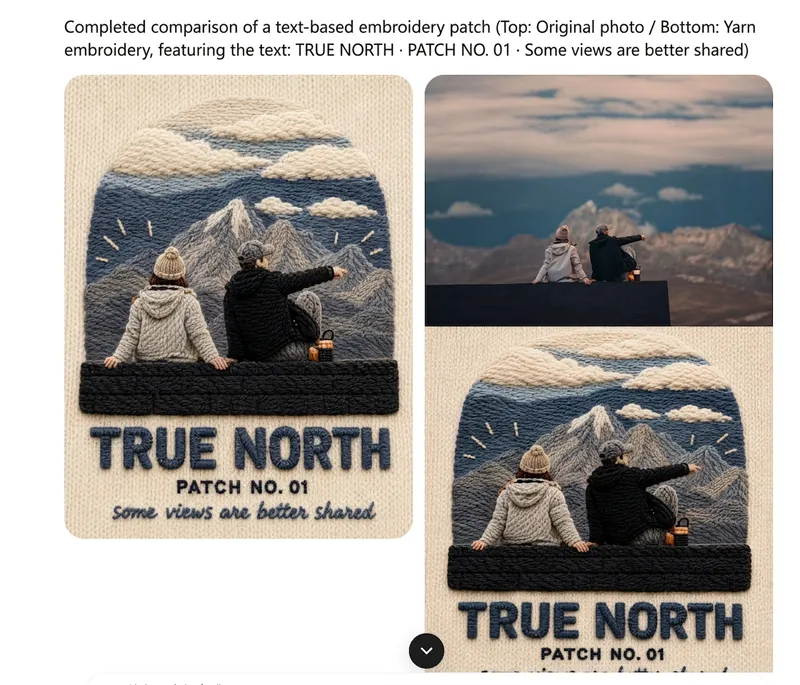
ImageOne-Click Yarn Embroidery
Turn a single photo into a vertical, top-and-bottom comparison image: the top half is a pixel-level reproduction of the original, while the bottom half is a three-dimensional embroidered recreation made from physical yarn. The two sections are equal in width and height and joined seamlessly. Supports two modes: embroidery with three lines of text, or pure embroidery without text. You can also override the craft, material, and visual style as needed. (If you need to fit the Skill field length limit, you can use this existing sentence: Upload one image to generate a vertical, seamless comparison image with an exact recreation of the original on top and a three-dimensional yarn-embroidery recreation below; supports embroidery with three lines of text or pure embroidery without text, and allows the craft, material, and visual style to be overridden as needed.) Suitable for launching a Xiaohongshu account with visual posts, sharing images on WeChat Moments, and adding images to WeChat Official Account posts.
 Image
ImageMulti-Platform Cover Design
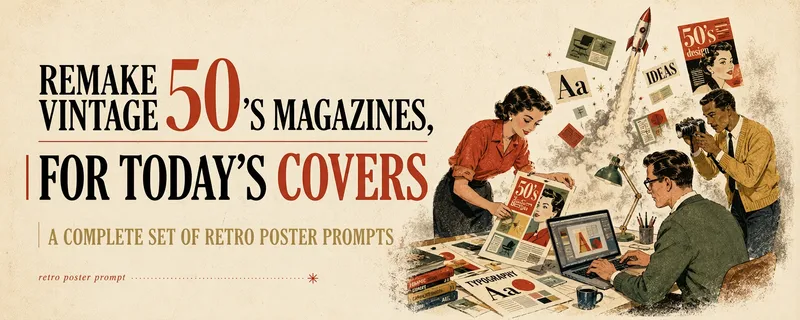
Turn articles, notes, topics, or long-form text into stylized covers ready for publishing and sharing, balancing title readability, content recognition, and memorable visual metaphors. Supports Xiaohongshu, WeChat Official Accounts, X, and custom aspect ratios. It works for single covers and can also create separate compositions for clearly specified multi-size requirements, avoiding simple cropping or stretching. The skill extracts the title, topic, visual subject, audience, emotion, and contextual background from your content. It then combines these insights with visual styles suited to covers or posters to generate a complete cover prompt ready for AI image generation. Title hierarchy, typography, color, materials, negative space, and the relationship between text and imagery are handled consistently around the selected style, making the result feel more like a designed editorial cover than a generic illustration or templated poster. If you have not provided a publishing platform or visual style, it first asks about the required dimensions and recommends three suitable styles based on your content. Once the details are clear, it continues with generation. You can choose to generate the cover directly or receive only a polished prompt, making it suitable for content creators, editors, and teams that need to adapt covers in batches for social platforms.
Information
- Version
- v5
- Last updated
- Runtime credits
- Usage-based
- Models
- Auto
