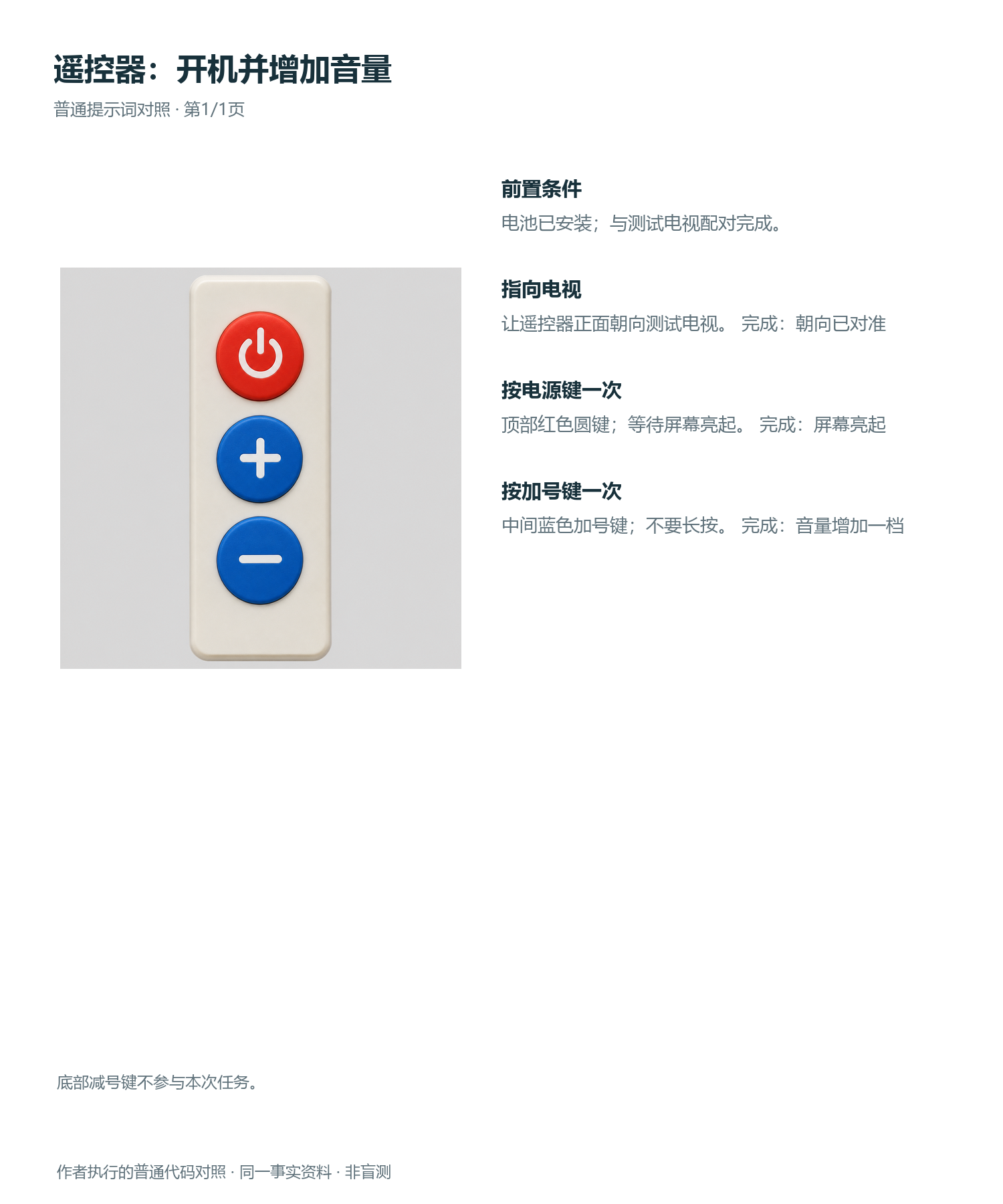
Product Quick-Start Card
Create a first-use guide under six steps
Product Quick-Start Card
Create a first-use guide under six steps
Showcase
Description
Extracts first-time use steps from product materials and illustrates the operation methods in no more than six steps.
Recommended by
Dancang
Why we love this skill
Distills product documentation into a concise onboarding guide of up to six steps, highlighting prerequisites, real operations, and completion signals. It avoids guesswork, strictly verifies text, buttons, and logic, and delivers a clear, ready-to-use quick start card.
Best for
Ideal for product teams, content creators, and trainers who need to organize a product's first-time use process into clear diagrams.
How to use this Skill
Provide your input
Provide the product materials and confirmed first-time use steps, and specify requirements such as text to retain, ratios, or quantities.
Run the Skill
The system organizes the startup conditions, operating sequence, and completion signals based on the materials to create a quick-start guide of no more than six steps.
Review your result
Receive a single quick-start graphic explaining how to use the product for the first time, with notes for manual review attached if necessary.
Related Skills
View all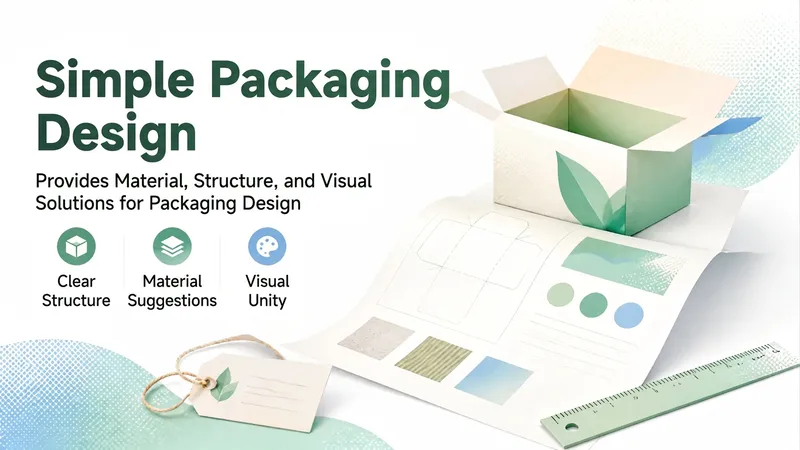 Image
Minimalist Packaging Design
Provides product packaging design recommendations, covering materials, structures, visual styles, and more. Ideal for individuals and teams in the design field, helping users quickly gain professional-grade assistance and improve work efficiency. Not suitable for scenarios requiring professional qualifications such as legal opinions, medical diagnoses, or financial investment advice; please consult professionals for major matters. Outputs a structured design plan containing execution steps, precautions, and reference suggestions that can be directly copied and used.
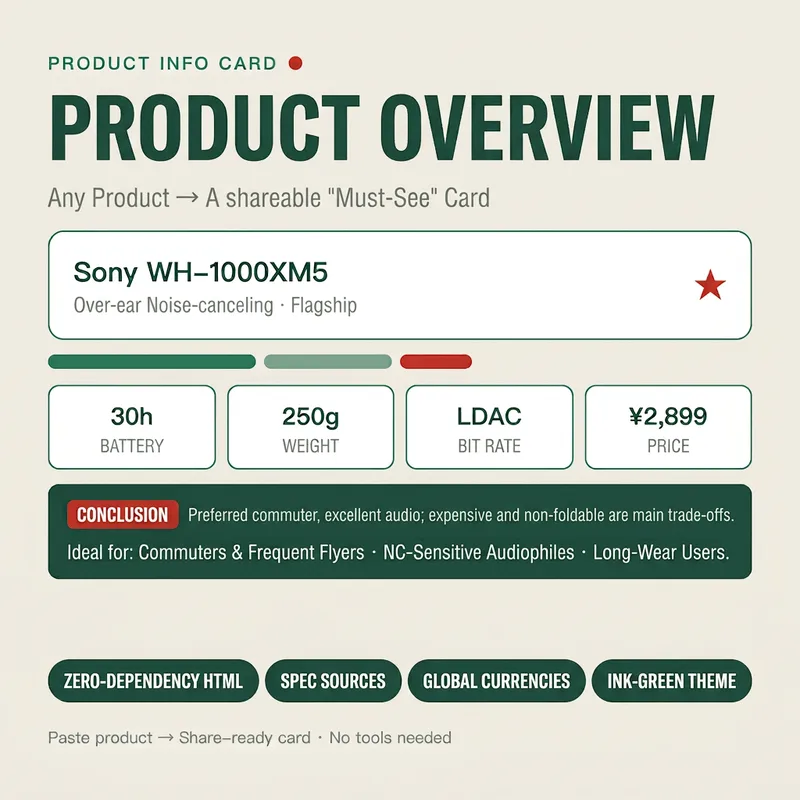
Stunning Product Info Card
Turn any product (name, spec sheet, or a snippet of a review/e-commerce page) into an exquisitely styled web overview card (HTML) in seconds. It first extracts key info (one-line summary, core specs, pros & cons, price positioning, and target audience), then applies a cohesive "ink green" visual system to automatically generate a shareable card. You receive card code that can be saved as a .html file to view in your browser, complete with usage tips. It is zero-dependency, copy-pasteable, with mandatory source attribution, making it ideal for global e-commerce, product reviews, and content creation. Target Audience: - E-commerce sellers / live-streaming influencers (for hero sections of detail pages and comparison cards) - YouTube / TikTok / xiaoxiaodong review creators (for product card header images) - Affiliate marketers / shopping guide bloggers (for "must-read before buying" content) - General consumers (to organize parameters and aid purchasing decisions)
 Image
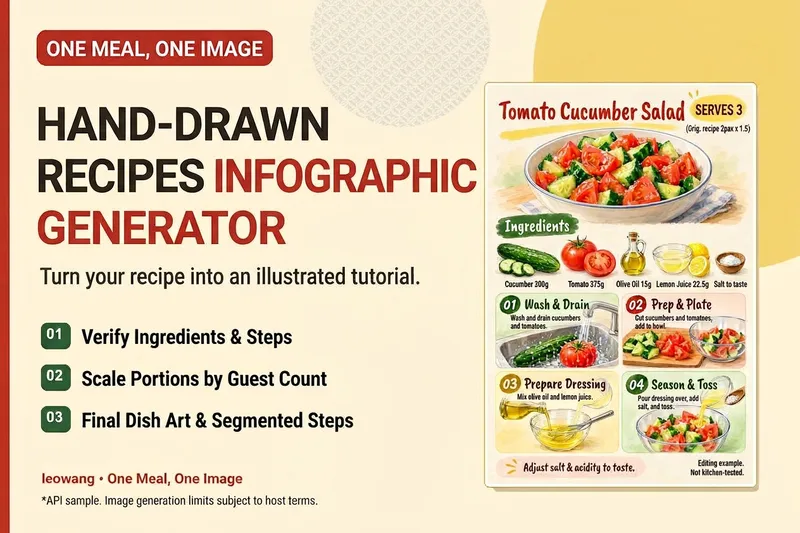
One Meal, One Image | Illustrated Recipe
Turn your signature dish into a hand-drawn recipe that’s easy to follow and worth saving. One Meal, One Image organizes the ingredients and cooking steps, scales the quantities for the specified number of servings, and designs an illustration of the finished dish, a prep checklist, and step-by-step cards. It also checks whether any step suddenly introduces an ingredient that wasn’t listed, helping prevent recipe details from being lost in the visuals. Ideal for food content creators, organizing family recipes, and turning your own or authorized recipes into tutorial graphics. Warm paper watercolor is the default art style, but you can also specify your preferred colors and layout. When an image-generation tool is available, it generates and reviews the image. Without one, it delivers complete copy, layout, and prompts. Recipe scaling is not a substitute for kitchen testing; unclear parts of the original recipe are flagged for confirmation, and calories or success rates are never made up. Adaptation and product design: leowang. Based on a long-form image method licensed under the MIT License, with the necessary copyright notice retained.
Information
- Version
- v3
- Last updated
- Runtime credits
- Usage-based
- Models
- Auto
- Use cases
- Images & designLearning & education
- What you get
- Image
