
Board Organizer
Organize projects by purpose with method notes
Board Organizer
Organize projects by purpose with method notes
Showcase
Description
Reorganizes a cluttered project directory into a readable structure. It scans the root directory, determines whether each file belongs to the main text, assets, process records, or deliverables, and moves files with clear ownership to their proper places. Upon completion, it details the organization process, key methods, original and new file locations, and reasons. It only moves locations without altering content, titles, numbering, or deleting anything. System files and main texts remain untouched by default, paired supporting materials are not forcibly separated by title, and uncertain files are kept in place as pending. Suitable for any content-heavy project, eliminating the need to rely on memory to find files.
Best for
Ideal for anyone who needs to organize cluttered project files and separate main content, assets, process records, and deliverables.
How to use this Skill
Provide your input
Provide the project identifier; uses the current project if none is specified. You can also specify the scope, naming preferences, or files to keep in the root directory.
Run the Skill
Scans the project directory structure, organizes files by purpose and pairing, and moves only clearly assigned internal files without renaming, editing, deleting, or changing numbers, leaving uncertain items in place.
Review your result
A cleaner project directory and an organization report detailing the methods used, original and new file locations, reasons for moving, as well as pending, failed, and retained items.
Related Skills
View all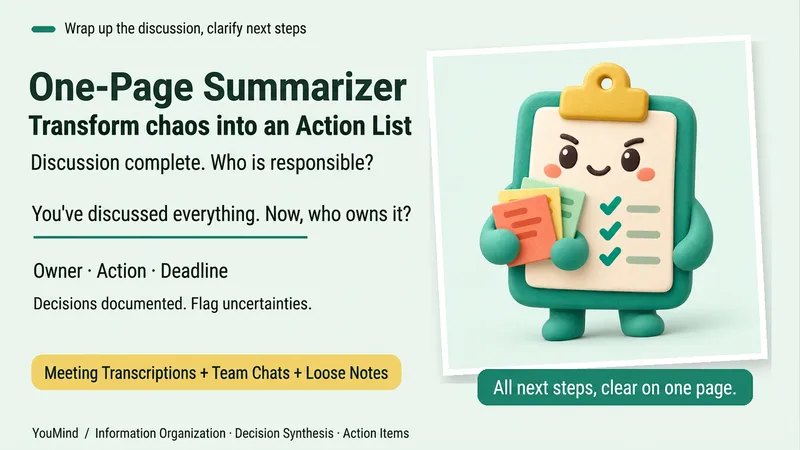 Research
One-Page Action Planner
The meeting is over, the chat has filled several screens, yet nothing is moving forward. Bring in meeting transcripts, chat logs, scattered notes, or multiple documents, and the One-Page Action Planner will organize them into one page: the current situation, decided items, blockers, and who will do what next—and when. Each action includes an owner, timing, status, and source. Agreed decisions are preserved, personal suggestions are marked separately, and conflicting information or missing owners and dates are labeled “To confirm.” It will not make decisions for the team just to fill in a table. Useful for post-meeting follow-up, project handoffs, organizing multiple sources, and personal planning. It ends by highlighting one question that most urgently needs confirmation, making the next step clearer. Supports text and attachments, screenshots, audio transcripts, and links that the current platform can read; when something cannot be read, it will say so clearly. “One page” refers to a compact reading structure; the actual length varies with the complexity of the materials.
Information
- Version
- v7
- Last updated
- Runtime credits
- Usage-based
- Models
- Auto
- What you get
- Report
