
Quick Memo
Capture thoughts instantly into structured memos
Quick Memo
Capture thoughts instantly into structured memos
Showcase
Description
Turn a sudden thought into a structured entry within 30 seconds, save it directly to your memo board, and get a one-line confirmation. You can also review old memos, generate to-do lists, and complete tasks at any time. Trigger conditions: note this, help me remember, memo, just thought of, don't forget, save this, remind me, check memos, what to-dos are left. Converts a fleeting thought into a structured memo entry and files it straight into the user's memo board.
Best for
Ideal for individuals who need to quickly capture ideas, to-dos, and notes, and periodically review or complete them.
How to use this Skill
Provide your input
Enter a task you want to save, or provide keywords to search old memos, view to-dos, or mark items as complete.
Run the Skill
The assistant organizes the content into a structured memo and files it in your memo board, or searches and updates existing records for queries and completions.
Review your result
Receive a brief confirmation, reviewable memo entries, or a to-do list. If writing fails, you will be clearly notified.
Related Skills
View all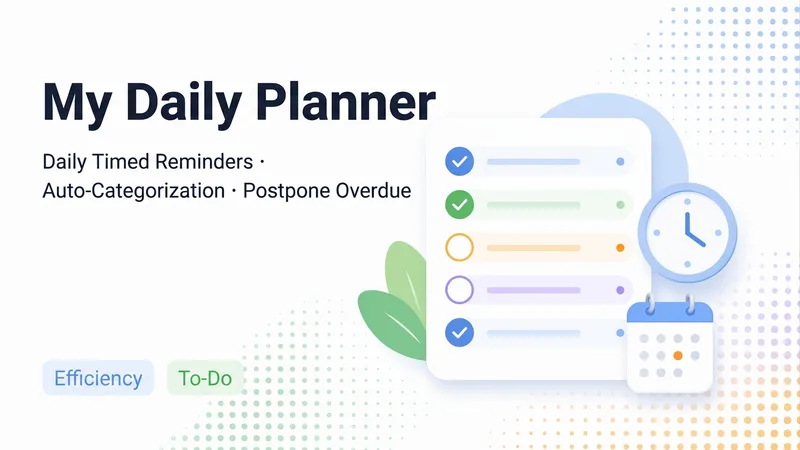
Daily To-Do Manager
A universal daily task reminder skill: reads your "To-Do List", generates daily reminders sorted by your custom categories (including priorities, "N days in advance" prep periods, sub-steps, and rollover reviews for unfinished tasks), archives records to "Reminder History", and creates a fresh checkable document "Daily Reminders · MM-DD (Day of Week)" each day while refreshing the "Daily Reminders" home page. Open your project to see what needs to be done today with clickable checkboxes—no need to deal with diff edits first. Mid-day additions or schedule changes are handled seamlessly: old versions are archived, new ones are generated with previously checked items preserved, and boxes are never locked. First-time use guides you through creating lists, selecting categories, setting reminder times, and automatically scheduling routine tasks. It also supports casually noting down new to-dos or scanning your recent projects to catch potential missing tasks (added after your confirmation).
Mero — AI Memory Manager
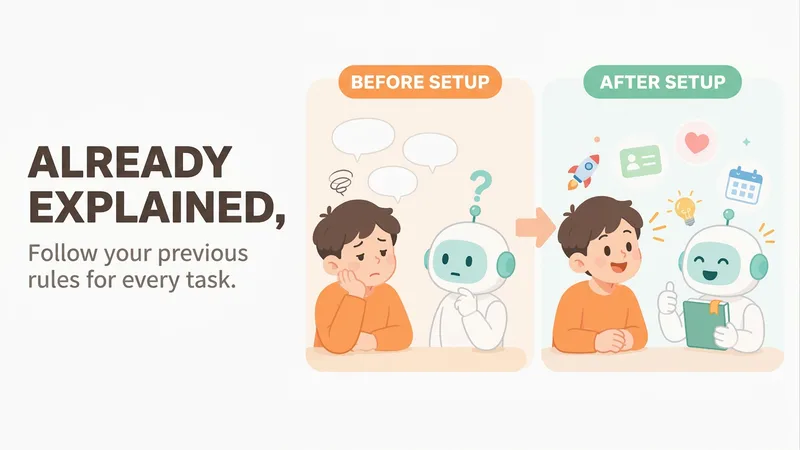
【What problem does it solve?】 Do you have to explain the same things every time you ask AI to do something? “Keep the answer short.” “Don’t use that kind of canned phrasing.” “Write in my voice.” “Give me the conclusion first.” “I work in product—don’t explain the basics.” You may have said these dozens of times, but start a new conversation and AI forgets everything. 【What changes after setup】 You only need to say these things once. After that, AI follows your usual rules first: · Writing articles: It automatically uses your voice, and avoids words and formatting you’ve said you don’t want · Writing weekly reports or proposals: It knows what you do and what you’re currently working on, so you don’t need to explain the background first · Asking questions: Answers come in the length and style you want 【What you’ll get】 1. A project called “My Memory Bank,” organized into “Who you are / How to work with you / What you’re working on / Your preferences,” which you can open, edit, or delete at any time 2. A “memory notebook” stored in the project you’re using, which AI reads before every conversation 3. A prepared “Who I am” profile that you can paste into your YouMind personal settings so it applies to all projects; you can also send it directly to Doubao, ChatGPT, or other AI tools 4. Automatic weekly organization: duplicates are removed, outdated items are archived, and contradictions are brought to your attention 【How to use it】 You don’t need to learn any special steps—just mention things naturally in everyday chats: “Remember, do it this way from now on.” “Forget that.” “Change it to this.” “What do you remember about me?” It also automatically records new details you mention in passing, such as changing jobs, starting a new project, or having a deadline next week. 【Who it’s for】 People who often use AI to write or get things done and are tired of repeating the same instructions. No technical knowledge is required. 【How to get started】 The first time, tell it one or two things you often repeat to AI, such as “Use simpler language and give more examples,” or simply say “set me up.” 【Privacy】 Personal matters such as health, emotions, and finances are not remembered by default. Web clippings and other people’s articles are not treated as information about you. You can ask at any time what it remembered and why.
 Research
One-Page Action Planner
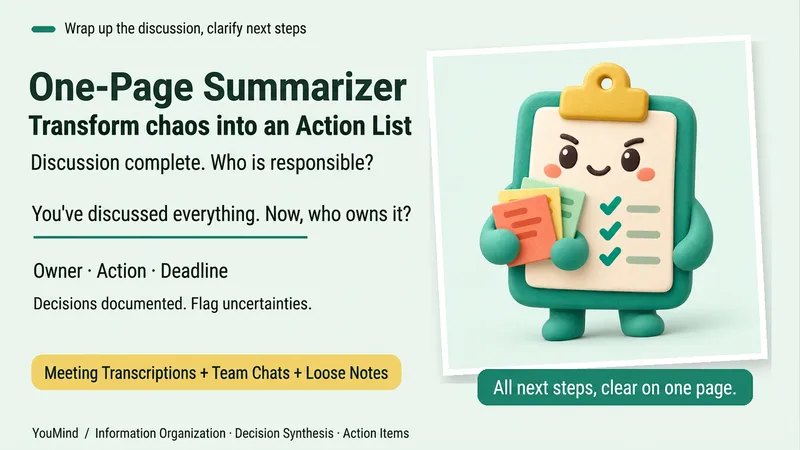
The meeting is over, the chat has filled several screens, yet nothing is moving forward. Bring in meeting transcripts, chat logs, scattered notes, or multiple documents, and the One-Page Action Planner will organize them into one page: the current situation, decided items, blockers, and who will do what next—and when. Each action includes an owner, timing, status, and source. Agreed decisions are preserved, personal suggestions are marked separately, and conflicting information or missing owners and dates are labeled “To confirm.” It will not make decisions for the team just to fill in a table. Useful for post-meeting follow-up, project handoffs, organizing multiple sources, and personal planning. It ends by highlighting one question that most urgently needs confirmation, making the next step clearer. Supports text and attachments, screenshots, audio transcripts, and links that the current platform can read; when something cannot be read, it will say so clearly. “One page” refers to a compact reading structure; the actual length varies with the complexity of the materials.
Information
- Version
- v6
- Last updated
- Runtime credits
- Usage-based
- Models
- Auto
- What you get
- Document
