Social & Forum Mockups
Realistic social and forum post visuals
Social & Forum Mockups
Realistic social and forum post visuals
Showcase
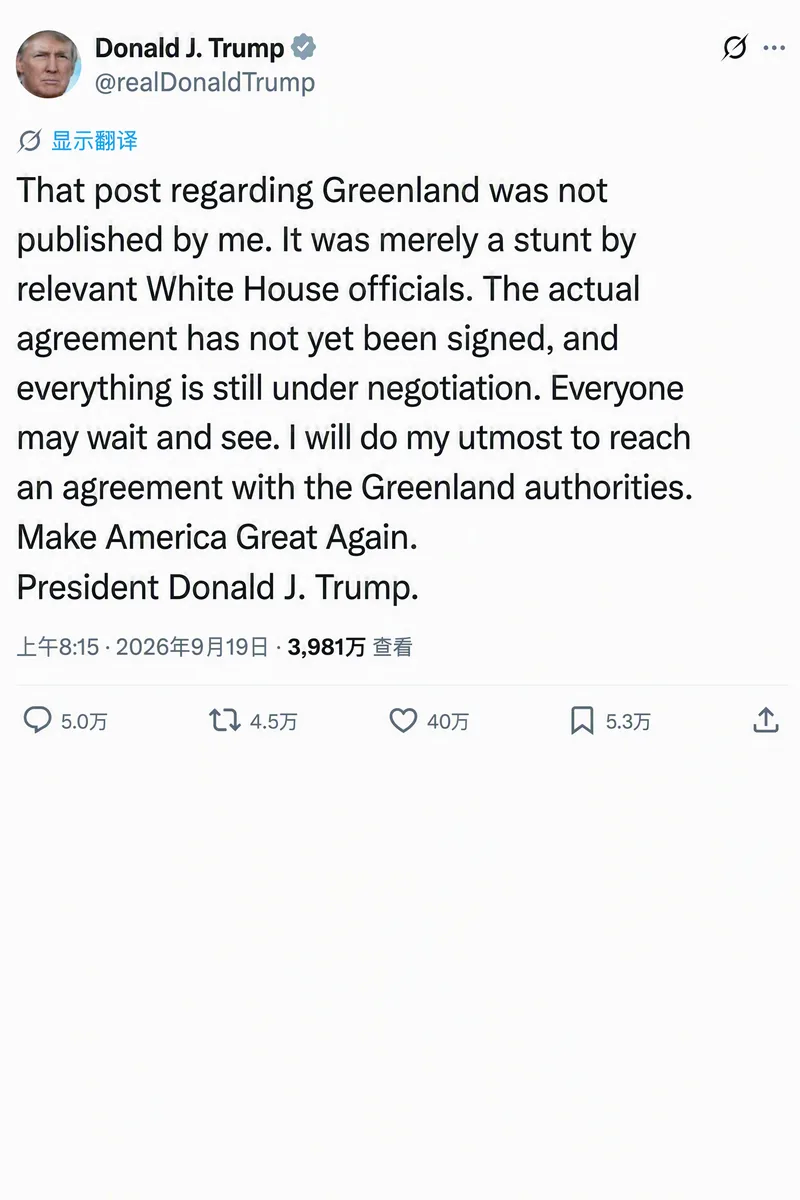
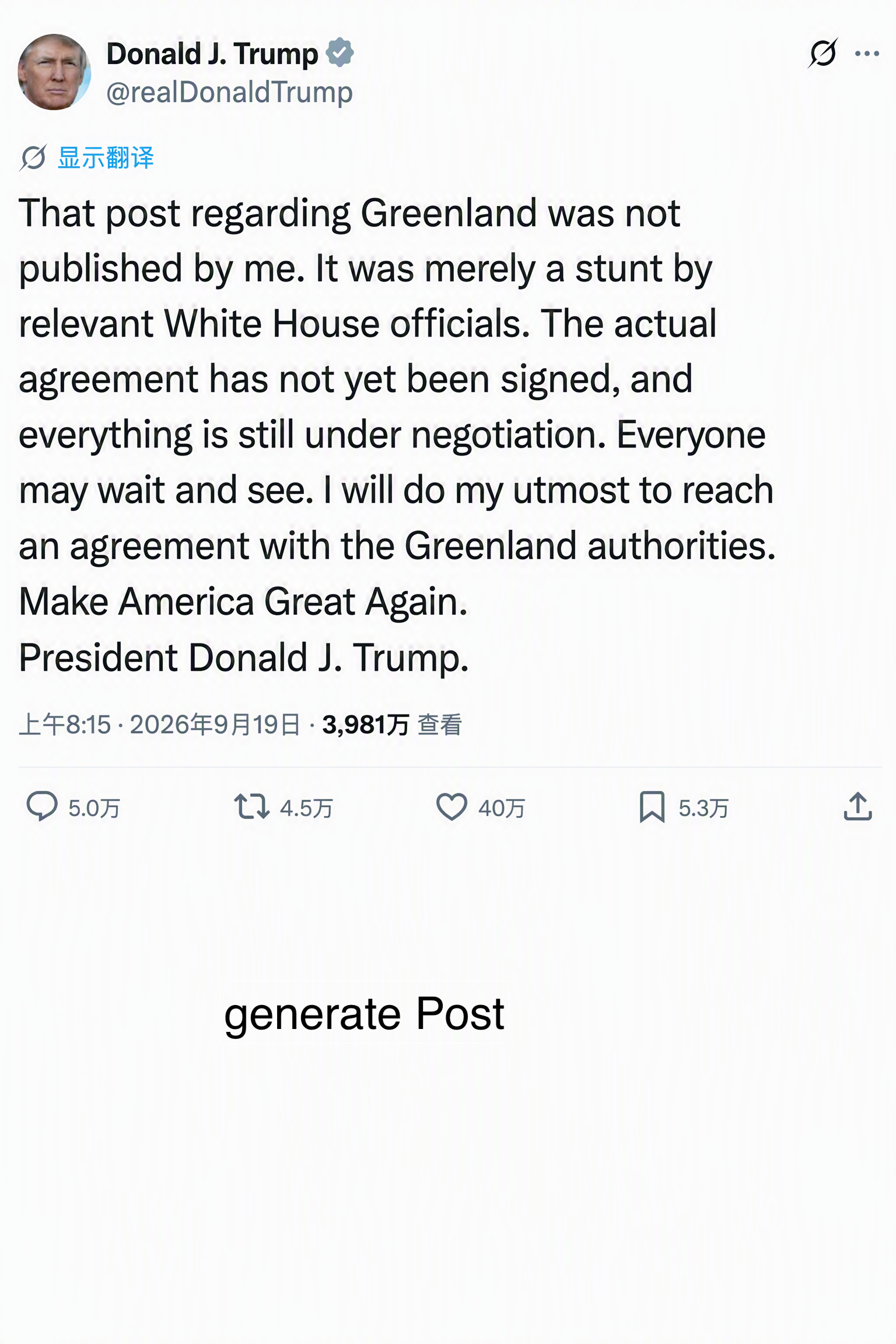
特朗普格陵兰岛声明帖子生成
Trump X Post Mockup - Greenland Retraction
特朗普格陵兰岛声明帖子生成
Trump X Post Mockup - Greenland Retraction
Description
Turn the platform, avatar, username, engagement data, post text, and images you provide into realistic SNS or community post visuals with recognizable platform identity. Whether it’s Zhihu, Xiaohongshu, Weibo, Douyin, V2EX, X, Instagram, Reddit, LinkedIn, GitHub, or another social or forum platform, the result follows the platform’s information architecture, layout density, colors, type hierarchy, and interaction controls to look more like a real webpage or app screenshot than a generic social media template. You can provide structured information directly, upload reference screenshots, avatars, post images, or video covers, or simply describe your needs in natural language. Reference screenshots can be used to recreate the layout and visual hierarchy, while your uploaded avatars, media, text, and numbers are preserved as the core content. Long text is adapted to a more natural long screenshot or continuous layout, and multi-image posts are arranged according to platform conventions. Suitable for design presentations, content creation, product prototypes, social media concept visuals, and visual mockups. Generated content aims to avoid rewriting text, changing engagement data, or adding fictional information without permission. For promotional, news, or public-opinion scenarios, clearly label the result as a Mockup, concept visual, or presentation to avoid it being mistaken for a genuine platform record.
Related Skills
View all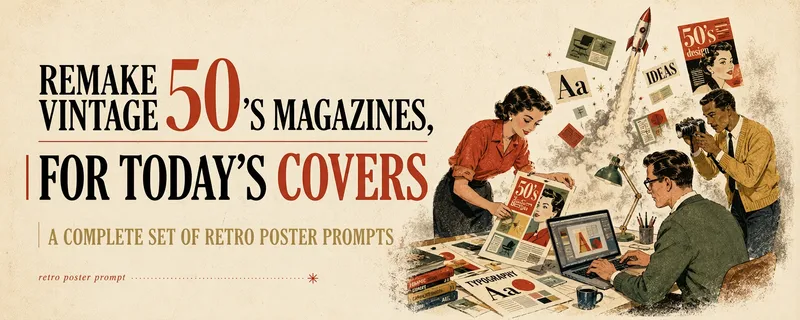 Image
ImageMulti-Platform Cover Design
Turn articles, notes, topics, or long-form text into stylized covers ready for publishing and sharing, balancing title readability, content recognition, and memorable visual metaphors. Supports Xiaohongshu, WeChat Official Accounts, X, and custom aspect ratios. It works for single covers and can also create separate compositions for clearly specified multi-size requirements, avoiding simple cropping or stretching. The skill extracts the title, topic, visual subject, audience, emotion, and contextual background from your content. It then combines these insights with visual styles suited to covers or posters to generate a complete cover prompt ready for AI image generation. Title hierarchy, typography, color, materials, negative space, and the relationship between text and imagery are handled consistently around the selected style, making the result feel more like a designed editorial cover than a generic illustration or templated poster. If you have not provided a publishing platform or visual style, it first asks about the required dimensions and recommends three suitable styles based on your content. Once the details are clear, it continues with generation. You can choose to generate the cover directly or receive only a polished prompt, making it suitable for content creators, editors, and teams that need to adapt covers in batches for social platforms.
 Image
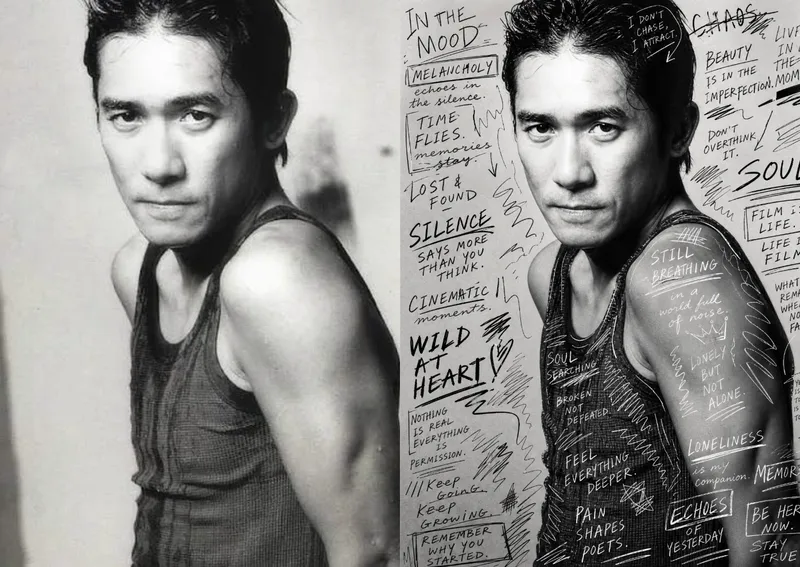
ImageHand-Drawn Photo Posters
Turn an ordinary photo into a vertical art poster with an authentic hand-drawn feel. Upload a photo and describe the lettering, doodles, or theme you want to add. You’ll get handwritten copy, free-flowing lines, and stylized icons drawn directly onto the original image, preserving the photo’s subject and atmosphere while adding a natural, spontaneous creative touch. Based on the photo’s composition, subject, and overall mood, it plans a suitable 3:4 portrait layout, balances the original image with areas of negative space, and designs hand-drawn elements and lettering styles to match each placement. The results emphasize authentic physical pen strokes: lines have natural curves and texture, avoiding printed fonts, computer-generated text effects, and a digital painting look. Handwritten content defaults to English but can be changed to Chinese as needed. Along with the finished image, you’ll receive a complete, reproducible image-generation prompt and a brief creative explanation—ideal for social media visuals, personal photo posters, travel keepsakes, and artistic photos with a handcrafted feel.
 Image
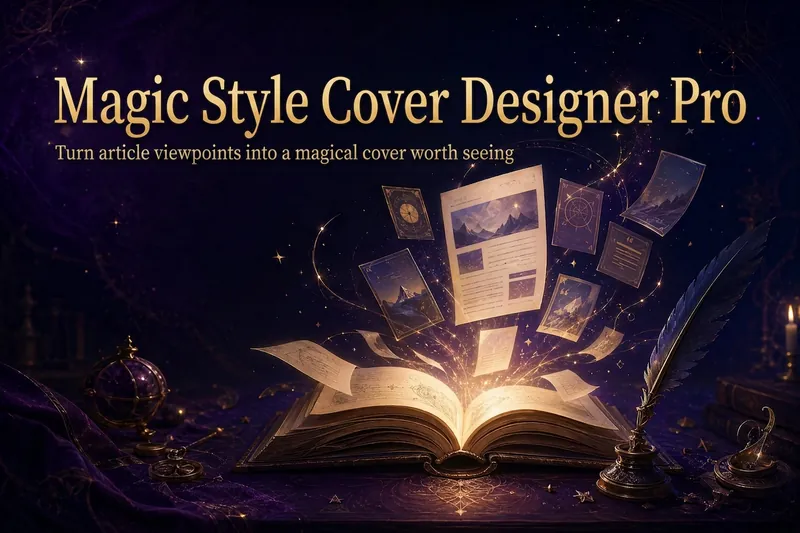
ImageMagic Cover Designer Pro
Turn an article title into a magical cover that makes its ideas stand out. “Magic Cover Designer Pro” is not a random image generator. It is a visual content packaging workflow: “content understanding → title confirmation → visualizing ideas → platform adaptation → cover generation.” It helps preserve the real title and subtitle while transforming an article’s core ideas, emotions, and narrative relationships into vivid, engaging magical visuals with a distinct identity. It supports Twitter long-form posts or Threads, WeChat Official Account articles, Xiaohongshu Notes, product introductions, knowledge sharing, growth retrospectives, and personal brand content. The Skill first identifies the article’s original title, original subtitle, and core idea. The original title is used as the default main cover title, while the original subtitle is prioritized as the cover subtitle. The core idea does not directly replace the cover text; instead, it guides the choice of subject, symbols, composition, lighting, and visual metaphors. It matches visual strategies to different content types: practical breakdowns use magical blueprints or step-by-step scrolls; growth retrospectives use journeys and illuminated paths; contrarian ideas use light-and-shadow conflicts or broken seals; product introductions use magical workshops and core devices; knowledge sharing uses academy archives and spellbooks; and case studies use before-and-after changes and narrative scenes. When a title is too long, it provides both the original-title version and a concise version for you to confirm, without rewriting it on its own. When there is no subtitle, it first offers candidate copy instead of placing an unconfirmed idea directly into the image. Its default visual language combines retro fantasy with magical journaling: deep purple, midnight blue, black-brown, antique bronze, and warm gold, along with parchment, quill pens, spellbooks, sealing wax, stardust, and other tactile elements. It can also draw shared colors, materials, lighting, and narrative qualities from reference images, but it does not copy the specific composition, people, logos, or distinctive elements of any single image. For each platform, it adapts the aspect ratio, text density, subject size, whitespace, and thumbnail legibility to real reading contexts. It is suitable for knowledge creators, personal brands, product authors, and content creators who want to build a consistent visual identity. It does not fabricate numbers, results, identities, or brand endorsements, and it does not promise viral performance. It simply helps the visuals support real content more accurately and vividly.
Information
- Version
- v5
- Last updated
- Runtime credits
- Usage-based
- Models
- Auto
