
Yazi - Pro Voiceover Demos
Jacky's Chinese Voiceover Animation Skill
Yazi - Pro Voiceover Demos
Jacky's Chinese Voiceover Animation Skill
Showcase
Description
Jacky Motion: Turn Chinese voiceover scripts into screen-recordable, single-file HTML informational animations. Choose pure HTML with manual progression (16:9 or 3:4), or automatic playback with SRT (16:9, including a B-roll screen-recording frame). The workflow covers script review, storyboarding, style locking, assembly, and visual QA. Choose from seven key styles, with preset layouts, motion effects, and quality gates.
Recommended by
Dancang
Why we love this skill
It translates Chinese voiceover pacing into screen-recordable information graphics, using information relationships—not templates—to drive the visuals. Both aspect ratios and playback modes follow rigorous rules.
Related Skills
View all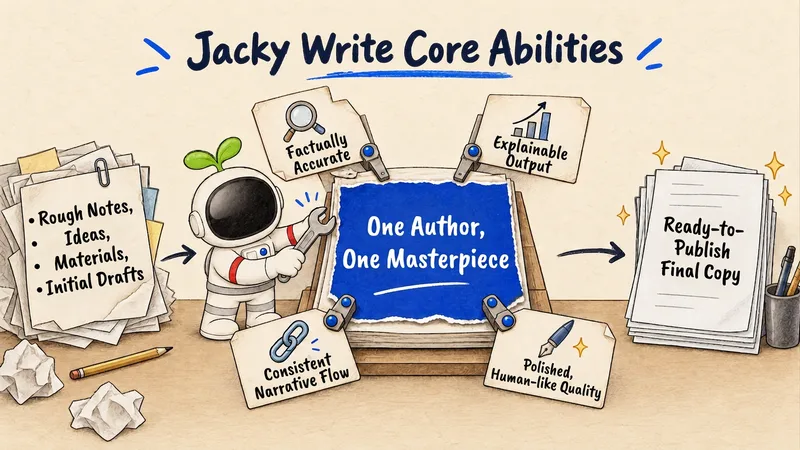
Yazai - Pro Writing Assistant
Turn your off-the-cuff speech, scattered ideas, source material, or rough drafts into publish-ready Chinese short-video scripts or articles. Use it to “turn my idea into a draft,” “organize this rambling,” “revise it in my style,” or “make this article more effective.” Not for polishing general business documents, researching topics only, handling publishing operations, or reviewing finished videos.
Yazai – Pro IP Visuals
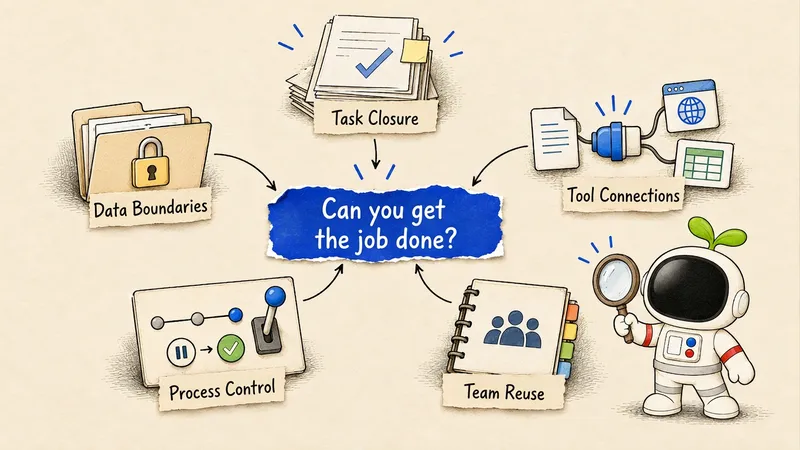
Automatically turn Chinese articles, tutorials, opinions, processes, and data into a consistent paper-blue Yazai visual style. It first selects a scene metaphor, knowledge diagram, or data visualization based on information density, then generates images suited to 16:9, 4:3, or vertical 3:4 formats. Use it for requests such as “article illustrations,” “knowledge diagrams,” “insight cards,” “flowcharts,” and “data visualizations.” You can also specify dimensions to design a visual cover.
Dr. Sun AIopus 5.5 Animations
Enter a voiceover script to automatically extract key ideas, plan the storyboard, and generate an animated scene webpage in Swiss Style in one step: a 12-column grid, neo-grotesque sans-serif type, and flat fills in black, off-white, and red. Play each scene individually or screen-record the animation for overlaying on a voiceover video. Switch between off-white (multiply) and black (screen) backgrounds, or use a green screen, all within the same webpage. New: restrained mechanical sound effects synchronized frame by frame with the animation, synthesized in real time in the browser with no audio files required; mute or adjust the volume as needed. Also includes a Q-style virtual host character, “Dr. Sun,” who guides the content by moving along the bottom in rhythm, pointing, nodding, holding up signs, and reacting with surprise. Includes a storyboard reference table with character actions and an editing and compositing guide.
Information
- Version
- v6
- Last updated
- Runtime credits
- Usage-based
- Models
- Auto
