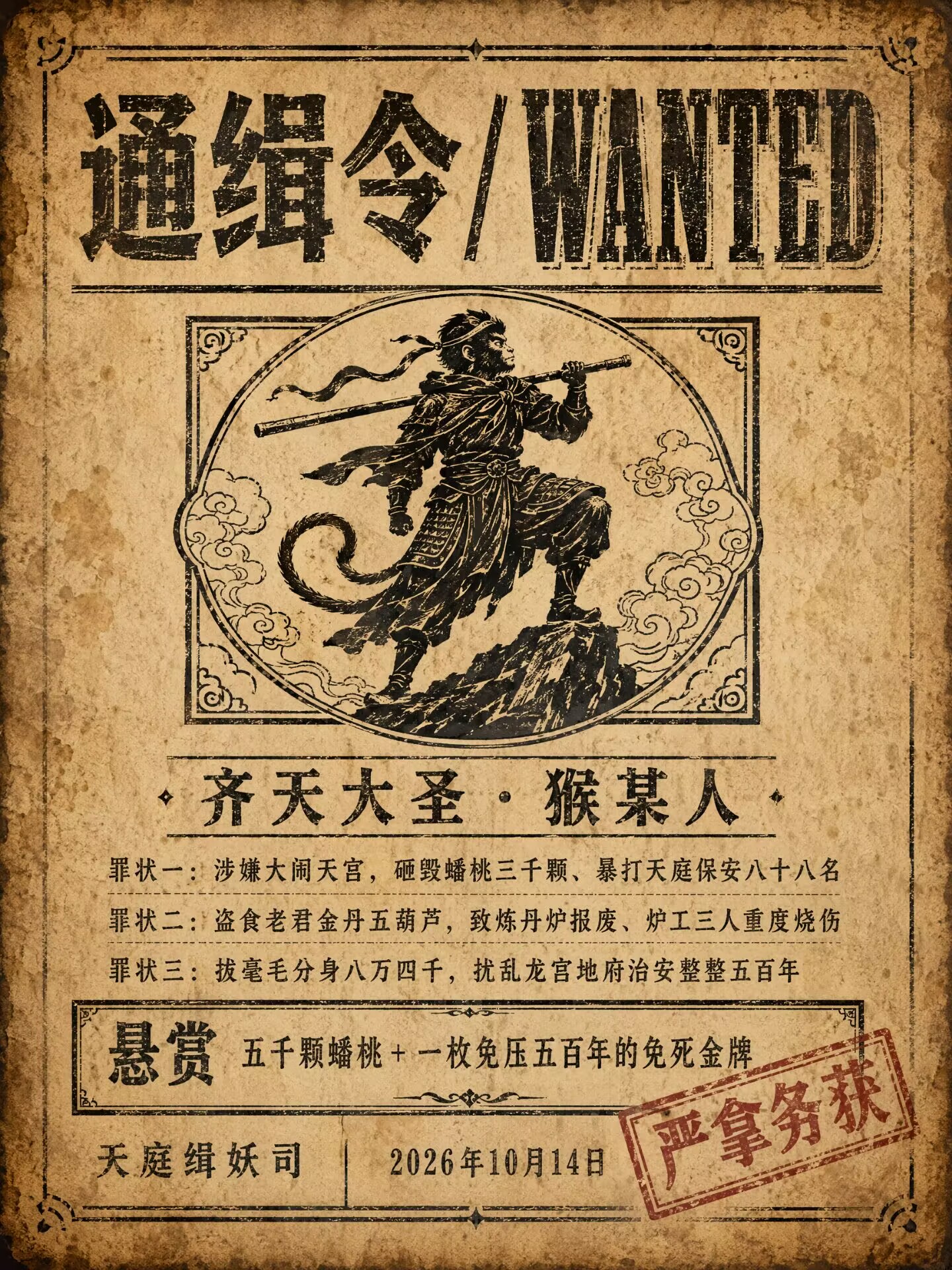
Viral Retro WANTED Poster
Turn anything into a retro WANTED card
Viral Retro WANTED Poster
Turn anything into a retro WANTED card
Showcase
Description
Turn anything—a person or a thing, such as “myself on the weekend,” “my boss’s empty promises,” “Monday’s 8 a.m. start,” or “a blood-sucking mosquito”—into a finished retro WANTED card image. It automatically generates 3 outrageous charges with specific numbers, a random reward amount, a random sheriff’s signature, and a red stamp, all rendered in a distressed kraft-paper WANTED layout. The default format is a 3:4 portrait image; for overseas or English-language contexts, it automatically outputs a fully English, Western-style WANTED design. The deliverable is a finished image you can save by long-pressing—no code or screenshots required. Great for viral social media cards, self-deprecating jokes, and holiday interactions.
Recommended by
Dancang
Why we love this skill
Turns anything into a ready-to-share retro WANTED poster with distressed paper, stamps, numbered charges, and a random reward—balancing polished visuals with playful humor.
Related Skills
View all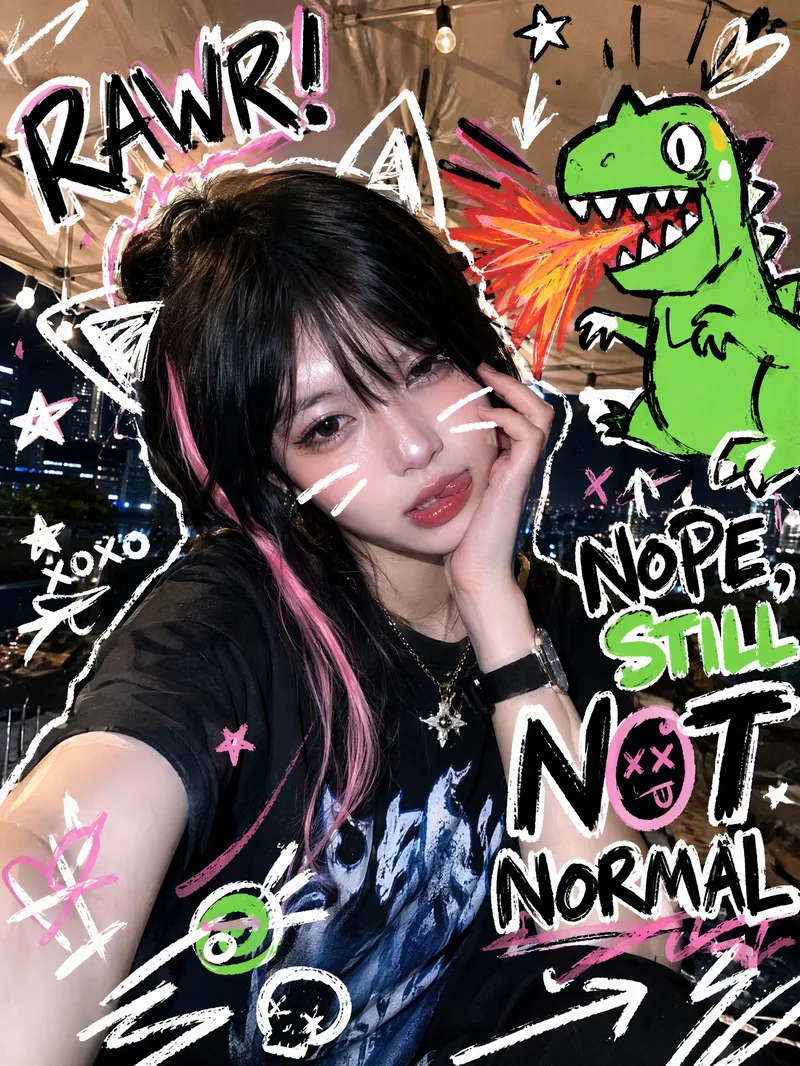 Image
Trending Doodle Photo
Turn your photo into a distinctive Y2K hand-drawn doodle illustration while preserving the subject’s identity, facial features, and original setting. After you upload a photo, sticker-like doodle graphics are layered over the original image, such as stars, arrows, scribbled lines, hearts, lightning bolts, bubbles, or cute cartoon animals. Bold handwritten doodle text surrounds the subject, creating a lively, playful, and spontaneous social media sticker-art style. Each generation randomly creates a new visual combination based on the same compositional relationship. The cartoon figures, doodle objects, short phrases, positions, quantities, angles, and color palettes vary, without mechanically repeating the same template. The text may feature English slang, onomatopoeia, or lighthearted teasing phrases, while maintaining clear, precise sticker-like outlines. Ideal for creating Instagram and WeChat Moments profile photos, photo stickers, and personalized shareable images. The result is a ready-to-use doodle photo, along with a brief description of the graphic and text elements added.
 Image
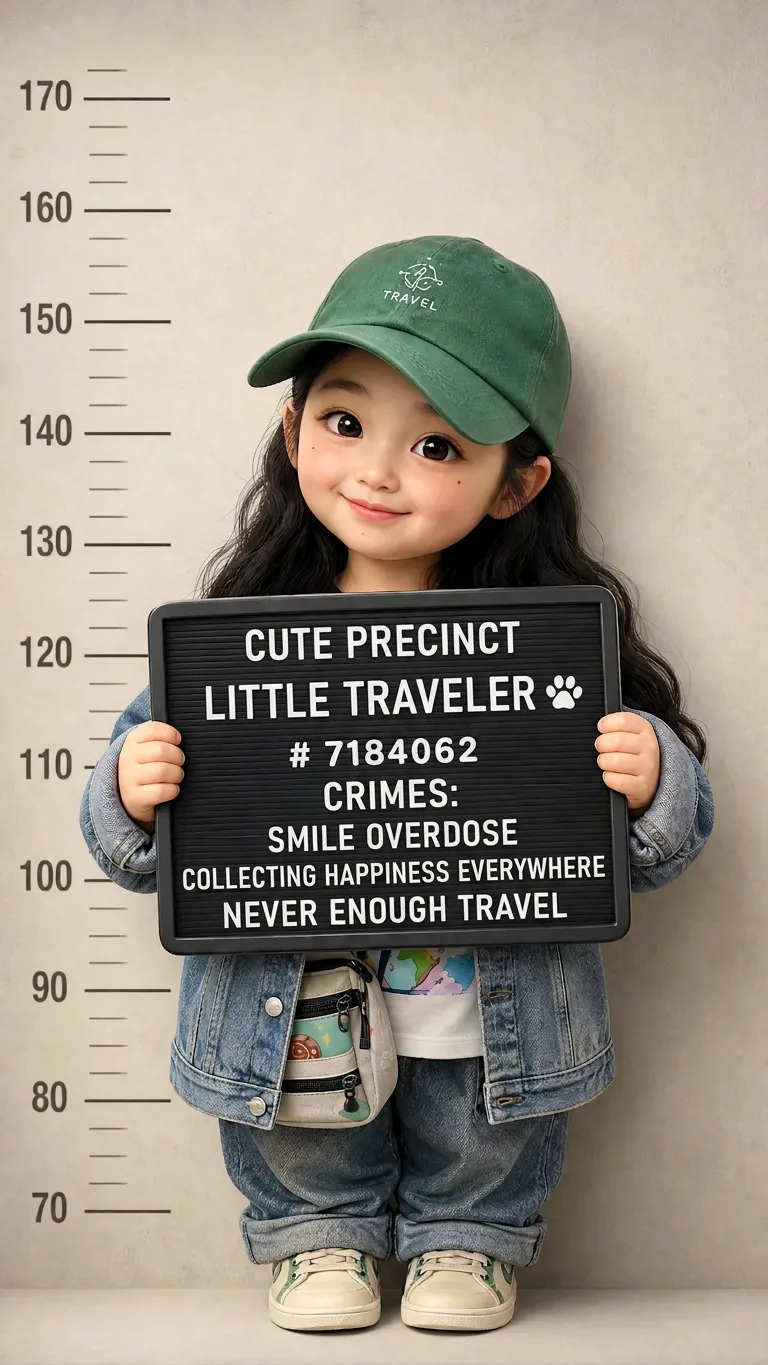
Chibi Police Mugshot
What it does: Transform family members, yourself, friends, pets, or plush toys into an adorable and hilarious "caught in the act" poster. The charges aren't real crimes; instead, they feature harmless, playful jokes like "being too cute," "habitual snack thief," or "causing chaos everywhere." Perfect for social media, profile pictures, birthday greetings, and family memories. Core features: - High cuteness factor: Built with 4 levels of cuteness, defaulting to a large head and small body (approx. 1.5–2 heads tall) with big round eyes, soft chubby cheeks, and stubby little hands, while preserving the person's hairstyle, facial features, and signature traits so they are instantly recognizable. - 10 styles to choose from: Realistic Chibi, 3D Blind Box, Exaggerated Funny, Retro Film, Black-and-White Archive, Hand-drawn Watercolor, Clay Stop-Motion, Pixel Game, Cyber Neon, and Korean Fresh. You can also describe your desired style, and the system will render it accordingly and recommend similar options. - 36 sets of funny captions: Covers snack lovers, guilty of being cute, mischievous trouble-making, trying to look cool, sleepy and spoiled, pet-specific scenarios, and holiday themes, with additional adult-only options. If left unspecified, it automatically matches the set that best fits the photo, or you can completely customize it. - Multi-language signs: The entire sign (police department name, "charge" title, and three lines of text) is translated together, supporting Simplified Chinese, Traditional Chinese, English, Japanese, Korean, French, and Spanish. - Flexible aspect ratios: Defaults to 9:16 vertical, and also supports 3:4, 1:1, 4:5, and 16:9. The composition and height chart automatically adapt to the ratio. - Multiple subjects: Handles real people, children, pets, plush toys, and group photos. How to use: 1. Upload a clear front-facing or half-body photo. 2. Optionally fill in the name, caption, aspect ratio, cuteness level, style, and language. 3. Get the complete prompt and copy it into your go-to image generation model to create the image. 4. If unsatisfied, simply say: "Make it cuter," "Change to English," "Change the style," or "Change the caption." Who it's for: - Parents: Capture your child's cute moments to create 1st-birthday, birthday, and growth milestone posters. - Pet owners: Create a "criminal record" for your furry friend. - Content creators: Batch-create fun profile pictures, interactive event graphics, and follower-growth materials. - Friend gatherings, couples, and colleagues: Create playful birthday or holiday greeting images. Tips: - The clearer the photo and the more complete the facial features, the higher the accuracy. Backlit or face-obscuring photos will reduce the effect. - It is recommended to keep each line of the sign caption under 10 characters for more stable text rendering. If there is a typo in the generated text, you can ask the model to inpaint the sign text locally. - If it doesn't look cute enough, turn the cuteness level up to 4; if it doesn't look like the person, lower it by one level.
 Image
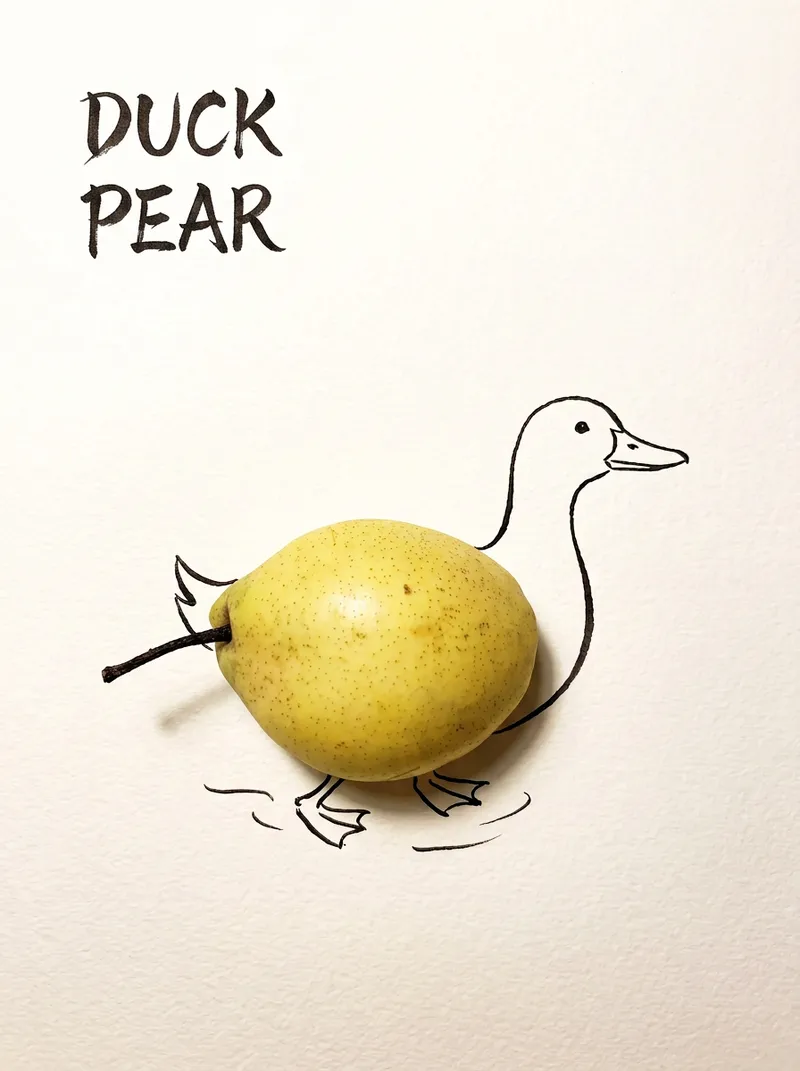
Bring Objects to Life
Best for: Xiaohongshu / Douyin creators Turn everyday objects into posters and create a consistent "bring-to-life series" with highly engaging content Food and lifestyle creators Turn ingredients into cover images that make your work more memorable Illustrators / designers Find inspiration quickly and test the "real object + line art" creative direction Teachers / parents Create materials for arts and crafts lessons, helping children make up stories with objects around them Businesses / brand operators Create creative hero images, holiday posters, and packaging inspiration for produce, fruit, and snacks Cultural creative brands, stationery shops, and coffee shops Design merchandise, postcards, stickers, and menu illustrations Everyday enthusiasts Photograph something nearby and share an "artwork" on social media Everything you photograph is hiding another character. "Bring Objects to Life" is a creative poster generator that combines real-object photography with minimalist line art. Just upload a photo of an object, and AI will automatically do three things: 🔍 Read the shape: Analyze the object's outline, curves, and texture to find what it most resembles ✏️ Add line art: Use dark ink pen lines to draw in a head, limbs, a human figure, ropes, and more, fitting the lines precisely to the object's edges 🖋 Turn the idea into a phrase: Create a 2–4-character Chinese pun title and arrange it in the empty space in an artistic typeface The finished image preserves the object's real colors and texture. The background is clean, warm-white watercolor paper, with at least 40% negative space. The result feels calm and refined: recognizable at a glance, then delightfully witty once you see the idea. The default format is a 3:4 vertical layout, suited to Xiaohongshu, Moments, and Douyin image posts. The aspect ratio, font, and title can all be customized.
Information
- Version
- v3
- Last updated
- Runtime credits
- Usage-based
- Models
- Auto
