
WeChat Snap Engagement Graphic
Turn everyday snaps into comment prompts
WeChat Snap Engagement Graphic
Turn everyday snaps into comment prompts
Showcase

生成北方虫子贴图互动图
北方地里这虫子,你们那儿都叫它啥?
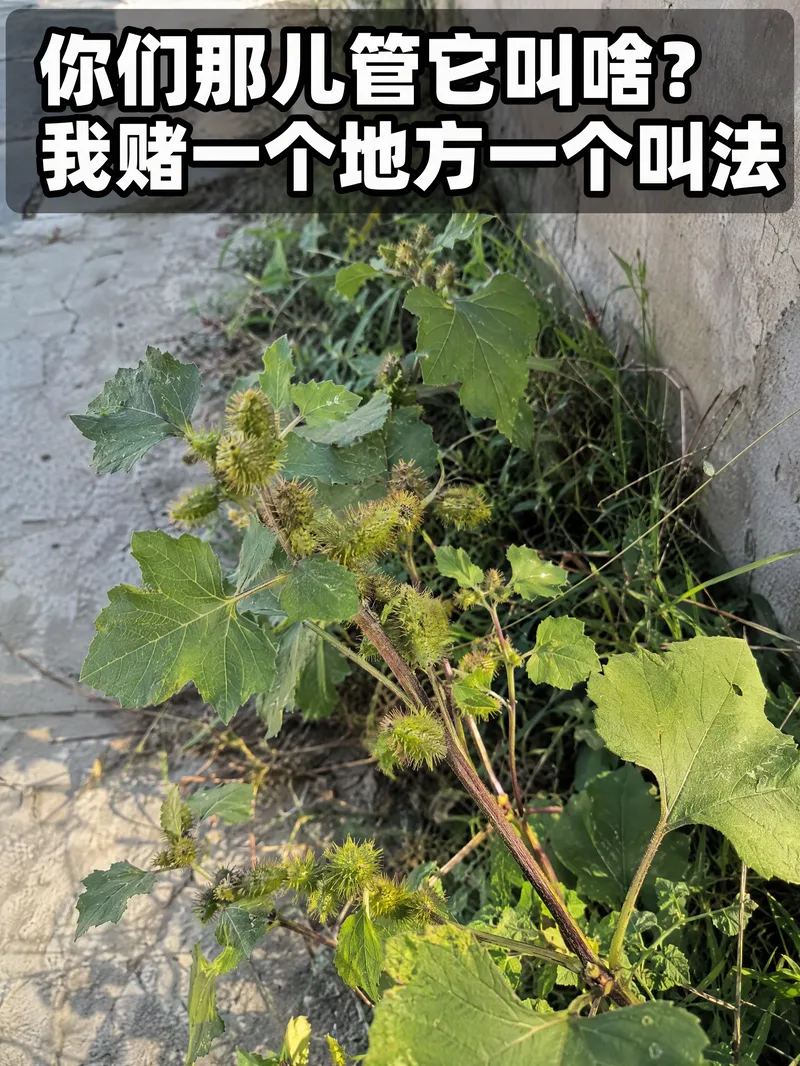
北方植物互动贴图
苍耳·你们那儿管它叫啥
生成北方虫子贴图互动图
北方地里这虫子,你们那儿都叫它啥?
北方植物互动贴图
苍耳·你们那儿管它叫啥
Description
Turn a slice-of-life moment, blurry scene, or simple topic into a WeChat Official Account engagement graphic that makes people want to leave a comment. Whether it’s a small creature by a wall after the rain, an unidentifiable roadside plant, or something common in the countryside with different names in different regions, each subject is distilled into a clear photo target and a conversational question that sparks the urge to say, “I know it,” “I need to correct that,” or “I want to add something.” Content is checked against real-time information to verify species names, common names, habits, how commonly they are found, and regional terms. This helps avoid exaggerating ordinary things into rare discoveries and reduces the risk of being immediately called out in the comments. Based on this, the tool creates a 3:4 portrait, phone-snapshot-style image with prominent question text: natural light, a realistic and slightly cluttered setting, and imperfect composition make it feel like a genuine record of everyday life rather than a heavily retouched or studio-shot image. Delivery also includes a suspenseful title and short copy suited to a WeChat Official Account post. They set the scene and naturally invite readers to share what the subject is called in their area. Once you have the image, title, and copy, you can publish a comment-focused engagement post without rewriting anything.
Recommended by
Dancang
Why we love this skill
Turns ordinary snapshots into ready-to-publish WeChat graphics that spark regional guesses and naming debates while keeping the facts and everyday look credible.
Best for
For WeChat Official Account operators and content creators making lifestyle-observation graphics centered on comment interaction.
How to use this Skill
Provide your input
Provide a slice-of-life moment, shooting scene, vague topic, or specific subject—or leave it blank and let the tool choose a topic.
Run the Skill
The tool identifies the subject and comment hook, verifies relevant names and local terms, and creates a portrait snapshot-style image with prominent question text.
Review your result
Get a publish-ready engagement graphic plus a WeChat Official Account title and short copy that invite readers to comment and share.
Related Skills
View all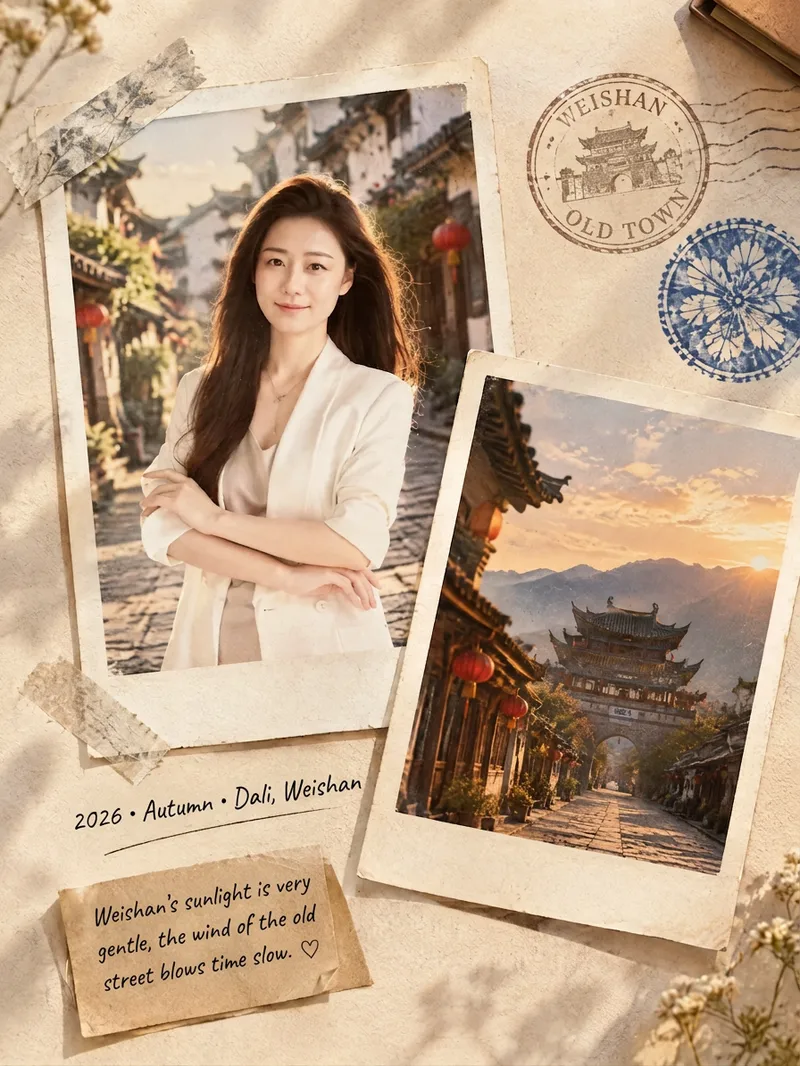 Image
ImageFilm Journal Log
Turn everyday snapshots, restaurant visits, travel records, or personal reflections into nostalgic film journal posters with a story to tell, along with heartfelt copy for Xiaohongshu and Moments. Whether the subject is a portrait, landscape, food, or still life, the design matches a fitting film color palette and lifestyle atmosphere based on the main subject, location, season, and mood. When you provide text only, it can also imagine a corresponding travel or slow-living scene from your description. Each finished piece centers on a 3:4 Polaroid collage, combining the white border of matte photo paper, handwritten dates and locations, washi tape, vintage stamps, sticky notes, and delicate paper textures. The result captures natural light and shadow, authentic grain, and the layered feel of a real-life flat lay—perfect for moments such as a café afternoon, a street market at night, a camping stroll, or a seaside road trip. When you upload a portrait, it will preserve the person’s recognizable facial features, expression, hairstyle, and clothing as much as possible. When you upload a scene photo, it will retain distinctive details such as the architecture, tableware, and original colors. You’ll receive a polished film journal visual poster, a concise design note, and social media copy with a title, body text, and hashtags. Make travel memories, restaurant discoveries, and everyday moments easier to share—and more worth keeping.
 Image
ImageSame-Scene Instant Photo
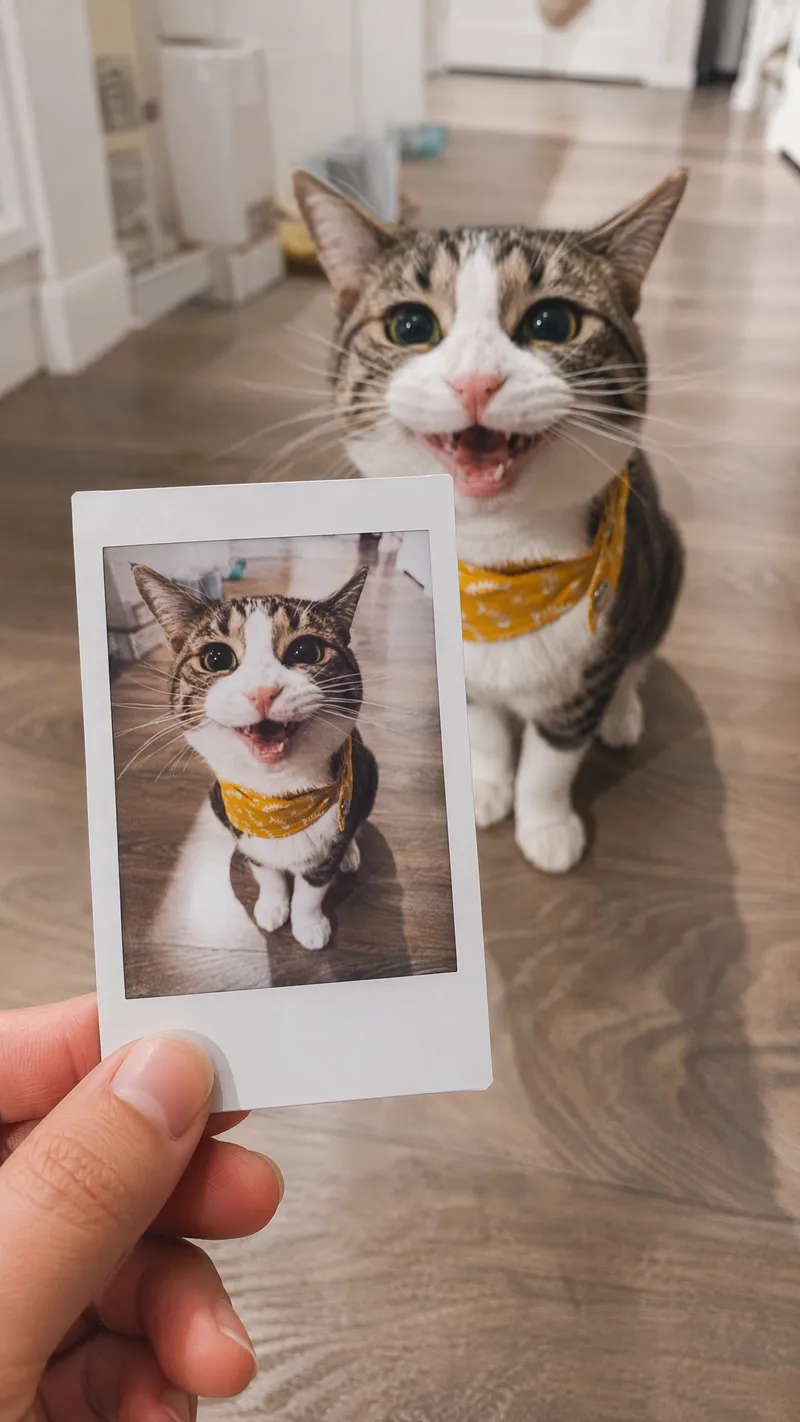
Turn an image or natural-language scene description into a realistic, natural-looking handheld instant photo: a hand holds a physical white-bordered instant print in the foreground, while the real scene from the same place and moment appears in the background, creating a coherent picture-within-picture effect. Whether the subject is a landscape, urban architecture, person, animal, car, product, or everyday object, the image preserves its key appearance and places it in a plausible real-world setting—not simply pasted into a frame. The results emphasize authentic photographic qualities, including natural perspective, paper texture, contact shadows, hand details, moderate depth of field, and the casual feel of a phone snapshot. Mountains, buildings, people, animals, and other subjects in the instant photo correspond to the background, allowing viewers to directly compare the image inside the print with the real scene outside it. Unnatural elements such as floating cards, digital collages, design lines, and excess text are avoided. The composition automatically adapts to landscape, portrait, or square formats based on the original image or your specified aspect ratio, while keeping the instant photo in your hand aligned with the final image. You can also use natural language to adjust the photo’s position, tilt, size, background clarity, lighting, and overall style. It’s suitable for travel photography, life documentation, and scene images with a convincing realistic illusion.
 Image
ImageLay Out Your Everyday
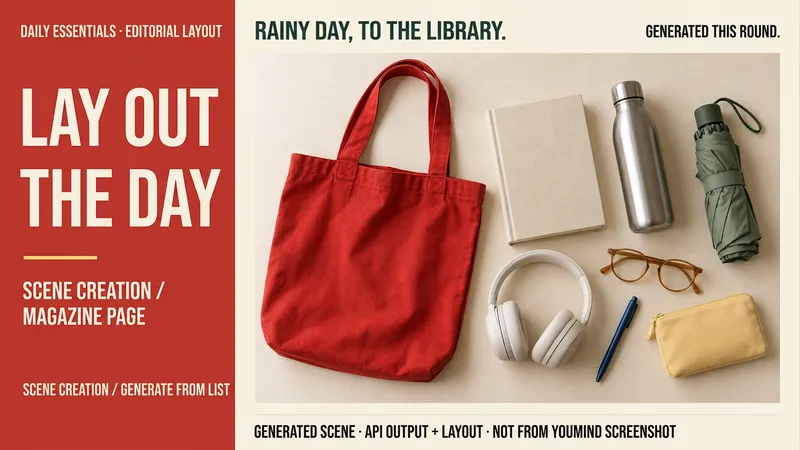
Rainy days at the library, weekend city walks, a short getaway… your everyday life can have a magazine-worthy look. Tell me a life scene, or share an item list and reference image, and I’ll create a story-driven overhead still-life image: a bag, book, headphones, and water bottle, each with its own place and texture. Here’s how you can use it: ① Scene creation: Start with one sentence and pair it with 6–8 fitting items, clearly labeled as a fictional scene. ② List-based arrangement: Generate an image using the items and quantities you provide, without adding props at random. ③ Visual design: Straight overhead view, natural light, and a balanced rhythm of density and open space. The default is text-free, vertical 3:4. ④ Targeted edits: Change items, background color, or aspect ratio while preserving as much of the approved image as possible. Great for lifestyle sharing, travel inspiration, and personal content images. One image is generated by default; you can request a landscape, square, or other visual style. Actual generation depends on the image tools and usage limits available on the current platform. Item counts, structure, logos, and small packaging text may vary, so product-level exact replication is not guaranteed. If the tool is unavailable, this will be stated clearly and a complete prompt will be provided. Usage is calculated according to the platform’s rules at the time.
Information
- Version
- v5
- Last updated
- Runtime credits
- Usage-based
- Models
- Auto
- Use cases
- Writing & contentImages & designMarketing & growth
- What you get
- ImageSocial post
- Visual styles
- Photorealistic
