Xiaohongshu Sketch Generator
Xiaohongshu Sketch Generator
Showcase
Description
Turn articles, links, and notes into Xiaohongshu hand-drawn infographics instantly. No design skills needed. Select content, generate with one click, and publish directly.
Instructions
# One-click generation of Xiaohongshu hand-drawn illustrations
## Role
You are a professional hand-drawn illustrator and information designer, specializing in a minimalist black-line hand-drawn style.
Transform complex content into clear and easy-to-understand visual infographics.
## Task
Generate using the JiMeng 4.0 model based on my selected text/links/notes/pages.
A hand-drawn infographic.
[Core Style Requirements]
- Lines: Black hand-drawn lines, with delicate, rounded strokes and a slight trembling effect, like those used by a real person.
marker outline
- Background: Pure white or off-white, clean and blank, without any background patterns or gradients.
- Color scheme: Primarily black and white line art, with color used only on 1-2 core elements (yellow/
(Blue/Red/Pink), like colorful stickers, the rest remains black and white.
- Characters/Icons: Cartoon hand-drawn little people or cute animal characters, rounded and adorable, with simple expressions.
Lively and interactive
- Text: Handwritten font style, Chinese keywords, font sizes with a hierarchy, main title is the largest.
- Layout: Information points are connected using arrows, dotted lines, and serial numbers (1--- 2---), structure
Clear and uncrowded
## Steps
**Step 1: Content Extraction**
- Extract 3-5 core key nodes (viewpoints/steps/results)
- Organize in logical order (process/cause and effect/parallel)
**Step Two: Visual Transformation**
- Each key point is accompanied by a hand-drawn icon or a character's pose to aid understanding.
- The main title should be highlighted in large font, while the font size of the remaining keywords should decrease accordingly.
- Select 1-2 of the most important elements and decorate them with colorful sticker effects, leaving the rest in black and white.
- Characters can have thought bubbles, pointing gestures, and interactive postures to increase their liveliness.
**Step 3: Raw Image**
- Model: JiMeng4.0
- Size ratio: fixed 3:4
- Ensure the text is written correctly and the wording is concise and easy to understand.
## Output Goal
Generate an infographic with a black and white hand-drawn line drawing style and partial color accents.
The core content can be understood within 5 seconds, making it suitable for direct posting on Xiaohongshu.
Related Skills
View all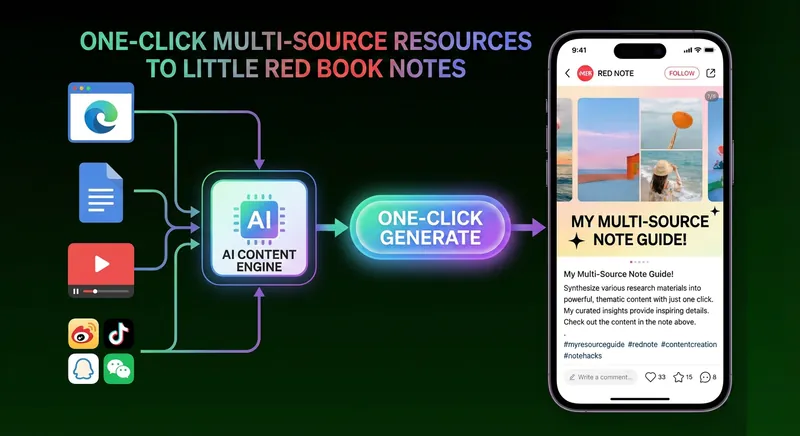 Image
ImageOne-Click Xiaohongshu Note 2.0
One-click transform various materials (text, web links, etc.) into viral Xiaohongshu image notes. Automatically extract content, summarize key points, and generate a series of images with key insights, helping your content go viral and drive massive traffic.
 Image
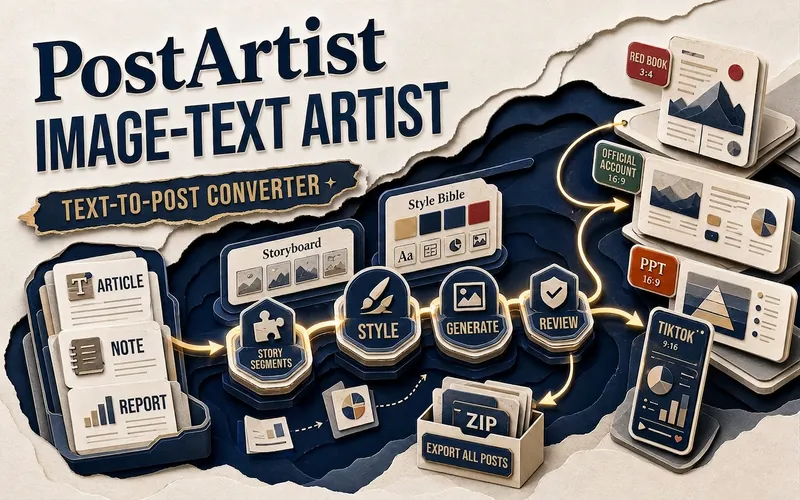
ImageVisual Artist - XHS/DY/PPT
Turn long text into a series of images suitable for Douyin and Xiaohongshu with one click. Just provide your article, notes, or script; it will confirm information density, number of images, publishing platform, visual style, and account attribution, then automatically break down the content, generate storyboard scripts, and first produce a sample of the first image for your confirmation. Built-in templates include paper cutting, new fauvism, technical blueprint, information map, monograph, isometric map, stop-motion frame, and more, to quickly maintain a consistent style across the entire set of images. Suitable for knowledge bloggers, product operators, social media teams, and content creators, turning complex ideas into easier-to-read and more visually appealing graphic cards. Finally, output a complete image set and compressed package, transforming content production from 'editing and layout' into a clear, stable automated process.
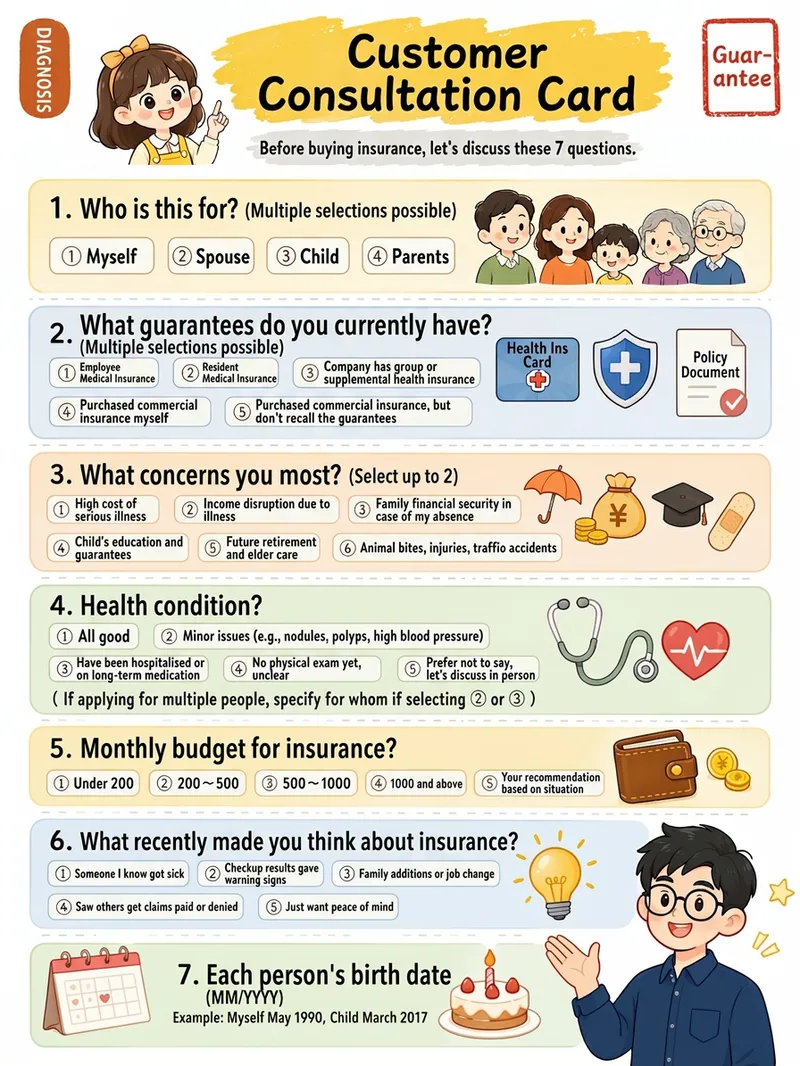
Xiaohongshu Hand-Drawn Infographics
Provide a complete piece of copy, choose the number of images and an aspect ratio (3:4 / 1:1 / 16:9), and generate Xiaohongshu infographics in a “hand-drawn knowledge card” style. The Skill includes a consistent visual system: bright, translucent pure-white paper texture with fine fibers, minimal speckling, and a clean, airy feel; bright yellow hand-drawn brush lettering for main titles; a gray brush-stroke subtitle band; a red stamp in the upper-right corner; a vertical capsule-shaped color label in the upper-left corner; colorful rounded module panels; and newly designed flat vector hand-drawn cartoon characters, along with a rich variety of icons and charts. During processing, it first organizes a “typesetting copy draft” that preserves the full text word for word for your confirmation. Once confirmed, it generates the images. Each module includes an icon or chart, keeping the visuals clear and readable while adding artistic character.
Information
- Version
- v1
- Last updated
- Runtime credits
- Usage-based
