
Xiaohongshu Hand-Drawn Cards
Turn copy into hand-drawn knowledge cards
Xiaohongshu Hand-Drawn Cards
Turn copy into hand-drawn knowledge cards
Showcase
Description
Enter complete copy, choose the number of images and an aspect ratio (3:4 / 1:1 / 16:9), and generate Xiaohongshu infographics in a hand-drawn knowledge card style. The Skill includes a unified visual system: a bright, airy pure-white paper texture with fine fibers, minimal speckling, and a clean, translucent look; large bright-yellow hand-drawn brush lettering for headlines; a gray brush-stroke subtitle band; a red seal stamp in the upper-right corner; a vertical capsule-shaped color label in the upper-left corner; colorful rounded module panels; and newly designed flat vector hand-drawn cartoon characters, along with a rich variety of illustrations and charts. During the process, it first prepares a “copy draft for layout” that preserves the full text verbatim for your review. After confirmation, it generates the images. Every module includes an illustration or chart, keeping the visuals clear and readable while adding an artistic touch.
Best for
Content creators who need to turn complete knowledge copy into clear infographics with a hand-drawn visual style.
How to use this Skill
Provide your input
Provide the full copy and specify the number of images and aspect ratio; you may also add a theme color or headline.
Run the Skill
First, organize the full text verbatim into page-by-page copy for your review. After confirmation, design visual elements for each module and generate hand-drawn knowledge cards.
Review your result
Receive page-by-page hand-drawn knowledge infographics along with the corresponding text for each page.
Related Skills
View all Image
ImageHand-Drawn Infographic Collage
Enter a topic or a piece of educational copy to generate a vertical infographic in a hand-drawn collage notebook style, featuring large brushstroke titles, macaron-colored torn-paper sticky notes, clear handwritten text hierarchy, and cartoon characters with white sticker-style outlines that match the content. Ideal for long-form Xiaohongshu educational graphics about insurance, health, work, and general knowledge. The process runs in two steps: first, it produces a layout script and image-generation prompt for your review; then it generates the final image and performs a quality check.
 Image
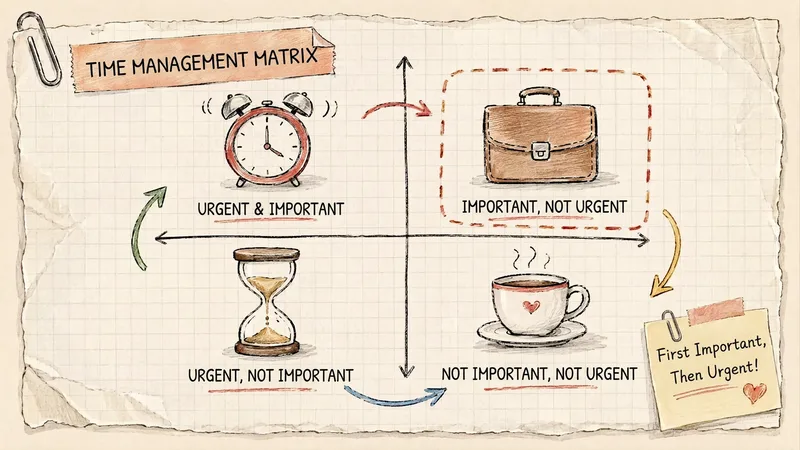
ImageGrid Paper Sketch Infographic
Turn any topic into a hand-drawn science infographic in a grid-paper journal style, or transform an existing image into the same style with one click. It includes seven-dimensional style definitions, bilingual style prefixes, a negative checklist, and a self-checklist. First, confirm the topic and canvas (3:4 portrait / 16:9 landscape / 1:1 square), or read the original image you provide. It then generates a complete image-generation prompt for your confirmation before creating the image. Afterward, it checks each item on the list and automatically redraws anything that does not meet the requirements. Ideal for public account layouts, Xiaohongshu creators, professionals making PPTs, and teachers creating visual learning materials.
 Image
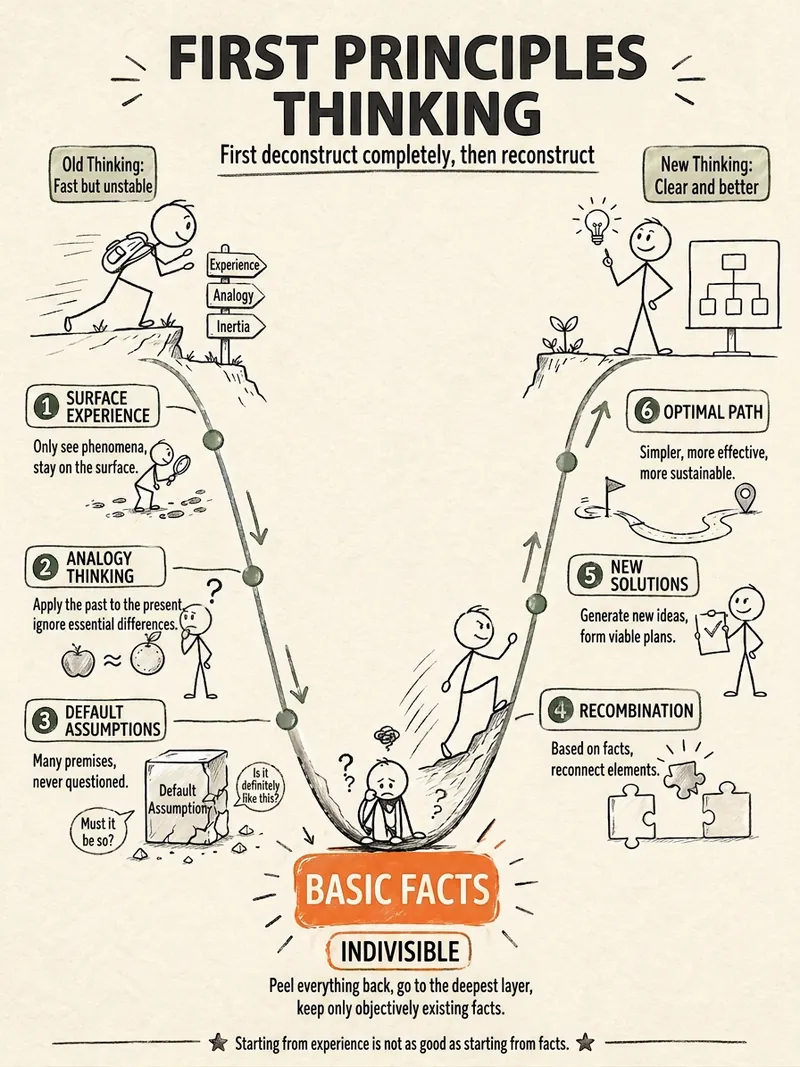
ImageStick Figure Explainer
Turn complex concepts, abstract theories, lengthy processes, notes, business analyses, or growth stories into prompts for vertical knowledge cards, infographics, and hand-drawn explainers optimized for GPT-Image 2. Whether you’re organizing a process, comparing before and after, analyzing causes, categorizing knowledge, or telling a story of growth from a low point to a breakthrough, it distills the key takeaway and matches it with a suitable composition, visual metaphor, and reading flow—making the content easier to understand and remember at a glance. You’ll receive a Chinese card structure guide and visual system recommendations covering composition, hand-drawn style, color philosophy, and typographic character, along with a ready-to-copy English image-generation Prompt. The default canvas is a 3:4 vertical format, suitable for knowledge cards, Xiaohongshu cards, vertical infographics, and posters. Depending on the topic, stick figures, simplified characters, or icons can be used to show states, actions, and emotions, while keeping the number of information modules under control to avoid crowded visuals, text that is too small, or scattered emphasis. It’s ideal for quickly turning reading notes, frameworks, workplace skills, psychology and personal growth topics, business insights, product workflows, and complex concepts into clear, narrative-driven, actionable visual content.
Information
- Version
- v5
- Last updated
- Runtime credits
- Usage-based
- Models
- Auto
- Use cases
- Writing & contentImages & design
- What you get
- DocumentImage
- Visual styles
- Hand-drawnCartoonFlat
