
Thumbnail CTR Lab
Design an original 16:9 thumbnail that earns the click
Thumbnail CTR Lab
Design an original 16:9 thumbnail that earns the click
Showcase
Description
Design an original 16:9 YouTube thumbnail from your own video topic, using click-through mechanics rather than imitation. The first step locks the audience, the promise, and the one question the thumbnail must plant, and reads any reference only for transferable principles — contrast hierarchy, focal read order, word ceiling, mobile legibility at 210x118 px. The second step builds three genuinely different concept routes with different hook mechanisms, recommends one, and writes overlay copy of two to five words that adds information instead of repeating the title. The third step renders variants through a ten-point quality gate, gives you a text-free plate for clean compositing, a seven-day A/B plan with a decision threshold, and a series style lock so your channel stays consistent.
Recommended by
Dancang
Why we love this skill
Featured for its disciplined, conversion-focused workflow: it separates reference analysis from originality, develops genuinely distinct hook routes, and validates thumbnails at mobile size with measurable typography, quality gates, and an actionable A/B testing plan.
Related Skills
View all Write
WriteFaceless Channel Script Desk
A script desk for YouTube channels that never appear on camera. Send one benchmark channel link and 2–3 transcripts: it reverse-engineers the channel's spine, sentence cadence, tone and retention devices into a 12-dimension style fingerprint, then writes your own topic as a fully original script — cut into beats of 3–5 seconds of voiceover, with the target word count locked to ±5% of the sample. Visuals stay locked until the script is confirmed: then it analyzes picture samples, writes per-beat image prompts, optional video-clip prompts, and ends with five thumbnail concepts, each with its own click trigger and generation prompt. One request per station; structure and feel only, never the original wording.
 Image
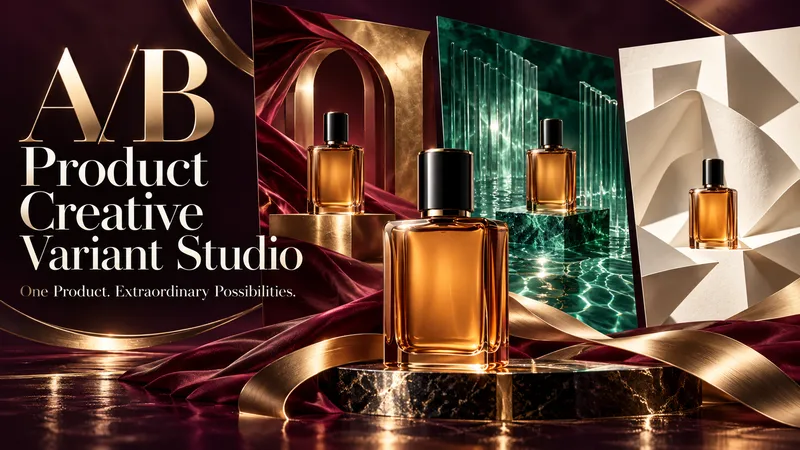
ImageA/B Product Creative Variant Studio
One product. Multiple creative possibilities. Turn your product photo into 3–5 distinctive advertising visuals with A/B Creative Variant Studio. Explore imaginative settings, elegant compositions, and expressive slogan typography—all built around your product. CREATIVE WORLDS, BUILT FOR YOUR PRODUCT Explore 13 style families, from luxury editorial and cinematic lighting to botanical scenes, surreal environments, bold graphics, and futuristic design. Each concept brings together materials, light, depth, and space for a cohesive visual story. SLOGANS THAT BECOME PART OF THE DESIGN Shape your message with striking scale, intentional line breaks, refined lettering, and scene-integrated typography. Choose a slogan-only layout, a complete ad composition, or a text-free visual. TWO WAYS TO EXPLORE • Concept Exploration: discover different combinations of style, composition, and messaging. • Controlled Variants: focus on one selected creative variable while keeping the other agreed elements consistent, where the available tools support it. A GUIDED PROCESS Upload your product → define your goal → choose visual directions → refine slogans → approve the variant plan → generate your images. You review the concepts before production begins. The workflow checks product appearance, text accuracy, readability, and composition, with targeted corrections where needed. WHAT YOU RECEIVE 3–5 separate ad images, clear concept labels, and a concise comparison of what changes across the set. Refine a favorite or use it to explore a new direction. Conversations follow your language. Advertising copy can use a different language of your choice. Image production requires available generation tools. This skill prepares creative candidates; it does not run live A/B tests or guarantee advertising performance.
YouTube & content creation
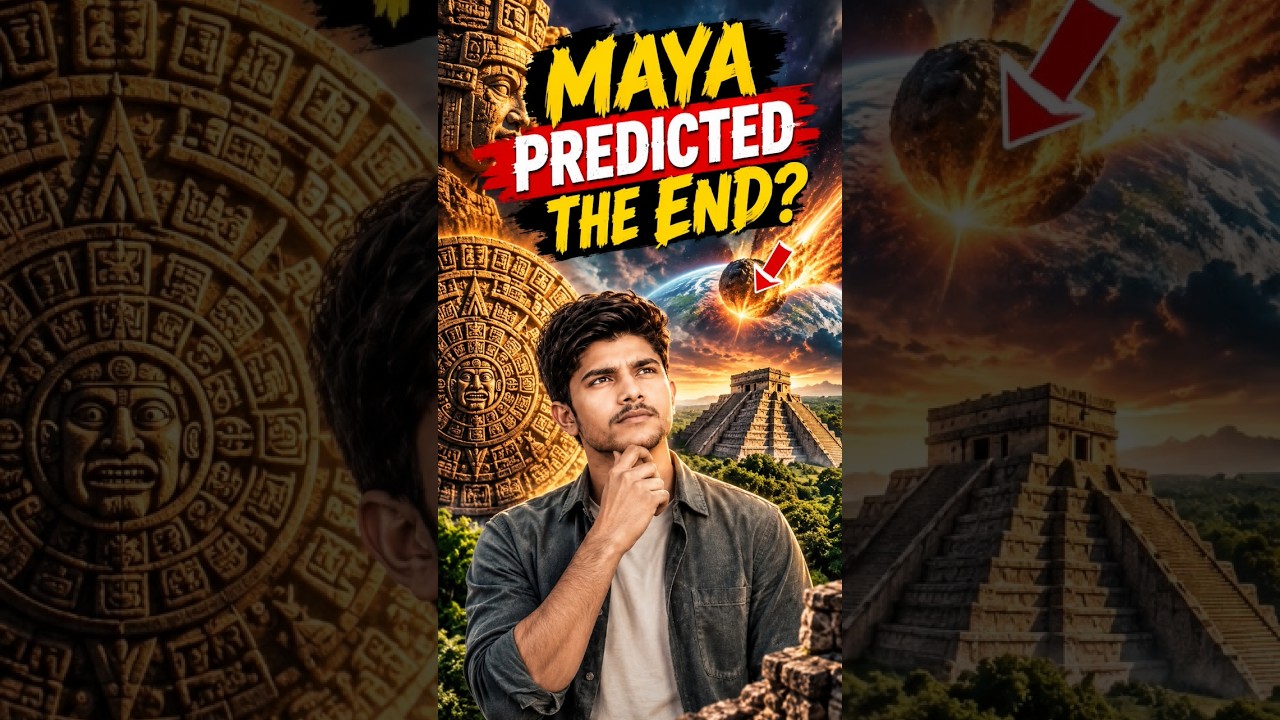
Turn a single topic into a complete day of YouTube content for faceless history, mystery, and education channels. You’ll receive an engaging long-form video script in an accessible Roman Urdu and English mix, with cinematic storytelling, factual context, hooks, talking points, and visual suggestions ready for production. The package also includes three short-form scripts built around different angles, plus a Roman Urdu community post and an audience poll to encourage engagement. This makes it easy to extend one research topic across your main video, YouTube Shorts, and community tab without starting from scratch. To support publishing, you’ll get five copy-ready AI image prompts for thumbnails and historically accurate video visuals, along with a complete SEO and thumbnail pack. Use the suggested thumbnail text, video titles, optimized description, tags, and hashtags to shape a consistent content release around topics such as Vikings, the Great Wall, Cleopatra, and other educational subjects. Enter one topic and receive reusable content assets for a full day of channel activity.
Information
- Version
- v2
- Last updated
- Runtime credits
- Usage-based
- Models
- Auto
