YouTube Thumbnail Tester
See your thumbnail and title the way viewers will: on the home feed, in search, next to a playing video and on a phone, in light or dark mode. Compare up to three versions before you publish.
Add up to 3 thumbnails
Drop images here, choose files or paste a screenshot. JPG, PNG, GIF or WebP.
Showing a sample thumbnail. Add yours to replace it.
Shown in every preview.39/100
Shown in the corner badge.
Your images stay in your browser. Nothing is uploaded unless you choose to get feedback in YouMind.
Preview
Your video sits among sample videos. Switch places, themes and versions to see whether it still stands out.
Desktop home feed. Thumbnails get wider or narrower with the window.
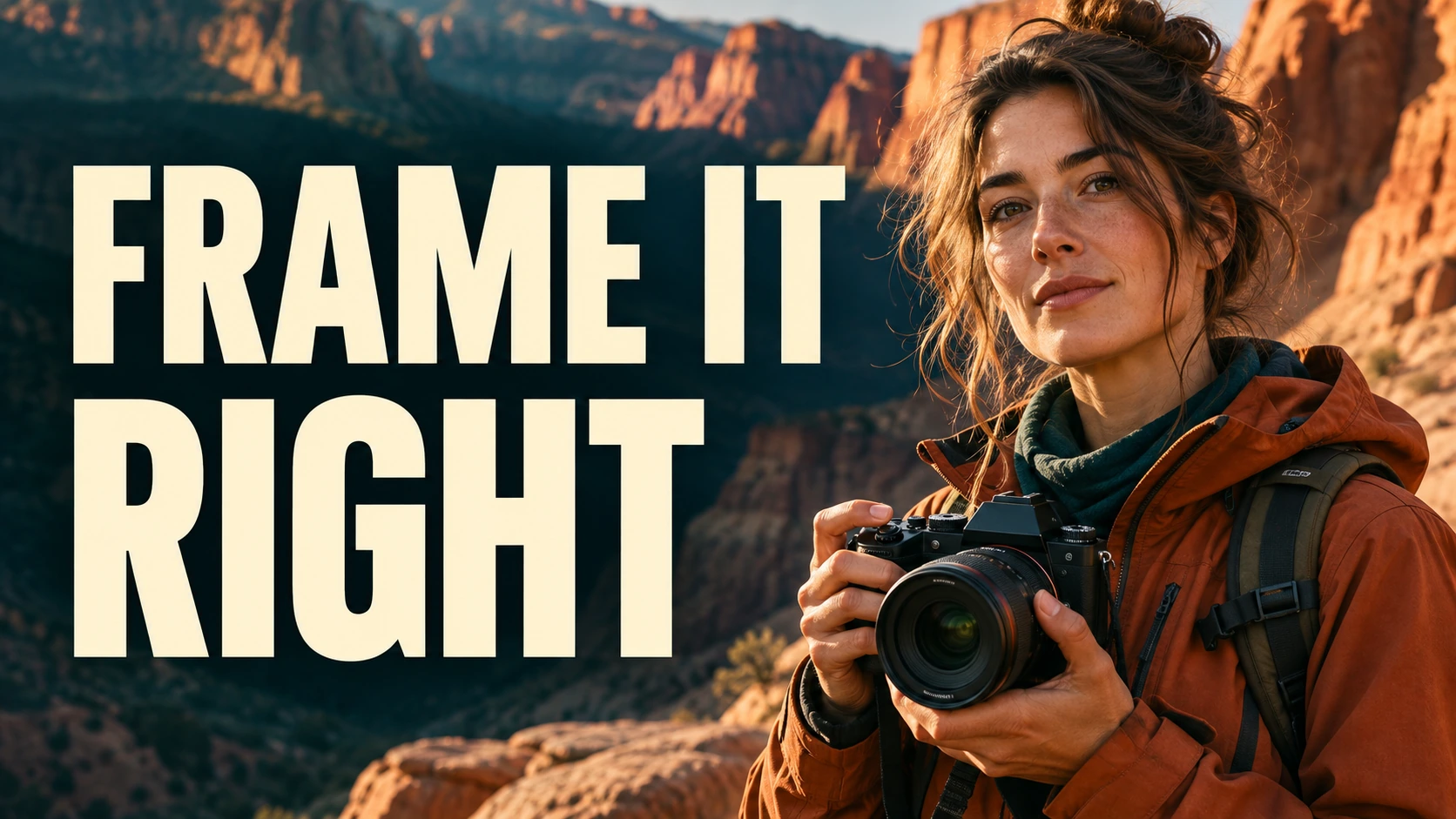 12:34
YouMind suggests thumbnail ideas for your title and helps you make one.
Before you publish
What to look for in the preview
Viewers often meet your thumbnail small: on a phone, in search or next to a playing video. These checks catch what a full-size image on your monitor hides.
- Read it at the smallest size
Switch to Suggested and Mobile. If the subject or the words blur together, cut words or make the subject bigger.
- Keep the corner clear
The video length badge covers the bottom corner. Keep faces, logos and words out from under it.
- Check light and dark mode
A thumbnail with a white or black background can blend into the page. Switch the theme and turn on grayscale to check contrast.
- Make the title and thumbnail work together
Let the image show what the title doesn't say. Repeating the title in big text wastes the space.
- Test versions that are really different
Change the subject, the emotion or the framing, not just a color. YouTube notes that versions that are too similar may not show a measurable difference.
Thumbnail specs
YouTube thumbnail size and upload limits
The essentials for a custom thumbnail.
For banner, Shorts and profile picture sizes, see all YouTube sizes.
Need a new design? Make a thumbnail in YouMind, or download thumbnails from any video to study what works in your niche.
Source: YouTube Help on video thumbnails.
- Recommended size
- 3840 × 2160 · 16:9
- Minimum width
- 640 px
- File formats
- JPG · GIF · PNG
- File size
- Under 2 MB from a phone, under 50 MB from a computer
After you publish
Then test it with real viewers
YouTube Studio's A/B testing, called Test & compare, shows up to three thumbnails, titles or title and thumbnail pairs to different viewers. When the test ends, YouTube picks the version with the highest watch time share, not just the most clicks. Use this page to choose the versions worth testing.
Testing titles too? Generate title options and preview them here with your thumbnail.
How it works
Test a YouTube thumbnail in three steps
Add your versions
Drop, choose or paste up to three thumbnails. Then type the title, channel name and video length.
Preview them on YouTube
Switch between home, search, suggested and mobile, in light and dark mode. Turn on grayscale to check contrast.
Pick what to test
Compare versions side by side and fix anything the checks flag. Then test the strongest ones in YouTube Studio, or get feedback in YouMind.
YouTube thumbnail tester FAQ
What is a YouTube thumbnail tester?
It shows your thumbnail and title in layouts modeled on YouTube's home feed, search results, suggested videos and phone app, next to other videos. You can see how it reads at small sizes before you publish.
Are my thumbnails uploaded anywhere?
No. The preview runs in your browser and the images stay on your device. They are uploaded only if you click Get feedback in YouMind, so YouMind can look at them.
Is this exactly how YouTube will show my thumbnail?
It's a close simulation, not a live YouTube page. YouTube changes its layouts and sizes by device and window width, so use the preview to judge readability and contrast, then check the real video after you publish.
Can I A/B test thumbnails on YouTube?
Yes. Test & compare in YouTube Studio lets you test up to three thumbnails, titles or title and thumbnail pairs on one video. YouTube shows them to different viewers and picks the one with the highest watch time share.
What size should a YouTube thumbnail be?
YouTube recommends 3840 × 2160 pixels in a 16:9 ratio, with a minimum width of 640 pixels. Use JPG, GIF or PNG, under 2 MB if you upload from a phone and under 50 MB from a computer.
Why is part of my thumbnail covered?
The video length badge sits in the bottom corner of every thumbnail. Type your video length into the tester to see what it hides, and keep important details out of that corner.
Can I see where my title gets cut off?
Yes. Each preview cuts the title after two lines, the way YouTube feeds do. YouTube titles can be up to 100 characters, so put the important words first.
Is the thumbnail tester free?
Yes, and there is no sign-up. Getting feedback in YouMind needs a free YouMind account.
YouTube toolkit
More tools for your YouTube channel


Learn deeper. Create bolder.
Want a stronger thumbnail? Describe your video and YouMind will help you design one.