Architectural Construction Workflow

A professional sequence of prompts for generating architectural models, structural breakdowns, and construction storyboards.

Istruzione
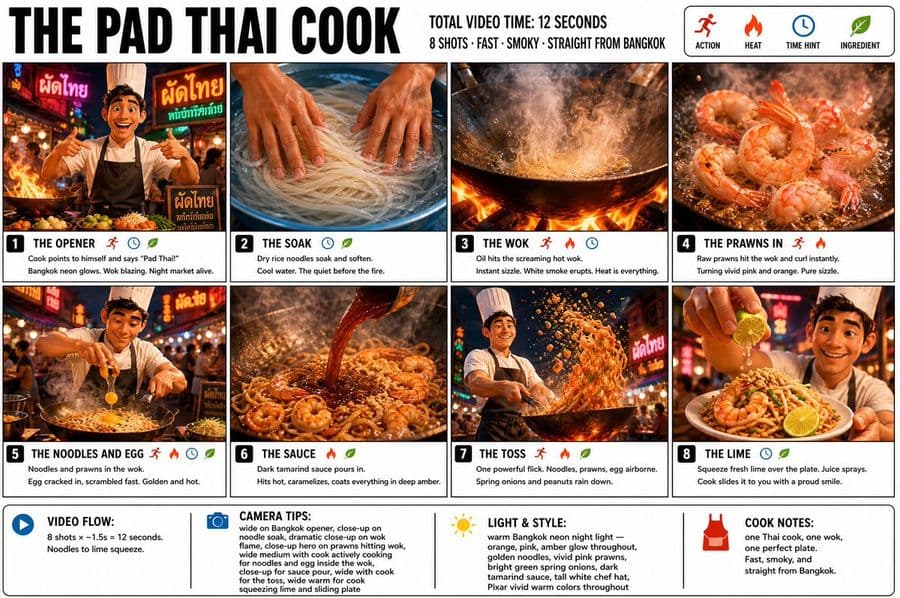
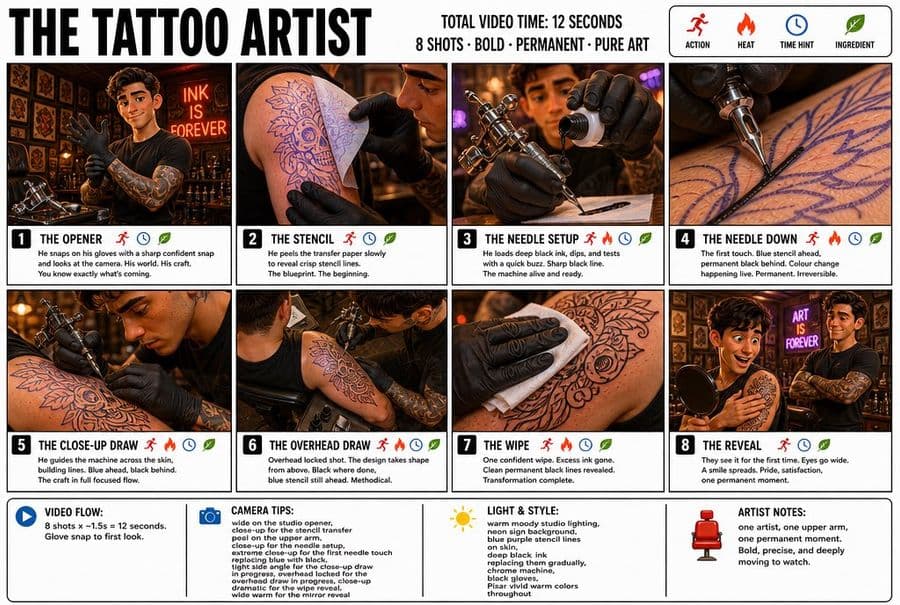
Please generate a complete architectural model of a single building for 'The Hall of Supreme Harmony in the Forbidden City'. Show only the main building and its immediate environment; omit irrelevant structures, large open spaces, or complex surroundings. Highlight the building's massing, frontal structure, roof/top form, entrance, facade, and base. Use an isometric top-down perspective with a centered, symmetrical, and clear composition. The building should occupy over 70% of the visual area. No people, vehicles, modern machinery, text, or advertisements. Based on this reference, generate a structural breakdown/explosion diagram of the building 'The Hall of Supreme Harmony'. Maintain the same isometric perspective. Separate the building vertically into construction layers (foundation, pillars, beams, roof, facade, etc.) to clearly show assembly relationships. Each layer should be distinct and clean for use as a reference for a construction animation. Omit people and modern construction equipment. Generate a material and component display board for 'The Hall of Supreme Harmony' based on previous images. Arrange key building materials and components neatly like a construction list. Include foundations, framework, doors/windows, and distinctive architectural features. Use a clean, isometric or orthogonal view with realistic textures fitting the building's style. Generate an 8-panel construction storyboard showing the process from an empty foundation to the completed building for 'The Hall of Supreme Harmony'. Use a consistent isometric perspective and lighting. The sequence should logically progress: foundation appearing, base forming, framework rising, roof installation, and final detailing. Each panel should represent a continuous phase from the same camera angle without text labels or modern scaffolds.

Immagini di riferimento

Come usare questo prompt

  1. 1

    Copia il prompt completo qui sopra.

  2. 2

    Apri una piattaforma che supporta GPT Image 2, come YouMind, e incolla il prompt.

  3. 3

    Cambia soggetto, stile o dettagli in base alla tua idea, poi genera.

Questo è un prompt IA gratuito della libreria di prompt di YouMind. Esplora altre migliaia di prompt immagine, tutti liberi da copiare e adattare.

Esplora altri prompt immagine

Scopri di più

Libreria IA

Ricerca prompt con IA

Lascia che l'IA cerchi tra decine di migliaia di prompt. Filtra per modello, intervallo di date e parole chiave e ordina per interazione: visualizzazioni, preferiti, condivisioni e altro.

Strumenti visivi

Da immagine a prompt

Trasforma qualsiasi foto in un prompt di immagine AI dettagliato. Il convertitore gratuito da immagine a prompt analizza composizione, stile e luce per ricreare ogni look in pochi secondi.

Pensato per i creator. Gratis per sempre.

YouMind è il copilota creativo IA scelto da creator in tutto il mondo. Ogni prompt è curato per aiutarti a creare meglio e più velocemente.

Esplora altri prompt