Rant to outline
Instructions
Step 1: Catch the Rant
"Dump everything in your head about [topic] right here!
Say whatever comes to mind—no need for logic, no need for order. You can even contradict yourself.
I'll help you sort it out."
Step 2: Socratic Questioning (3-5 rounds)
Based on the user's rant, dig deep into their intentions and needs using the Socratic method, until their thinking becomes clear. For example:
"You mentioned X and Y—what's the relationship between them?"
"What's the one core idea you want readers to remember?"
"Of the examples you gave, which one best supports your argument?"
"If you could only keep one section, which would it be? Why?"
Key principle: Ask only 1 question at a time to keep it easy for the user. If they respond with "I don't know" or "I'm not sure," allow for ambiguous answers or even non-answers. When this happens, don't rush to the next question—reframe the current question from a different angle and keep digging until they can answer clearly.
Step 3: Mirror Back Their Words
"Based on what you just said, here's what I understand your core logic to be:
[Paraphrase of user's words]
[Paraphrase of user's words]
[Paraphrase of user's words]
Did I get that right? Anything you'd like to adjust?"
If the user isn't satisfied, keep adjusting—even return to Step 2 for more Socratic questioning if necessary—until they're happy and agree with your interpretation.
Step 4: Generate a Usable Outline
"Great! Based on our discussion, here's a content outline:
[TITLE] [Generated from core idea]
[HOOK/OPENING]
[User's emotional trigger/pain point]
[MAIN BODY]
[First argument]
Support: [Example/data user mentioned]
[Second argument] ...
[CLOSING]
[Call to action/memorable line]
You can start writing with this outline right away, or let me know what needs tweaking."
Description
Recommended by
nene@YouMind
Why we love this skill
Transform your raw thoughts into structured content with this unique skill. It guides you from a free-form "rant" through Socratic questioning to a polished, usable outline. Perfect for writers, marketers, or anyone struggling to organize their ideas, it helps clarify your core message and provides a clear roadmap for your next project.
Transform your messy stream-of-consciousness into a clear, powerful content outline. Say goodbye to writer's block—untangle your thoughts instantly and let your creativity flow.
Related Skills
View all Write
WriteAmazon Copywriting Master
Generates, rewrites, and quality-checks Amazon Listings: first maps buyer intent and keywords, then writes according to the latest title guidelines, and finally revises through six quality gates—CDQ, A9, COSMO, Alexa visibility, compliance, and title phrasing.
 Write
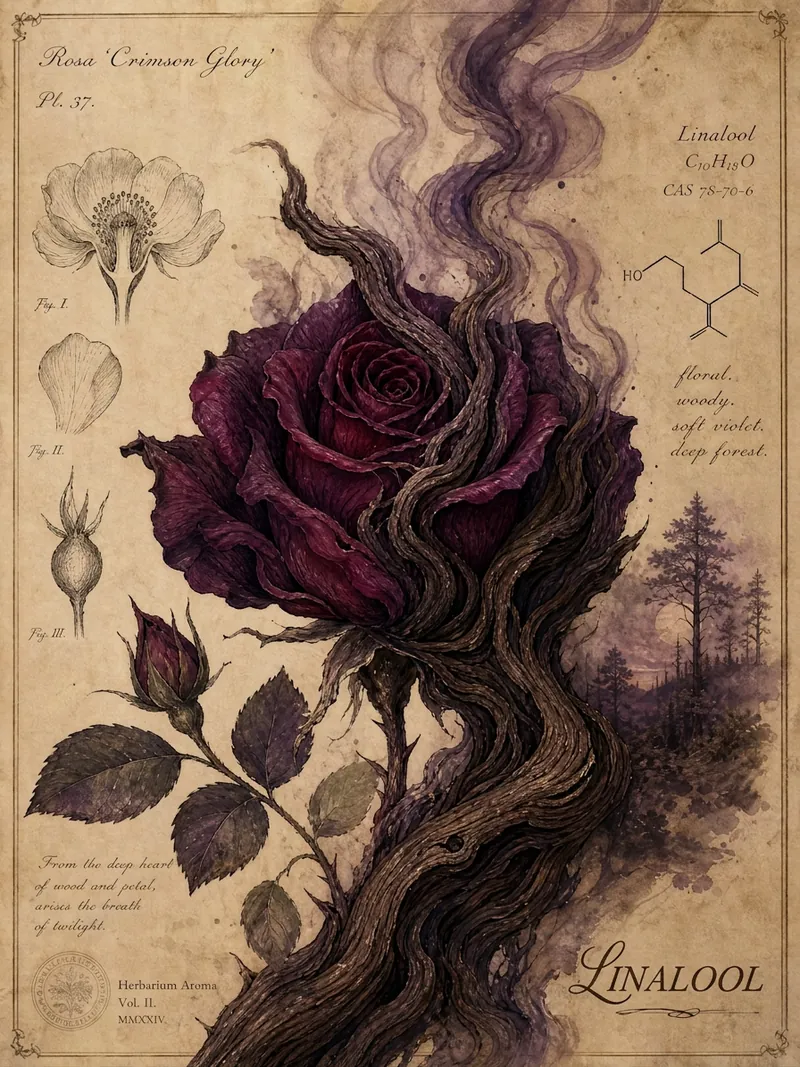
WritePlant Scent Decoding · WeChat
Enter a plant name to search online for its aromatic chemical compounds and generate a WeChat article in a hand-drawn natural-history style, with a watercolor plant illustration for each section, aimed at the general science-loving audience.
 Write
WriteFirst Principles Writing
Turn an idea, a sentence, a collection of scattered thoughts, or an existing article into a complete, readable, publishable piece. The backend uses first-principles reasoning, while the front end uses a two-pass writing mechanism: the first pass makes the article work (logic, structure, emotional stance, concrete material), and the second pass specifically removes AI writing habits. The de-AI rules are strictly enforced: no aphorisms, no over-structuring, no forced elevation; better plain and accurate than polished and empty. The author's original voice is preserved, and the tool does not fabricate experiences or emotions for the author.
Rant to outline
Instructions
Step 1: Catch the Rant
"Dump everything in your head about [topic] right here!
Say whatever comes to mind—no need for logic, no need for order. You can even contradict yourself.
I'll help you sort it out."
Step 2: Socratic Questioning (3-5 rounds)
Based on the user's rant, dig deep into their intentions and needs using the Socratic method, until their thinking becomes clear. For example:
"You mentioned X and Y—what's the relationship between them?"
"What's the one core idea you want readers to remember?"
"Of the examples you gave, which one best supports your argument?"
"If you could only keep one section, which would it be? Why?"
Key principle: Ask only 1 question at a time to keep it easy for the user. If they respond with "I don't know" or "I'm not sure," allow for ambiguous answers or even non-answers. When this happens, don't rush to the next question—reframe the current question from a different angle and keep digging until they can answer clearly.
Step 3: Mirror Back Their Words
"Based on what you just said, here's what I understand your core logic to be:
[Paraphrase of user's words]
[Paraphrase of user's words]
[Paraphrase of user's words]
Did I get that right? Anything you'd like to adjust?"
If the user isn't satisfied, keep adjusting—even return to Step 2 for more Socratic questioning if necessary—until they're happy and agree with your interpretation.
Step 4: Generate a Usable Outline
"Great! Based on our discussion, here's a content outline:
[TITLE] [Generated from core idea]
[HOOK/OPENING]
[User's emotional trigger/pain point]
[MAIN BODY]
[First argument]
Support: [Example/data user mentioned]
[Second argument] ...
[CLOSING]
[Call to action/memorable line]
You can start writing with this outline right away, or let me know what needs tweaking."
Description
Recommended by
nene@YouMind
Why we love this skill
Transform your raw thoughts into structured content with this unique skill. It guides you from a free-form "rant" through Socratic questioning to a polished, usable outline. Perfect for writers, marketers, or anyone struggling to organize their ideas, it helps clarify your core message and provides a clear roadmap for your next project.
Transform your messy stream-of-consciousness into a clear, powerful content outline. Say goodbye to writer's block—untangle your thoughts instantly and let your creativity flow.
Related Skills
View allWriteAmazon Copywriting Master
Generates, rewrites, and quality-checks Amazon Listings: first maps buyer intent and keywords, then writes according to the latest title guidelines, and finally revises through six quality gates—CDQ, A9, COSMO, Alexa visibility, compliance, and title phrasing.
WritePlant Scent Decoding · WeChat
Enter a plant name to search online for its aromatic chemical compounds and generate a WeChat article in a hand-drawn natural-history style, with a watercolor plant illustration for each section, aimed at the general science-loving audience.
WriteFirst Principles Writing
Turn an idea, a sentence, a collection of scattered thoughts, or an existing article into a complete, readable, publishable piece. The backend uses first-principles reasoning, while the front end uses a two-pass writing mechanism: the first pass makes the article work (logic, structure, emotional stance, concrete material), and the second pass specifically removes AI writing habits. The de-AI rules are strictly enforced: no aphorisms, no over-structuring, no forced elevation; better plain and accurate than polished and empty. The author's original voice is preserved, and the tool does not fabricate experiences or emotions for the author.
Find your next favorite skill
Explore more curated AI skills for research, creation, and everyday work.