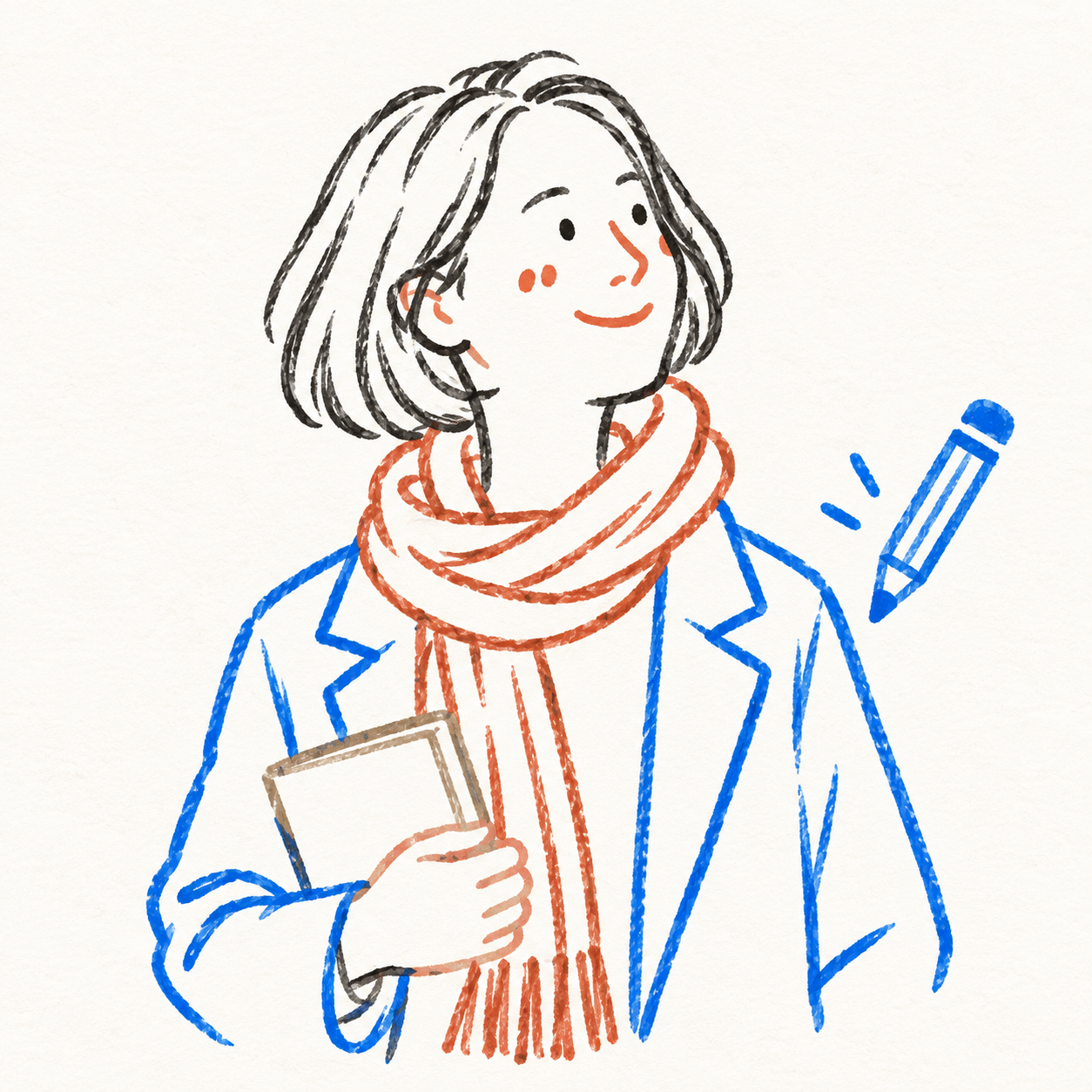
Suitable for organizing personal photography, independent publishing, exhibition practice, and lifestyle visual work. Even when the original image has an ordinary composition, a cluttered background, or a small subject, you can reestablish a focal point through reduction, recombination, cropping, and changes in scale—instead of simply applying a filter to the photo. In the second half, extract only the most recognizable subject, contours, structures, gestures, and narrative relationships from the photo, then reconstruct them as a hand-drawn, textured flat illustration. Do not copy the photo in full, redraw every object literally, or retain a cluttered background. Actively remove most irrelevant information, keeping only the visual memory points that best represent the original objects and theme. Through further reduction, recombination, cropping, changes in scale, and negative space, re-direct the original image into a more coherent finished work.

Transform any text you provide into classic hand-drawn chalk posters with a natural wood frame and a deep forest-green frosted chalkboard style. The Skill intelligently assesses the content length and proactively asks you to confirm the number of images. It consistently uses a high-quality 16:9 widescreen image model, with hand-drawn chalk lettering and themed illustration elements, keeping the visuals clean and completely free of people.

Turn a theme, copy, or specified elements into a vaporwave-style poster with a distinct mood and visual narrative. Whether the subject is capitalism, loneliness, nostalgia, technology, music, or a brand concept, the poster matches the theme with suitable textures, colors, composition, and vaporwave symbols to create a ready-to-use visual piece. You can specify the aspect ratio, dominant colors, material feel, composition, and required elements; anything left unspecified is filled in automatically based on the theme. The image can incorporate classical statues, palm trees, synthwave sunsets, checkerboard patterns, perspective grids, retro computer interfaces, CDs, glitch effects, holographic metal, and more. It can also feature VHS grain, RGB shifts, lo-fi blur, low-poly styling, or a clean digital look as needed. The result is a vaporwave-themed image in your chosen aspect ratio, along with a summary of the textures, colors, composition, and key elements used in the creation. It is suitable for album covers, themed posters, social media graphics, brand visual concepts, and art with a retro-futuristic feel.

Turn text descriptions, people, animals, objects, or reference images into handmade clay-style artwork that truly looks molded, pressed, and assembled by hand. Rather than simply applying a clay texture, this style gives characters, scenes, props, buildings, and text the soft, dimensional volume of physical clay, with natural finger presses, hand-shaped edges, kneading marks, and subtle asymmetry for a detailed, matte, warm, and tactile handmade feel. Whether you need clay characters, miniature worlds, art illustrations, posters and ads, product visuals, or clay typography and lettering, the style automatically matches the colors, composition, and spatial depth to the subject. When you upload a photo of a person or animal, it aims to preserve recognizable features such as facial structure, hairstyle, body shape, clothing, and distinctive accessories, then reimagine them as a cohesive clay art figure. When text is requested, it is also integrated into the scene as dimensional clay lettering. You can specify the aspect ratio, color direction, subject pose, scene elements, or strength of the handmade effect, or simply describe the theme you want. The result is a complete clay-style image, along with the mode, colors, composition, and key visual settings used for generation, making it easy to continue refining the result toward a macaron, candy, retro, Japanese low-saturation, earth-tone, or warm storybook direction.

Extracts features from your uploaded portrait photo—including hairstyle, pose, composition, and expression—and transforms them into a modern, high-fashion minimalist illustration featuring black-and-white silhouettes with electric cobalt-blue and violet lighting.

Enter event details to instantly generate a modern academic lecture poster. Built around a visual system of ice-mist pale blue and sky-cyan glow, deconstructivist crystal chrome-silver installations, and floating translucent glass cards, it transforms lecture text materials into a 3:4 vertical poster with an advanced, cutting-edge technology feel and futuristic academic aesthetics. Estimated credit usage: The example task used 139 credits.

Enter your conference details to create a warm academic lecture poster in one click. Using a visual system of a “warm oat-beige background + asymmetric oversized letter columns inspired by art books + diagonal still-life light-and-shadow balance,” this Skill turns lecture text materials into a 3:4 portrait poster with the breathing room of contemporary art-book design and a gentle humanistic warmth. Reference credit usage: The example task used 132 credits


Enter event details to create a modern academic lecture poster in one click. Using a visual system of ivory white, Möbius strip sculpture, and a Swiss modernist grid, it transforms lecture text materials into a 3:4 portrait poster combining the rigor of leading international academic publications with the collectible quality of contemporary art. Estimated credit usage: The example task used 410 credits.

A Skill for generating street culture editorial collages. It recombines user-provided portraits, products, sneakers, cars, posters, text, and other custom assets with elements from magazines, newspapers, zines, street photography, Hip-Hop, sports, music, and fashion culture to create highly layered Editorial Collage artwork. The Skill supports multiple color modes, including black and white, black and white with selective accent colors, and vintage full color. Through techniques such as subject cutouts, cropped assets, cross-page layering, oversized typography, handwritten doodles, newspaper details, film grain, and printed-paper textures, it creates asymmetrical collages with a nostalgic street culture feel. Users can let AI generate assets based entirely on a theme or freely specify and customize their own, so every piece maintains a cohesive visual language while expressing a distinctive theme.
Turn real photos of you and your pet into natural, heartfelt everyday moments. Just provide one real photo of yourself and a complete pet profile to generate realistic, photography-style images of you together. The results aim to preserve your facial features, hairstyle, and body shape, while retaining your pet’s coat color, size, and accessory details, making each image feel like a genuine snapshot of time spent together. Choose from everyday scenes such as walking in the park, cuddling on the sofa, holding your pet, lounging in bed, feeding time, sunbathing by the window, watching TV together, keeping you company while you work, or playing outdoors. You can also describe the scene you want directly. The system arranges natural poses, lighting, and interactions based on the setting—for example, a dog wagging its tail to greet you or a cat snuggling and rubbing against you—to reduce the stiff feel of posed photos and capture a close, authentic sense of companionship. Single- or multiple-pet group photos are supported, with high-resolution portrait or landscape images suitable for sharing and saving. Whether you want to document everyday life, create a pet memorial photo, or preserve a warm moment with your beloved pet, you can get multiple realistic, story-filled photos of you and your pet together.

Turn an existing cute pet character into a coordinated set of ready-to-use emoji stickers on a transparent background. Simply provide a complete pet character profile or an existing character reference image, and generate 9 chibi-style pet stickers featuring emotions such as happiness, excitement, anger, sulking, affection, and spacing out. Each sticker has a clear expression, action, and pose, while preserving the character’s recognizable visual identity across different moods. By default, you’ll receive one 1:1 square PNG sheet containing 9 individual stickers arranged in a 3×3 grid. The final image retains a truly transparent background and Alpha channel, with no white, black, or green background. It also includes no dividing lines, grid borders, background color blocks, ground shadows, or emotion labels. The stickers are spaced generously for use in chat, social sharing, content illustrations, and pet merchandise design. The character’s species, fur color, face shape, body type, accessories, and overall art style follow the original design rather than being redesigned as a similar but different pet. For more flexible sending, layout, or further editing, you can also generate 9 separate transparent PNG stickers, each retaining a consistent visual style and white outline.


Turn an existing realistic depiction of your pet into a consistent, expandable cartoon character sheet. Use it as a stable visual reference for creating stickers, memes, comics, or animations. Before using this Skill, prepare a pet profile with realistic reference images, fur color, body type, distinctive features, accessories, and other details. The generated result will aim to preserve the character’s recognizability and maintain consistent details. The final result is a multi-view character sheet featuring front, side, and back views, a full-body chibi view, different emotional expressions, and signature accessories such as collars or tags. It also preserves the relationships between the primary and secondary colors. You can choose a 2D flat cartoon style, suitable for memes, stickers, and comics, or a 3D cartoon rendering style, suitable for animation, games, or 3D merchandise. If no style is specified, 2D is used by default. The generated cartoon character is also recorded in the pet profile, making it easier to maintain the same art style, fur colors, and accessory settings in future meme creation. This helps prevent character distortion or inconsistent styling from one creation to the next.
Turn these prompts into images with the models available in YouMind.
LET YOUR IMAGINATION SOAR