Profile Banner Creator
Description
Recommended by
nene@YouMind
Why we love this skill
This skill excels at transforming complex information into high-density archive-style visual infographics, like a detective's case board. It simulates physical document textures, clever layouts, and rich details, presenting data, brand, and technical parameters in modular form, ideal for clearly organizing extensive professional knowledge.
Create personal homepages and profiles.
Related Skills
View all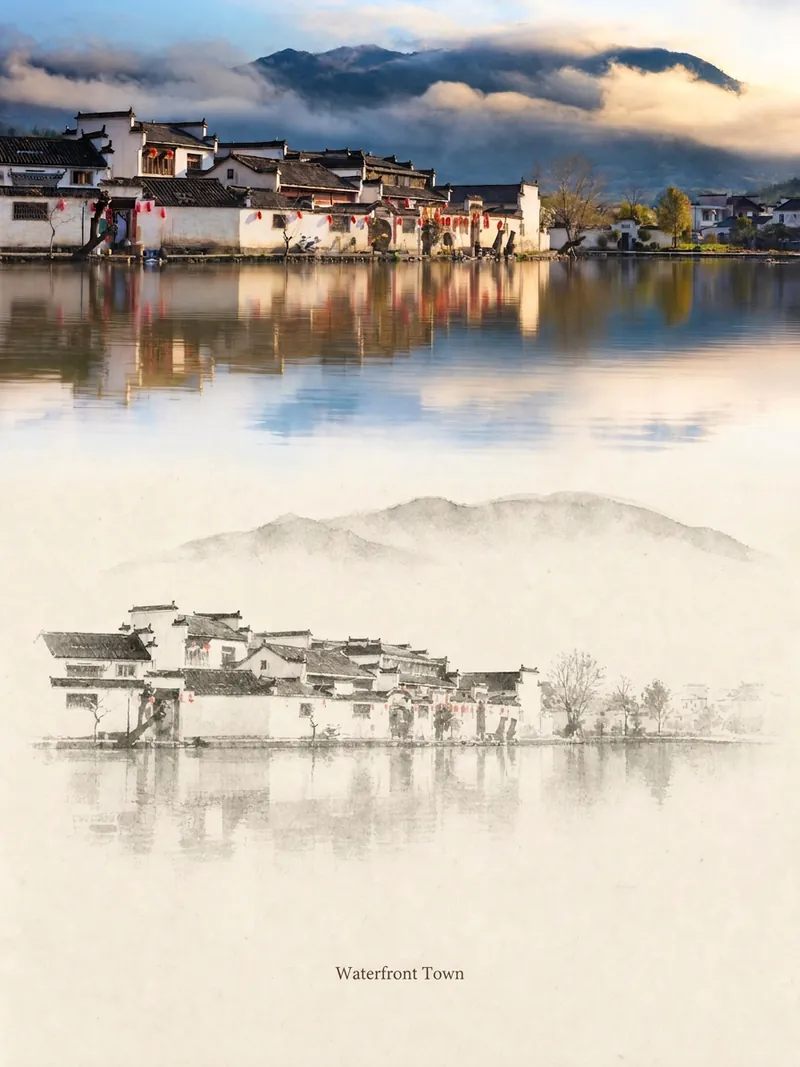 Image
ImageRelic Art
Transform a real photo into a vertical "relic art" poster that blends documentary value with artistic expression: the upper part keeps the original photograph untouched, while the lower part uses warm paper or restrained light and shadow to compress a memory-derived graphic from the image. It's not a typical illustration or decorative poster; instead, it uses sparse ink blocks, softened edges, white-space cuts, and sparse lines to distill architectural, urban, water, road, human-scale, horizon, and light-shadow relationships, so the subject remains recognizable even in thumbnails. The overall feel is quiet, restrained, and like a modern print. Colors are taken from the source photo, primarily deep blue, ink black, gray-green, stone, or low-saturation warm tones, with a small warm accent added when fitting. The title is kept very small, poetic, and similar to an exhibition label, never overwhelming. This is suitable for minimalist art posters, photographic relic series, architectural and urban image posters, abstract editorial photography, gallery-style photo covers, and visual series for mobile platforms like Douyin. The final output preserves the authentic content of the original photo while adding a consistent "memory imprint" below, giving each photo its own mood and an expandable visual identity.
 Image
ImageCharacter Foundry
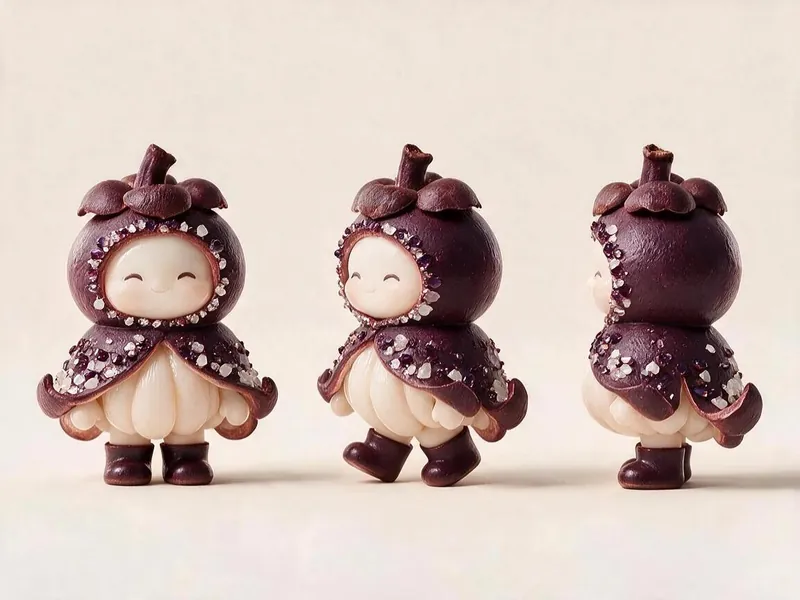
For 'Fruit Microcosm', generate character cards and three-view image prompts that meet all the project's visual specifications, then render the images and self-check against a checklist. Using this skill can help reasonably avoid wasting credits during the image generation process.
 Image
ImageLittle Box | Insight Sketches
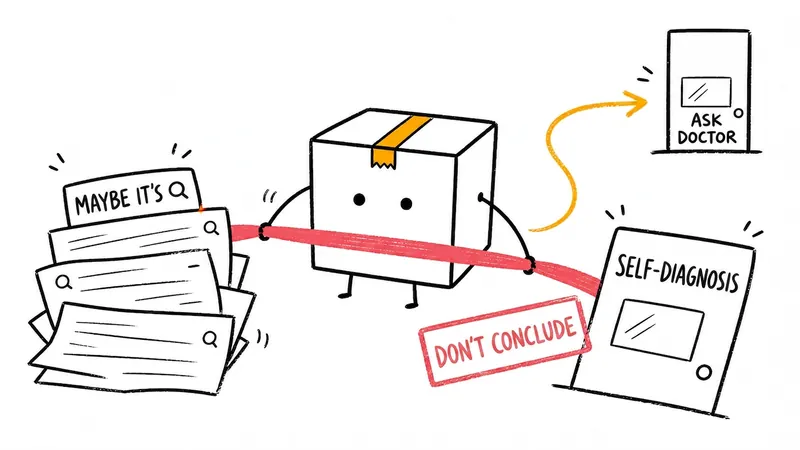
Turn abstract ideas into hand-drawn Little Box illustrations that explain the content. Suitable for articles, blogs, product thinking, AI workflows, methodologies, and knowledge notes. The Little Box always stays closed and personally performs core actions such as collecting, filtering, organizing, repairing, or handing off.
Profile Banner Creator
Description
Recommended by
nene@YouMind
Why we love this skill
This skill excels at transforming complex information into high-density archive-style visual infographics, like a detective's case board. It simulates physical document textures, clever layouts, and rich details, presenting data, brand, and technical parameters in modular form, ideal for clearly organizing extensive professional knowledge.
Create personal homepages and profiles.
Related Skills
View allImageRelic Art
Transform a real photo into a vertical "relic art" poster that blends documentary value with artistic expression: the upper part keeps the original photograph untouched, while the lower part uses warm paper or restrained light and shadow to compress a memory-derived graphic from the image. It's not a typical illustration or decorative poster; instead, it uses sparse ink blocks, softened edges, white-space cuts, and sparse lines to distill architectural, urban, water, road, human-scale, horizon, and light-shadow relationships, so the subject remains recognizable even in thumbnails. The overall feel is quiet, restrained, and like a modern print. Colors are taken from the source photo, primarily deep blue, ink black, gray-green, stone, or low-saturation warm tones, with a small warm accent added when fitting. The title is kept very small, poetic, and similar to an exhibition label, never overwhelming. This is suitable for minimalist art posters, photographic relic series, architectural and urban image posters, abstract editorial photography, gallery-style photo covers, and visual series for mobile platforms like Douyin. The final output preserves the authentic content of the original photo while adding a consistent "memory imprint" below, giving each photo its own mood and an expandable visual identity.
ImageCharacter Foundry
For 'Fruit Microcosm', generate character cards and three-view image prompts that meet all the project's visual specifications, then render the images and self-check against a checklist. Using this skill can help reasonably avoid wasting credits during the image generation process.
ImageLittle Box | Insight Sketches
Turn abstract ideas into hand-drawn Little Box illustrations that explain the content. Suitable for articles, blogs, product thinking, AI workflows, methodologies, and knowledge notes. The Little Box always stays closed and personally performs core actions such as collecting, filtering, organizing, repairing, or handing off.
Find your next favorite skill
Explore more curated AI skills for research, creation, and everyday work.