🦞OpenClaw Themed Twitter Cover
Instructions
Following the style of the reference image, draw a cover image with a 5:2 aspect ratio, placing the lobster logo in the right quarter of the image.
Keep the lobster logo as the main image, with the text occupying 3/4 of the screen.
If the user does not provide text, the title will be generated after the user provides a text title.
Description
Recommended by
nene@YouMind
Why we love this skill
Designed for the OpenClaw theme, this skill generates 5:2 Twitter/WeChat covers with the lobster logo on the right and ample text space, ensuring clear brand visibility for a professional social media image.
Created specifically for OpenClaw tutorials.
Related Skills
View all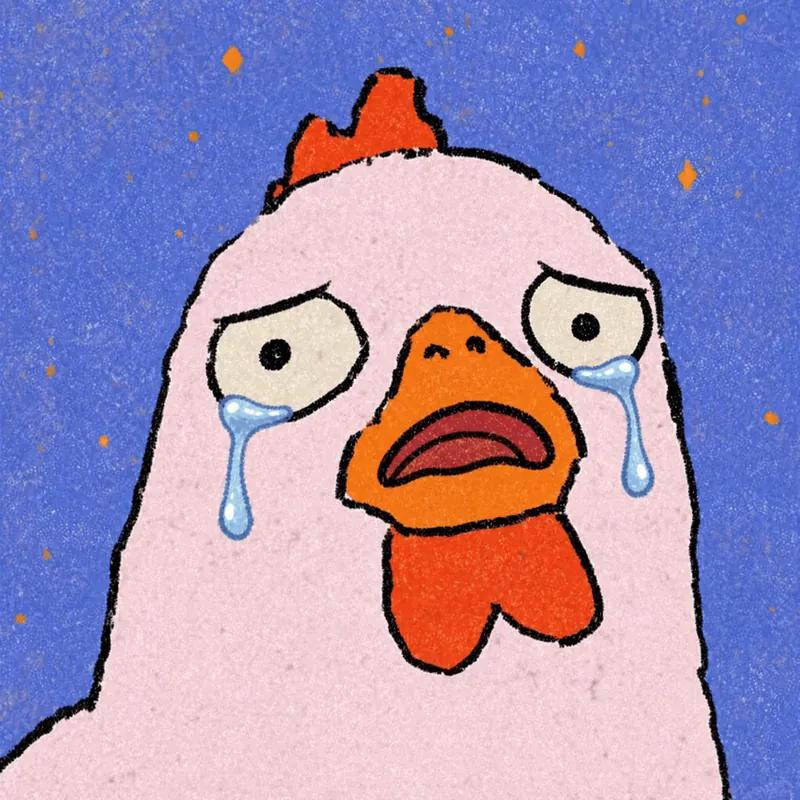
Photo to GIF Emoji
Turn an image or reference GIF into a natural, seamless GIF emoji or sticker. The number of key images depends on the complexity of the action. After you confirm the keyframe visuals, the skill uses the YouMind desktop app to compile the animated GIF. ⚠️ Requires the YouMind desktop app.
 Image
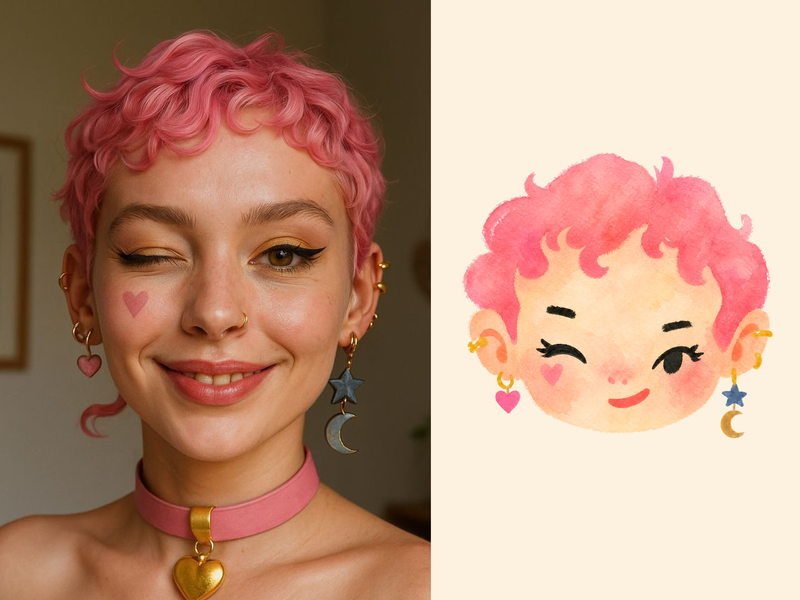
ImageNaive Doodle Avatar
Turn a portrait, appearance description, or creative character idea into a distinctive naive doodle fashion-chibi avatar with a childlike yet cool editorial feel. The style emphasizes bold graphic hair shapes, rough marker or dry-brush edges, restrained watercolor-like color, and a clean white or warm-white background. Real photos guide recognizable cues such as hairstyle silhouette, face shape, expression, and attached accessories while remaining clearly transformed into an illustrated avatar rather than a realistic likeness. You can also start with a set of fresh fictional avatars when you want random inspiration instead of a photo-based transformation. The result stays flat, expressive, and fashion-forward, avoiding photographic skin, 3D rendering, heavy shading, detailed anatomy, distracting backgrounds, text, and watermarks.
 Image
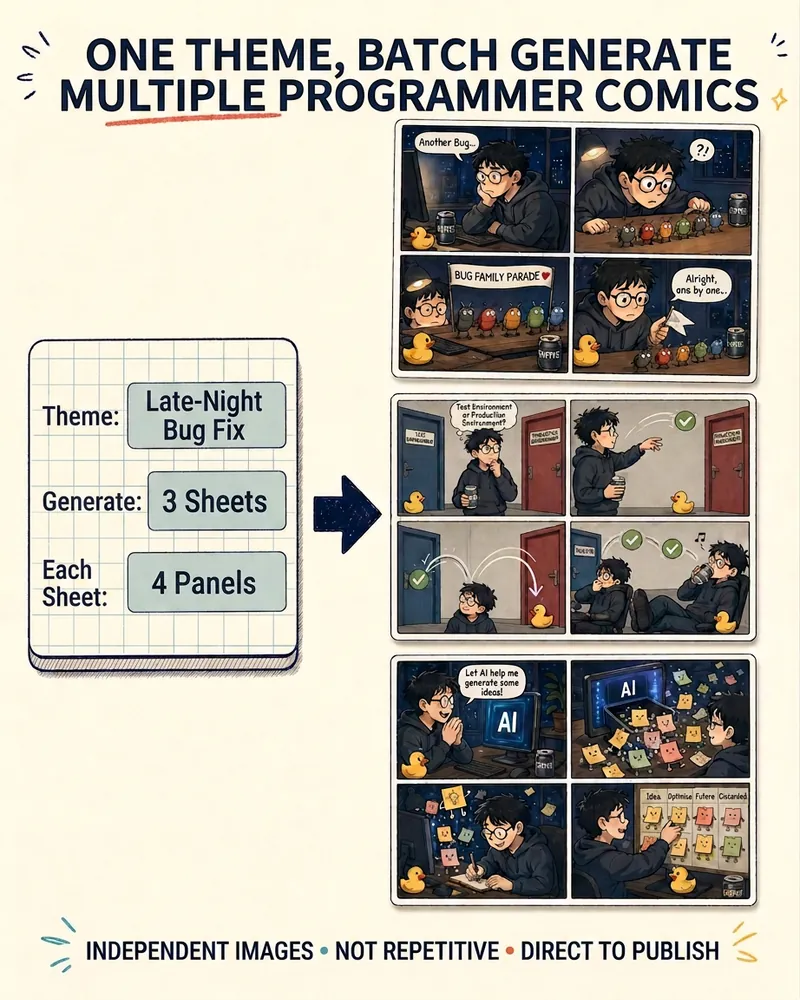
ImageProgrammer Comic Generator
Turn a technical topic into multiple shareable programmer comics. Just tell me the “topic, number of comics, and panels per comic” to get several standalone stories: different errors, different absurd metaphors, and different twists—not collages or repeated content with only the title changed. Supports 3-, 4-, 6-, and 8-panel comics; by default, the same main character appears across the series, but you can also switch characters for each comic. No need to upload code or internal screenshots—just leave a single de-identified workplace moment.
🦞OpenClaw Themed Twitter Cover
Instructions
Following the style of the reference image, draw a cover image with a 5:2 aspect ratio, placing the lobster logo in the right quarter of the image.
Keep the lobster logo as the main image, with the text occupying 3/4 of the screen.
If the user does not provide text, the title will be generated after the user provides a text title.
Description
Recommended by
nene@YouMind
Why we love this skill
Designed for the OpenClaw theme, this skill generates 5:2 Twitter/WeChat covers with the lobster logo on the right and ample text space, ensuring clear brand visibility for a professional social media image.
Created specifically for OpenClaw tutorials.
Related Skills
View allPhoto to GIF Emoji
Turn an image or reference GIF into a natural, seamless GIF emoji or sticker. The number of key images depends on the complexity of the action. After you confirm the keyframe visuals, the skill uses the YouMind desktop app to compile the animated GIF. ⚠️ Requires the YouMind desktop app.
ImageNaive Doodle Avatar
Turn a portrait, appearance description, or creative character idea into a distinctive naive doodle fashion-chibi avatar with a childlike yet cool editorial feel. The style emphasizes bold graphic hair shapes, rough marker or dry-brush edges, restrained watercolor-like color, and a clean white or warm-white background. Real photos guide recognizable cues such as hairstyle silhouette, face shape, expression, and attached accessories while remaining clearly transformed into an illustrated avatar rather than a realistic likeness. You can also start with a set of fresh fictional avatars when you want random inspiration instead of a photo-based transformation. The result stays flat, expressive, and fashion-forward, avoiding photographic skin, 3D rendering, heavy shading, detailed anatomy, distracting backgrounds, text, and watermarks.
ImageProgrammer Comic Generator
Turn a technical topic into multiple shareable programmer comics. Just tell me the “topic, number of comics, and panels per comic” to get several standalone stories: different errors, different absurd metaphors, and different twists—not collages or repeated content with only the title changed. Supports 3-, 4-, 6-, and 8-panel comics; by default, the same main character appears across the series, but you can also switch characters for each comic. No need to upload code or internal screenshots—just leave a single de-identified workplace moment.
Find your next favorite skill
Explore more curated AI skills for research, creation, and everyday work.