
Black-and-White Stick Figures
3 B&W stick figures 16:9 for Chinese articles
Black-and-White Stick Figures
3 B&W stick figures 16:9 for Chinese articles
Showcase
Description
By default, it generates three 16:9 illustrations on a white background. If you only need an illustration plan or a different quantity, please specify.
Recommended by
Dancang
Why we love this skill
Transforms abstract concepts into minimalist B&W stick figure narratives, using dynamic body language and white space to provide a distinctive visual anchor for in-depth articles.
Related Skills
View all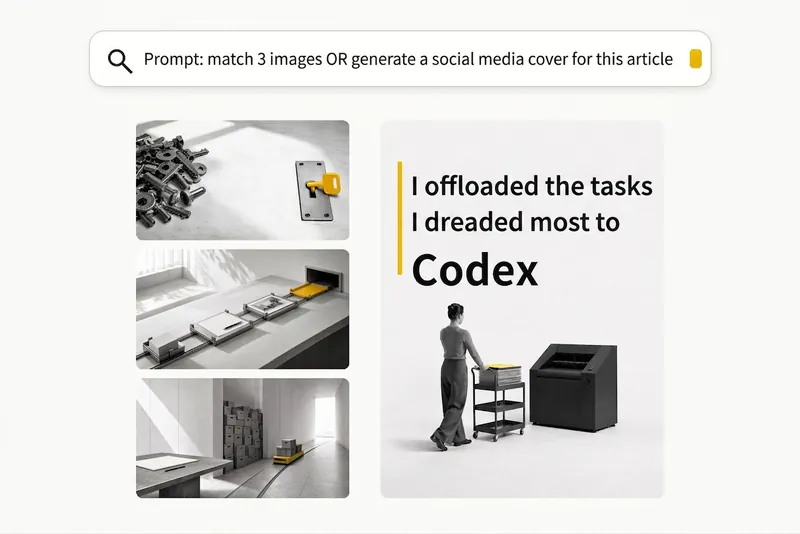 Image
ImageBlack-and-White Visuals
Create black, white, and gray visuals with small accents of yellow for WeChat Official Accounts, Zhihu, Xiaohongshu, Moments, profile pictures, and other platforms. Choose your preferred dimensions and generate 1–3 separate images per request. Images are text-free by default, with support for text-based Xiaohongshu covers. You can use it to: - Create three 16:9 text-free images for the article below: [paste article] - Turn “independent, calm, with a touch of loneliness” into a 1:1 profile picture. - Use this photo as a reference to generate a 3:4 refined black-and-white visual. - Generate a 3:4 Xiaohongshu cover with text titled: “At What Age Did Children in Ancient China Start School?”
 Image
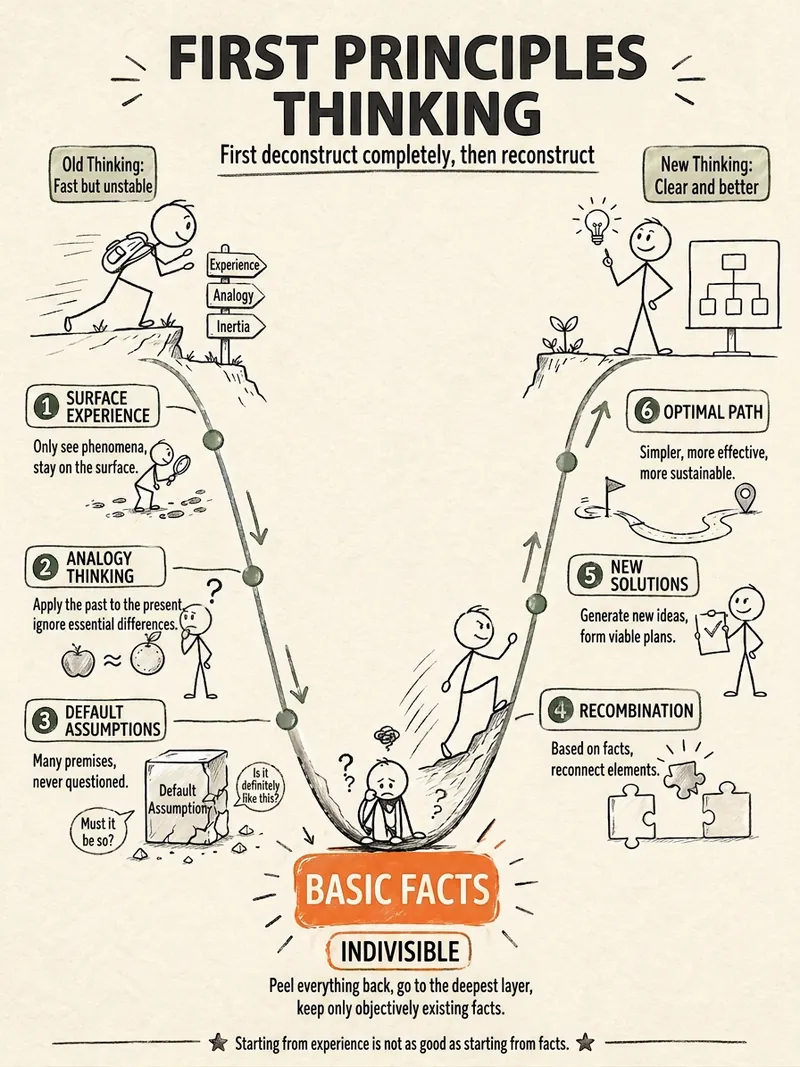
ImageStick Figure Explainer
Turn complex concepts, abstract theories, lengthy processes, notes, business analyses, or growth stories into prompts for vertical knowledge cards, infographics, and hand-drawn explainers optimized for GPT-Image 2. Whether you’re organizing a process, comparing before and after, analyzing causes, categorizing knowledge, or telling a story of growth from a low point to a breakthrough, it distills the key takeaway and matches it with a suitable composition, visual metaphor, and reading flow—making the content easier to understand and remember at a glance. You’ll receive a Chinese card structure guide and visual system recommendations covering composition, hand-drawn style, color philosophy, and typographic character, along with a ready-to-copy English image-generation Prompt. The default canvas is a 3:4 vertical format, suitable for knowledge cards, Xiaohongshu cards, vertical infographics, and posters. Depending on the topic, stick figures, simplified characters, or icons can be used to show states, actions, and emotions, while keeping the number of information modules under control to avoid crowded visuals, text that is too small, or scattered emphasis. It’s ideal for quickly turning reading notes, frameworks, workplace skills, psychology and personal growth topics, business insights, product workflows, and complex concepts into clear, narrative-driven, actionable visual content.
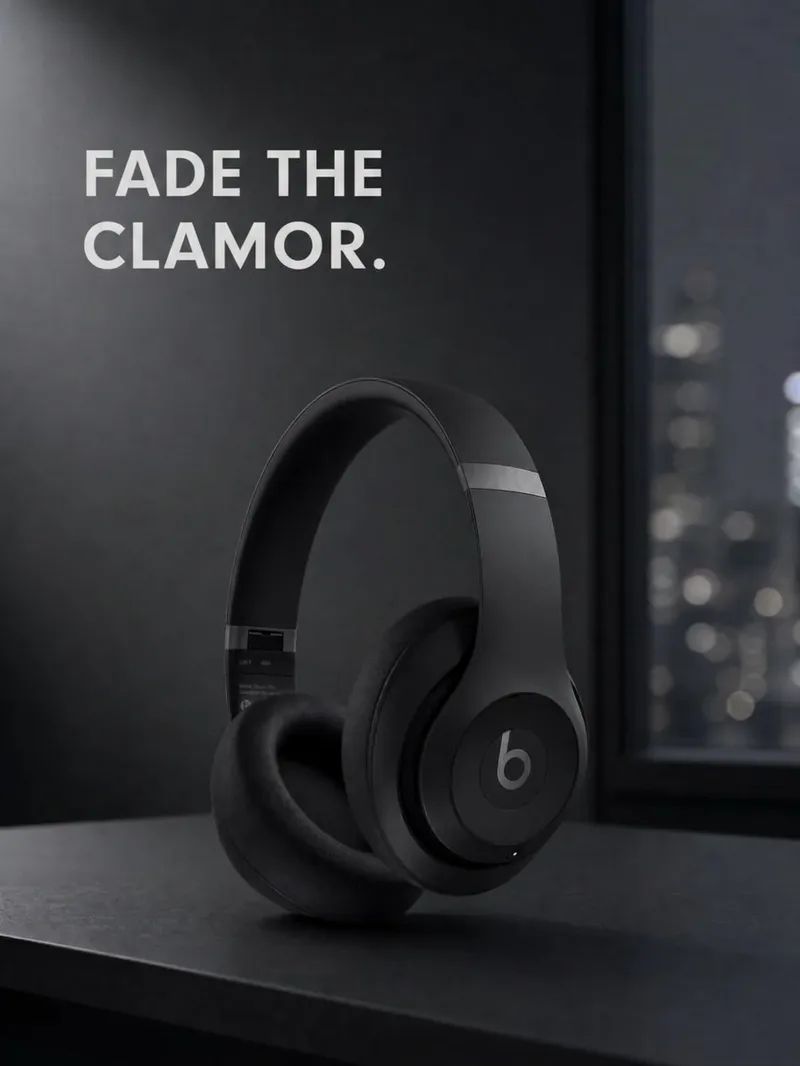
Product Ad Three-Image Studio
Upload a clear product photo and its exact name. First, choose a visual direction, then create a consistent product hero image, usage scene image, and feature image—three separate 3:4 portrait images by default. Ideal for small brands, e-commerce shop owners, and brand content creators. Preserve the product’s colors, proportions, packaging, key structures, and readable labels. Use only confirmed facts for its selling points. All three images share the same brand guidelines and include corresponding copy, a product consistency check, and a reusable profile. Image generation requires an environment that supports reference-image editing and uses the corresponding generation credits. Confirm the direction and image count first; additional generations require confirmation. Perfect reproduction is not guaranteed. If capabilities are insufficient, deliver clearly labeled planning and prompts rather than pretending images were generated. Try it directly: three mug images in a desktop setting, three storage-box images in lifestyle scenes, or three branded food-packaging images. Does not include ad placement, product listing, or video.
Information
- Version
- v5
- Last updated
- Runtime credits
- Usage-based
- Models
- GPT Image 2
