
Burn-After-Reading Note Pro
Create self-destructing private pages without servers
Burn-After-Reading Note Pro
Create self-destructing private pages without servers
Showcase
Description
Generate a client-side, offline-capable "Burn-After-Reading" private note page. Write a message to create a self-contained link where all secret data lives in the URL hash and local browser storage without touching any servers or making network requests. Once opened, unlocked, and read by the recipient, the content automatically destroys itself and cannot be viewed again. It supports reading passwords, destruction duration, expiration time, and a hint message. Ideal for sharing one-time private information such as temporary passwords, addresses, or private notes meant for a single viewing. Includes six self-checks and usage boundaries upon delivery.
Related Skills
View all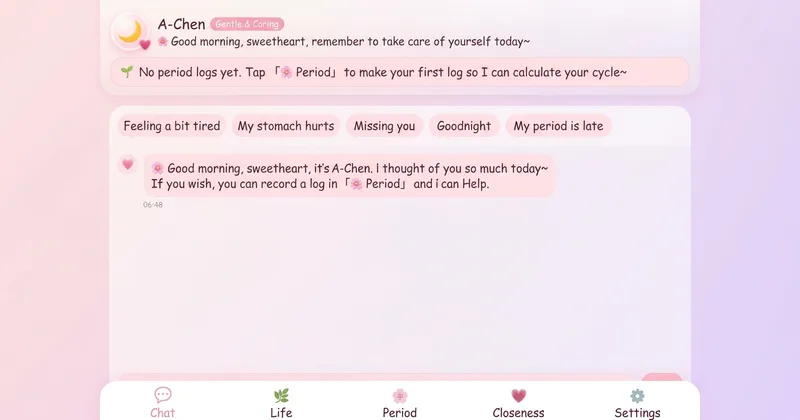 Webpage
Companion & Cycle Journal
Generate a purely frontend companion web page that stores all data locally on your device: an interactive companion character, a journal for daily moods, a tracking dashboard that calculates cycles and sends reminders for delays, and a relationship log organized by contact ID (including meetings, stays, intimacy, and protection details). Features five tabs in a single offline-capable file with JSON backup export.
 Webpage
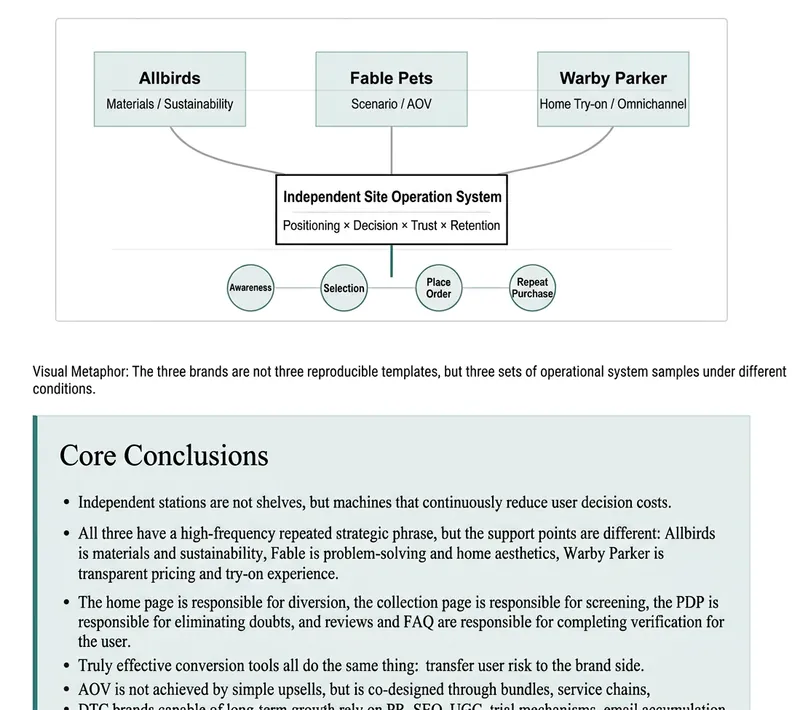
To be PDF
Converts reference content—such as articles, reports, notes, Markdown, and text extracted from PDFs—into A4 print-ready single-file HTML. It adaptively selects accent colors based on the content theme, embeds semantic, minimalist hand-drawn SVG line art, automatically fixes printing issues like blank pages, widows, and element truncation when exporting PDF, and opens the result directly in a canvas panel in the final step. Users can browse, print, or export PDF without copying and pasting code.
 Research
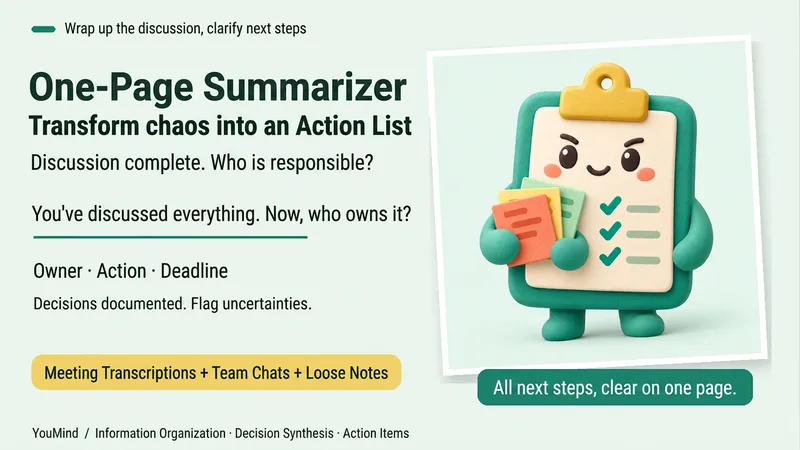
One-Page Action Planner
The meeting is over, the chat has filled several screens, yet nothing is moving forward. Bring in meeting transcripts, chat logs, scattered notes, or multiple documents, and the One-Page Action Planner will organize them into one page: the current situation, decided items, blockers, and who will do what next—and when. Each action includes an owner, timing, status, and source. Agreed decisions are preserved, personal suggestions are marked separately, and conflicting information or missing owners and dates are labeled “To confirm.” It will not make decisions for the team just to fill in a table. Useful for post-meeting follow-up, project handoffs, organizing multiple sources, and personal planning. It ends by highlighting one question that most urgently needs confirmation, making the next step clearer. Supports text and attachments, screenshots, audio transcripts, and links that the current platform can read; when something cannot be read, it will say so clearly. “One page” refers to a compact reading structure; the actual length varies with the complexity of the materials.
Information
- Version
- v2
- Last updated
- Runtime credits
- Usage-based
- Models
- Auto
