
Canvas Animation to MP4
Record web Canvas animations into MP4 frame by frame
Canvas Animation to MP4
Record web Canvas animations into MP4 frame by frame
Showcase
Description
Convert web-based Canvas, SVG, or CSS animations into publishable MP4 videos frame by frame. Choose from various aspect ratios (16:9, 9:16, 1:1, 4:5) and resolutions (720p to 4K) as needed, with frame rates between 24 and 60 fps, automatic hiding of mouse pointers and interactive controls, and full preservation of subtitles, chapter navigation, progress bars, and original background music. You can also provide just a description to first generate a self-contained animation page, then export it using the same recording specifications. At runtime, capability pre-checks are performed: when headless frame-by-frame rendering and ffmpeg are supported, a finished video is produced directly and validated step-by-step; under low-resource rendering constraints, a review version is produced first; and when local rendering is unavailable, recordable pages, rendering scripts, and timeline manifests are delivered with clear notice that the MP4 was not exported, avoiding any false claims of a finished video.
Related Skills
View all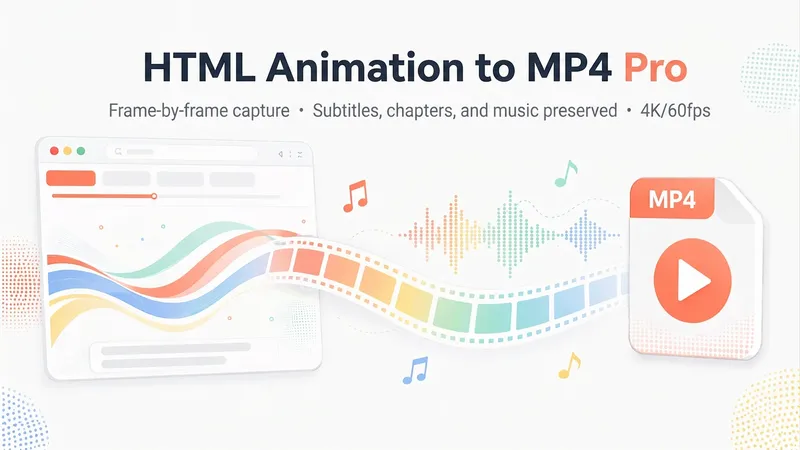 Video
VideoHTML Animation to MP4 Pro
Convert HTML Canvas animation webpages into high-quality MP4 videos. Choose your aspect ratio (16:9/9:16) and resolution (4K/2K/1080p/720p), while fully preserving subtitles, chapter navigation, and the progress bar. Interactive controls are hidden, and the original page’s programmatically generated soundtrack is retained. When connected to the desktop app, rendering is frame-accurate with audio-video synchronization at the frame level; without a connection, a simplified cloud-based recreation is provided. This example was exported in 16:9 landscape using local precision mode.
 Video
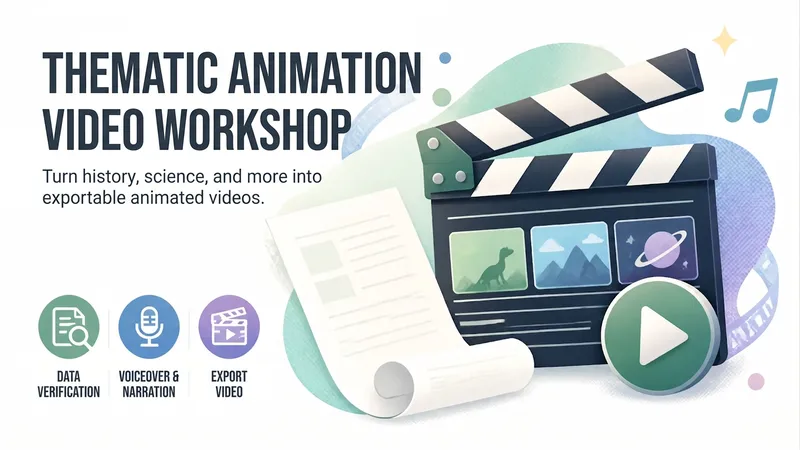
VideoAnimated Video Studio
Enter any topic and choose from 16 animation styles. It automatically handles fact-checking, scene-by-scene scripting, voiceover narration, visual assets, and an animated web page to create a 3–10 minute animated video with subtitles and music. It also includes “Export MP4” for direct downloads. Optimized for Opus 5.5.
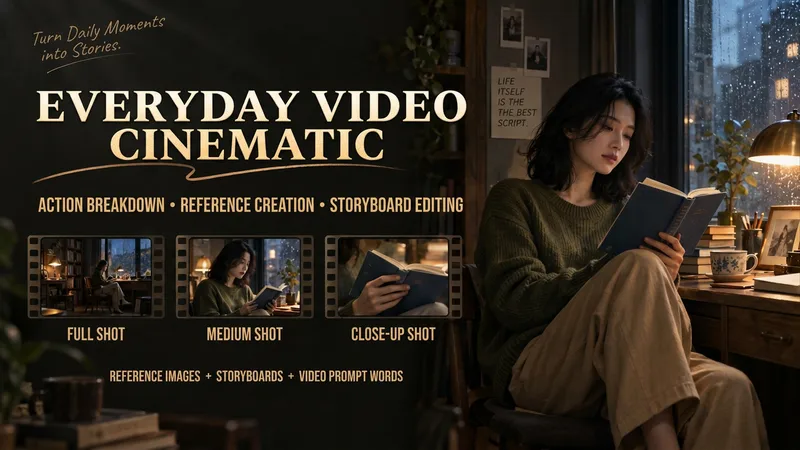
Make Everyday Video Cinematic
Provide everyday footage, ordered keyframes, or action descriptions, and tell it the mood you want. The basic deliverables are an event chain, cinematic storyboard, reference-material mapping, platform-neutral video-generation prompts, and review notes. Reading the original video, creating reference images, and generating the finished video continue according to the tools supported in the current environment. This version has not yet been fully tested with complete tasks in YouMind. The Skill first separates confirmed visual information, user-provided details, and unknown elements. It organizes the people, settings, and key objects, then redesigns the shots, pacing, lighting, and color. When it cannot read the footage, it guides you to provide keyframes and action descriptions. It focuses on checking whether people change appearance, whether extra props appear, whether action cause and effect is altered, and whether positions still connect after a cut. It is suited to everyday creators who want to give life moments, pet stories, and small shop stories a stronger narrative feel. When the environment supports image generation, it directly creates and checks reference images. When it supports a video-generation tool with the relevant reference inputs, it can continue to generate and review a short clip. Without the corresponding tools, it clearly delivers the completed plan and materials for external generation. Actual image and video generation capabilities, available parameters, and resource usage depend on the current environment.
Information
- Version
- v2
- Last updated
- Runtime credits
- Usage-based
- Models
- Auto
- Use cases
- Images & designWeb creationVideo & audio
- What you get
- WebpageVideoScript
