HTML Animation to MP4 Pro
Frame-accurate MP4 with captions and audio
HTML Animation to MP4 Pro
Frame-accurate MP4 with captions and audio
Showcase
Description
Convert HTML Canvas animation pages into high-quality MP4 videos. Choose the aspect ratio (16:9 or 9:16) and resolution (4K, 2K, 1080p, or 720p) as needed. Captions, chapter navigation, and the progress bar are preserved, while interactive controls are hidden. The page’s original programmatically composed soundtrack is retained. When connected to the desktop app, frames are rendered precisely with frame-level audio-video synchronization; without a connection, a simplified cloud-based recreation is provided. This example was exported in 16:9 landscape format using local precise mode.
Recommended by
淡苍
Why we love this skill
Accurately recreates Canvas, DOM captions and chapters, and generative music in distributable MP4 files. Frame-by-frame rendering keeps audio and video synchronized while validating native canvas dimensions, fonts, navigation, and overlays to prevent blank space, font substitution, and missing captions.
Related Skills
View all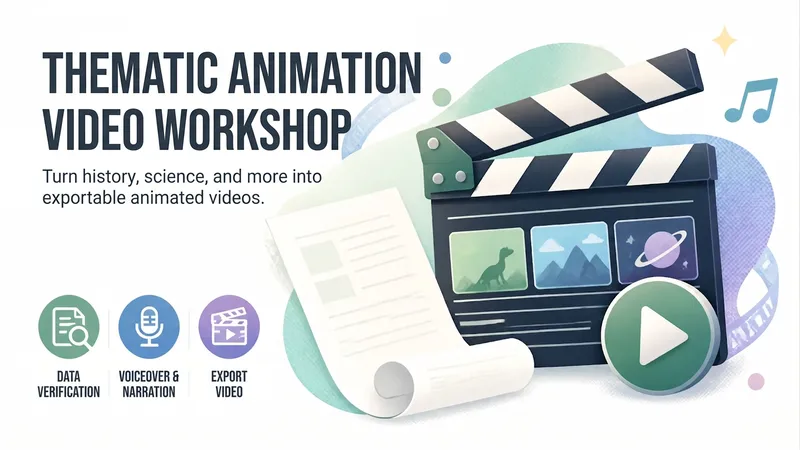
Animated Video Studio
Enter any topic, choose from 16 animation styles, and automatically complete research verification, a scene-by-scene script, voice-over narration, visual assets, and an animated webpage. Generate a 3–10 minute animated video with subtitles and background music, with built-in 「Export MP4」 for direct download. Optimized for Opus 5.5.
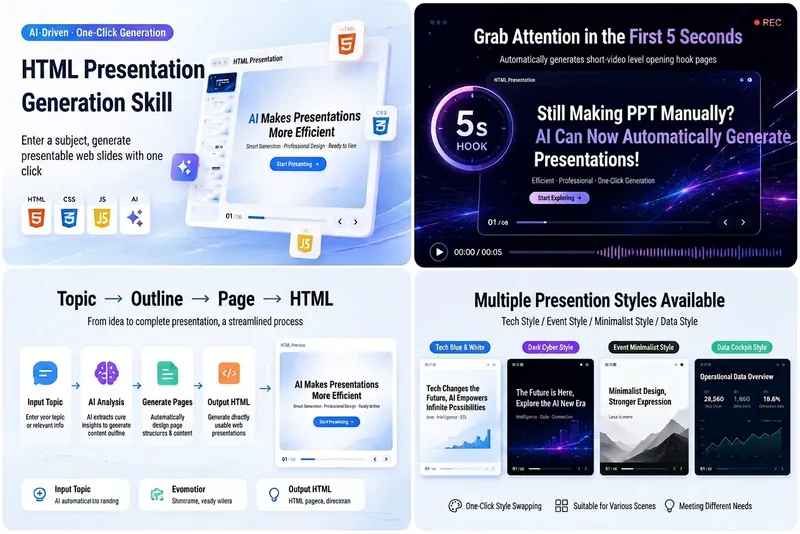
HTML Slides Generator
Easily turn your ideas, materials, or scripts into professional-grade HTML slides, designed for screen recording and pitch presentations. Whether you need AI tech sharing for platforms like Douyin, WeChat Video Channel, Xiaohongshu, or Bilibili, or product pitches, course demos, or business reports, this tool helps you quickly generate a visually refined, well-structured web slideshow. It automatically builds a complete slide structure, including an eye-catching opening hook in the first 5 seconds, titles and body text for each page, along with visual design suggestions. You'll get a standalone `index.html` file containing HTML, CSS, and JavaScript, supporting keyboard navigation, button navigation, progress bar, page numbers, and animations—perfectly optimized for 16:9 landscape screen recording. From AI tech blue-white to dark cyberpunk, to Apple keynote or Notion minimal style, you can choose or customize the visual theme to match your topic. Each slide is carefully designed to keep the content focused and easy to understand, with a reserved safe area in the lower right corner for video commentary, making your presentation more expressive and professional.
 Webpage
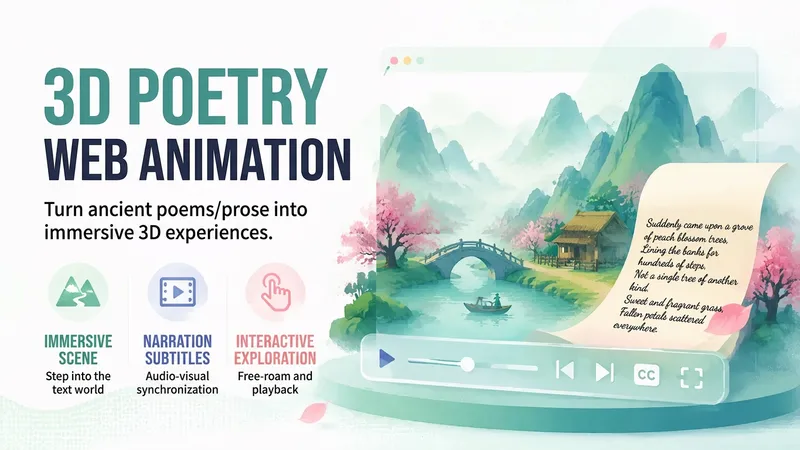
3D Poetry Web Animation
Turn a classical poem, prose excerpt, or literary scene into an immersive 3D web animation that lets viewers step into the text. The result is an interactive HTML/CSS/JavaScript + Three.js page that opens directly in a browser, with scenes, camera shots, subtitles, and optional narration organized around the original text’s narrative order, spatial relationships, and emotional structure. It is refined with an engineering pass covering file size, audio synchronization, performance, and fallback behavior, followed by self-checks and acceptance testing. The result can also be screen-recorded as a video. Suitable for web adaptations in the style of “The Peach Blossom Spring,” 3D interpretations of classical poetry and prose, and literary short films with narration and subtitles.
Information
- Version
- v7
- Last updated
- Runtime credits
- Usage-based
- Models
- Auto
