Sticker & Emoji Workshop
Design cohesive sticker packs for characters
Sticker & Emoji Workshop
Design cohesive sticker packs for characters
Showcase
Description
Create style-consistent chat sticker packs for characters, animals, objects, or reference images in YouMind: first review 4 sample images, then generate them one by one, archive them, and deliver the final manifest.
Recommended by
Dancang
Why we love this skill
Locks in character identity, style, and motion language with 4 samples before expanding into a full set. Uniquely translates chat reactions into readable physical actions while verifying consistency.
Best for
Ideal for creators and individuals who need to make cohesive chat sticker packs for characters, animals, items, or brand mascots.
How to use this Skill
Provide your input
Provide a character, animal, object, or reference image, and specify the sticker theme, style, and quantity. You can also directly describe the chat reactions you want to express.
Run the Skill
First, generate and review 4 sample images. Once the direction is confirmed, create the complete sticker pack piece by piece, and organize the final deliverables and inventory.
Review your result
Receive ready-to-use, style-consistent original chat sticker images along with a delivery manifest containing numbering, captions, and action details.
Related Skills
View all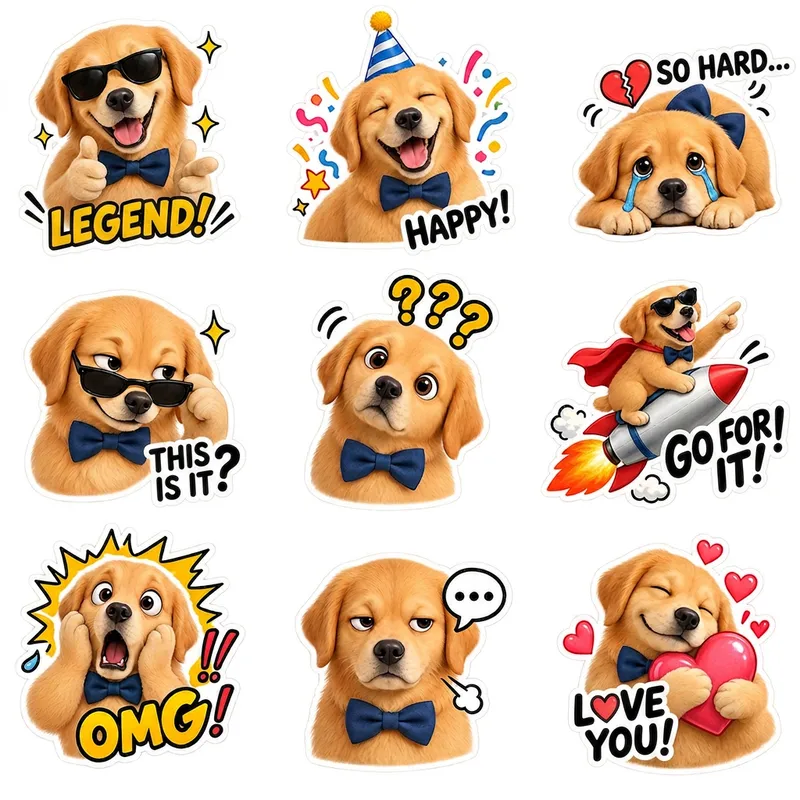 Image
Pet Emoji Grid Stickers
Turn an existing cute pet character into a coordinated set of ready-to-use emoji stickers on a transparent background. Simply provide a complete pet character profile or an existing character reference image, and generate 9 chibi-style pet stickers featuring emotions such as happiness, excitement, anger, sulking, affection, and spacing out. Each sticker has a clear expression, action, and pose, while preserving the character’s recognizable visual identity across different moods. By default, you’ll receive one 1:1 square PNG sheet containing 9 individual stickers arranged in a 3×3 grid. The final image retains a truly transparent background and Alpha channel, with no white, black, or green background. It also includes no dividing lines, grid borders, background color blocks, ground shadows, or emotion labels. The stickers are spaced generously for use in chat, social sharing, content illustrations, and pet merchandise design. The character’s species, fur color, face shape, body type, accessories, and overall art style follow the original design rather than being redesigned as a similar but different pet. For more flexible sending, layout, or further editing, you can also generate 9 separate transparent PNG stickers, each retaining a consistent visual style and white outline.
 Image
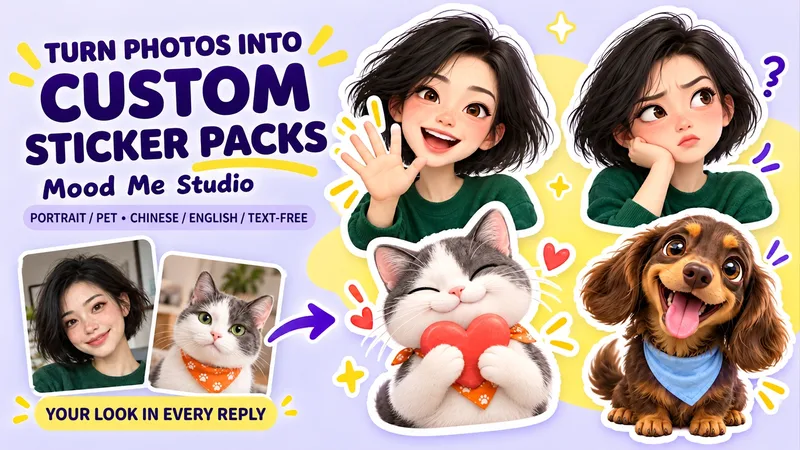
Photo to Reaction Stickers
Upload a portrait or pet photo and turn it into a custom reaction sticker sheet. Choose 6, 9, or 12 expressions, with natural Chinese or English captions—or no text. Keep the face, hairstyle, coat colors and signature markings that make the character yours. Choose soft 3D, marker-comic or soft-clay styling, then create a coordinated sheet of everyday reactions. Try: Turn my pet photo into six soft 3D reaction stickers: delighted, unimpressed, surprised, affectionate, sleepy and proud. No captions.
 Image
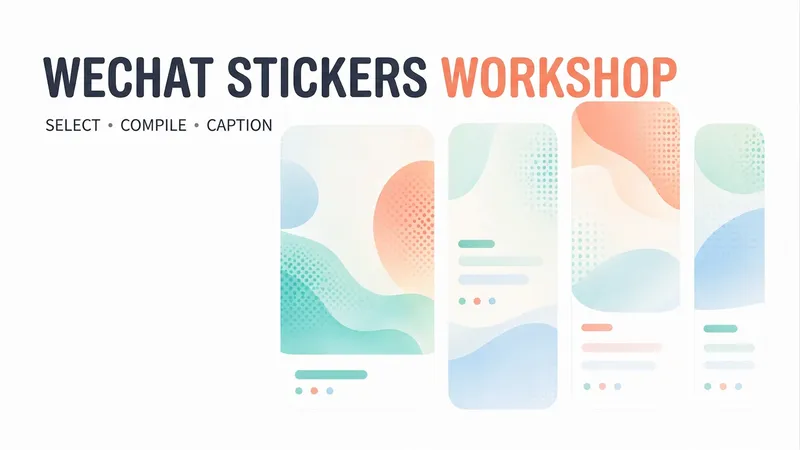
WeChat Post Card Studio
Want to create WeChat visual content but not sure how to combine topic selection, copywriting, and layout? Enter a topic, a note, or reference material, and WeChat Post Card Studio will organize the content, design the visuals, and create an original visual post set optimized for mobile reading. Core features: • Topic planning: Refine broad directions into specific content angles. • Visual set generation: By default, four standalone images—a cover, two content cards, and a summary card. • Multiple styles: Warm white hand-drawn, clean knowledge cards, and humorous comics. • Series consistency: Keep the colors, fonts, characters, and reading rhythm consistent. • Reference design: Analyze general characteristics of a reference image and recreate the content and layout. • Publishing support: Provide three title options, a short caption, natural engagement questions, and page-by-page copy. • Targeted revisions: Adjust the text, colors, or visuals as requested. Suitable for creators focused on everyday observations, emotional expression, workplace communication, practical checklists, and accessible knowledge. By default, it generates a cover preview first and continues with the full set after confirmation. You can also explicitly request all images at once. The default format is 3:4 portrait and can be adjusted to fit your publishing needs. AI-generated text, facts, and images still require human review. Image generation, search, and output dimensions depend on the capabilities available on your account. No guarantees are made regarding traffic, follower growth, or revenue, and content is not automatically published to WeChat.
Information
- Version
- v3
- Last updated
- Runtime credits
- Usage-based
- Models
- Auto
- Use cases
- Images & design
- What you get
- DocumentImage
- Visual styles
- CartoonFlatPaper art
