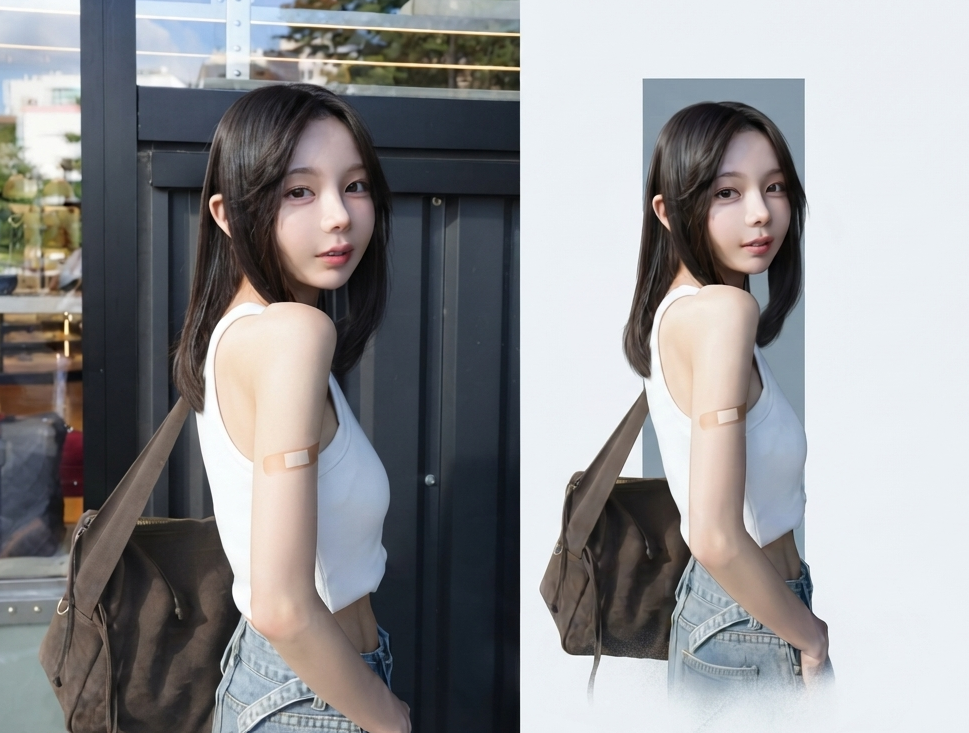
One-Click Editorial Poster
Turn photos into split-screen editorial posters
One-Click Editorial Poster
Turn photos into split-screen editorial posters
Showcase
Description
Upload one or more photos, and automatically generate a sophisticated editorial-style poster for each photo, with the left half showing the original image and the right half featuring a narrative reconstruction with a key color panel. By default, the poster uses a 4:3 landscape split-screen layout: the left side preserves the original photo, while the right distills its narrative subject and pairs it with a low-saturation geometric color panel extracted from the original image. The overall look is restrained, quiet, and spacious, with a magazine editorial style. You can switch to layouts such as 3:4, 1:1, or 9:16 as requested, with the two sections divided equally. Multiple photos are processed independently and are not combined.
Related Skills
View all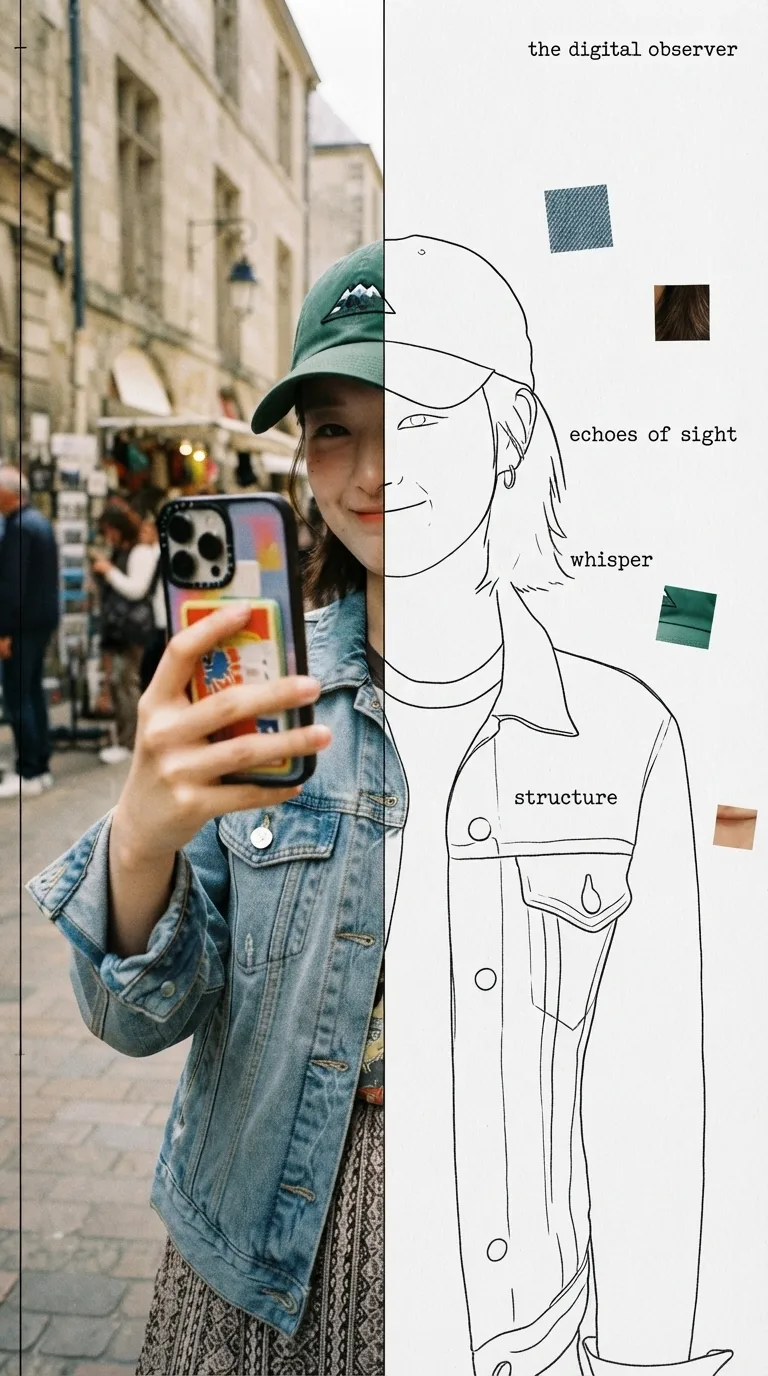 Image
ImageHalf Real, Half Outline
Upload a photo to automatically identify the subject and composition, then generate an experimental, specimen-style editorial poster with half a real color photo and half a hand-drawn outline on white paper: the photo area retains its true colors with reduced saturation and a film-grain feel; the white-paper mask area continues the shape of the obscured section with fine, hand-drawn black outline lines, along with 2–4 sensory or evocative keywords, 3–5 colored texture-fragment squares, a vertical binding line on the left, and a small poetic subtitle in the corner. Suitable for portraits, still lifes, animals, plants, and many other types of photos. By default, it follows the original image proportions without changing the aspect ratio, cropping, converting to black and white, or creating an infographic.
 Image
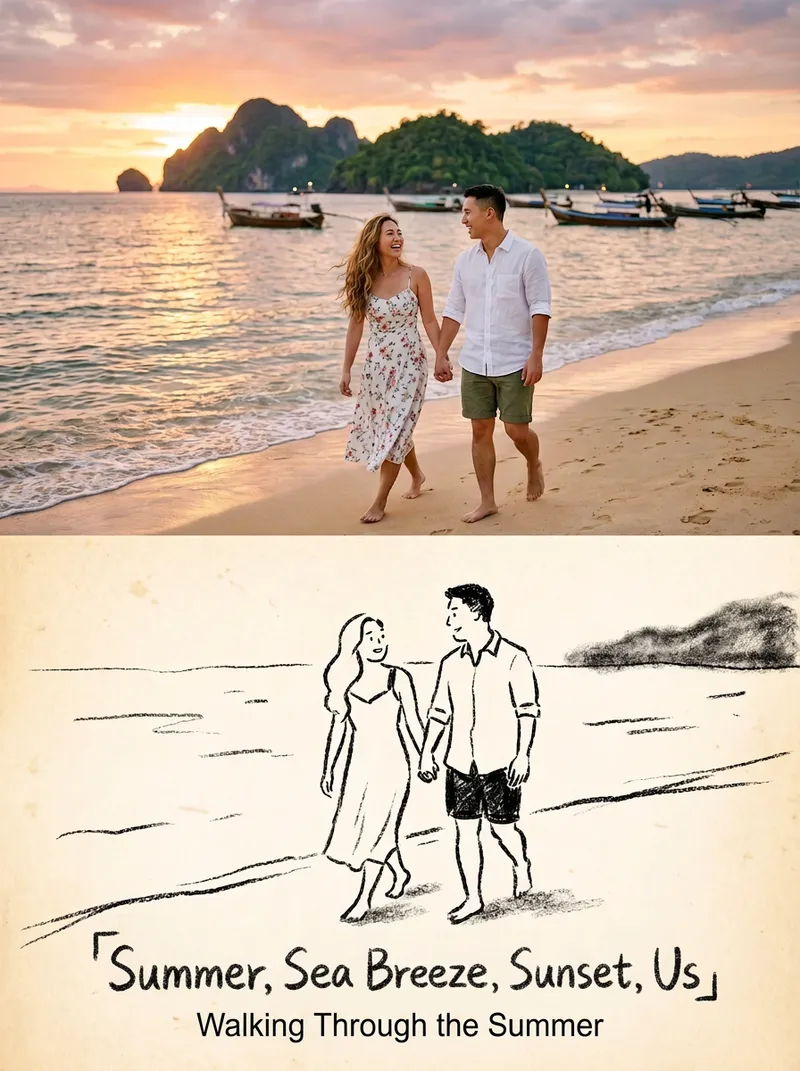
ImageStoryful Sketch Photo
Turn one or more photos into 3:4 editorial posters with a premium design: the upper half preserves the original photography, while the lower half becomes a black-and-white crayon sketch illustration. Each poster includes a restrained title and short line of text, with the language following your input. Ideal for turning everyday photos into magazine-style or vintage picture-book-inspired cover images. Each photo becomes its own poster; multiple photos are never combined into one scene.
 Image
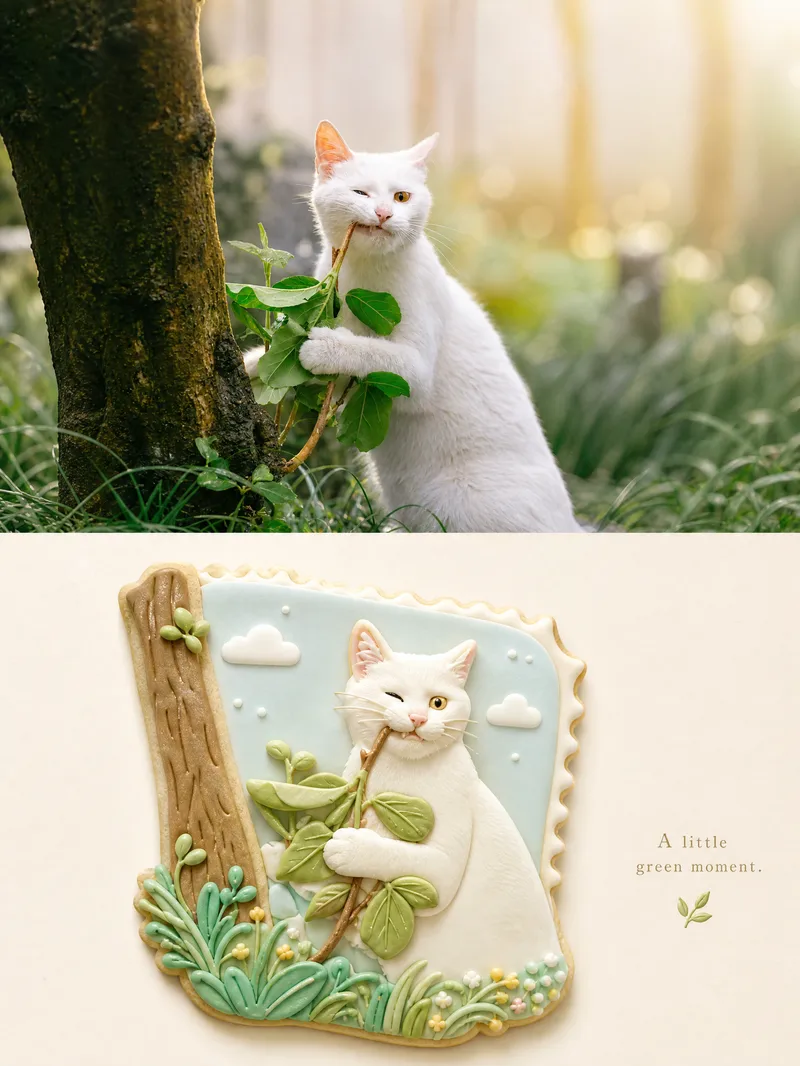
ImageSplit-Material Photo Poster
Upload one photo to create a premium 3:4 top-and-bottom split poster: the top half faithfully preserves the original photo with light color grading, while the bottom half uses semantic compression and visual metaphor to rebuild it as a complete, cohesive miniature bas-relief world in one unified material—such as frosted cookies, wool felt, layered paper cutouts, polymer clay, embroidery, stained glass, or mosaic tiles—or a material of your choice. By default, it outputs a single poster. You can change the material and the whitespace ratio: more whitespace creates a more collectible feel, while less whitespace is more eye-catching. When needed, lock the top half and color palette, replace only the material, and generate a series of “one poster a day” designs. Ideal for transforming ordinary photos into series-based visual content for covers, merchandise, and interior pages.
Information
- Version
- v3
- Last updated
- Runtime credits
- Usage-based
- Models
- Auto
