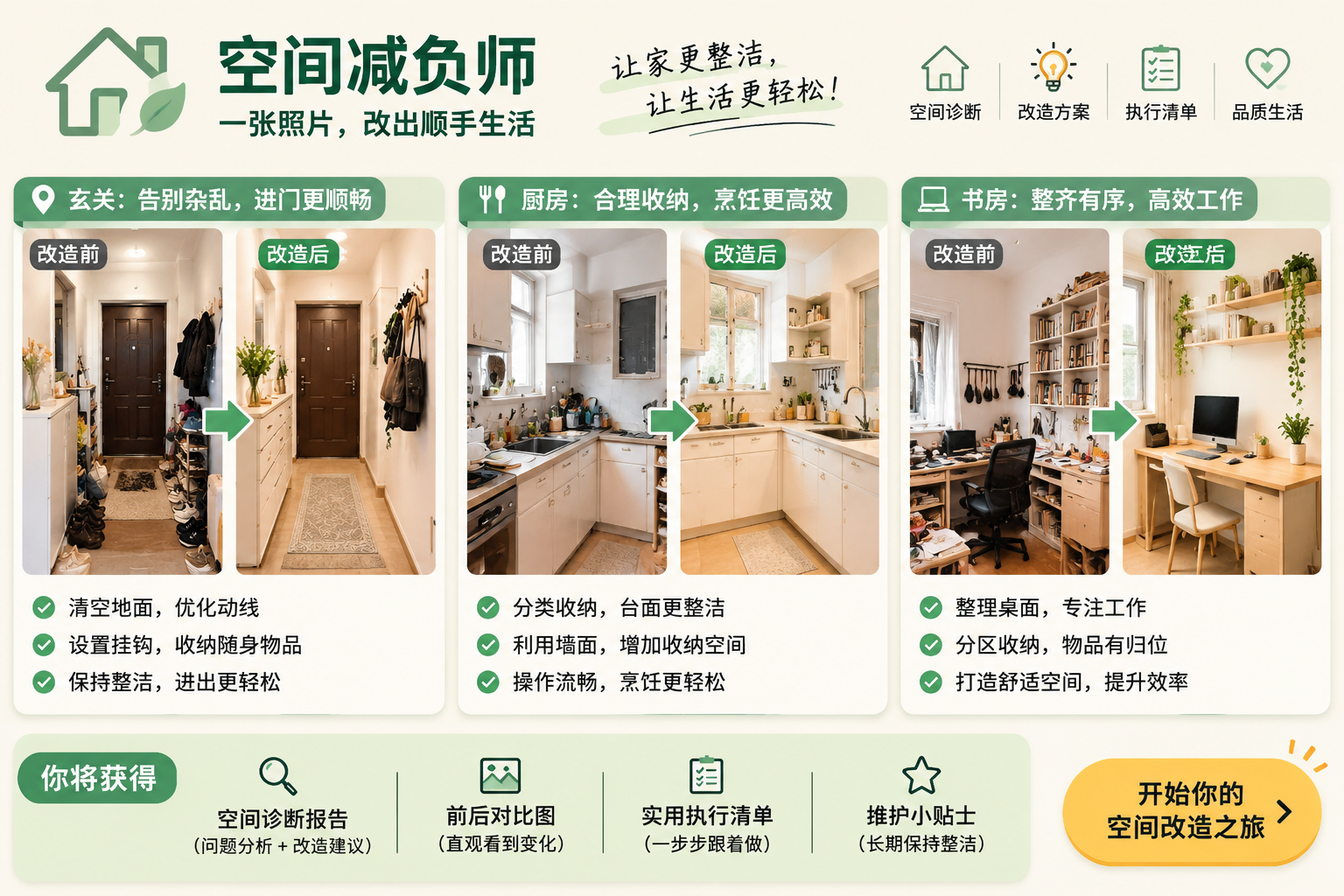
Space Declutterer
Use photos to diagnose and organize small spaces
Space Declutterer
Use photos to diagnose and organize small spaces
Showcase
Description
Based on space photos, lifestyle habits, budget, and constraints provided by the user, this tool identifies key friction points to resolve first and delivers safe, low-cost, actionable, and maintainable reorganization plans. The goal is not to turn your room into a social media showroom, but to make the space genuinely work for its user. Suitable spaces: entryways, kitchen countertops, laundry areas, wardrobes, storage cabinets, desks, children's study corners, pet supply areas, hobby corners, small balcony nooks, and more.
Best for
Ideal for anyone looking to improve the daily usability of small spaces like entryways, kitchens, desks, and closets with low-cost, practical solutions.
How to use this Skill
Provide your input
Upload panoramic or detail photos of the space, along with its purpose, users, biggest pain points, budget, and constraints. You can start even without measurements.
Run the Skill
Identifies visible issues from photos and descriptions, separates points needing confirmation, and compares zero-cost, lightweight, and advanced options with a focus on safe, reversible changes.
Review your result
Receive a space diagnosis, priority issues, layout and traffic flow tips, an action checklist, maintenance rules, and safety checks, with notes on items needing measurement or professional review.
Related Skills
View all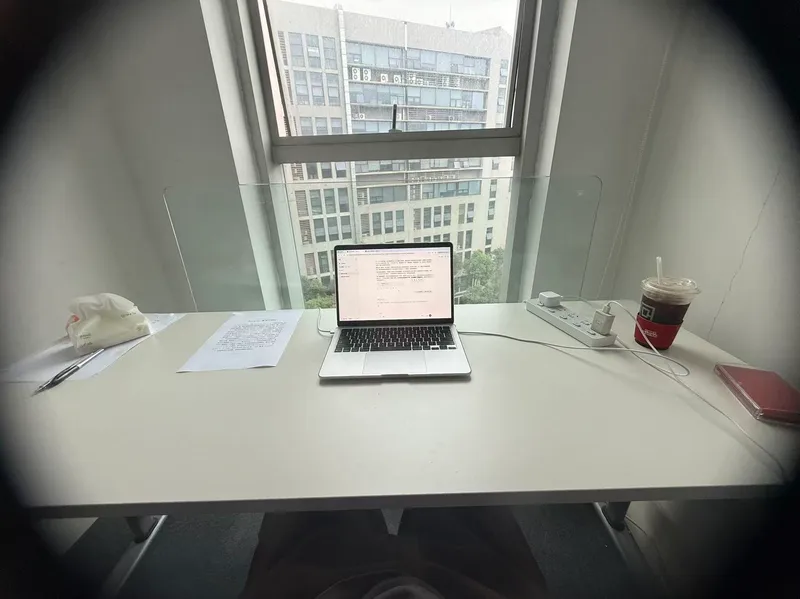 Image
Room Corner Makeover
Upload a real room corner photo along with its intended use and budget, and this Skill generates two finished effect renders: a full daytime version and a nighttime version. Using the same camera angle, table, and items, the only difference is light and time—the daytime version relies on window light, while the nighttime version depends on lamp lighting. A cost table is included showing what to buy, individual prices, budget savings, or cut priorities if over budget. No more than three new items are added, all with realistic reference prices. It keeps your existing items, leaves walls, floors, and window placements untouched, maintains the camera angle, and matches your original photo aspect ratio. It does not overwhelm you with ten options to choose from, avoid forcing you to run prompts in other tools, and avoids buzzwords. Who is it for, and who is it not for? It is suited for renters, office desk users, people with clear budgets, and those tired of stock photo websites who just want to know what to buy. It is not suited for whole-house renovations, construction drawings, or adding large furniture. It handles a single corner, not an entire house. Three Hard Rules Do not throw away your things. Unless you explicitly state which item can be discarded, every existing item in the image must be identifiable across both renders. Its default stance is rearrangement first, purchasing second. Do not change hard finishes. Wall colors, flooring, window placements, and corner shapes are locked. It provides soft furnishing solutions, not construction plans. Do not change the camera angle. Both renders share lens parameters and height, and horizontal or vertical framing follows your original photo without unauthorized cropping for aesthetics. How to Use 1. Take a picture. Stand in place and capture the corner lines and countertop edges together, making sure the floor and window are visible. Blurry, overexposed, or floor-only photos may be rejected because the corner scope cannot be determined. 2. Speak. Describe the use, budget, and drilling permissions in one sentence. Missing details are fine as the Skill infers them, but clarity helps. More specific supplementary info yields more precise results: a desk and a display stand with the same wall and light need completely different items. Receive your images. Two images and one table, that is all. 3. For deeper content—a ten-direction style matrix, five progressive schemes across five axes, nine image sets (including main image, original comparison, detail close-ups, flat lay list), nine inspection checklists, and three-lock parameter cards—just ask, and it will expand. It is hidden by default to save credits since most decisions do not require draft processes.
Rental Room Makeover Generator
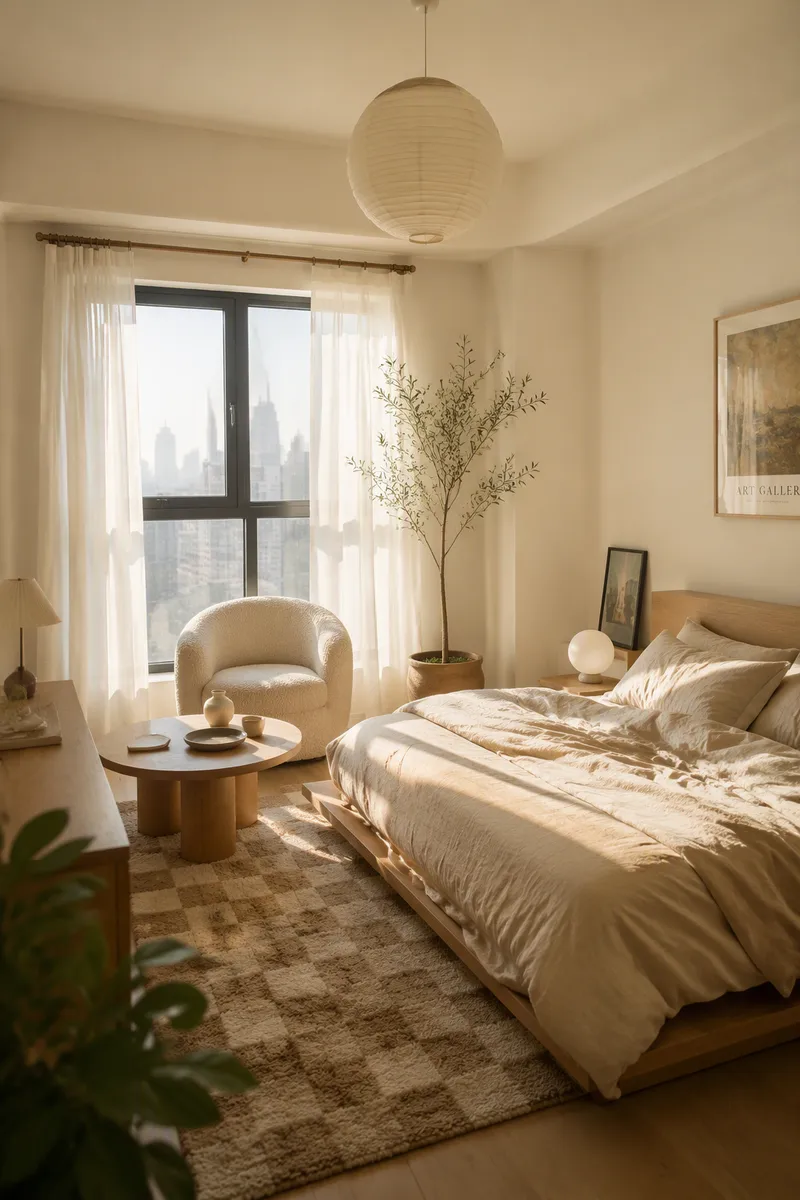
An AI room makeover assistant tailored for young renters, solo livers, students, and home transformation creators. Adhering to the golden rules of renting—no demolition, no wall damage, low budget, and fully reversible—it takes a standard photo of your rented or old room and instantly generates high-definition, trending-style makeover visuals while outputting a detailed, low-cost soft furnishing shopping list and practical tips, helping you easily achieve your dream room on a tight budget.
 Image
AI Interior Decor & List Generator
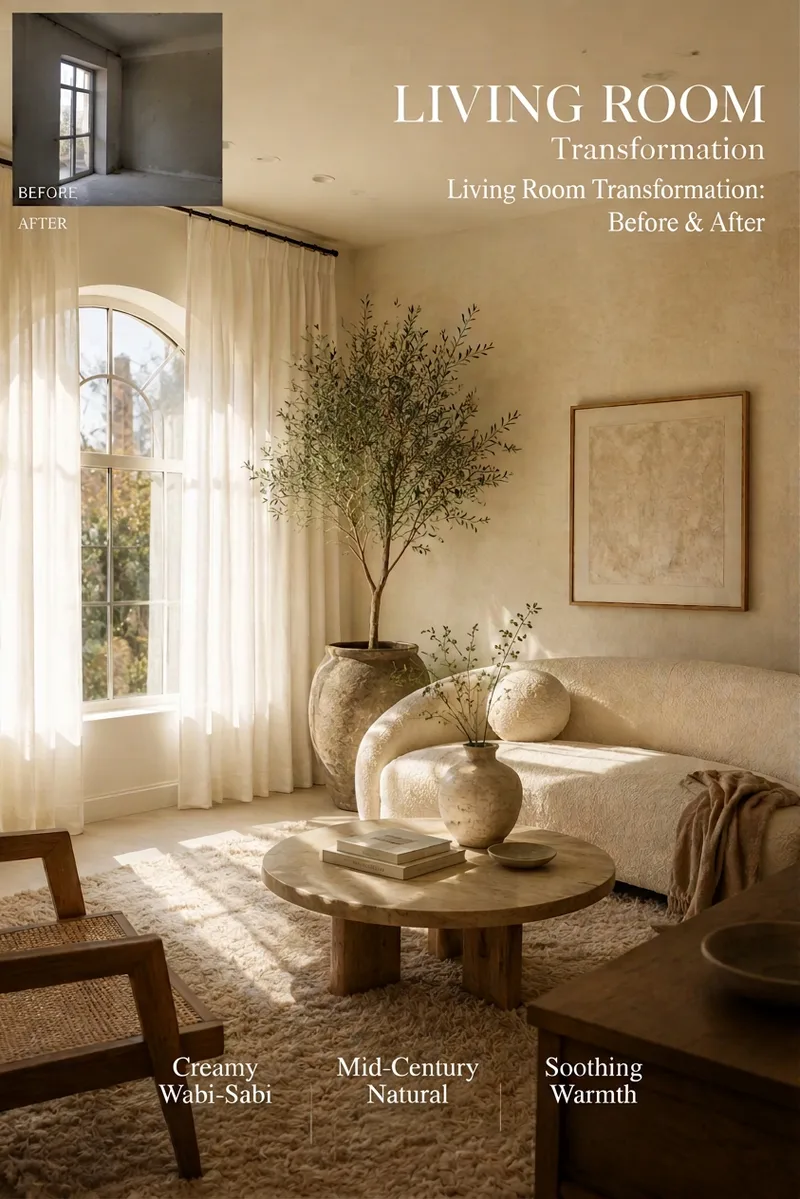
An AI-powered space transformation tool designed for renters, home bloggers, homestay owners, and interior designers. Simply upload a photo of a bare room, empty space, or rental, and AI will accurately preserve the original door and window structures while instantly generating high-definition, viral-style renovation photos. At the same time, it outputs a detailed soft furnishing procurement list complete with budget breakdowns, product specifications, and color matching, making it easy for any space to transform into a dream room with zero hassle!
Information
- Version
- v4
- Last updated
- Runtime credits
- Usage-based
- Models
- Auto
- Use cases
- Lifestyle & entertainment
- What you get
- ReportDiagramPlan
