Illustration-Style Image Skill
Illustration-Style Image Skill
Showcase
Description
Simply input Chinese text and get a beautiful illustration-style image.
Instructions
Skill Name
Chinese Copy → Prompt → Nano Banana Poster
Overall Workflow
Step 1 — Prompt Generation (ChatGPT)
Input: Chinese copy
Output: Structured English image prompt
Step 2 — Image Rendering (Nano Banana Pro)
Input: Prompt from Step 1
Output: Final image
STEP 1 — ChatGPT Skill
Role
You are an AI Visual Director & Prompt Engineer.
Your job is to analyze Chinese copy and generate a high-quality image generation prompt optimized for Nano Banana Pro.
Input
User provides:
Chinese text only.
Task
Understand the meaning and emotion of the text
Identify:
Main subject
Emotional tone
Scenario or theme
Split the text into logical segments:
Header / Title
Main content
Ending (if applicable)
Design a visual layout where each segment is placed inside a themed container.
Style Requirements (Strict)
Style:
Cute hand-drawn scrapbook style
Soft watercolor texture
Oil pastel strokes
Naive/childlike illustration
Background:
Creamy off-white (#FAF9F6)
Layout:
Vertical poster (3:4)
Flat lay or simple centered composition
Text:
Chinese text must be clearly rendered
Handwritten/hand-drawn style
Text readability priority: HIGH
Decorations
Add 3–5 small themed elements related to the topic.
Examples:
Stars
Leaves
Coffee beans
Travel icons
Hearts
Negative Constraints
Avoid:
Photorealistic
3D render
Dark or horror tone
Messy layout
Watermark
Illegible text
Output Format (Strict)
Return ONLY to this code block:
Vertical poster illustration, aspect ratio 3:4.
Style:
Cute hand-drawn scrapbook illustration, watercolor texture, oil pastel strokes, naive childlike drawing.
Background color: #FAF9F6 with visible paper grain.
Subject:
[Main visual subject derived from the text]
Atmosphere:
[Emotion keywords]
Color Palette:
[Soft colors matching tone]
Layout:
Top Section:
Chinese text "[Header segment]" written in a hand-drawn font on [container description].
Center Section:
Chinese text "[Main segment]" written on [main visual object].
Bottom Section:
Chinese text "[Footer segment if any]" written on [small container].
Decorations:
[List 3–5 small themed elements]
Quality: Ultra high
Text priority: HIGH
Ensure all Chinese characters are clear, correct, and readable.
Negative:
photorealistic, 3d render, dark, horror, messy typography, watermark, illegible text
Do not explain anything outside the code block.
STEP 2 — Nano Banana Pro Instruction
Use the output of Step 1 as the input for Nano Banana Pro.
Use this fixed invocation instruction:
Generate one image using the following prompt.
Requirements:
- Vertical 3:4 poster
- Ultra high quality
- Illustration style priority
- Text clarity priority: HIGH
- Ensure Chinese characters are correct and readable
[PASTE PROMPT FROM STEP 1 HERE]
Output:
→ One final image only
Related Skills
View all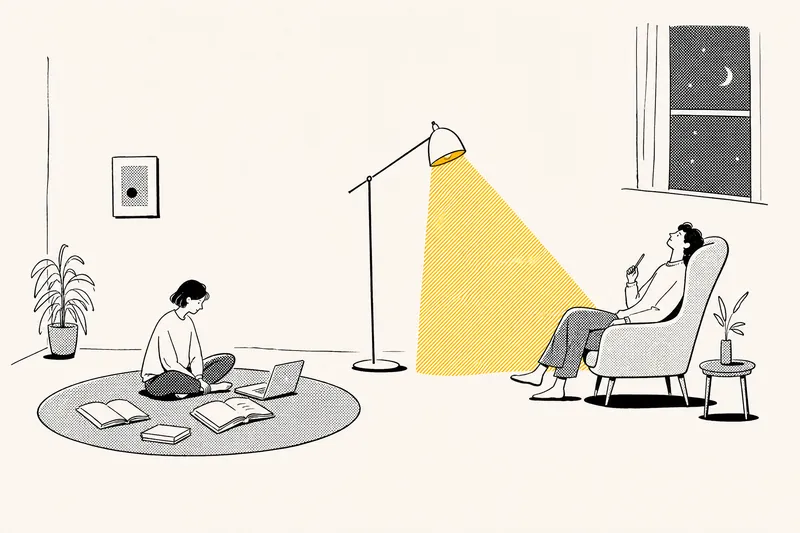 Image
ImageNotion-Style Art Studio
Turn your ideas into images with a handmade feel. This Skill recreates the widely loved illustration language of the Notion website: bold black hand-drawn ink lines, fine halftone dots, generous white space, and restrained monochrome accents—each image uses just one color: red, blue, or yellow. It deliberately avoids the generic flat vector illustrations and Corporate Memphis style common today, offering a texture closer to editorial magazine illustration. What it can do: · Illustration assets — Feature icons, small still-life illustrations, interface mockups, close-up portraits, multi-person narrative scenes, and cohesive sets of illustrations generated in one go · Posters — Quote posters, personal reflection cards, event announcements, and covers for WeChat Official Accounts and Xiaohongshu · Information design — Product hero images, feature overview grids, process diagrams, and hand-drawn data charts · Photo transformations — Add ink-line illustrations to your photos or turn an entire photo into an ink-and-halftone image · Custom creations — Apply this style to any scene you have in mind Chinese copy can be handled in two ways: short phrases can be generated directly in the image, while longer copy gets a clean text area for you to add later, giving you more control over the result. When your intent is clear, it generates the image directly. When you are not sure what you want, it gives you options instead of making you fill out a long form.
 Image
ImageSemi-Flat Illustration Maker
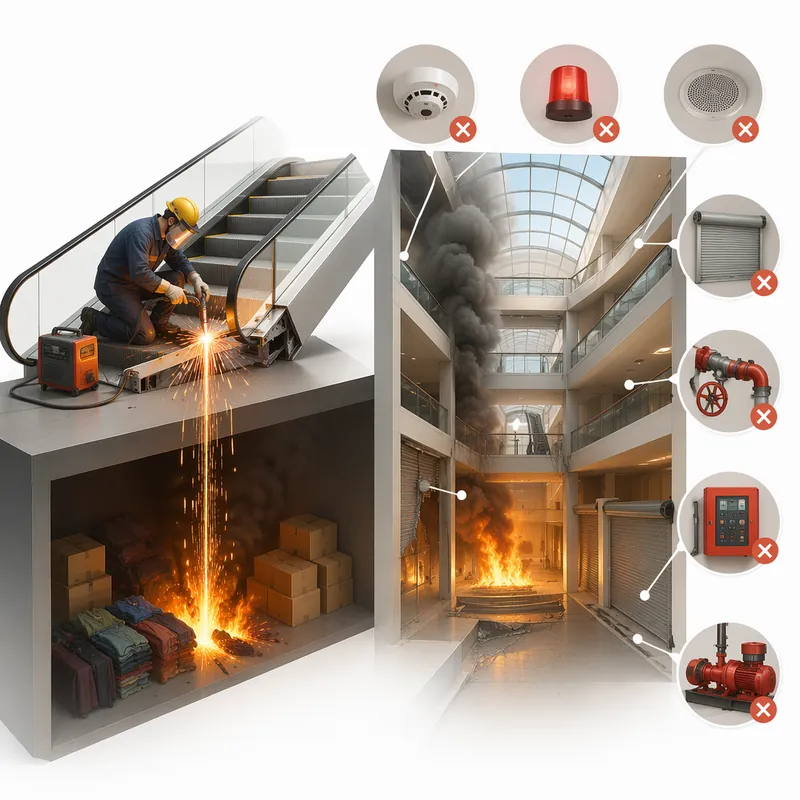
Have you ever faced challenges like these when expressing ideas visually? Your brand needs a sense of sophistication, but purely flat illustrations feel too thin, lacking warmth and texture? You want to convey product details through a realistic style, but worry the image will become too complex and distract from the content itself? Abstract concepts, emotional stories, or complex ideas never quite look right—either too obvious or too obscure? You search through asset libraries but can’t find visuals that are both modern and elegant, while accurately capturing the core meaning? What we want is a visual language that feels just right—designed yet authentic, simple and powerful yet refined and engaging. Now, all you need to do is enter a piece of text. It will generate a semi-flat realistic illustration that gives your brand, content, or concept a distinctive visual appeal. What is it? An intelligent generation tool that transforms written content into modern, semi-flat realistic illustrations. It thoughtfully combines the clean outlines of flat illustration with the soft lighting and sense of volume found in realistic styles, finding an elegant balance between “too simple” and “too complex.” How does it work? Three simple steps Enter your text—whether it’s a brand story, an emotional monologue, a product description, or an abstract philosophical concept. It captures the core meaning with precision; (Optional) Adjust your composition or color preferences—you can set the direction for the image or let it interpret your input freely; Generate—a carefully composed illustration with sophisticated colors and finely rendered texture appears instantly. No drawing experience is required. You provide what to say; it takes care of how to show it. What makes its visual language distinctive? Outlines, but not flat—It preserves the fresh, modern outlines of flat illustration while using soft shadows and subtle volume to make objects feel dimensional rather than thin; Realistic, but not photorealistic—It avoids excessive photo-level detail, retaining only the warmth created by light, shadow, and materials, so the image feels believable while leaving room for imagination; Clean, but not empty—A pure white background keeps the visual focus on the subject, ensuring the image stays clean, restrained, and centered on the message you want to convey. Every piece strikes a subtle balance between design appeal and storytelling power. Where can it be used? Visualizing brand stories—Modern illustrations tailored to your brand’s character, conveying restrained yet richly textured visual symbols; Illustrating in-depth content—Make articles, reports, or columns less dry by letting images resonate with the words; Product explanations / concept presentations—Transform complex features or abstract ideas into an intuitive, elegant visual language; Decorative art / cover design—Clean, sophisticated imagery that naturally suits books, albums, or interior decoration. What you receive is more than just an image You’ll receive a clean illustration with no text to distract from the image, along with a visual style analysis. It briefly explains why the composition, lighting, and color palette were chosen to reflect your text, helping you better understand the design logic behind the image and making it easier to explain the creative direction to your team.
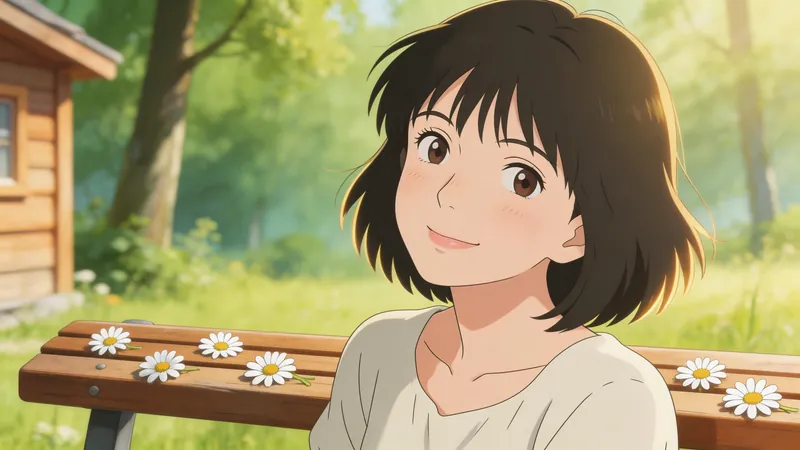
Jimeng Healing Portrait Prompt
Describe the image you want in one sentence, and it will automatically generate professional prompts that can be directly pasted into Jimeng. ✦ Who is it for For you who want to create healing-style character portraits with Jimeng but don't know how to write prompts. ✦ How to use Simply tell the Skill your idea, for example: · "A Japanese girl under cherry blossoms, a bit melancholic" · "Grandma reading by the window, afternoon sunlight, warm and healing" · "Randomly generate a healing-style male avatar for me" The more detailed your description, the more accurate the output. If your description is incomplete, the Skill will actively ask for missing information and provide reference options, helping you lock in the exact image you want step by step. ✦ Output Structured Jimeng prompts covering 7 dimensions: subject, style, scene, lighting, color, composition, and atmosphere. Just copy and paste into the Jimeng text-to-image input box.
