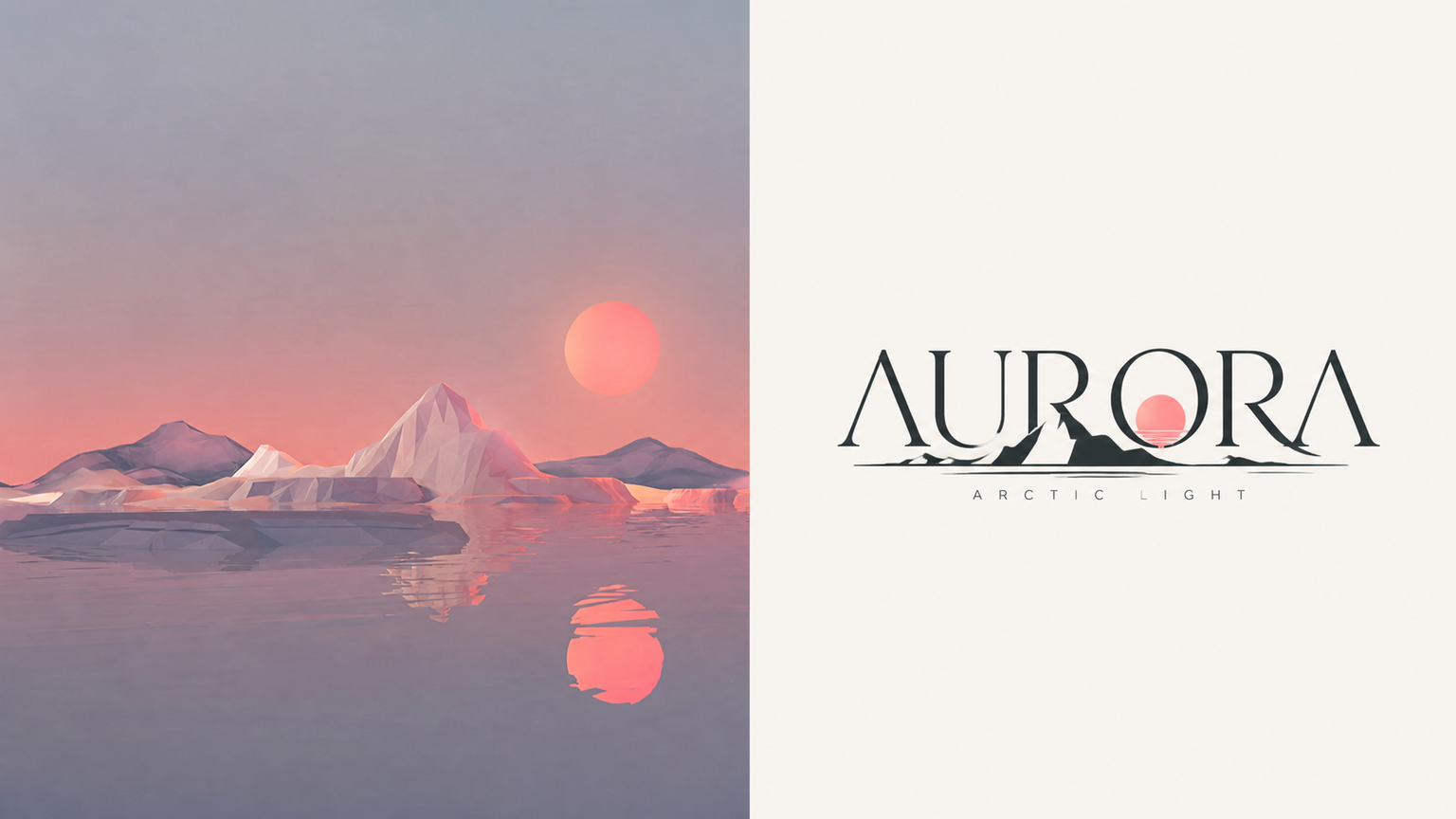
Logo Emboss x Crop x p32
Created by Xiaoxiao Dong
Logo Emboss x Crop x p32
Created by Xiaoxiao Dong
Showcase
Description
032 Any image you have on hand can be used to create a logo. A candid photo of a person, car, pet, building, storefront, or object—even a landscape—can provide distinctive outlines and features. Combine them with text to create a logo that truly belongs to that image. The most practical part of this approach is that you don't need to know what the logo should look like in advance. Start with an image and let it provide the creative direction. If you already have specific requirements, consider including the logo name, industry, color palette, font preferences, and intended use case. The more specific the information, the more likely the result is ready to use. One image is all it takes to get started. Leave the rest to this prompt.
Recommended by
Dancang
Why we love this skill
Turns each photo into a distinct 3:4 premium poster: real photographic texture above, and the subject’s outline fused with an English wordmark below. Minimal geometry and restrained negative space create a custom visual with narrative and brand recognition.
Related Skills
View all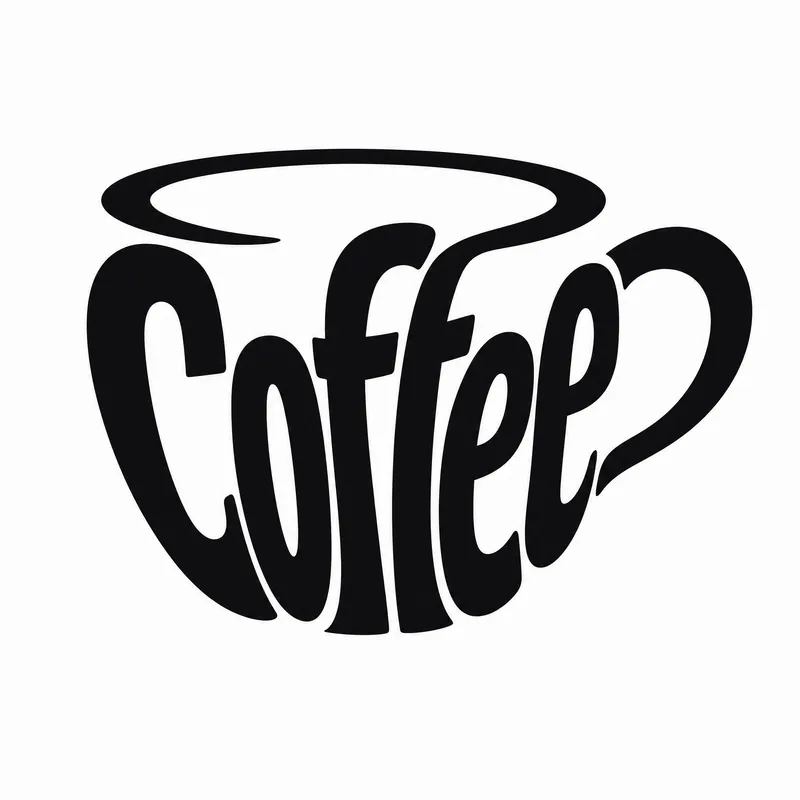
Typography Logo Generator
Want to create a unique visual identity for your brand or text? This typography logo generator cleverly integrates your text into creative graphics, producing minimalist logos that are both artistic and recognizable. Whether you need to transform a company name, product name, or any text into an eye-catching visual symbol, it has you covered. This tool offers three creative shaping methods: you can have the text elegantly fill the outline of a specific object, so the strokes of the characters themselves outline the shape; or have the text cleverly transform into components of a graphic, such as letters becoming wheels or support structures; or even shape an entire block of text directly into a concrete object with scene narrative, creating an illustrative logo with a story. Simply provide the text you want to design, and the skill will intelligently suggest the most suitable object shape and method. Of course, you can also specify exactly what shape you want the text to take or which method to use. In the end, you'll get a ready-to-use design prompt, and based on that prompt, a high-quality logo image will be generated, with a consistent style of pure black graphics, light gray-white background, flat design, ensuring high contrast and vector-level aesthetics. If you're not satisfied with the generated logo, you can always request changes to the object, method, or background, letting your creativity extend infinitely.
 Image
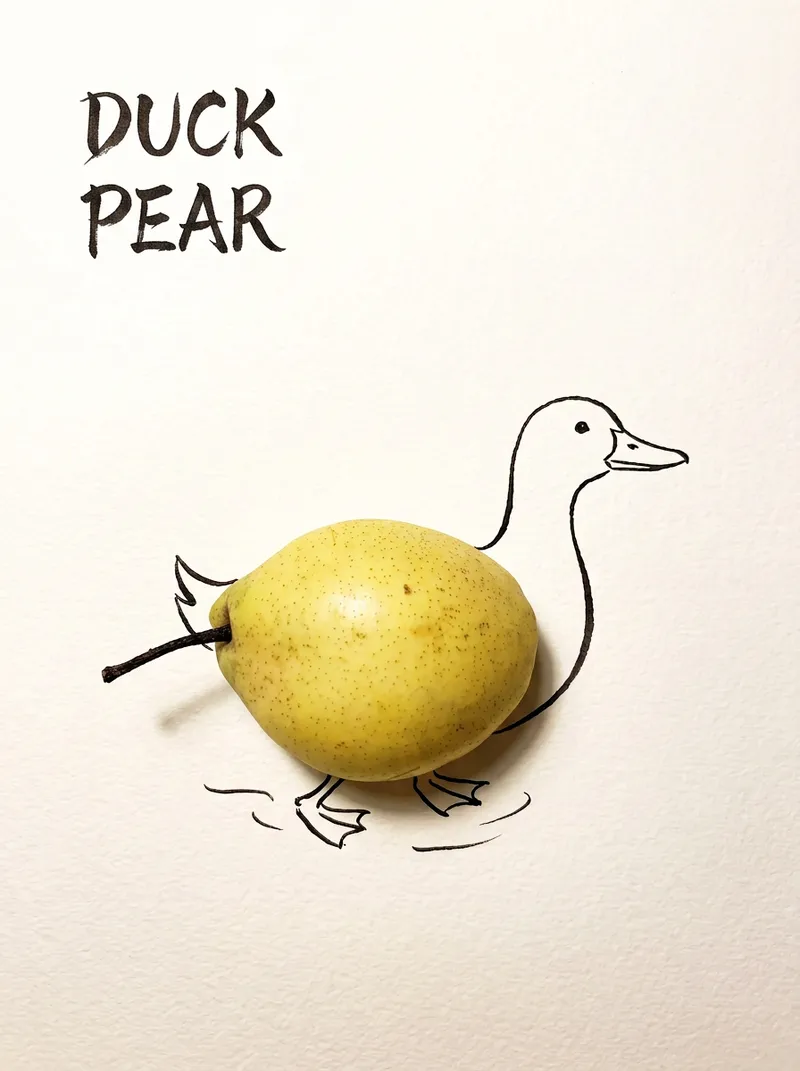
Bring Objects to Life
Best for: Xiaohongshu / Douyin creators Turn everyday objects into posters and create a consistent "bring-to-life series" with highly engaging content Food and lifestyle creators Turn ingredients into cover images that make your work more memorable Illustrators / designers Find inspiration quickly and test the "real object + line art" creative direction Teachers / parents Create materials for arts and crafts lessons, helping children make up stories with objects around them Businesses / brand operators Create creative hero images, holiday posters, and packaging inspiration for produce, fruit, and snacks Cultural creative brands, stationery shops, and coffee shops Design merchandise, postcards, stickers, and menu illustrations Everyday enthusiasts Photograph something nearby and share an "artwork" on social media Everything you photograph is hiding another character. "Bring Objects to Life" is a creative poster generator that combines real-object photography with minimalist line art. Just upload a photo of an object, and AI will automatically do three things: 🔍 Read the shape: Analyze the object's outline, curves, and texture to find what it most resembles ✏️ Add line art: Use dark ink pen lines to draw in a head, limbs, a human figure, ropes, and more, fitting the lines precisely to the object's edges 🖋 Turn the idea into a phrase: Create a 2–4-character Chinese pun title and arrange it in the empty space in an artistic typeface The finished image preserves the object's real colors and texture. The background is clean, warm-white watercolor paper, with at least 40% negative space. The result feels calm and refined: recognizable at a glance, then delightfully witty once you see the idea. The default format is a 3:4 vertical layout, suited to Xiaohongshu, Moments, and Douyin image posts. The aspect ratio, font, and title can all be customized.
 Image
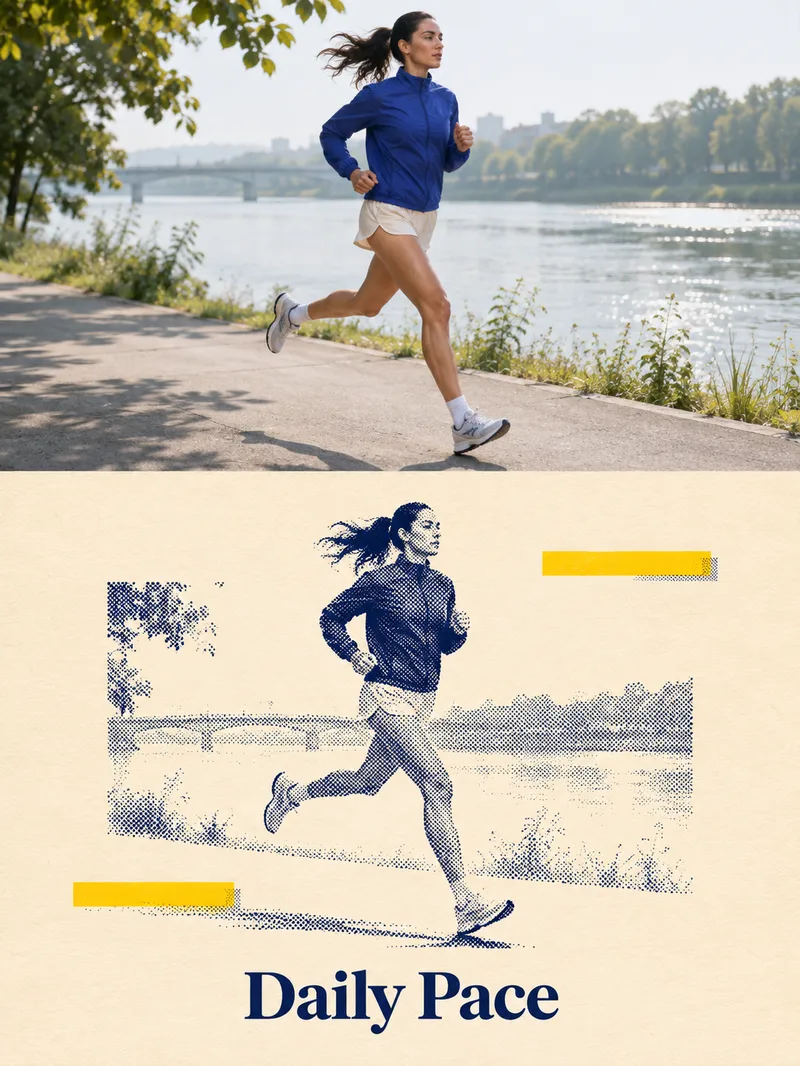
Two-Tone Halftone Overprint
Ideal for creators making social media graphics, editorial posters, and personal visual exercises. Provide a subject such as a person, pet, building, or still life, and optionally specify a title and color scheme. Photo mode requires authorized, clear, and readable images. The skill first identifies the subject and essential outlines, planning a vertical diptych layout: the top features natural photography, while the bottom uses dark blue halftones of varying density for light and shadow, paired with a warm white paper texture, subtle yellow geometric blocks, and a short title. It then uses the current environment's image tools to generate and review the result. Delivers an actual poster, title text, and verification notes, with copyable prompts included when needed. Usage: Enter a subject or photo, specify the title and purpose, then review the subject, text, and composition after running, and request specific adjustments. The four display images are AI examples generated locally following the full skill visual method: an adult runner, an orange cat, a fictional building, and an unbranded coffee pot, and are not actual photos or real client cases. The avatar was generated separately based on the local halftone cat case, showing visual effects and Chinese titles. YouMind integration and uploaded photo editing have not been tested in practice; details, halftone thickness, whitespace, and subject size may vary. The runner example retains more background, and exact consistency per run is not guaranteed. Text planning can use GPT, while image creation relies on the actual image tools provided by the runtime environment. The local image_gen did not return a specific model ID, and no binding to Image2 is claimed. Without image tools or if generation fails, image delivery is incomplete, and only pending prompts can be provided. Verify text, portrait rights, and product structure before official use; exact identity or detail consistency is not guaranteed, and automatic publishing or purchasing is not supported.
Information
- Version
- v6
- Last updated
- Runtime credits
- Usage-based
- Models
- Auto
