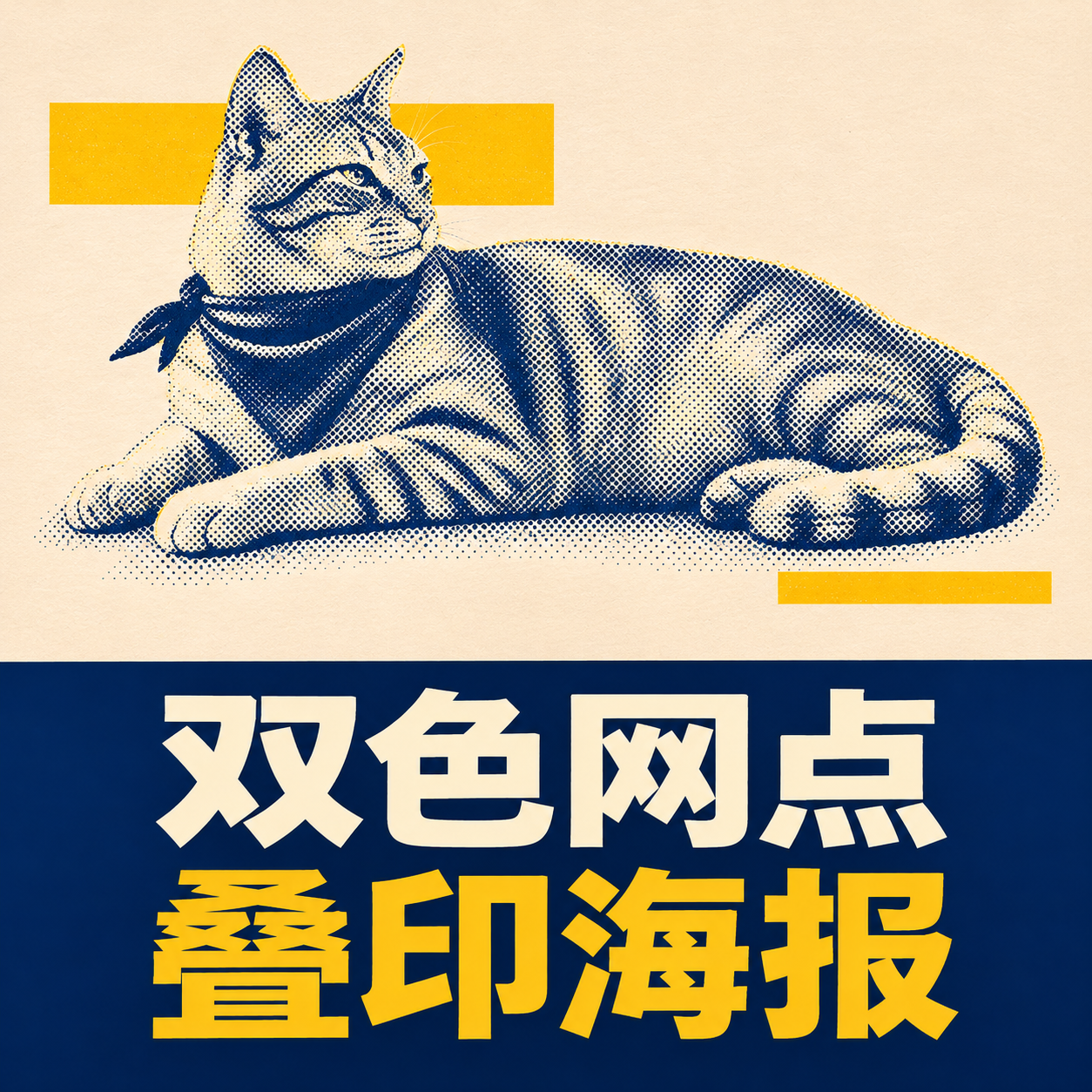
Two-Tone Halftone Overprint
Create photography and blue-yellow halftone contrast posters
Two-Tone Halftone Overprint
Create photography and blue-yellow halftone contrast posters
Showcase
Description
Ideal for creators making social media graphics, editorial posters, and personal visual exercises. Provide a subject such as a person, pet, building, or still life, and optionally specify a title and color scheme. Photo mode requires authorized, clear, and readable images. The skill first identifies the subject and essential outlines, planning a vertical diptych layout: the top features natural photography, while the bottom uses dark blue halftones of varying density for light and shadow, paired with a warm white paper texture, subtle yellow geometric blocks, and a short title. It then uses the current environment's image tools to generate and review the result. Delivers an actual poster, title text, and verification notes, with copyable prompts included when needed. Usage: Enter a subject or photo, specify the title and purpose, then review the subject, text, and composition after running, and request specific adjustments. The four display images are AI examples generated locally following the full skill visual method: an adult runner, an orange cat, a fictional building, and an unbranded coffee pot, and are not actual photos or real client cases. The avatar was generated separately based on the local halftone cat case, showing visual effects and Chinese titles. YouMind integration and uploaded photo editing have not been tested in practice; details, halftone thickness, whitespace, and subject size may vary. The runner example retains more background, and exact consistency per run is not guaranteed. Text planning can use GPT, while image creation relies on the actual image tools provided by the runtime environment. The local image_gen did not return a specific model ID, and no binding to Image2 is claimed. Without image tools or if generation fails, image delivery is incomplete, and only pending prompts can be provided. Verify text, portrait rights, and product structure before official use; exact identity or detail consistency is not guaranteed, and automatic publishing or purchasing is not supported.
Recommended by
Dancang
Why we love this skill
Combines realistic photography with original blue-yellow halftone art in a vertical dual-panel poster, balancing subject consistency, print texture, and layout order.
Best for
Creators looking to make social media graphics, editorial posters, or personal visual exercises.
How to use this Skill
Provide your input
Enter a subject like a person, pet, building, or still life, or provide a clear, authorized photo, along with the title, color scheme, and use case.
Run the Skill
The system arranges the subject into a split-layout poster combining photography and blue-yellow halftone dots, generates and checks the image, or provides prompts if tools are unavailable.
Review your result
Receive a poster image, title text, and verification notes. If image generation fails, it will clearly indicate that the task is incomplete.
Related Skills
View all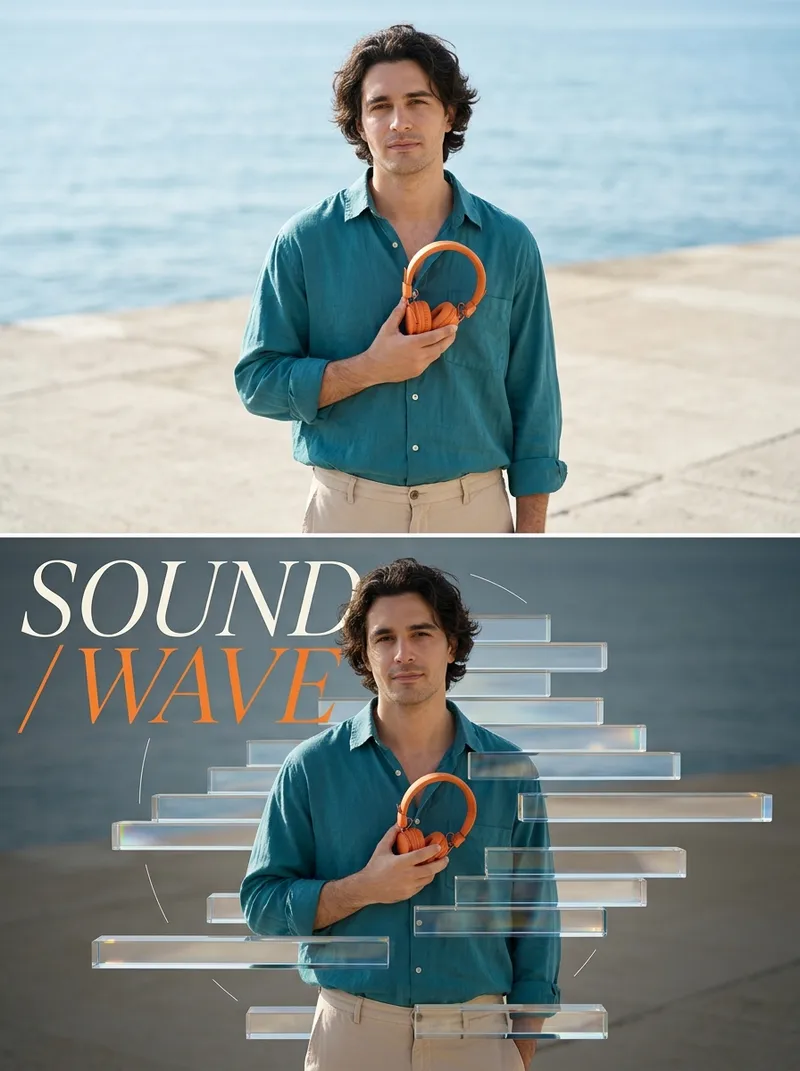 Image
Glass Refraction Split Poster
Ideal for content creators looking to produce visual posters for people, still life, or products. Enter a theme to generate images from text, or upload a photo you have the rights to use, and specify a two-line title and color scheme. The skill first identifies the subject and scene, then plans a 3:4 vertical split layout: natural photography on top, and displaced transparent glass prisms, partial refraction, iridescent fine-edge highlights, and large magazine typography on the bottom. It calls available image tools to generate the output, then checks the text, subject, and visual layers. Delivery: An actually generated split poster, title, and verification notes; copyable prompts included when needed. Usage: Enter the subject and scene or upload a photo, provide a title, run the skill to check character/product details and text, and adjust as needed. Display images are AI examples generated locally using the skill's visual method and image tools, not real person photos or client cases. Not yet verified on YouMind; results depend on the platform's models and tools. GPT is recommended for text planning, and available generation/editing models are used for images. Limitations: Photo editing requires the current environment to support reference image input, and exact consistency of character identity, clothing, product structure, or cross-frame details is not guaranteed. Accurate text and refraction are not guaranteed every time and require manual review. Without image tools, only pending execution plans can be provided, not final images. Do not upload photos without usage rights or request copying author signatures or brands. Square avatars are cropped by local AI examples with titles overlaid, not new independent cases.
 Image
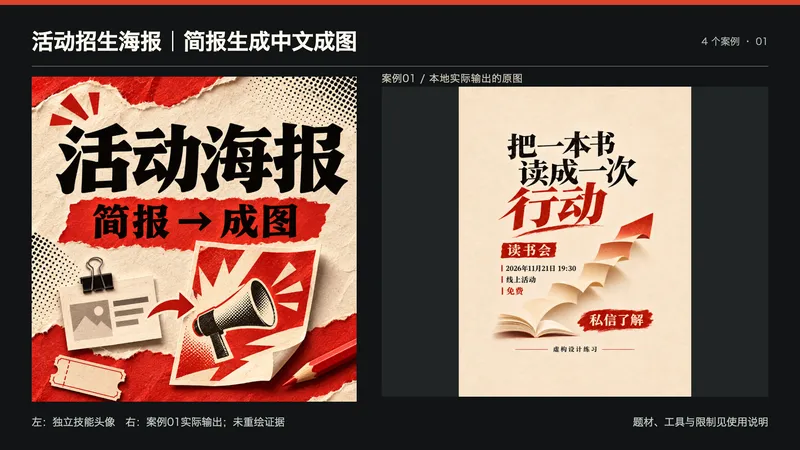
活动招生海报|简报生成中文成图
适用人群:需要为读书会、公开课、活动或招生宣传制作海报的创作者与小团队。 你需要提供:活动标题、目标人群、时间地点、内容、价格条件、报名方式、画幅与有权使用的素材。未知事项请注明待定;不要上传无权使用的Logo、照片或二维码。 如何处理:先整理文字事实卡,再确定信息层级和视觉方向,调用当前可用的图片工具生成,逐项核对标题、数字、地点与报名信息。 最终交付:海报图片、可复制文字清单与核对说明。优先原始PNG附件;实际格式、像素和下载能力以所用工具为准,不以JPEG预览冒充PNG原件。不提供PSD/AI矢量源文件或自动发布。 使用:粘贴活动简报,说明画幅与风格;生成后核对文字、活动事实和裁切,发现问题可继续修订。文字规划推荐GPT,生图需环境实际提供图片工具;本地使用内置image_gen,具体图像模型ID未返回,不宣称已绑定Image 2。 四张展示图为最终技能流程在本地生成的虚构设计练习,分别展示读书会、公开课、体验日和交流沙龙,不是真实活动或客户项目。个别示例留白偏紧,不作为精确安全区或印刷规格保证;中文字、像素与构图仍需检查。 不适用:虚构师资、认证、合作背书、招生收入或活动效果。技能不创建真实活动,也不保证招生或广告审核结果。 展示说明:首张为独立技能头像与案例01实际输出的并排排版,用于横向缩略展示;不是新增案例,也未让生图模型重绘证据。其余三张对应案例02—04。
 Image
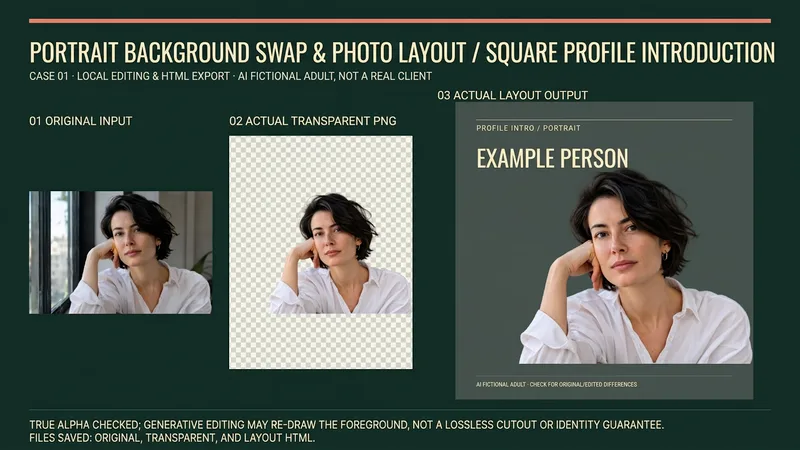
Portrait Background & Layout
Suitable for creators who need to produce personal introductions, team character cards, resume avatar layouts, or speaker name tags. Provide authorized portraits, intended use, background color, dimensions, and required text; missing names, titles, or organizations will not be fabricated. Process: Review the original image and keep the original, actually invoke background removal or image editing tools to obtain a transparent PNG, check alpha, face, hair, clothing, and hands, then layout text on a solid color background, and reopen the output for verification. Generative editing may redraw the foreground and is not a lossless cutout or identity preservation guarantee; manual item-by-item verification is required for important figures. Delivery: Actual transparent PNG, solid color/portrait layout image of agreed dimensions, generated layout HTML, and usage and verification instructions. Files and browser tools are required to deliver and save files/PNGs; when these tools are unavailable, explicitly state that it is incomplete, rather than providing just prompts and calling it an image. Usage: Upload a portrait and brief, confirm the background replacement scope; check the original image, transparent result, light and dark background edges, and then confirm the portrait card. Instructions include the complete source code of the local layout assistant, which requires actual file tools to save; execution requires Python3 and Pillow, only validates transparent PNG and embeds original bytes into a single-file HTML, does not execute background removal, and does not export PNGs on its own. PNG export requires a real browser screenshot tool. Four local practical execution examples: Using four locally original AI-fictionalized adult character images, calling ImageGen for background removal to obtain RGBA PNGs, actually checking alpha and white/black/green background edges, running the final layout assistant and exporting via browser. Includes square personal introductions, horizontal team cards, vertical resume layouts, and square speaker name tags; not real clients, employees, job seekers, or speakers. The four displays are 16:9 side-by-side images of corresponding original images, actual transparent outputs, and actual layouts; checkerboard patterns are only backgrounds to display real transparency. Original images and step-by-step files are retained locally. GPT is recommended for text organization; the local actual image tool is ImageGen, and the tool does not return a verifiable model ID, so Image2 is not claimed. Independent avatars are also ImageGen original conceptual visuals, not cases. YouMind image editing, Python, Pillow, browser, and file download capabilities must be confirmed according to the actual environment; no YouMind credits testing is added, and it cannot be guaranteed that all dependencies are ready immediately after installation. The 199 credits are the skill installation price, excluding model, API, third-party tool, or material fees. Official credential verification is not performed, and facial features remaining completely unchanged, precise identity, flawless edges, print color accuracy, recruitment results, or commercial effects are not guaranteed.
Information
- Version
- v2
- Last updated
- Runtime credits
- Usage-based
- Models
- Auto
- Use cases
- Writing & contentImages & design
- What you get
- Image
- Visual styles
- Printmaking
