Lesson Arcade - Quiz & Mini Game Builder
Turn any lesson into a playable, shareable game page
Lesson Arcade - Quiz & Mini Game Builder
Turn any lesson into a playable, shareable game page
Showcase
Description
Students scroll past worksheets. They don't scroll past a game their friend just challenged them to. Lesson Arcade turns your lesson notes, a PDF or just a topic into a playable web page that works on any phone and is ready to share as a link. CHOOSE YOUR GAME • Quiz: multiple choice with a short explanation after every answer • Personality Test: "Which scientist / planet / historical figure are you?", built from your topic • Memory Match: flip cards to pair terms with definitions, words with translations or dates with events • True/False Speed Round: 60 seconds, a streak counter and instant corrections HOW IT WORKS 1. Share your notes or topic and the grade or age. 2. The Skill suggests the mode that best fits your content. You can keep it or pick another. 3. You review every question, answer and result before anything is built. Change, add or remove items in plain words. 4. You get your game page, an answer key and ready-to-post captions. MADE FOR SHARING At the end of each game, players download a story (9:16) or post (1:1) result card with their score or result, an optional nickname and your handle. Each shared card can bring new players to your game. BUILT FOR CLASSROOMS • Content follows your notes. Nothing is added from outside your material. • Questions and wording are tuned to 5 levels, from early primary to university. • No sign-up, no ads, no data collection. Nicknames stay on the player's device. • 4 visual themes: Playful Pop, Clean Classroom, Neon Arcade, Notebook. • Works in your language and in your students' language. GREAT FOR Teachers (warm-ups, revision, homework), parents, students prepping for exams together and education creators. GOOD TO KNOW • One game mode per page. Make another mode from the same approved content. • If you only give a topic, please check the answer key before sharing. • Best for practice and fun, not graded exams: there are no shared leaderboards and answers aren't hidden from tech-savvy players.
Related Skills
View all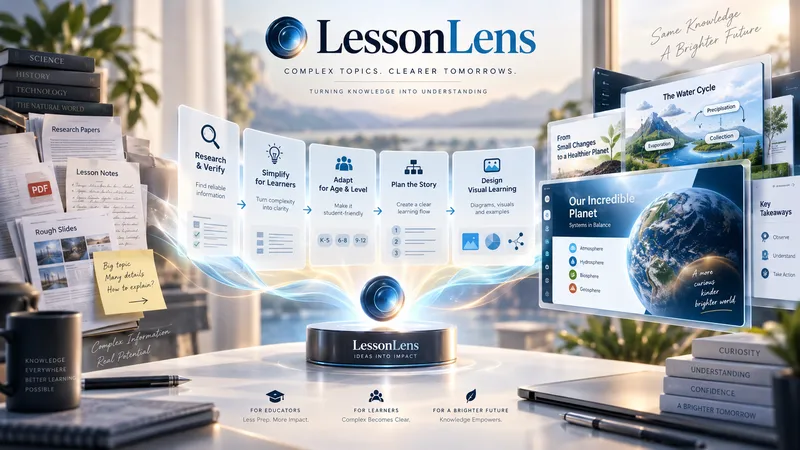
LessonLens
LessonLens turns complex topics, documents, research, and lesson notes into clear, visually engaging educational presentations built for real learners. It does more than convert text into slides. LessonLens can research and verify important facts, adapt the material to the learner’s age and prior knowledge, identify learning goals and likely misconceptions, and choose the most effective way to explain the topic. Depending on the content, it may use direct explanation, step-by-step teaching, comparison, diagrams, timelines, light storytelling, or other learning structures. Storytelling is used only when it improves understanding. The visual system is built around the lesson itself. LessonLens evaluates which visual approaches actually fit the topic, creates a consistent presentation direction, and writes detailed professional image prompts for every required visual. These visuals can include carefully designed learner-facing labels, arrows, short explanations, headings, and annotations so the final slides remain understandable without depending only on teacher notes. The result can include: a researched and age-adapted teaching plan a structured slide-by-slide learning flow professional visual direction detailed image prompts slide-ready educational visuals PowerPoint presentation teacher or presenter notes optional PDF output summaries, quizzes, or supporting learning material when useful LessonLens is designed for teachers, tutors, course creators, and educational content creators who want more than attractive slides — they want presentations that help students actually understand the subject.
Color&Learn - Educational Coloring Book
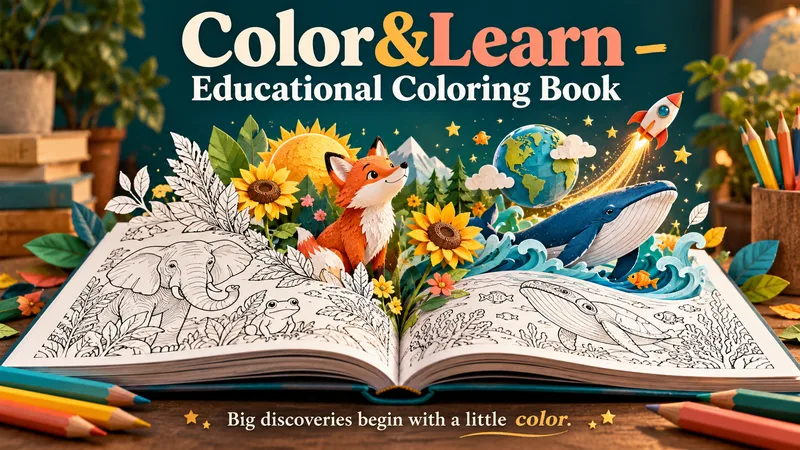
A little curiosity. A box of crayons. A whole book of discoveries. Create a personalized educational coloring book that invites children to explore, imagine, and learn—one page at a time. From ocean creatures and farm animals to space, seasons, numbers, and shapes, turn a favorite topic into an age-appropriate coloring adventure with a custom cover and meaningful learning moments. DESIGNED TOGETHER, BEFORE GENERATION Start with a topic, age range, and page count. Not sure what to choose? Get suggestions to help you begin. Review page-by-page ideas, explore cover directions, and choose what to keep, change, or replace. Your selected preferences are compiled into a clear book plan before any image prompts are written. MORE THAN PICTURES TO COLOR Each page connects an engaging illustration with a learning goal. Short facts, discovery questions, and simple activities add educational value while leaving plenty of room to color. Younger children get bold outlines, spacious shapes, and simple ideas. Older children get richer scenes, deeper explanations, and thoughtful challenges. Content adapts to the selected age and reading needs. YOU APPROVE. THEN CREATION BEGINS. Review the complete prompts before approving image production. Once approved, the skill generates the cover and interior illustrations, checks the results, and assembles your book into one downloadable PDF. WHAT YOU RECEIVE • A custom cover matching your chosen theme. • A coordinated collection of educational coloring pages. • Age-appropriate facts and activities. • A complete PDF ready for home printing. The conversation follows your language, and you can request a different language for the book. Made for parents, teachers, and anyone who wants to turn “Why?” into “Let's discover!”
 Video
Storyboard Educational Videos
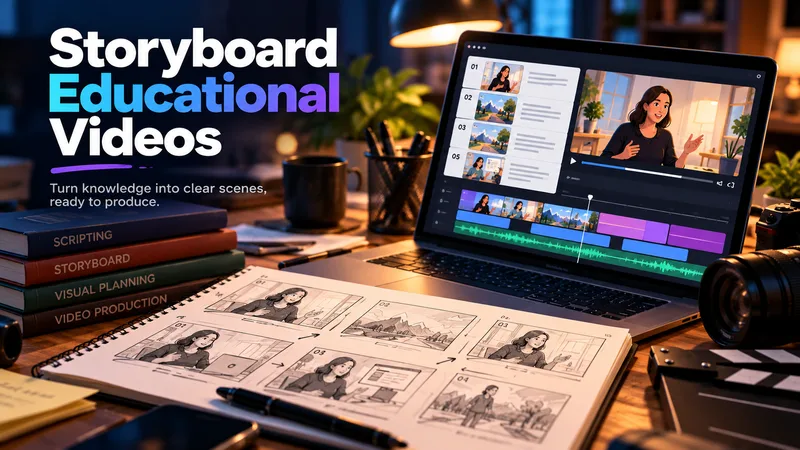
Hand it a document — a training guide, an SOP, a product brief, a course chapter — and get back a shooting plan you can film today: numbered scenes, one idea each, each with a clear visual direction, an English image prompt, spoken narration that fits the clock, and subtitles that match the voiceover word for word. Most documents are written to be read, not performed: the narration rambles, the visuals repeat the text, the subtitles drift out of sync. This Skill rebuilds the material for the screen — 3–6 observable learning objectives, a hook → orientation → teaching beats → recap → CTA arc, and a fixed time budget of 2.2 words per second per scene, so nothing gets cut later in the edit. Every plan ships with an overview, one visual style guide reused across all scenes, a scene index with exact timings, a per-scene breakdown (purpose, framing, on-screen text, English image prompt, voiceover, subtitle cues, audio), production notes and an explicit list of assumptions and content risks. How to ask for it — four shapes that work best: • Just the file: "Turn this into an educational video plan." Audience and runtime are inferred and stated as assumptions. • File + runtime + audience: "A 4-minute onboarding video for new support hires; screen recordings only, no on-camera presenter." • File + format: "A 60-second vertical 9:16 plan for LinkedIn, high tempo, one-line subtitles." • Thin or messy source: "These notes are scattered bullets — still build a 3-minute plan, mark the gaps TODO: and list your assumptions." Output language follows your message: ask in Turkish, Spanish or Japanese and the whole plan comes back in that language. Only the image prompts stay in English, ready for any image model. Built for L&D teams, course creators, product marketers and anyone handed a twelve-page PDF and told "make it a video".
Information
- Version
- v4
- Last updated
- Runtime credits
- Usage-based
- Models
- Auto
