Old Photo Animation
Bring a static old photo to gentle life
Old Photo Animation
Bring a static old photo to gentle life
Showcase
Description
Family old photos usually just rest quietly in albums. Old Photo Animation gives the people in the photos a natural breath and blink, lets hair, clothing, background clouds, and water flow gently, and generates a short video of a few seconds. Hard rules: Do not change facial features or identity; do not add speech or lip movements; do not generate "speech" content for deceased individuals; do not use to forge others' words or actions.
Best for
People who want to preserve and share family photo memories in a subtle and natural way.
How to use this Skill
Provide your input
Provide an old photo and specify the elements you want to animate, the video duration, and the purpose. You can also mention whether to keep the original grain and fading.
Run the Skill
Select subtle movements for people like breathing, blinking, or environmental motion like hair, clouds, or water, creating a short clip with restrained animation without changing appearance or speech.
Review your result
Receive a short video generated in the original aspect ratio with a brief animation description, plus a short caption if intended for a family group.
Related Skills
View all Video
Photo Motion Pro | Bring Memories to Life
Turn an old photo into a 4–6-second memorial video: first clarify expectations and boundaries, then assess the photo, write only a “minimal motion script” (a gentle exhale, a blink, a slight lift at the corners of the mouth), create 2–3 versions to choose from, and finish with delivery and saving suggestions. Motion is intentionally restrained, prioritizing resemblance to the person over spectacle created by broad smiles, head turns, or speech.
Smiling Old Photos · Revived
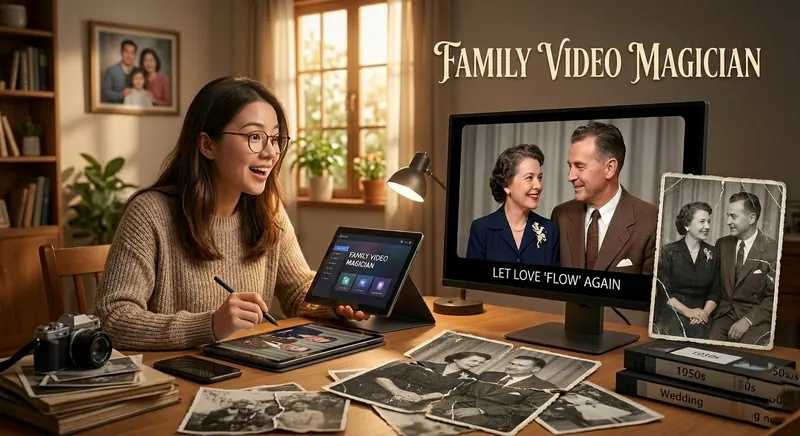
Your exclusive family photo magician. Not only can it restore and automatically colorize blurry, damaged, black-and-white old photos/videos to high definition, but it also uses AI generation technology to make people blink, smile, turn their heads, and even speak, turning dusty static memories into lifelike dynamic images, letting love 'flow' again.
 Image
Old Photo Restoration
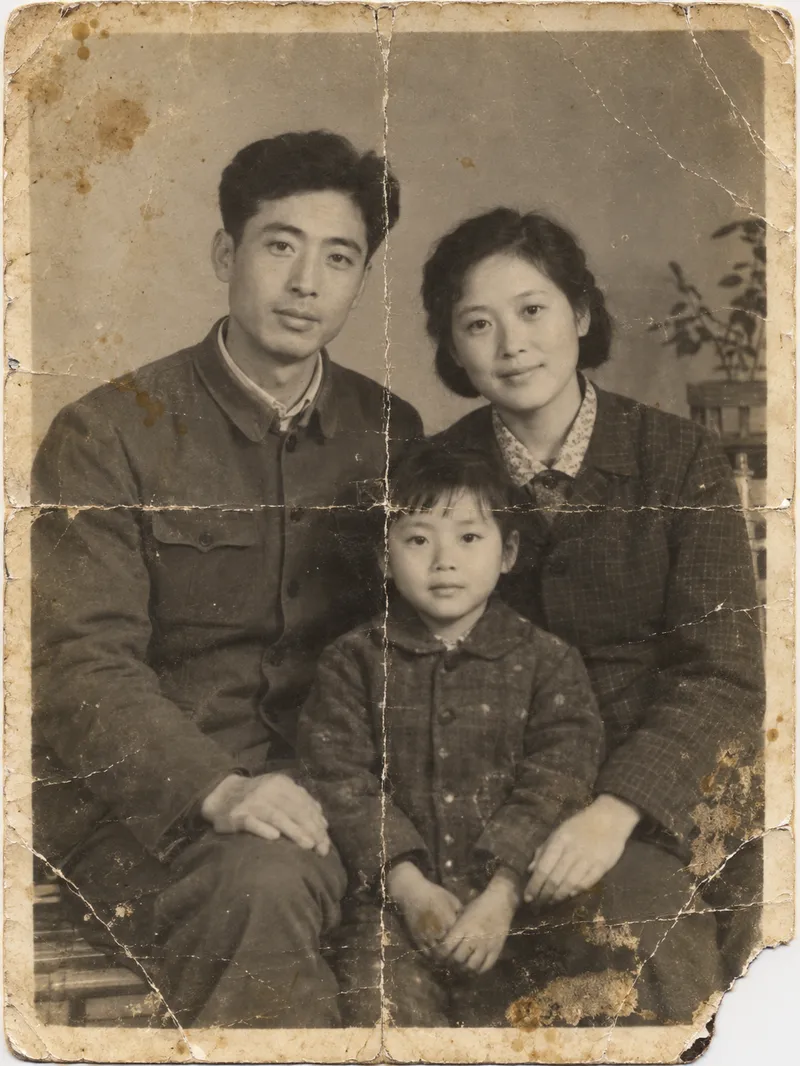
# Old Photo Restoration | AI Photo Renewal Upload a yellowed, creased, scratched, or stained old photo to restore it into a clean and clear version. You can naturally colorize it according to the era, or keep it in black and white or vintage tones. Every person in the photo remains just as they originally were. ## What You Will Get - **Photo Diagnosis**: Estimates the era of the photo, identifies the number of people, and highlights where the damage is most severe - **Restored Photo**: Removes creases, scratches, cracks, stains, mold spots, and yellowing, and fills in missing corners - **Three Modes**: Restoration plus colorization (default), keep black and white, or keep the warm yellowish tone of old photos - **Faithful Preservation of Individuals**: No beautification or making people look younger; when a crease crosses a face, only the crease is removed without adding glasses, wrinkles, or other unoriginal items - **Individual Verification**: For group photos with more than 3 people, each person is checked to ensure consistency before and after restoration, with verification results listed - **Preservation of Historical Marks**: Handwritten dates, photo studio stamps, and decorative white borders are kept as they are - **Transparent Explanations**: Clear notes on which areas were inferred and filled in by AI, and which colors were AI-generated ## Who It Is For Children wanting to restore old photos of their parents or grandparents; people making commemorative albums or longevity banquet gifts for family; and those organizing family or institutional historical photos. ## Usage Tips - Scanned copies yield the best results; when taking a photo with a phone, try to shoot straight on and avoid reflections - Knowing the shooting era, location, or clothing colors and noting them down (e.g., "Mom is wearing a red sweater") will make colorization more accurate - AI restoration infuses inferred missing details, so please keep the original copy for important photos - Each run consumes about 100–200 credits (generating 1 restored image; an extra image is generated during auto-correction)
Information
- Version
- v2
- Last updated
- Runtime credits
- Usage-based
- Models
- Auto
- Use cases
- Images & designVideo & audioLifestyle & entertainment
- What you get
- Video
- Visual styles
- Retro
