Pinned for you
The skill collection pinned to the top of the homepage
 Image
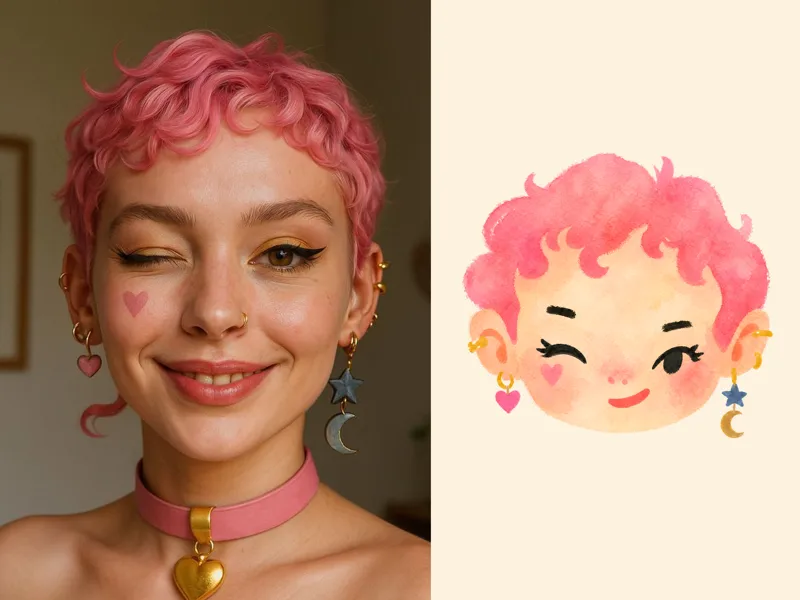
Naive Doodle Avatar
Turn a portrait, appearance description, or creative character idea into a distinctive naive doodle fashion-chibi avatar with a childlike yet cool editorial feel. The style emphasizes bold graphic hair shapes, rough marker or dry-brush edges, restrained watercolor-like color, and a clean white or warm-white background. Real photos guide recognizable cues such as hairstyle silhouette, face shape, expression, and attached accessories while remaining clearly transformed into an illustrated avatar rather than a realistic likeness. You can also start with a set of fresh fictional avatars when you want random inspiration instead of a photo-based transformation. The result stays flat, expressive, and fashion-forward, avoiding photographic skin, 3D rendering, heavy shading, detailed anatomy, distracting backgrounds, text, and watermarks.
 Video
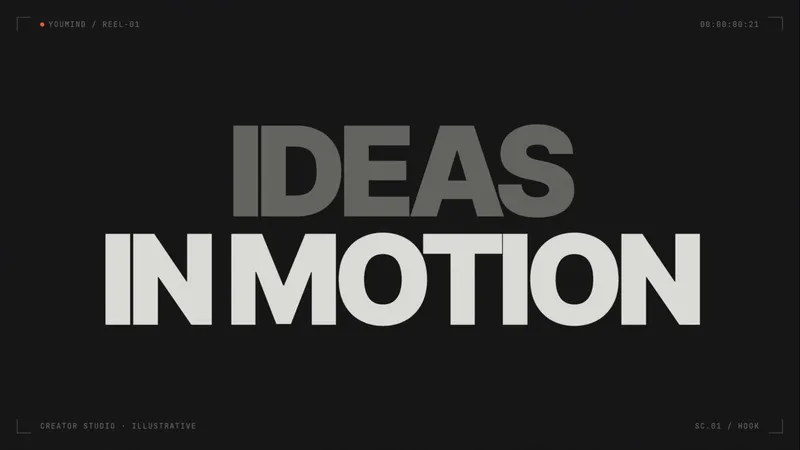
Opus 5.5-Impact Product Reel
Create a fixed 24-second impact-driven, beat-synced product reel with locked typography, transitions and sound, while adapting product, campaign and palette.
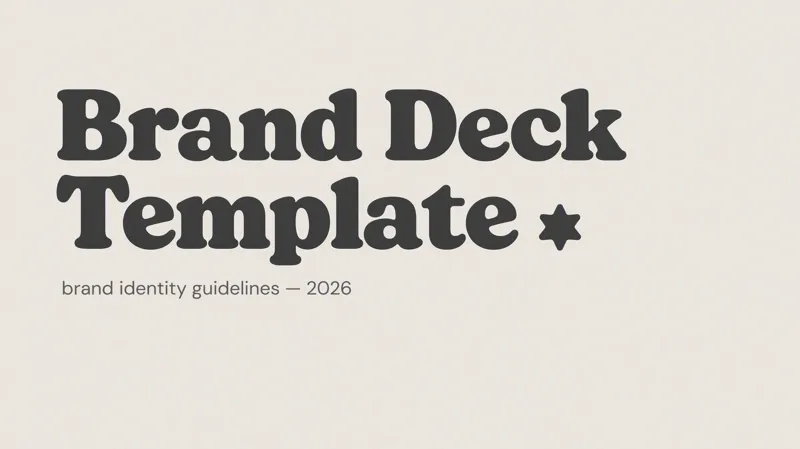
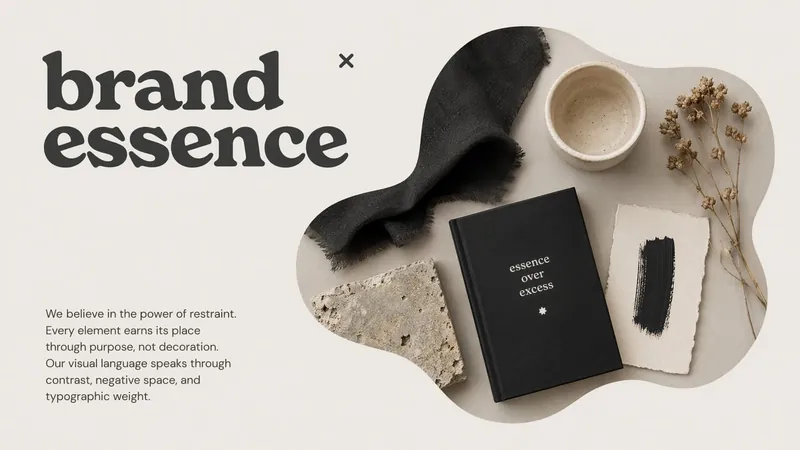
Serif & Void Minimal
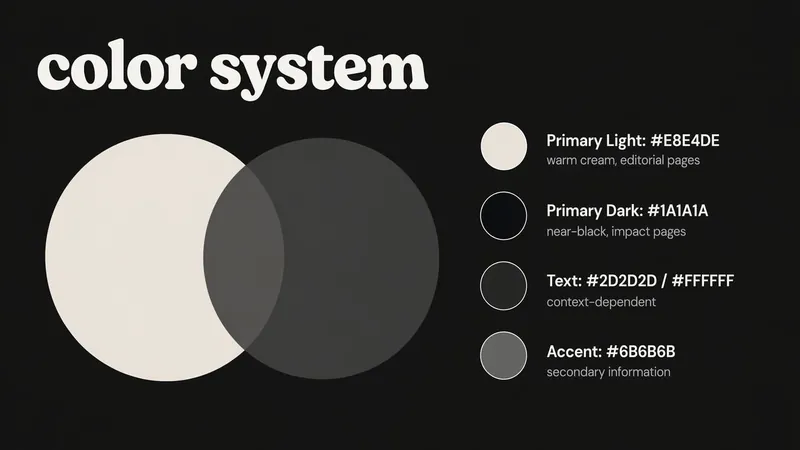
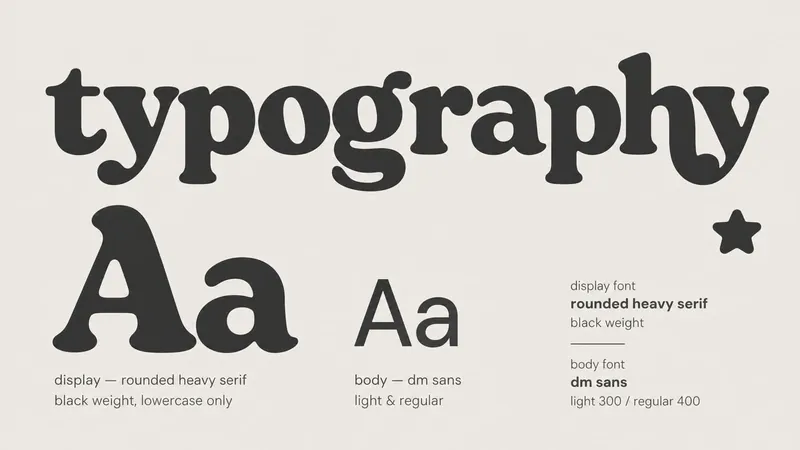
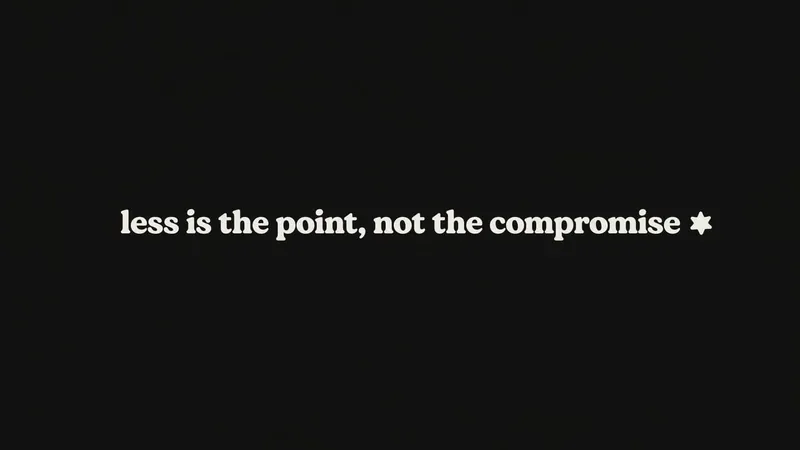
A bold serif-and-negative-space presentation style featuring a dual cream-and-dark palette, lowercase DM Serif Display typography, irregular-mask photography on narrative pages, and abstract geometric decorations such as stars and overlapping circles. Produces elegant, high-contrast Slides with strong layout variety.
 Video
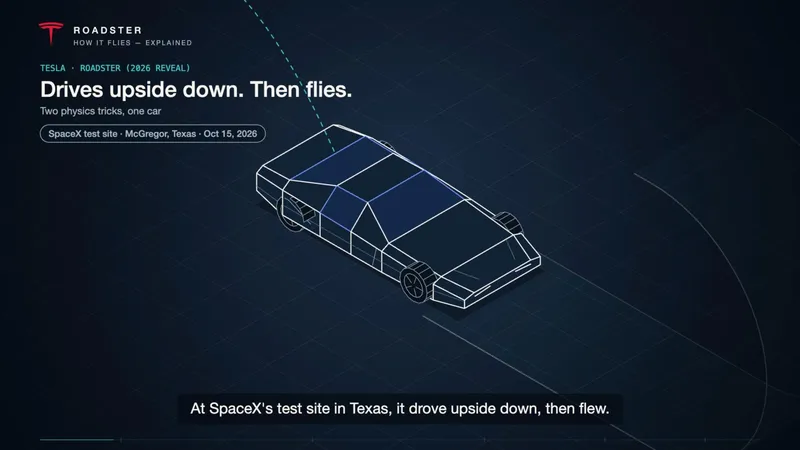
Opus 5.5-Isometric Explainer Video
Turn a process, system, or concept into a captioned isometric explainer with precise line tracing, component assembly, visible flows, and connected camera moves. Customize the topic, audience, language, palette, duration, and narration. Builds the finished playable webpage video directly by default; storyboard previews only when you ask for them. Video export depends on runtime capabilities.
 Write
YouTube Video to Article
Turn long videos into easy-to-read articles. Just paste a YouTube link, or if you don't have one, name the person, show, or topic you want to watch, and I'll help you find a few videos to choose from. The article clearly explains the viewpoints and background from the video, preserves key quotes, and can even add illustrations once written.
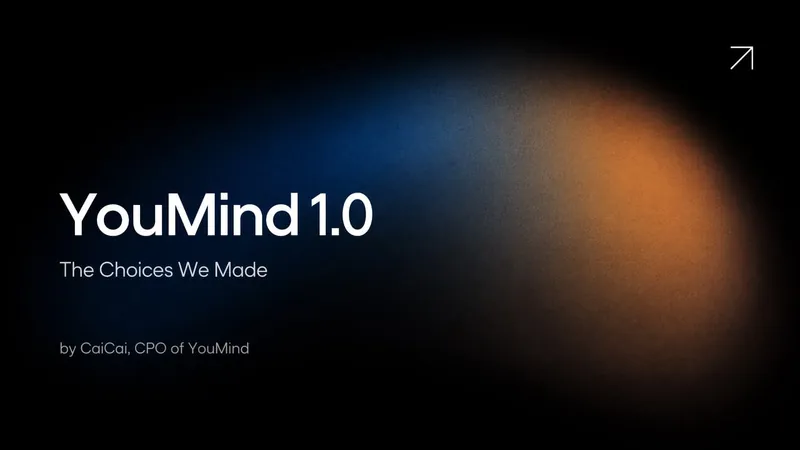
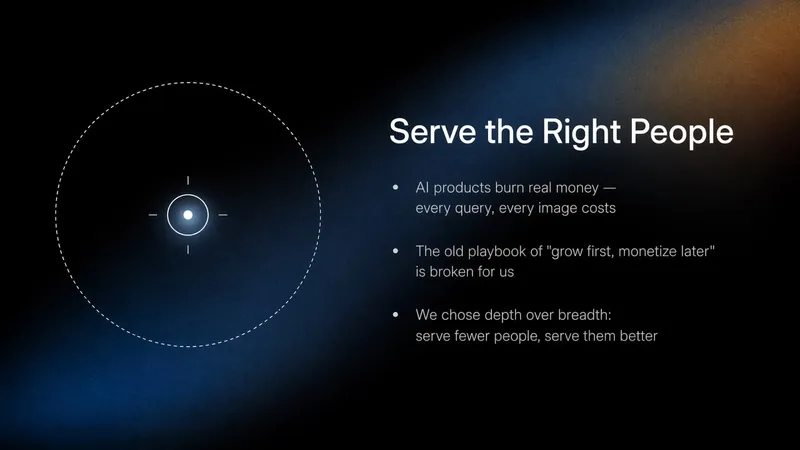
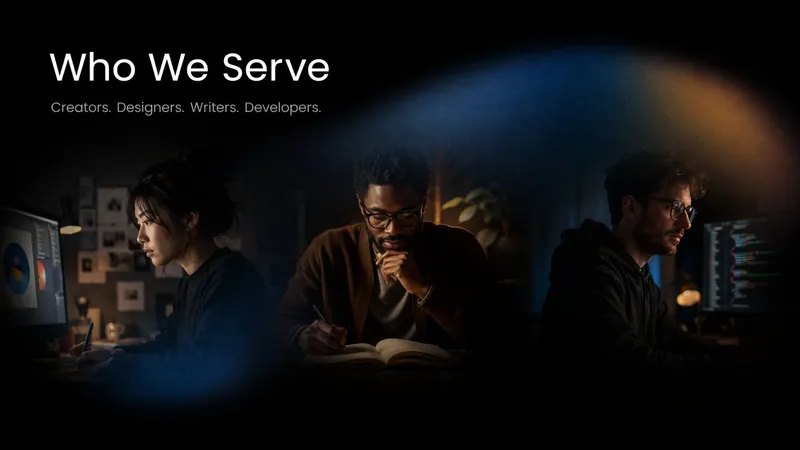
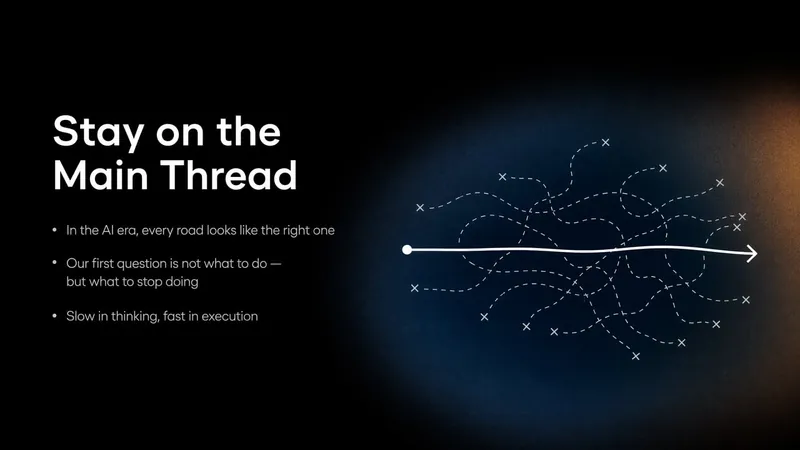
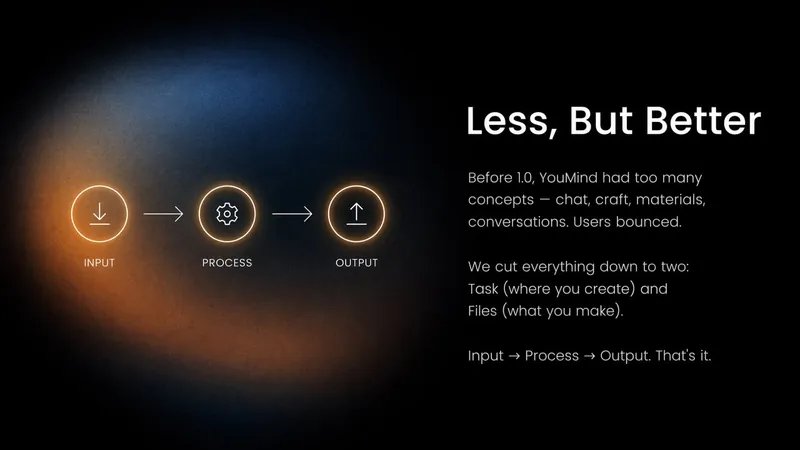
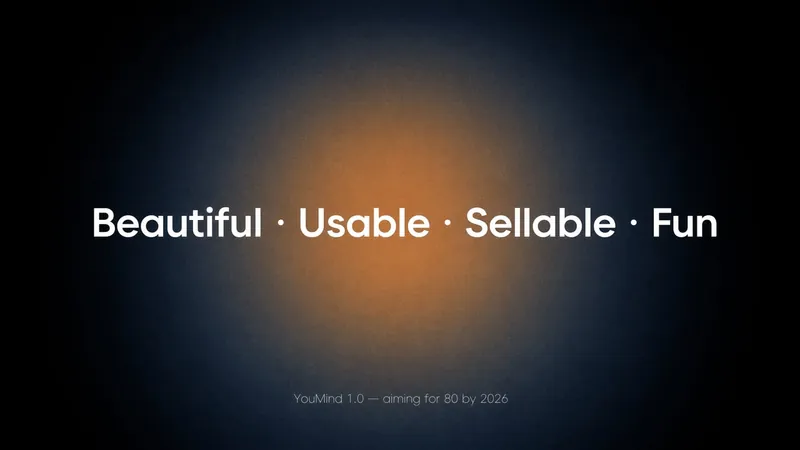
Prism Dark Gradient
Modern dark corporate slide style: black backgrounds with S-curve blue-to-orange gradient overlays, geometric sans-serif white typography, professional photography. Features 5+ distinct layout patterns: Cover (left-aligned hero title + decorative arrow), TOC (numbered vertical list), Image+Text content, Team portrait grid (2×2), Icon-led bullet pages, Section Divider, Data/Chart, and Closing.
 Video
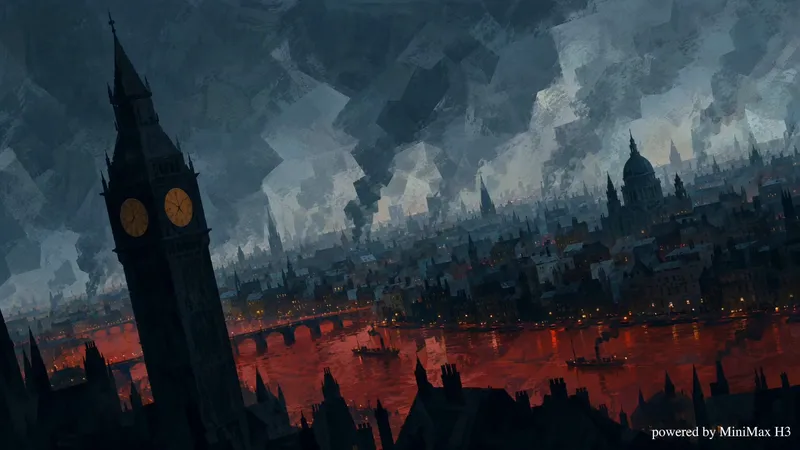
2.5D Printmaking Animation Studio
Transform any topic into a ~45-second war printmaking style 2.5D animated video. Generates a 9-shot script with narration, produces keyframe images, video clips, and audio narration per shot, then assembles everything into a Cast after user confirmation.
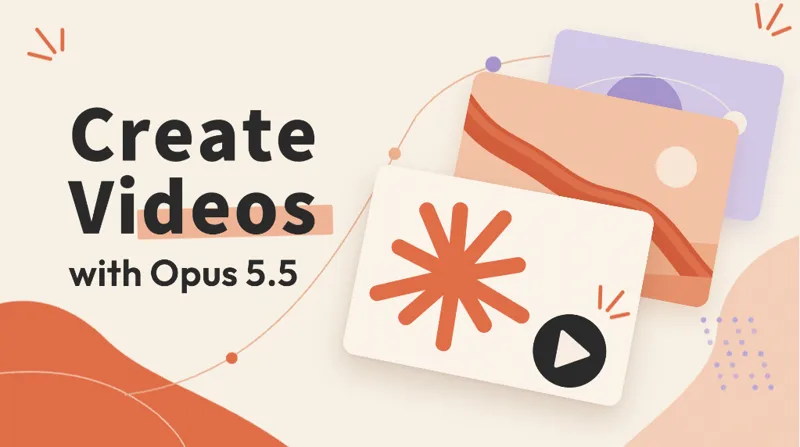
Create videos with Opus 5.5
Turn an idea, message, or creative brief into a polished motion video with a distinctive visual identity. This skill helps you shape the concept, key visuals, typography, color palette, composition, pacing, and transitions so every design choice supports the story you want to tell. It can create a wide range of video experiences, from expressive title sequences and promotional pieces to presentations, social content, and other visual storytelling projects. Your explicit requirements remain central, while the overall direction is developed with the judgment of a creative director and motion designer to produce engaging visual moments and smooth continuity from shot to shot. The result is a finished, browser-based video experience with carefully coordinated motion and design, checked for technical issues before delivery. Start with a clear prompt describing what you want to communicate, the tone or style you have in mind, and any must-have content or constraints.