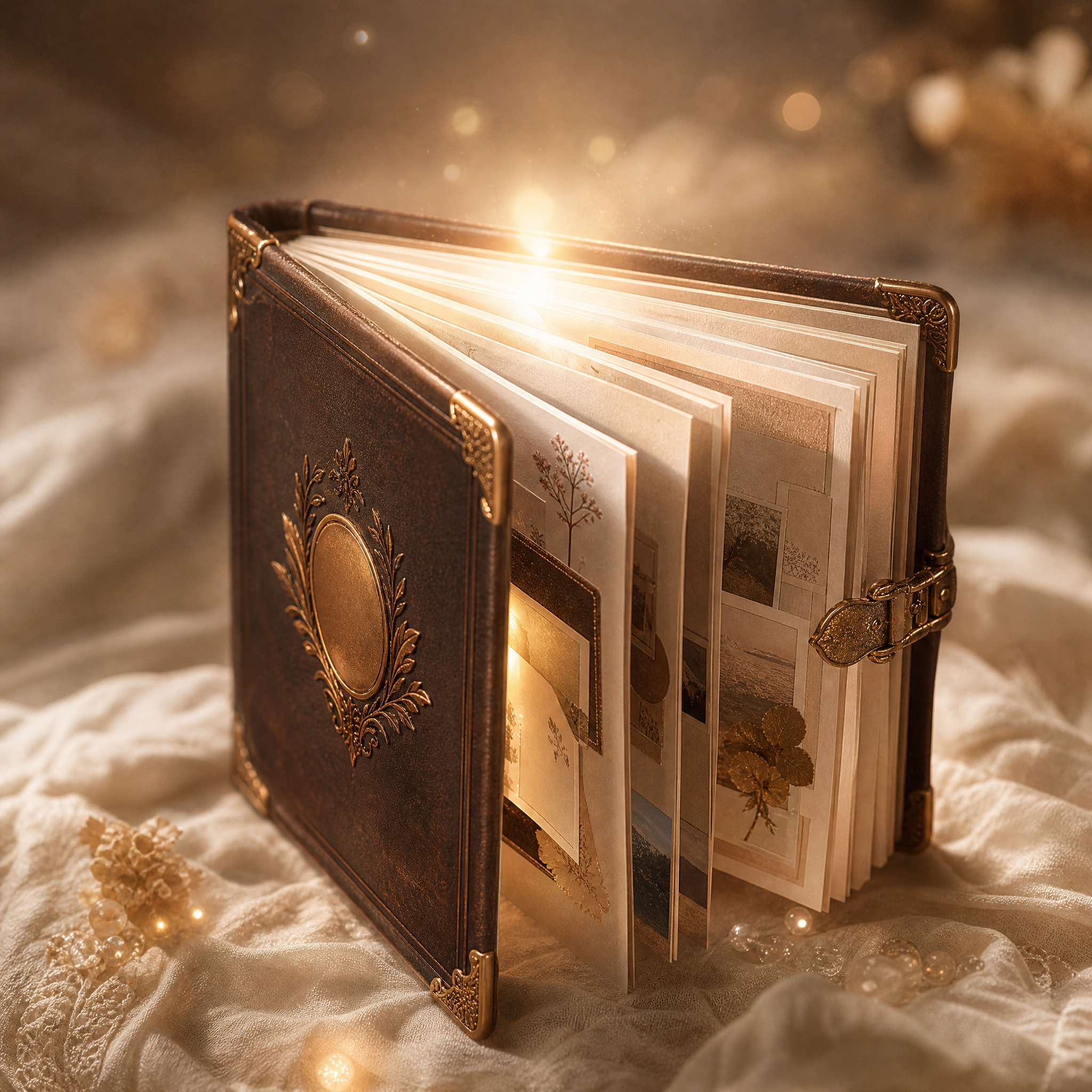
Traceable Year Pro
Turn memories into a 3:4 annual gallery with 6 styles
Traceable Year Pro
Turn memories into a 3:4 annual gallery with 6 styles
Showcase
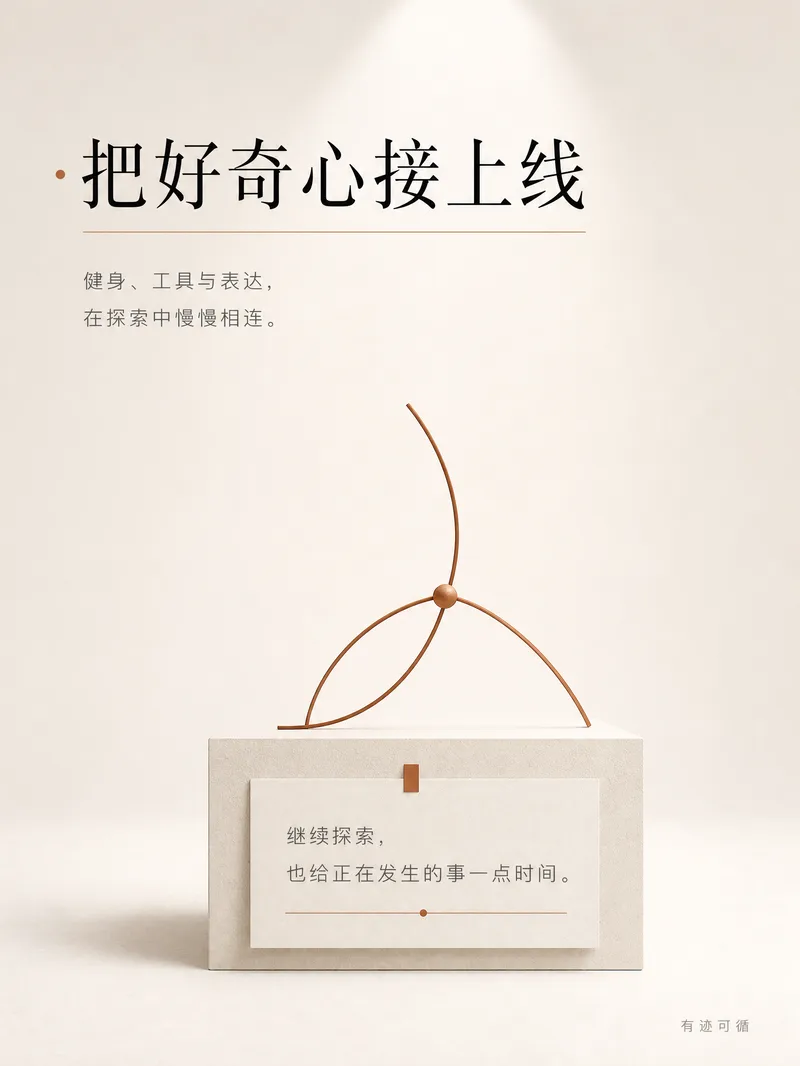
个人年度报告
年度总结|2026 人生博物馆
个人年度报告
年度总结|2026 人生博物馆
Description
Music has an annual playlist, and your life deserves an annual report too. This year, you may have accomplished a lot, or simply focused on getting through each day. Some moments linger in journals, some are scattered across YouMind records, and others only surface when you start talking. Traceable Year Pro helps you bring them back together as a set of 3:4 annual report visuals to share or keep just for yourself. [Start Even Without a Complete Summary] Bring your annual review, diary, or work logs. With your permission, select your YouMind activity history, or start from scratch by sharing a memory that stuck with you. You do not need to sort out your story first. We will find the key moments together, and you decide how they are told. [Six Annual Universes, Six Ways to Remember] 1. Life Museum | Quiet and refined. Place important moments in display cases and label the quiet persistence. 2. Annual Star Map | Romantic and restrained. Connect scattered experiences into a constellation and name your year. 3. Life Passport | Fresh and engaging. Every turning point becomes a visa stamp marking your path. 4. Time Record | Nostalgic and detailed. Side A holds glowing moments, and Side B holds the stories you want to tell. 5. Personality Magazine | Stylish and confident. Turn your story and exact words into an annual special issue. 6. Footprint Yearbook | Clean and orderly. Organize verifiable logs, keywords, and key moments into a yearbook. Choose one style at a time; they are not all generated by default. [A Complete Review, Not Just a Cover] - Annual Story Draft: Annual theme, timeline, hidden achievements, exclusive title, and words for next year, editable before rendering. - 3:4 Vertical Gallery: Fast version (1 image), standard version (8 images), collector version (12 images). Adjusted to your content without padding. - Social Captions: 3 title options, main text, and hashtags. - Annual Archive: Saved with your consent so you can continue your review next time. [Unrewarded Moments Still Matter] Reports can highlight an overdue decision or an overlooked small win, not just numbers. Titles are drawn from your story without forced labels. [Clear Transparency Before You Begin] No automatic full scans or changes to existing records. YouMind activity access depends on your current permissions and account capabilities. Unreadable data falls back to your provided notes. Full platform logs or annual durations are not guaranteed. Facts, self-accounts, and AI interpretations are kept distinct, and numbers should be checked. You can delete content you prefer not to display, and private cards are excluded from shared sets. Review text, numbers, and privacy before publishing. Outputs are images rather than editable source files. Edits require regeneration. Credit consumption follows current platform rules. Not just for year-end: use it for birthdays, graduations, work anniversaries, or project wrap-ups. Start with a single sentence: There is something this year I want to remember.
Recommended by
Dancang
Why we love this skill
Transforms scattered records into a verifiable, shareable annual story presented in six original visual universes as a 3:4 collection. It honors privacy and truth while offering a thoughtful curation and review process.
Best for
Ideal for anyone who wants to turn their year's records, memories, and overlooked persistence into an annual image collection.
How to use this Skill
Provide your input
Provide your annual review, journal, work records, or memories, select the review scope, tone, and privacy boundaries, or start with a moment you want to remember.
Run the Skill
Collaborate to organize facts, timelines, and annual themes, confirm the story draft and public content, then select one of six annual styles to generate the graphics.
Review your result
Receive a set of 3:4 vertical annual report images, social media captions, and an optional saved annual archive; page counts and public scope are confirmed before generation.
Related Skills
View all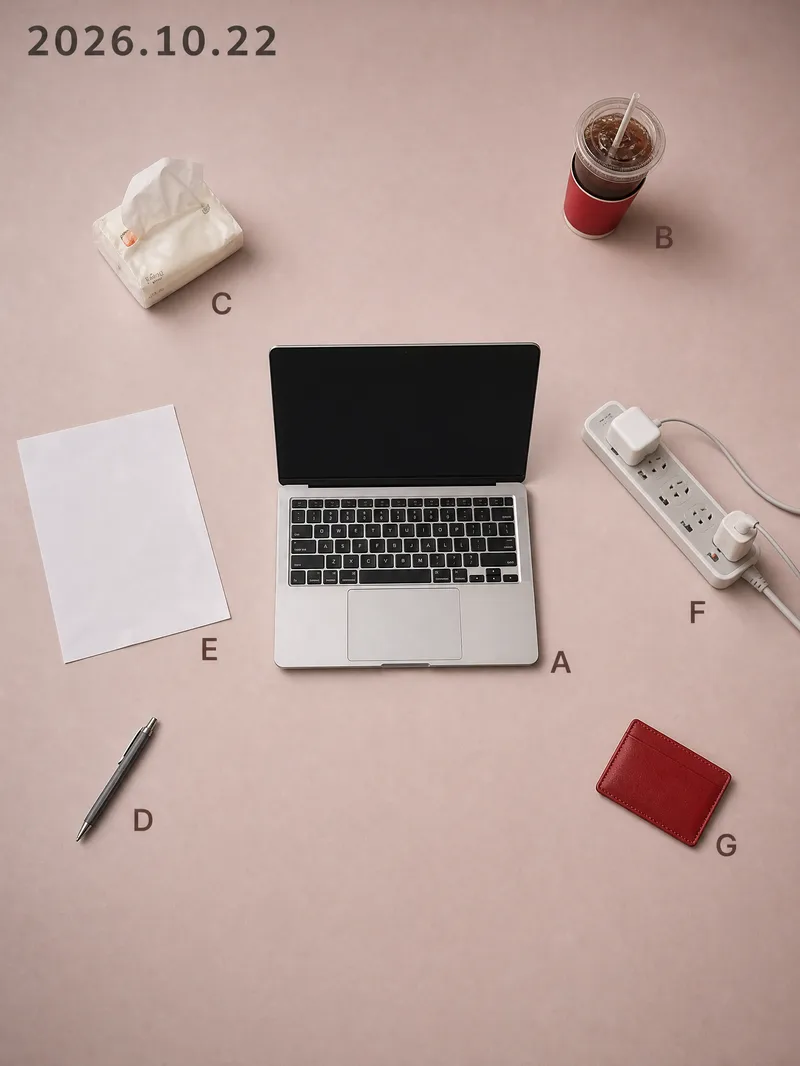 Image
Visual Diary Object Poster
While others share the same batch of templates, you share that exact day. Every day has a desktop worth remembering: half a cup of cold coffee, an open book, a watch casually taken off. Yet when you take a photo and post it, it just looks like a slightly messy phone snapshot; turning it into a proper poster means opening design software, searching for templates, laying things out, and color grading, taking half an hour only to end up worse than the original. This Skill compresses that entire process into a single upload. You drop in a casual photo taken that day, and it recognizes the objects in the frame one by one, keeping only 5 to 11 items with traces of use. It rearranges them according to the grid position and orientation from the moment you took the photo, delivering two 3:4 vertical object posters at once. Using the same layout, you get one matte background in a low-saturation soft rose pink and one in dark ink, with the date at the top and a letter next to each item. The pink background is suited for daytime posting, while the dark background is great for night. The biggest difference between this and typical poster templates on the market is that it is never reused: the positions come from your own perspective. If two people photograph the exact same scene, they get two different posters. Your composition itself is your signature, ensuring no one else will have the same style. It asks no questions throughout, provides no analysis tables, and doesn't make you confirm styles. Upload and get two posters instantly without wasting extra credits. It also automatically avoids human faces, ID cards, screen contents, and brand logos, so the generated images are ready to post directly. Buy it once, and every day that desk can turn into a piece of art, ready to be shared straight to your social platforms.
 Image
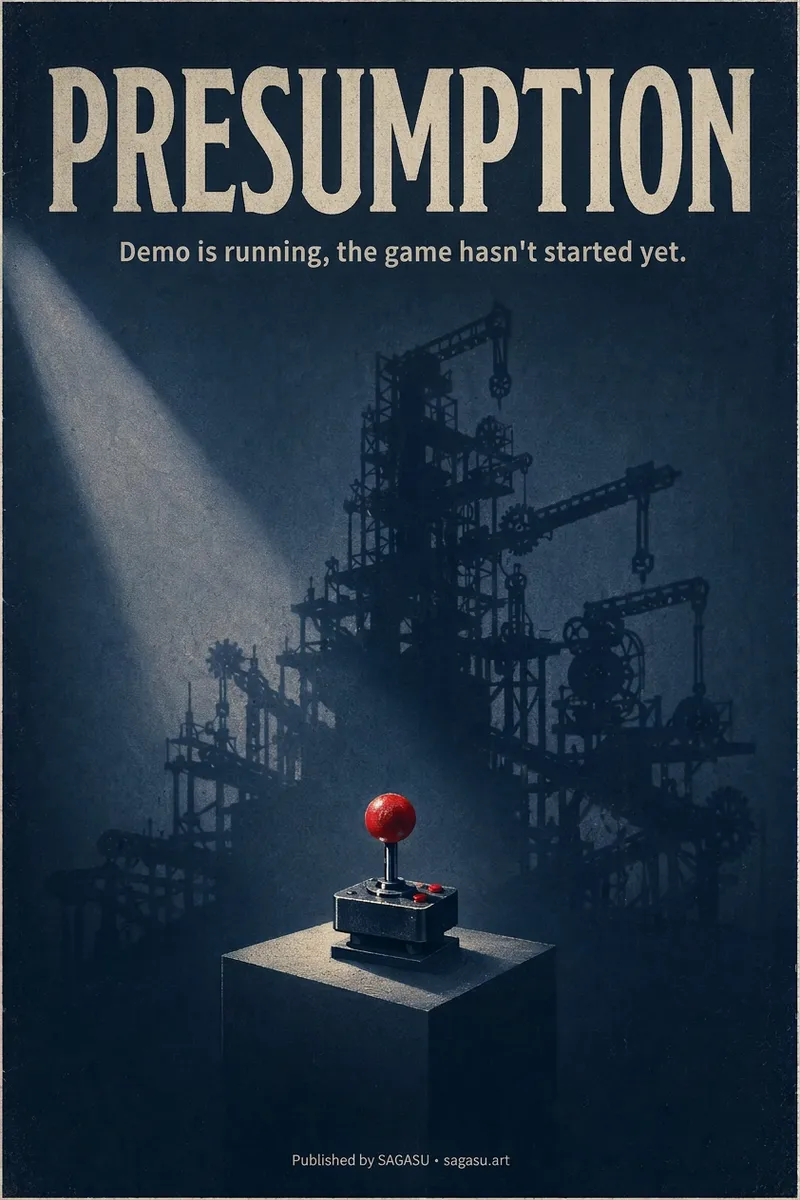
Cinematic Cover Studio v2.0
You wrote an article with a strong point, but can only pair it with a randomly chosen image? Cinematic Cover Studio turns your article’s central idea into a cinematic poster-style cover: the image catches attention in the feed at first glance, and viewers understand what it says at second glance—so they stop and click. Just paste in an article link or describe the topic in one or two sentences. It will understand the content, identify the most compelling tension in the article, turn it into a metaphorical scene with a single main subject, then match it with the right design style, composition, and colors to deliver a finished poster. You’ll get: - A ready-to-use cover with the title and subtitle already placed in the design. Chinese articles use Chinese titles with accurate, legible text. - Platform-ready aspect ratios: 2:3 portrait by default for movie posters; 3:4 for Xiaohongshu and Instagram; 9:16 for Stories; and 16:9 for WeChat Official Accounts, Bilibili, YouTube, and blog headers, with space reserved for the title. - Five design styles to choose from or match automatically: minimalist symbolism, illustrative storytelling, surreal metaphor, Eastern atmosphere, and commercial blockbuster. - No need to answer repeated questions: when there’s enough information, it generates the image directly. By default, it creates one image at a time so you don’t waste credits. - When you want to compare options, say “give me a few more versions” to see different directions, such as literal, metaphorical, and minimalist. If it feels too dark or too cool, or you want to change the style or colors, adjust the current image with a single sentence. Ideal for creators writing for WeChat Official Accounts, blogs, newsletters, Xiaohongshu, and X, as well as anyone who needs a key visual for opinion-based content, product introductions, or events.
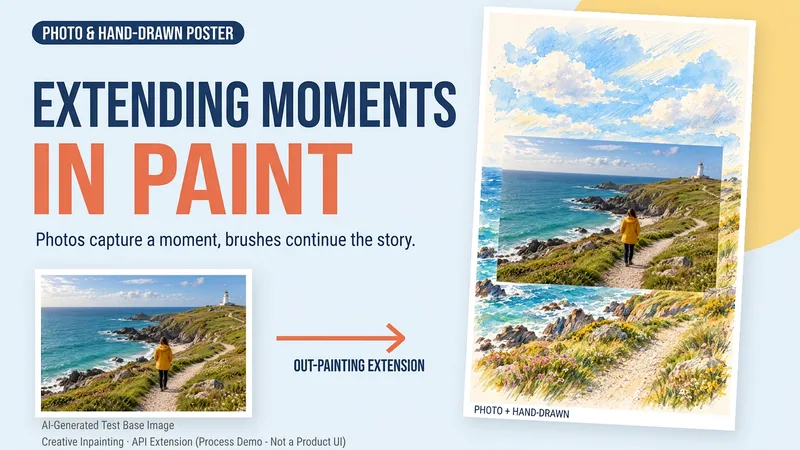 Image
Draw That Day | Photo Poster
Some photos deserve another page. Upload a travel, walking, or everyday photo to create a keepsake poster where the photo meets hand-drawn scenery. The photo preserves that moment, while watercolor and colored pencil continue the scene beyond its edges. You can get: ① A keepsake poster: 2:3 portrait format by default, with a warm paper texture and no text. ② A grounded extension: starting from the sky, coast, road, or room in your photo, hand-drawn elements echo the original setting. ③ A note about photo preservation: when compositing is supported, the photo layer can be retained; with generative editing only, details may change, and this will be explained. ④ An optional short caption: use a sentence, location, or date you provide to preserve a little of how you felt at the time. Suitable for travel memories, everyday keepsakes, and social sharing. One image by default; it does not automatically create a full storybook. The scene beyond the photo is an artistic creation, not a recreation of the actual surroundings. Generation and compositing depend on the platform's current image tools and usage limits. We do not promise that the original photo will remain completely unchanged using a generative model alone. If the tools are unavailable, this will be stated clearly and a complete prompt will be provided.
Information
- Version
- v10
- Last updated
- Runtime credits
- Usage-based
- Models
- Auto
- Use cases
- Writing & contentImages & designLifestyle & entertainment
- What you get
- DocumentImageSocial post
- Visual styles
- MinimalistEditorialCollage
