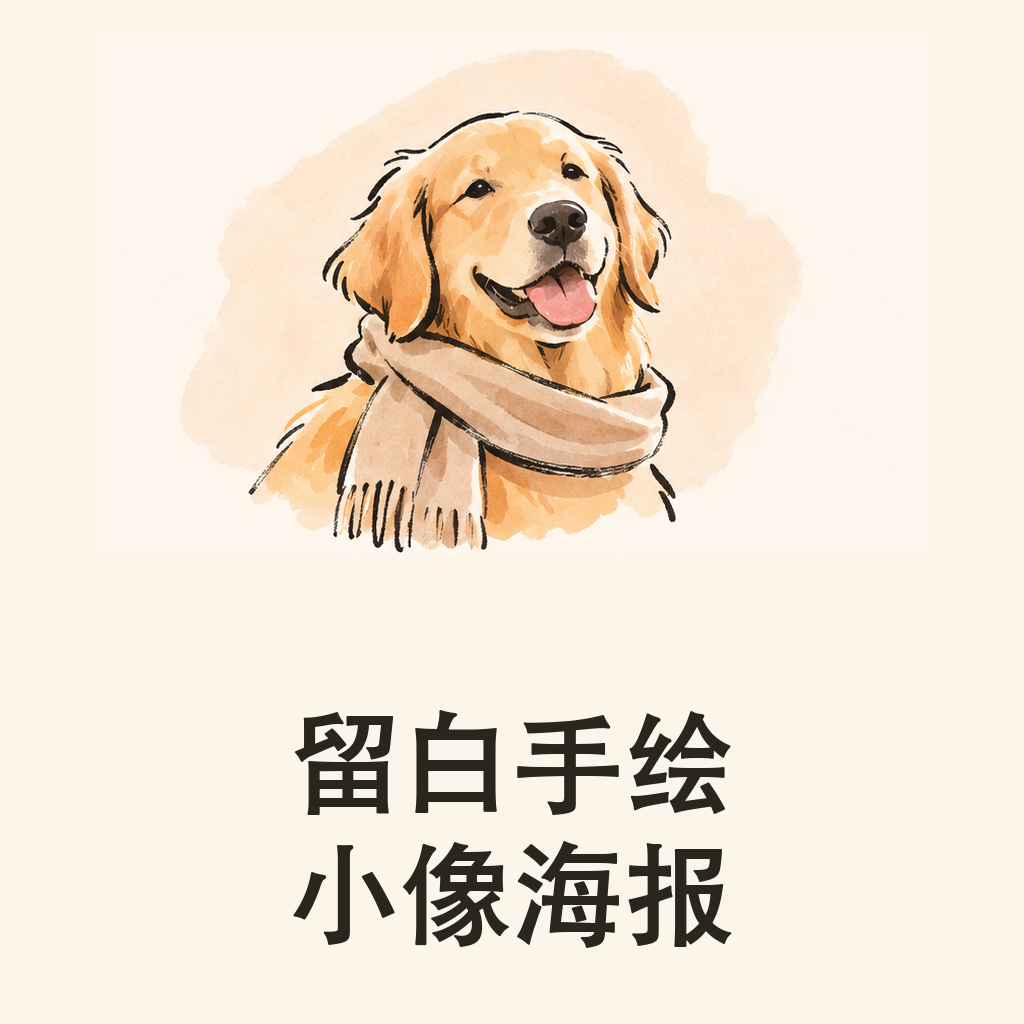
Essential Hand-Drawn Port.
Create photography and ink-line duos
Essential Hand-Drawn Port.
Create photography and ink-line duos
Showcase
Description
Ideal for creating comparison posters featuring photography and hand-drawn art of people, pets, and still-life objects. Provide a text theme or an authorized photo, and you can specify a short title, color palette, and purpose; photo mode requires actually reading the image. The Skill identifies the main subject and objects to retain, planning a vertical diptych: the top half features photography, while the bottom half reinterprets the subject using ink lines, light color blocks, and negative space. After calling currently available image tools to generate the output, it verifies the figures, props, and title. It delivers an actual poster and verification notes, including prompts when necessary. Four display images are fictional AI examples generated locally following the Skill's visual method: an adult woman with a bouquet, a golden retriever with a scarf, an adult man holding a notebook, and a teapot. The female and male examples were regenerated due to issues with glasses and props; the male title had an extra period, the teapot photo's upper frame featured a photo paper border, and the golden retriever portrait was larger. The avatar was cropped from the golden retriever example with text overlaid, not an additional case. Usage: Describe the subject and title, or upload an authorized photo; after generation, check the subjects, accessories, text, and cropping in both panels. Photo editing and YouMind platforms have not been tested in practice, and identity, product details, layout, and text consistency cannot be guaranteed. Local use incorporates built-in image_gen without returning a specific model ID; GPT can be used for text planning, but image creation requires actual available image tools and will not claim to have generated an image if no tools are present. The 299 credits represent the installation price; model runtime and other fees are billed separately by the platform used.
Recommended by
Dancang
Why we love this skill
Featured for combining real photography with minimalist ink portraits into a fixed upper and lower diptych, balancing visual recognition with licensing boundaries.
Related Skills
View all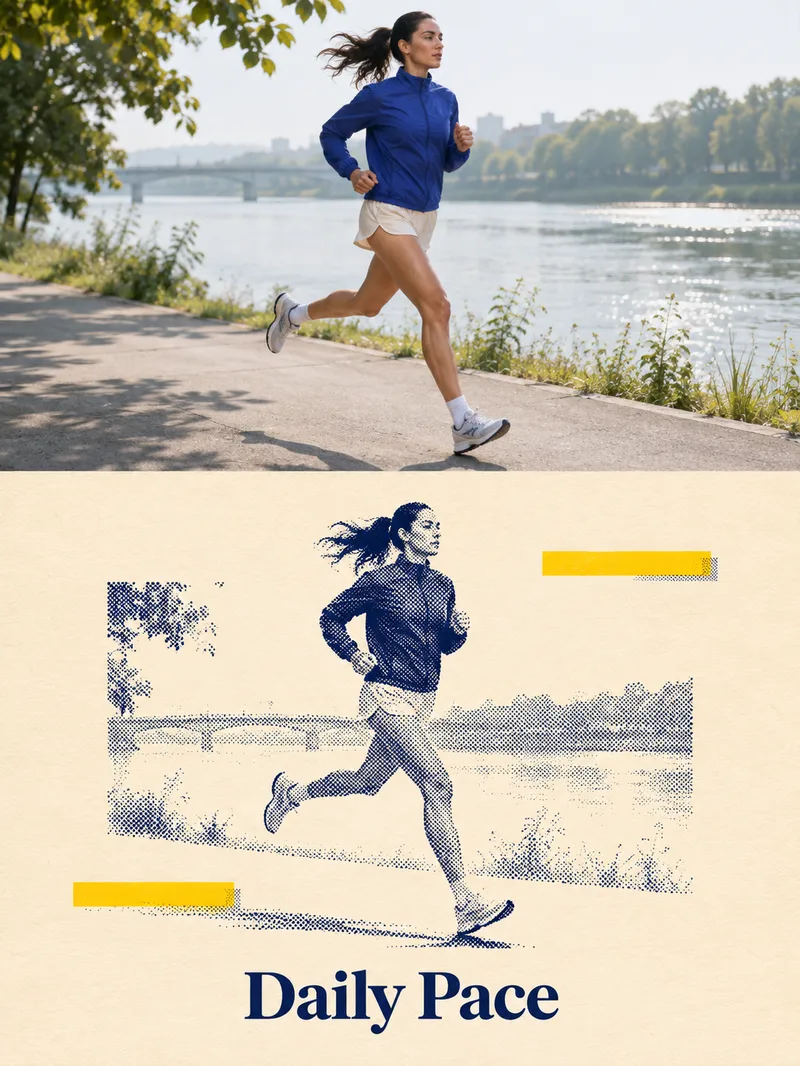 Image
Two-Tone Halftone Overprint
Ideal for creators making social media graphics, editorial posters, and personal visual exercises. Provide a subject such as a person, pet, building, or still life, and optionally specify a title and color scheme. Photo mode requires authorized, clear, and readable images. The skill first identifies the subject and essential outlines, planning a vertical diptych layout: the top features natural photography, while the bottom uses dark blue halftones of varying density for light and shadow, paired with a warm white paper texture, subtle yellow geometric blocks, and a short title. It then uses the current environment's image tools to generate and review the result. Delivers an actual poster, title text, and verification notes, with copyable prompts included when needed. Usage: Enter a subject or photo, specify the title and purpose, then review the subject, text, and composition after running, and request specific adjustments. The four display images are AI examples generated locally following the full skill visual method: an adult runner, an orange cat, a fictional building, and an unbranded coffee pot, and are not actual photos or real client cases. The avatar was generated separately based on the local halftone cat case, showing visual effects and Chinese titles. YouMind integration and uploaded photo editing have not been tested in practice; details, halftone thickness, whitespace, and subject size may vary. The runner example retains more background, and exact consistency per run is not guaranteed. Text planning can use GPT, while image creation relies on the actual image tools provided by the runtime environment. The local image_gen did not return a specific model ID, and no binding to Image2 is claimed. Without image tools or if generation fails, image delivery is incomplete, and only pending prompts can be provided. Verify text, portrait rights, and product structure before official use; exact identity or detail consistency is not guaranteed, and automatic publishing or purchasing is not supported.
 Image
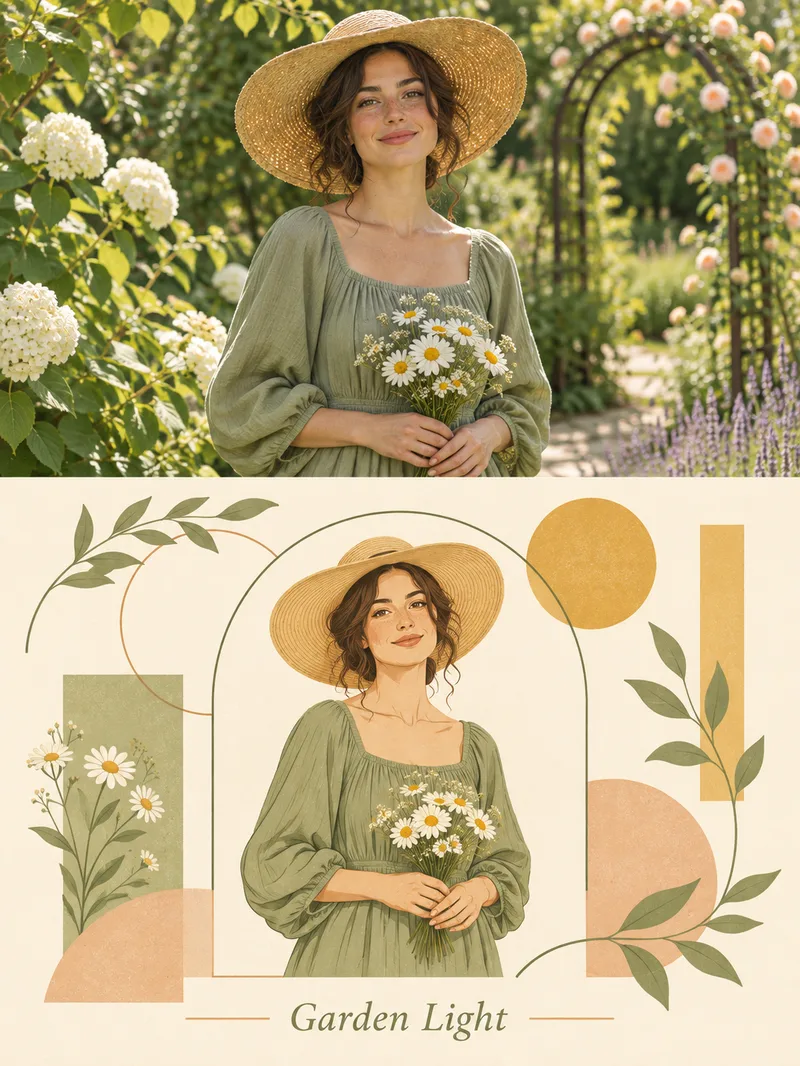
Geometric Garden Illustration Poster
Ideal for content creators looking to make commemorative portraits, pet graphics, or artistic still-life posters. Provide a text theme or a photo with usage rights, and optionally specify a short title, color scheme, and purpose. The Skill first identifies the subject, pose, clothing, and props, planning an upper and lower diptych layout: the top features natural photography, while the bottom is redrawn using soft color blocks, clean lines, and a paper-like texture. Circles, arches, leaves, and rectangles form a geometric garden frame with a warm white border, followed by calling the actual image tool to generate and verify the result. Delivers a final poster, copyable titles, and verification notes, with generation prompts included when needed. Usage: Enter a theme or photo along with title details; review the character, props, text, and composition, then make targeted revisions by section. The four display images are fictional AI examples locally generated using the complete skill visual method: a woman with a straw hat and daisies, a young man watering flowers, a white cat with green leaves, and small flowers in a blue bottle. They are not real clients or actual photos. The avatar is generated separately based on the straw hat case. Photo editing and YouMind testing have not been conducted. Hands, bouquets, subject sizes, and margins may vary, and exact identity, product details, or vertical consistency are not guaranteed. Text planning can use GPT, while image creation relies on the image tools provided by the environment. The local image_gen did not return a specific model ID and is not claimed to be bound to Image2. When no image tool is available, image delivery is incomplete, and only pending prompts can be attached. PSD vector source files are not provided, and automatic publishing or purchasing is not supported. Verify material rights and text before formal use.
 Image
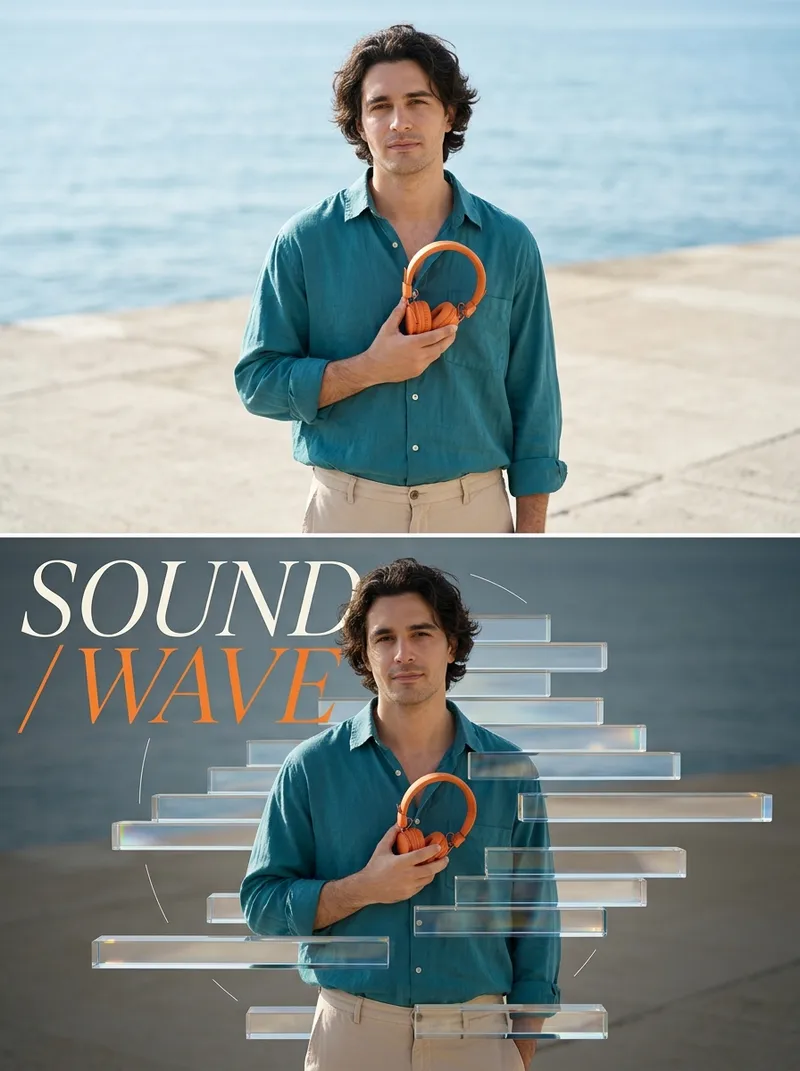
Glass Refraction Split Poster
Ideal for content creators looking to produce visual posters for people, still life, or products. Enter a theme to generate images from text, or upload a photo you have the rights to use, and specify a two-line title and color scheme. The skill first identifies the subject and scene, then plans a 3:4 vertical split layout: natural photography on top, and displaced transparent glass prisms, partial refraction, iridescent fine-edge highlights, and large magazine typography on the bottom. It calls available image tools to generate the output, then checks the text, subject, and visual layers. Delivery: An actually generated split poster, title, and verification notes; copyable prompts included when needed. Usage: Enter the subject and scene or upload a photo, provide a title, run the skill to check character/product details and text, and adjust as needed. Display images are AI examples generated locally using the skill's visual method and image tools, not real person photos or client cases. Not yet verified on YouMind; results depend on the platform's models and tools. GPT is recommended for text planning, and available generation/editing models are used for images. Limitations: Photo editing requires the current environment to support reference image input, and exact consistency of character identity, clothing, product structure, or cross-frame details is not guaranteed. Accurate text and refraction are not guaranteed every time and require manual review. Without image tools, only pending execution plans can be provided, not final images. Do not upload photos without usage rights or request copying author signatures or brands. Square avatars are cropped by local AI examples with titles overlaid, not new independent cases.
Information
- Version
- v2
- Last updated
- Runtime credits
- Usage-based
- Models
- Auto
- Use cases
- Images & design
- What you get
- DocumentImage
- Visual styles
- MinimalistHand-drawnPhotorealistic
