
Photo Sky Replacement
Swap dull skies for any weather you want
Photo Sky Replacement
Swap dull skies for any weather you want
Showcase
Description
Got stuck with overcast weather on your trip? Turn gray photos into stunning shots. Photo Sky Replacement detects the sky and horizon, swapping in sunsets, clear blue skies, starry nights, or cloud seas. It simultaneously adjusts ground lighting, color temperature, and fill light so the sky and foreground match naturally. Hard rules: Buildings and people remain unchanged; do not use for false advertising in real estate or tourism; perfection cannot be guaranteed on every single photo.
Best for
Ideal for users looking to enhance the weather and mood of travel, daily, or creative photos while keeping subjects intact.
How to use this Skill
Provide your input
Upload a photo with suboptimal skies, and specify your desired weather type and main subject (landscape, portrait, or architecture). You can also mention the intended use.
Run the Skill
The system generates multiple sky options, replaces the background, and coordinates ground lighting, color temperature, fill light, and reflections while keeping subjects intact.
Review your result
Receive at least two identically sized and proportioned edited images with different skies, complete with lighting notes and an edge detail comparison.
Related Skills
View all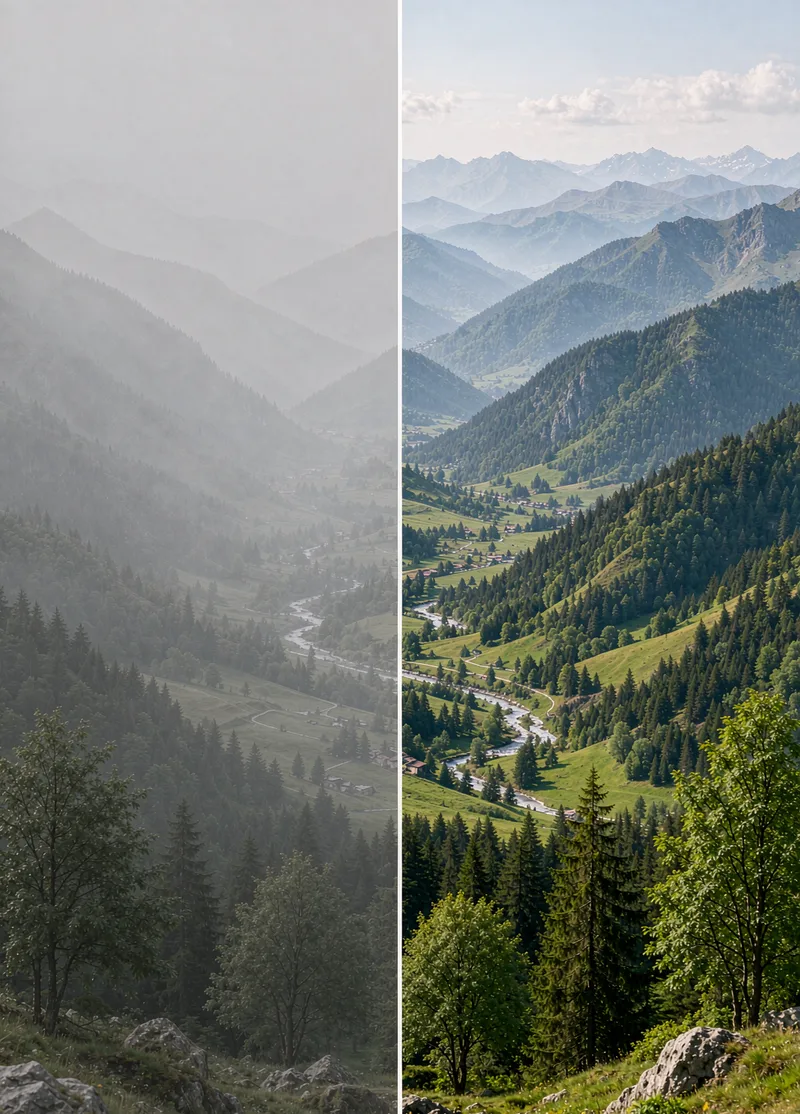
Photo Dehaze
Photos taken on hazy days, through glass, underwater, or backlit often look dull and washed out, as if covered by a dirty veil. Photo Dehaze first identifies whether the issue is fog, smog, smoke, water vapor, or a dirty lens, and then applies regional dehazing: reducing haze in the distance, boosting contrast in the foreground, and processing the sky separately. It preserves natural aerial perspective rather than simply cranking up saturation. Strict rules: Do not alter weather facts (turning an overcast day into clear sunshine must be noted in the description); do not forge surveillance or evidence footage.
 Image
Selective Photo Color Changer
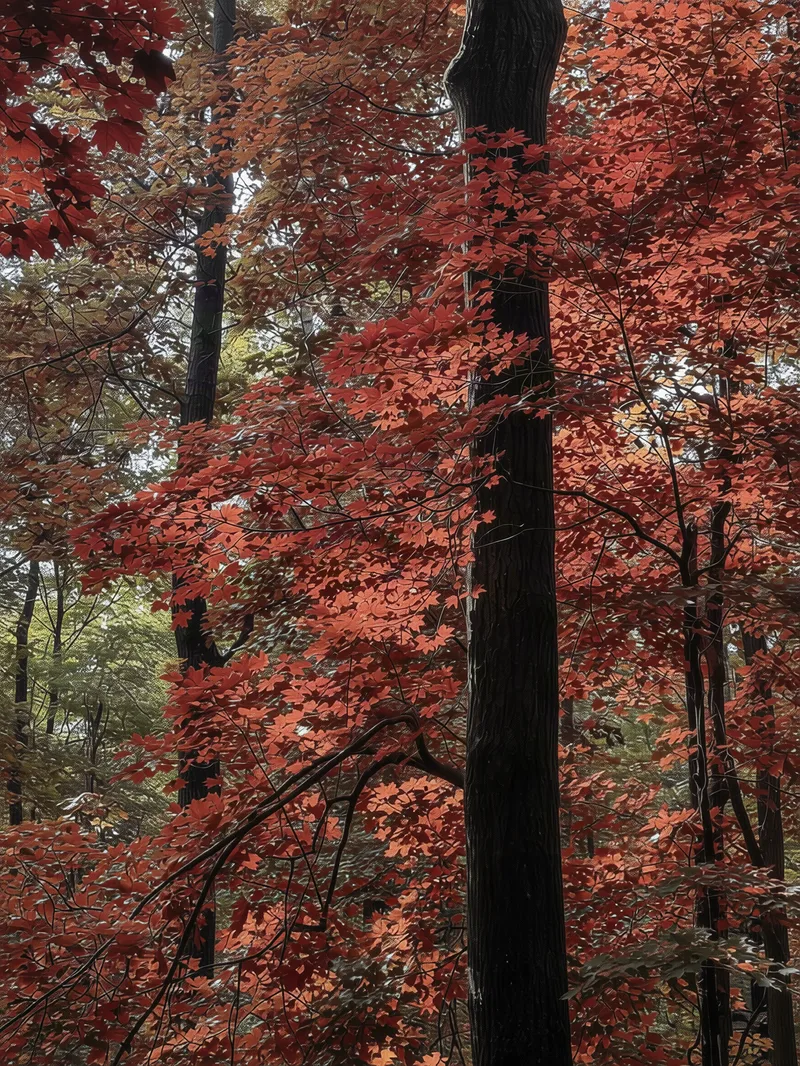
Easily swap the color of any object in your travel or everyday photos—turn green leaves into autumn red, the sky purple, a car matte dark green, or change clothing colors while keeping everything else untouched. Perfect for creating seasonal variations of the same location or previewing different colors for an item. Simply provide a photo, the object to change, and the target color to get a recolored image, a brief description of the edit, and tips for further adjustments. Uses top-tier image models and a fixed four-step prompt template by default, keeping the original aspect ratio without altering the entire image tone. Great for everyday and travel photos to create your own unique look.
 Image
Portrait Light & Shadow Studio
Upload portraits, adjust lighting, poses, and backgrounds to generate window soft-light, night scene, or studio-style portraits. Upload a portrait photo or describe a fictional character to create photographic avatars, personal portraits, and magazine-style portraits. The Skill combines the subject's visible features to arrange poses, lighting, framing, clothing, and environment, ensuring natural hand gestures, grounded body posture, and directional lighting. Three original scenes are ready to use: • Warm Pottery Window: Terracotta and warm wood tones, with a natural medium shot near a studio window. • Rainy Night Set: Warm light in a movie theater porch, cold wet street tones, and expressive gazes. • Coastal Golden Breeze: Sunset rim lighting, sea breeze, and relaxed full-body travel portraits. Professional headshots, solid-color studios, black-and-white portraits, and custom themes are also supported. Uploading a photo preserves primary clothing and accessories by default; to change outfits, backgrounds, or poses, simply specify your request. By default, it generates one 3:4 vertical text-free image per run; you can change the aspect ratio, create a series, or request Chinese, English, or bilingual prompts. Multiple images are generated separately, and after generation, subject recognition, hands, feet, support points, and lighting are verified. You can say: "Use this photo for the rainy night set, keep the hairstyle, and change to a dark jacket." or "Create a mature woman with short curly hair walking naturally in the coastal sunset."
Information
- Version
- v2
- Last updated
- Runtime credits
- Usage-based
- Models
- Auto
- Use cases
- Images & design
- What you get
- Image
