
Photo Dehaze
Restore clarity to hazy landscape photos
Photo Dehaze
Restore clarity to hazy landscape photos
Showcase
Description
Photos taken on hazy days, through glass, underwater, or backlit often look dull and washed out, as if covered by a dirty veil. Photo Dehaze first identifies whether the issue is fog, smog, smoke, water vapor, or a dirty lens, and then applies regional dehazing: reducing haze in the distance, boosting contrast in the foreground, and processing the sky separately. It preserves natural aerial perspective rather than simply cranking up saturation. Strict rules: Do not alter weather facts (turning an overcast day into clear sunshine must be noted in the description); do not forge surveillance or evidence footage.
Best for
Ideal for photography enthusiasts and content creators looking to realistically improve depth in hazy, foggy, or low-contrast photos.
How to use this Skill
Provide your input
Upload a hazy or foggy photo and specify the possible cause, desired dehazing level, and any areas to preserve or avoid adjusting.
Run the Skill
The system determines the cause of the haze and adjusts the background, midground, foreground, and sky separately, controlling contrast and saturation while preserving the authentic weather and original atmosphere.
Review your result
Receive the original-size and aspect-ratio dehazed image along with a before-and-after comparison and a brief note detailing the main adjustments and preserved atmosphere.
Related Skills
View all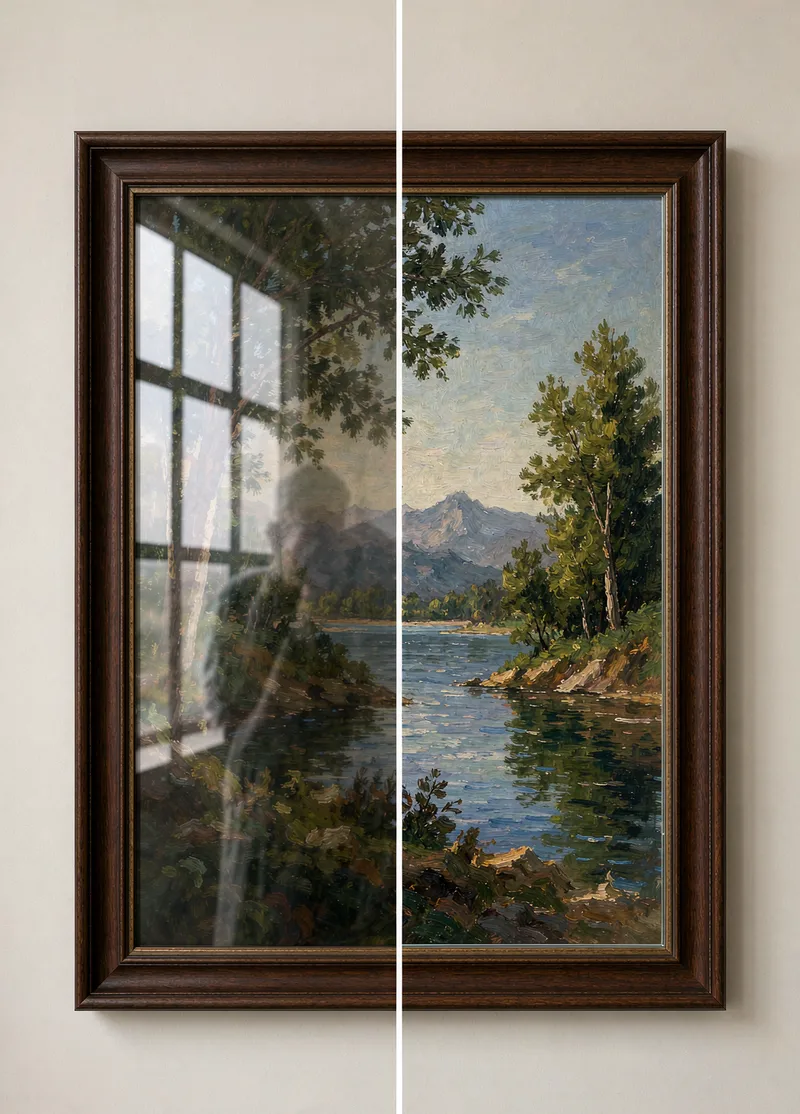
Photo Reflection Removal
When taking photos of exhibits, windows, or documents through a layer of glass, shadows and light reflections often appear. Photo Reflection Removal detects reflection areas, restores the obscured image content, and preserves the natural texture and clarity of the glass. Hard rules: Only process photos taken by yourself; do not use it to remove key information in copied receipts, IDs, or contracts; no guarantee of fully recovering parts covered by strong light.
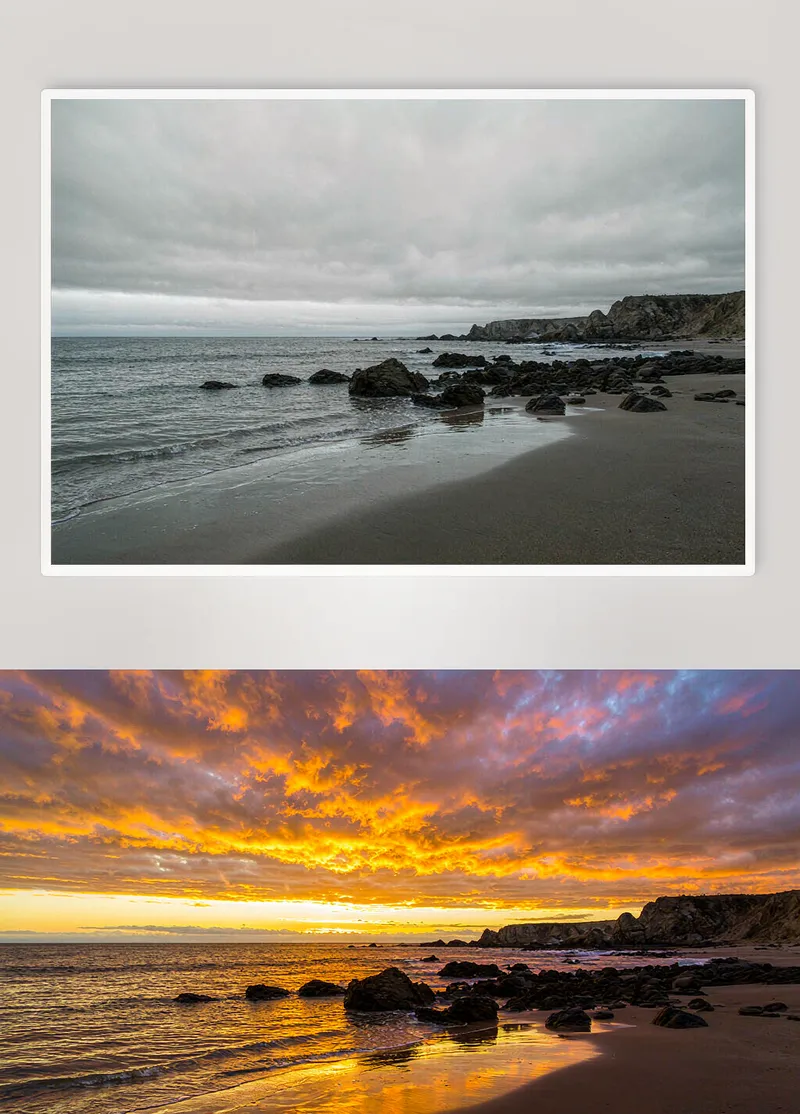
Photo Sky Replacement
Got stuck with overcast weather on your trip? Turn gray photos into stunning shots. Photo Sky Replacement detects the sky and horizon, swapping in sunsets, clear blue skies, starry nights, or cloud seas. It simultaneously adjusts ground lighting, color temperature, and fill light so the sky and foreground match naturally. Hard rules: Buildings and people remain unchanged; do not use for false advertising in real estate or tourism; perfection cannot be guaranteed on every single photo.
 Image
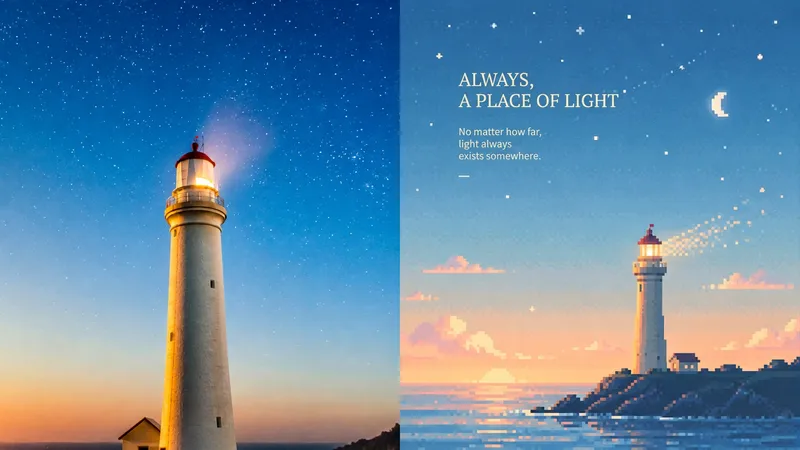
Mood Pixels | xiaoxiaodong P249
Suited to turning ordinary scenes into a quiet moment in a retro game world. The upper half is the original photo; the lower half reduces information while preserving its spirit and silhouette. The subject may be off-center, farther away, or cropped. The sky, mist, water, or blank space carries the mood. Colors from the original image shift to misty blue, pale cyan, mint green, creamy yellow, warm beige, and soft pink. Clear and warm—not gray, dirty, or highly saturated. Avoid ordinary pixel filters and fully packed scenes.
Information
- Version
- v2
- Last updated
- Runtime credits
- Usage-based
- Models
- Auto
- Use cases
- Images & design
- What you get
- Image
