Product Image Recolor
One style, all colors ready
Product Image Recolor
One style, all colors ready
Showcase
Description
When the same product comes in five colors, photographing all five can be tedious. Product Image Recolor changes colors while preserving the original lighting, shadows, and materials—keeping fabric weaves, leather textures, and metallic reflections intact to generate a complete set of color swatches at once. Strict rules: Do not change the style or structure; do not invent non-existent color schemes; always verify recolored images against physical items to avoid discrepancies.
Best for
Ideal for merchants and e-commerce content creators who need to quickly produce multi-color product display images and color swatch collections.
How to use this Skill
Provide your input
Provide the original product image, material, target colors, and use case; you can also specify if you need a color swatch collection and background requirements.
Run the Skill
After you upload the image and specify the colors, the tool recolors it based on the original lighting and material while keeping the style, structure, texture, logo, and hardware unchanged.
Review your result
Receive product images in the target colors, with the option to generate a color swatch collection under uniform lighting and angles. The generated images are for display only; please verify actual colors against physical items.
Related Skills
View all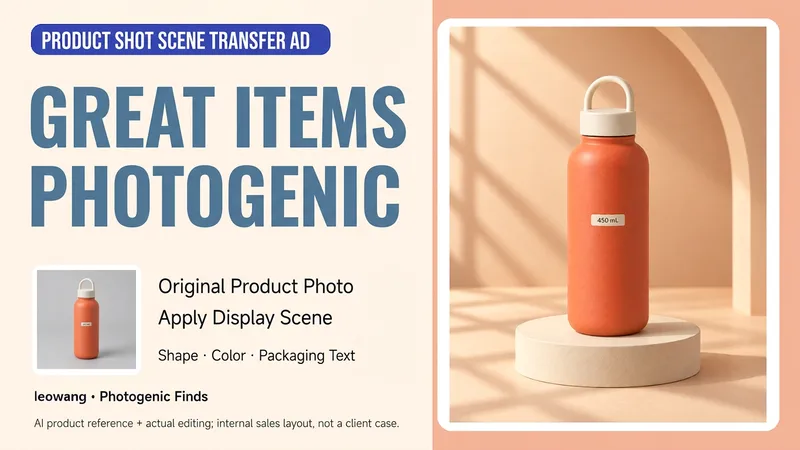
Product Photo to Scene Ad
Have a product photo but no usable scene image to showcase it? Upload a photo of a single product and tell me its real selling points, brand style, and intended use. I’ll help design the set, lighting, and composition, then generate a scene ad image while checking the product’s shape, color, quantity, and packaging text against the original. Suitable for small businesses, handmade sellers, and independent brands. The first version focuses on one product in one scene. By default, it creates a clean image without ad copy; when text is needed, use content supported by the provided information. The final image depends on the reference-image generation or editing tools available in the host environment. Generative editing may change product details, so exact reproduction of packaging, labels, or colors is not guaranteed. When the original product must remain completely unchanged, use a compositing method that preserves the product layer. Product design and workflow: leowang.
 Image
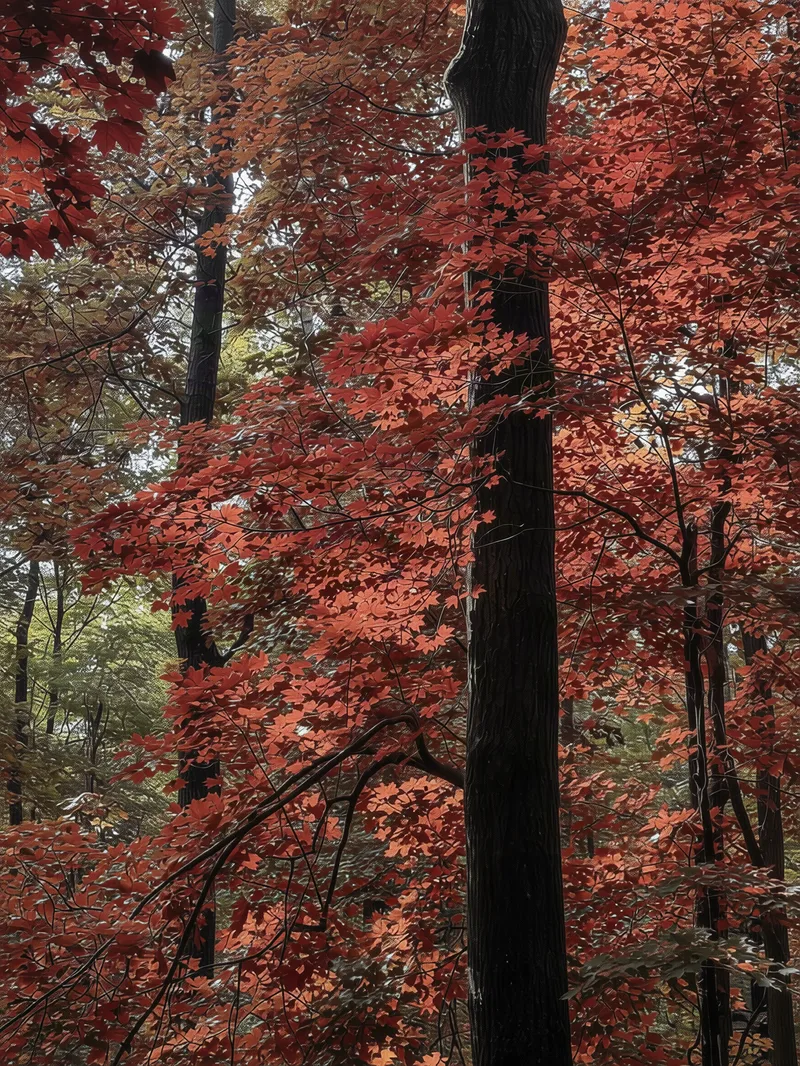
Selective Photo Color Changer
Easily swap the color of any object in your travel or everyday photos—turn green leaves into autumn red, the sky purple, a car matte dark green, or change clothing colors while keeping everything else untouched. Perfect for creating seasonal variations of the same location or previewing different colors for an item. Simply provide a photo, the object to change, and the target color to get a recolored image, a brief description of the edit, and tips for further adjustments. Uses top-tier image models and a fixed four-step prompt template by default, keeping the original aspect ratio without altering the entire image tone. Great for everyday and travel photos to create your own unique look.
 Image
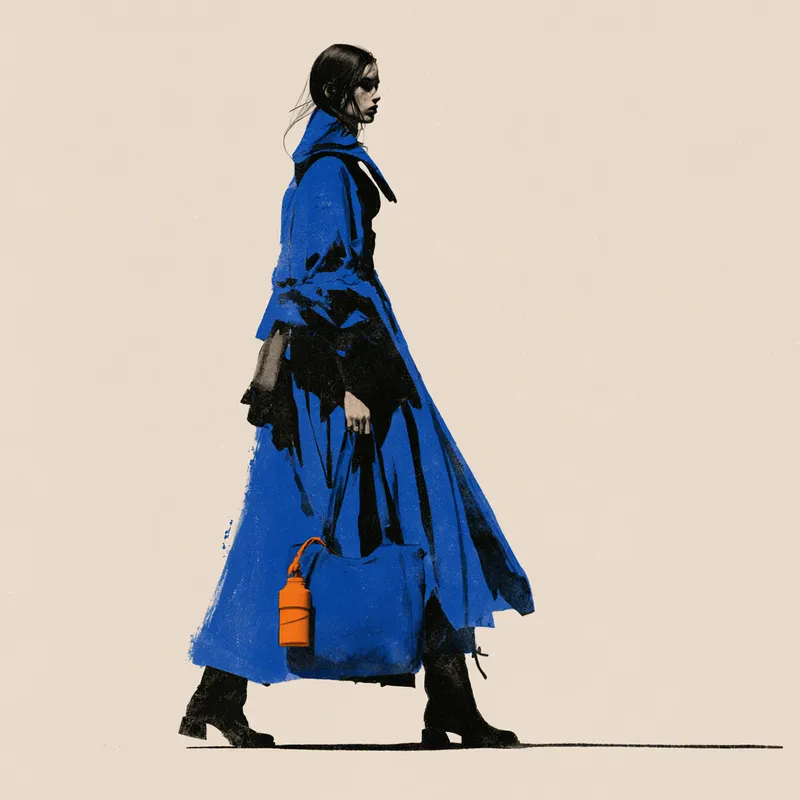
Limited-Color Photo Print Ad
Turn a product or person into prompts for a limited-color photographic print advertising poster, while preserving realistic human proportions, clothing folds, object thickness, and key structural details. Use electric blue as the dominant color with small amounts of orange for contrast, combined with warm-white negative space, bold black shapes, and compressed light and shadow. The subject should have strong contours and clear layout relationships—without becoming an ordinary color photo, vector cartoon, or an image covered in dirty, distressed grain. Whether the input is text or a product reference, organize the composition around the product’s identity, the person’s pose, relationships between components, and the requested aspect ratio. User-specified product colors, proportions, and portrait or landscape orientation take priority; do not add text, trademarks, or unrelated props without instruction. By default, provide Chinese prompts for AI image generation and English Midjourney prompts, or generate only one type on request. Textures can range from a clean warm-white background to controlled, localized printed halftone dots, making this suitable for e-commerce visuals, portrait posters, and brand concept art.
Information
- Version
- v2
- Last updated
- Runtime credits
- Usage-based
- Models
- Auto
- Use cases
- Images & designE-commerce & sales
- What you get
- Image
