
Product Space Style Kit
Integrate products into real spaces for unified sample photos
Product Space Style Kit
Integrate products into real spaces for unified sample photos
Showcase
Description
Input product images and style preferences, optionally with a real-space base image, to produce 4 style-consistent product sample photos. With a base image, the product is integrated into the real space with correct perspective, lighting, and occlusion, maintaining the original aspect ratio; without a base image, it sets up 1 panoramic 16:9, 2 medium-shot 4:5, and 1 close-up 4:5 scene. It also includes an explanation webpage and document containing a five-dimensional visual breakdown and reusable prompts. The workflow features built-in sample testing and consistency checking to ensure the product remains unchanged, the base space is unmanipulated, and the entire set does not drift.
Recommended by
Dancang
Why we love this skill
Starting from real spaces, this tool breaks product integration down into five dimensions—perspective, lighting, material, lens, and post-processing—for confirmation before generation. It delivers a cohesive set of four sample images while providing reusable prompt templates, a style web page, and documentation for both realism and delivery standards.
Best for
Brand, design, or content teams needing to create product space-integration sample photos and organize visual guidelines.
How to use this Skill
Provide your input
Provide product images, optionally with real-space photos, style preferences, and usage scenarios.
Run the Skill
First confirm product features, spatial adaptation, style anchors, and lens plans, then generate and proof the full set of sample photos.
Review your result
Receive 4 style-consistent product-in-space sample photos, along with an explanation webpage and document containing visual breakdowns and reusable prompts.
Related Skills
View all
Product Ad Three-Image Studio
Upload a clear product photo and its exact name. First, choose a visual direction, then create a consistent product hero image, usage scene image, and feature image—three separate 3:4 portrait images by default. Ideal for small brands, e-commerce shop owners, and brand content creators. Preserve the product’s colors, proportions, packaging, key structures, and readable labels. Use only confirmed facts for its selling points. All three images share the same brand guidelines and include corresponding copy, a product consistency check, and a reusable profile. Image generation requires an environment that supports reference-image editing and uses the corresponding generation credits. Confirm the direction and image count first; additional generations require confirmation. Perfect reproduction is not guaranteed. If capabilities are insufficient, deliver clearly labeled planning and prompts rather than pretending images were generated. Try it directly: three mug images in a desktop setting, three storage-box images in lifestyle scenes, or three branded food-packaging images. Does not include ad placement, product listing, or video.
 Image
ImageAds: Lifestyle Products
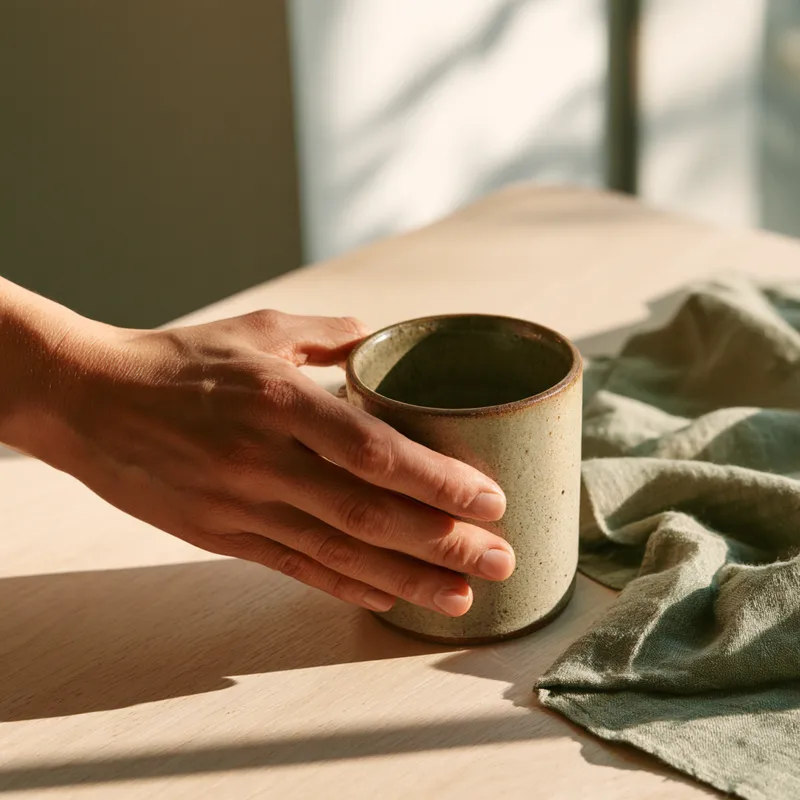
Generate natural lifestyle still-life prompts with a touch of daylight for products such as skincare, fabric bags, home goods, and drinkware. Make products feel as if they truly exist in a space by the window, rather than being staged against a plain e-commerce background or in a heavily decorated pastoral setting. Use light from a single window, shadows cast on the wall, and soft ambient reflections to create an approachable feel, paired with warm neutrals such as cream, oatmeal, and light wood. Preserve the product’s own materials, colors, and details; cool-toned products can retain their true colors, with warmth coming only from the surface and background. When people are needed, focus on one natural use action, making the contact between hand and product the source of everyday realism. Outputs typically include composition ideas, ready-to-use English Midjourney prompts, and Chinese ImageGen prompts; you can also request only one type. A single image defaults to a landscape composition, while series tasks help maintain consistency in the product’s appearance and overall visual style. Suitable for advertising stills, product visual exploration, and lifestyle-scene concepts—not promotional copy, technical drawings, finished TV commercials, or simple product categorization.
 Image
ImageRoom Corner Makeover
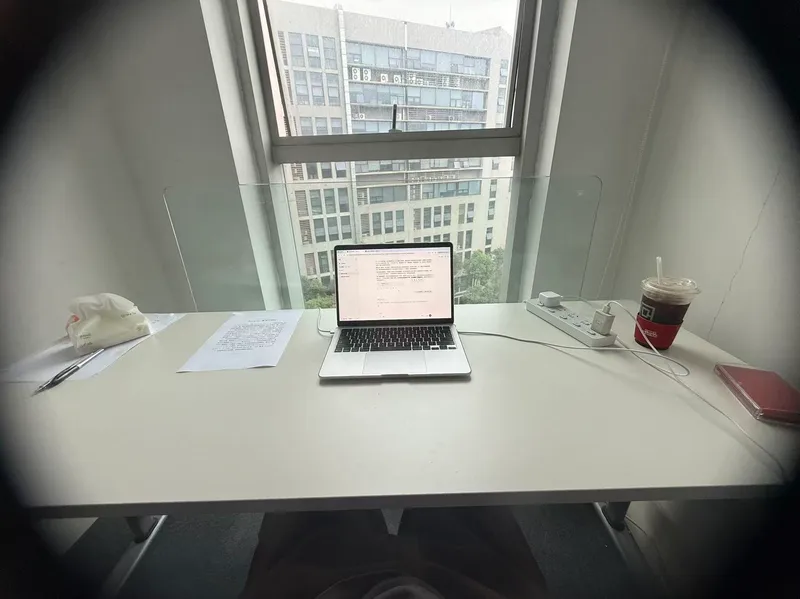
Upload a real room corner photo along with its intended use and budget, and this Skill generates two finished effect renders: a full daytime version and a nighttime version. Using the same camera angle, table, and items, the only difference is light and time—the daytime version relies on window light, while the nighttime version depends on lamp lighting. A cost table is included showing what to buy, individual prices, budget savings, or cut priorities if over budget. No more than three new items are added, all with realistic reference prices. It keeps your existing items, leaves walls, floors, and window placements untouched, maintains the camera angle, and matches your original photo aspect ratio. It does not overwhelm you with ten options to choose from, avoid forcing you to run prompts in other tools, and avoids buzzwords. Who is it for, and who is it not for? It is suited for renters, office desk users, people with clear budgets, and those tired of stock photo websites who just want to know what to buy. It is not suited for whole-house renovations, construction drawings, or adding large furniture. It handles a single corner, not an entire house. Three Hard Rules Do not throw away your things. Unless you explicitly state which item can be discarded, every existing item in the image must be identifiable across both renders. Its default stance is rearrangement first, purchasing second. Do not change hard finishes. Wall colors, flooring, window placements, and corner shapes are locked. It provides soft furnishing solutions, not construction plans. Do not change the camera angle. Both renders share lens parameters and height, and horizontal or vertical framing follows your original photo without unauthorized cropping for aesthetics. How to Use 1. Take a picture. Stand in place and capture the corner lines and countertop edges together, making sure the floor and window are visible. Blurry, overexposed, or floor-only photos may be rejected because the corner scope cannot be determined. 2. Speak. Describe the use, budget, and drilling permissions in one sentence. Missing details are fine as the Skill infers them, but clarity helps. More specific supplementary info yields more precise results: a desk and a display stand with the same wall and light need completely different items. Receive your images. Two images and one table, that is all. 3. For deeper content—a ten-direction style matrix, five progressive schemes across five axes, nine image sets (including main image, original comparison, detail close-ups, flat lay list), nine inspection checklists, and three-lock parameter cards—just ask, and it will expand. It is hidden by default to save credits since most decisions do not require draft processes.
Information
- Version
- v4
- Last updated
- Runtime credits
- Usage-based
- Models
- Auto
- Use cases
- Images & designMarketing & growthE-commerce & sales
- What you get
- DocumentWebpageImage
