Koi Protagonist Portrait
Custom red-and-gold koi luxury portraits
Koi Protagonist Portrait
Custom red-and-gold koi luxury portraits
Showcase
Description
Upload a personal frontal photo to instantly customize an exclusive auspicious red-and-gold koi luxury protagonist portrait. It accurately blends your facial features and expression while perfectly preserving the red high-fashion strapless gown, gold floral earrings, glowing red-gold divine koi, and black-and-gold shimmering background.
Recommended by
Dancang
Why we love this skill
Blend your real face with a divine golden koi, deep red haute couture gown, and stardust lighting to create a 4K heroine portrait full of presence and good fortune.
Best for
Best for users who want to customize their personal photos into red-and-gold koi-themed luxury portraits.
How to use this Skill
Provide your input
Upload a clear frontal portrait photo, select Koi Coronation or Koi Companion, and specify an aspect ratio of 3:4 or 9:16.
Run the Skill
The system references your facial features and selected layout to generate a custom portrait featuring red-and-gold koi, formal attire, and glowing background effects.
Review your result
Receive a luxury-style custom portrait, complete with a fortunate blessing quote, wallpaper, and sharing tips.
Related Skills
View all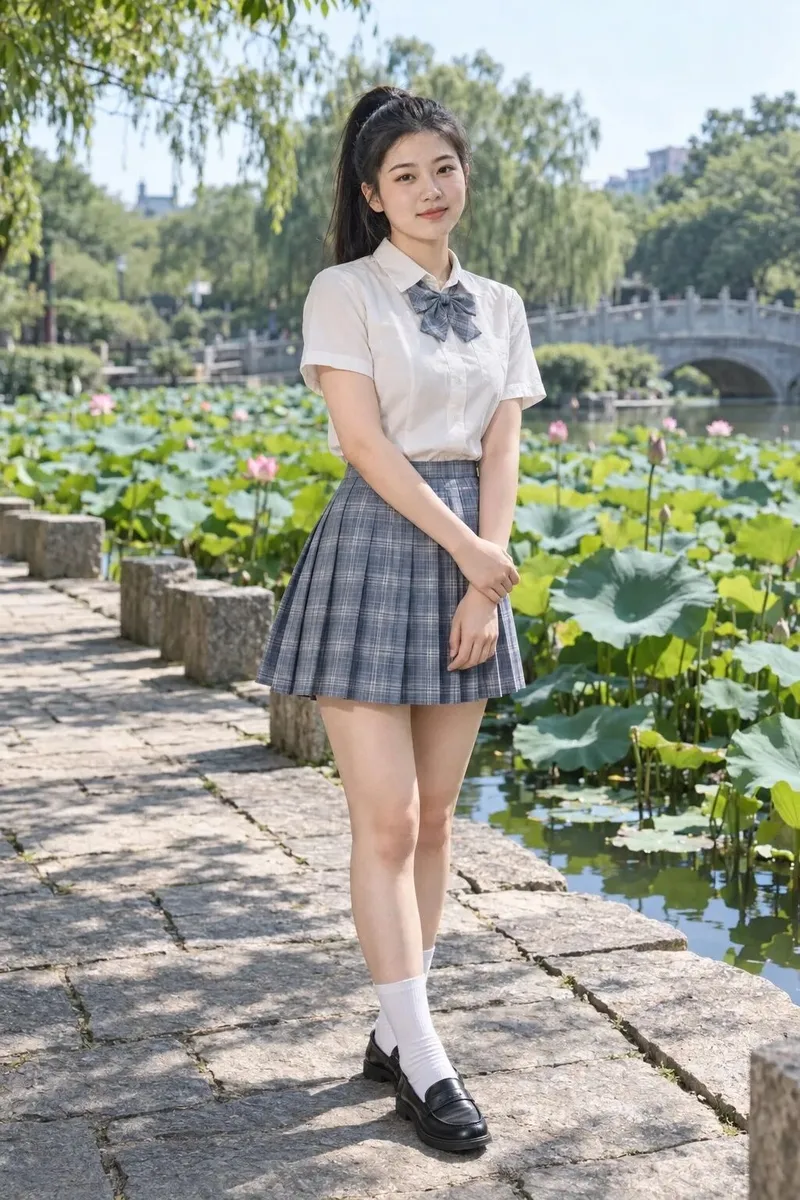 Image
Lotus Pond AI Portrait Set
A professional portrait AI batch generation skill that produces a cohesive series of summer lotus pond JK outdoor portrait works in one go. It enforces locked facial features, hairstyles, and full outfits for the same character, utilizing multi-scene storyboarding, camera angles, and body posture variations to simulate real outdoor photoshoot results. It replicates the relaxed atmosphere of a casual park stroll while strictly controlling human anatomy, fabric physical folds, environmental lighting projections, and spatial depth of field to avoid common AI issues such as face drifting, limb distortion, outfit confusion, and lighting fragmentation. Ideal for producing complete portrait sets at once, suitable for photo references and AI portrait practice.
 Image
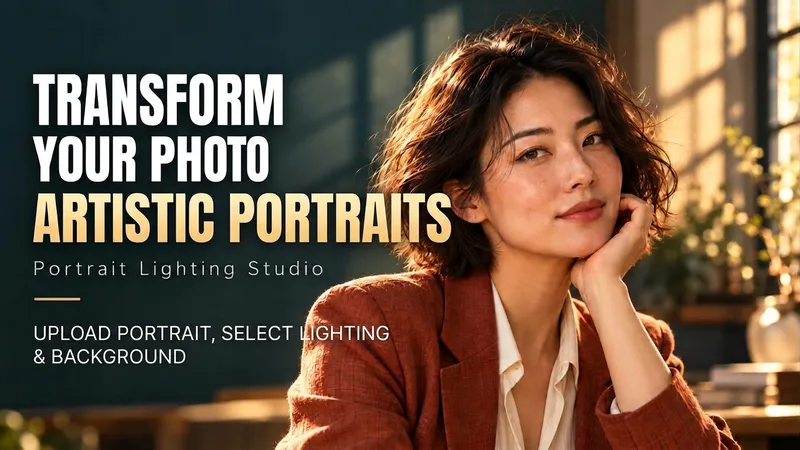
Portrait Light & Shadow Studio
Upload portraits, adjust lighting, poses, and backgrounds to generate window soft-light, night scene, or studio-style portraits. Upload a portrait photo or describe a fictional character to create photographic avatars, personal portraits, and magazine-style portraits. The Skill combines the subject's visible features to arrange poses, lighting, framing, clothing, and environment, ensuring natural hand gestures, grounded body posture, and directional lighting. Three original scenes are ready to use: • Warm Pottery Window: Terracotta and warm wood tones, with a natural medium shot near a studio window. • Rainy Night Set: Warm light in a movie theater porch, cold wet street tones, and expressive gazes. • Coastal Golden Breeze: Sunset rim lighting, sea breeze, and relaxed full-body travel portraits. Professional headshots, solid-color studios, black-and-white portraits, and custom themes are also supported. Uploading a photo preserves primary clothing and accessories by default; to change outfits, backgrounds, or poses, simply specify your request. By default, it generates one 3:4 vertical text-free image per run; you can change the aspect ratio, create a series, or request Chinese, English, or bilingual prompts. Multiple images are generated separately, and after generation, subject recognition, hands, feet, support points, and lighting are verified. You can say: "Use this photo for the rainy night set, keep the hairstyle, and change to a dark jacket." or "Create a mature woman with short curly hair walking naturally in the coastal sunset."
 Image
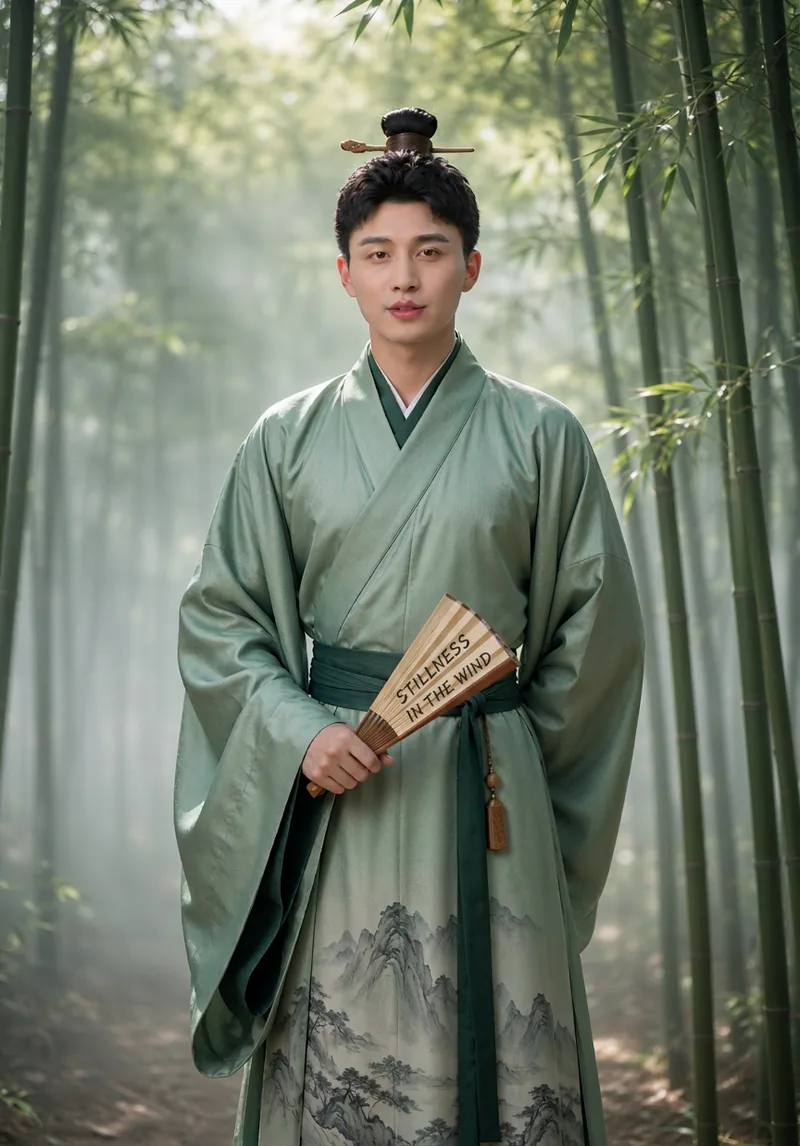
Men's Hanfu Portrait Master
Men's Hanfu Portrait Master allows users to upload a personal male photo and instantly transform into traditional or Xianxia style male Hanfu portraits, featuring styles like Black Dragon, Crimson Flame Dragon, Silver Moon Robe, Frost Feather Armor, Mountain Hermit, Baize Dragon Scale, Golden Crow, Azure Dragon, Tai Chi, Star Lord, Vermilion Feather, and Jade Orchid. Outfits, hairstyles, poses, and backgrounds can be fully customized, and multiple sets can be generated at once. The default aspect ratio is 3:4 vertical, which can be customized. Triggered when users mention phrases like "male hanfu", "men's traditional style", "Xianxia portrait", or "handsome guy hanfu". Core constraints: faces remain consistent with the original without influencer-style filtering, clothing is completely replaced without residual elements from original garments, authentic male styles (wide sleeves, cloaks, waist bands) are used instead of female skirt sets, and the upright physique is maintained without altering body build.
Information
- Version
- v2
- Last updated
- Runtime credits
- Usage-based
- Models
- Auto
- Use cases
- Images & designLifestyle & entertainment
- What you get
- ImageSocial post
- Visual styles
- LuxuryPhotorealistic
