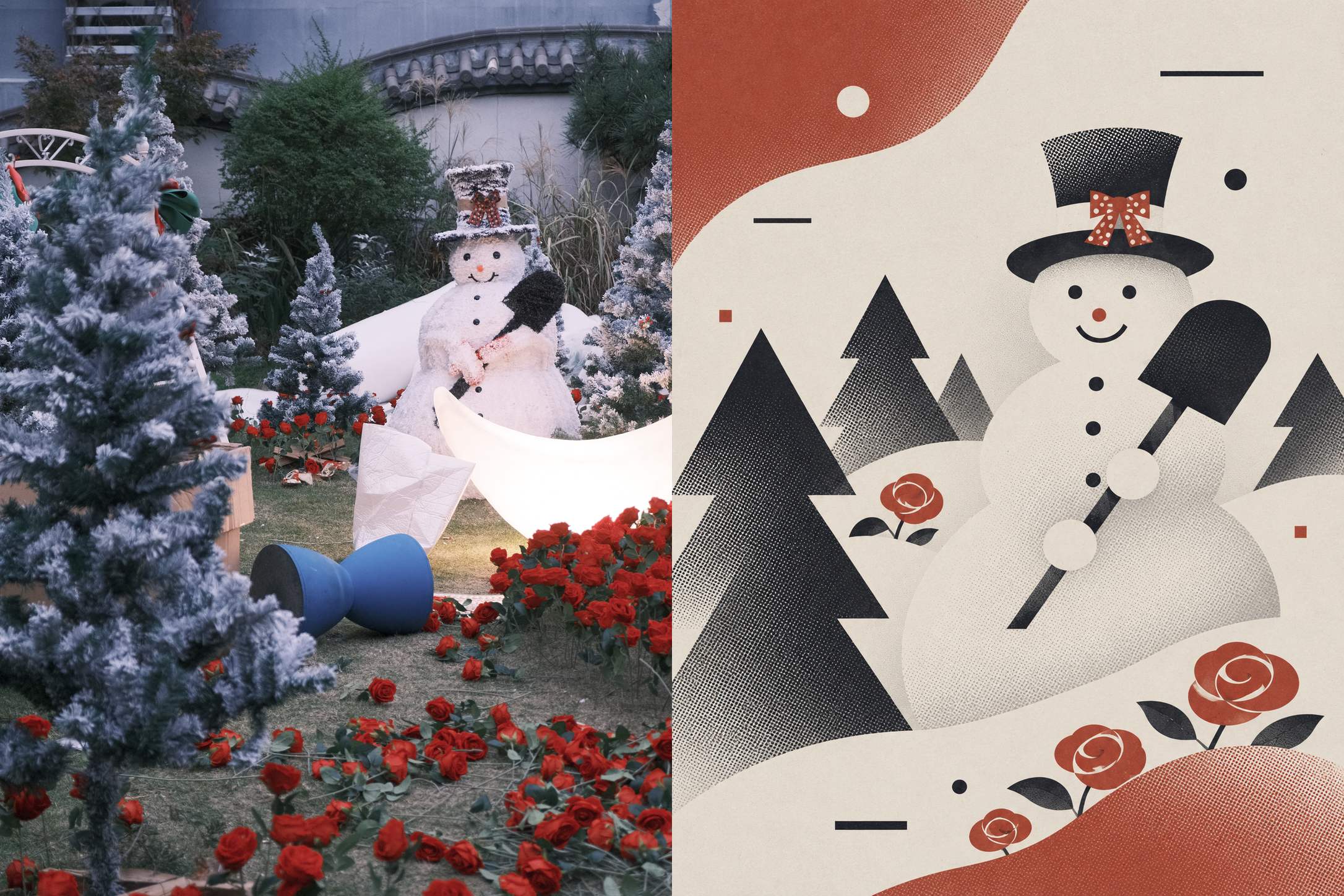
Red and Black Bauhaus
P-Series | Retro Graphic Poster
Red and Black Bauhaus
P-Series | Retro Graphic Poster
Showcase
Description
Translates user photos into retro graphic artwork composed of ample negative space, geometric silhouettes, and partial halftone dots. Ideal for converting images into vintage print illustrations, and not intended for drawing themes without a source image.
Recommended by
Dancang
Why we love this skill
Boldly transforms user photos into vintage geometric posters in red, black, and off-white, reshaping the subject with negative space, flat color blocks, and fine halftone dots for a mix of Bauhaus order and pop print aesthetics.
Best for
Creators who need to convert photos into retro graphic posters or print illustrations.
How to use this Skill
Provide your input
Provide a user photo to be translated. The photo serves as the content reference for identifying the subject, spatial relationships, and key features.
Run the Skill
Transforms the photo into a retro graphic composition with generous negative space, geometric silhouettes, and fine halftone dots, using dark muted red, deep charcoal, and off-white paper tones.
Review your result
Receive a vertical retro graphic finished piece and a side-by-side comparison image of the original and the final work. By default, no text, watermarks, or signatures are added.
Related Skills
View all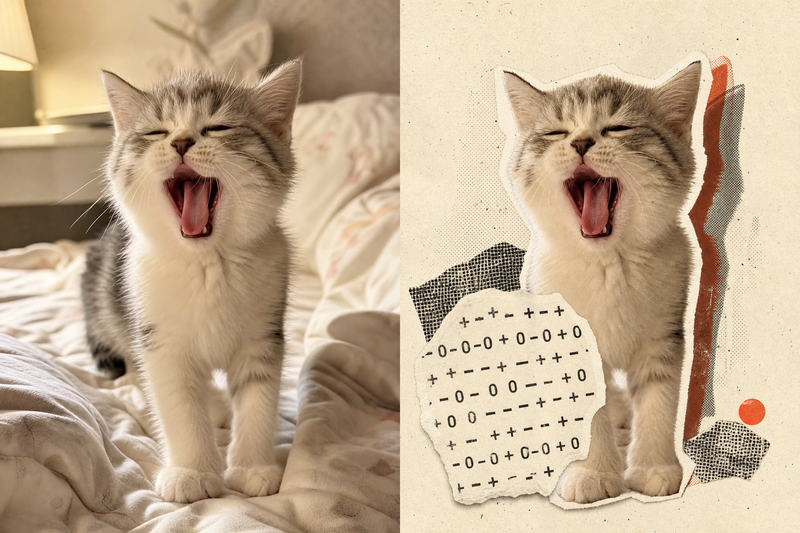 Image
Retro Collage Art
This Skill transforms your uploaded photos into visually striking vintage archival artworks, with a particular focus on portraits, still lifes, and landscape photography. Using distinctive “garbled sticker” and “print glitch” styles, it creates a dynamic visual reinterpretation while carefully preserving the original subject’s outline, pose, and position. The system precisely identifies the main subject and uses warm-white, fibrous-paper garbled silhouettes, halftone dot backdrops, and offset same-shape patches to create the visual rhythm of a handmade collage. Visually, this Skill aims for an authentic archival feel, with fine paper grain, screen-printed ink marks, and photocopy noise. Subtle registration shifts and localized fading add the warm, oxidized feeling of an old archive, while retaining about half of the original colors and key visual cues. This approach keeps the subject recognizable while using the contrast of black, warm white, and accent colors from the original image to create a visual style that feels both avant-garde and nostalgic. It is ideal for creating distinctive art posters, personalized social media avatars, or design-forward visual assets.
 Image
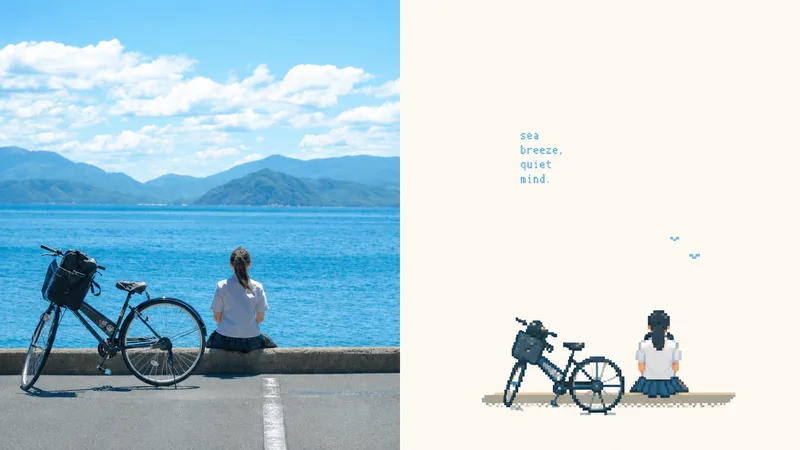
xiaoxiaodong P154 | Pixel Zine
Suitable for organizing personal photography, independent publishing, exhibition practice, and lifestyle visual projects. Even when the original image has an ordinary composition, a cluttered background, or a small subject, you can reestablish its visual focus through reduction, recomposition, cropping, and changes in scale instead of simply applying a filter. The lower half extracts only the most recognizable subjects, outlines, structures, poses, and narrative relationships from the photo, then reconstructs them as low-resolution pixel art illustrations in a retro 16-bit game art style. Do not fully copy the photo or redraw every object. Instead, remove most unrelated background elements and details, preserving only the structures, directions, and visual memory cues that best represent the original subject. Use deliberate pixel clusters, hard-edged color blocks, and geometric contours to create a new summary, so the connection between the result and the photo above is immediately recognizable.
 Image
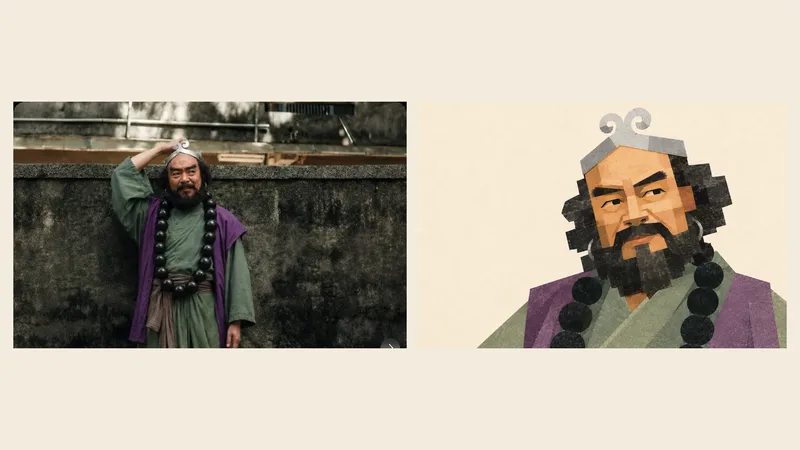
Geometric Photo Collage
Turn photos of people, pets, buildings, or landscapes into geometric collage illustrations with asymmetrical forms, offset paper pieces, a grayscale palette, and fine printed grain. Provide a subject photo and optionally add a target style image. The photo determines the subject’s identity and recognizable features, while the reference guides the styling, composition, negative space, and paper layering. First create a standalone illustration, then optionally make a 3:4 comparison poster with the original photo on top and the illustration below. No text by default; multiple photos are rendered separately. The result can be refined based on actual comparisons, including facial proportions, hair and beard structure, building hierarchy, the negative space within bridges, and the paper texture. This helps avoid generic geometric cartoons and three-dimensional block effects. Version 1.1.0. Three sets of original photos and corresponding target images have been calibrated locally for reference; city details may still appear overly fragmented or too three-dimensional. Cross-subject performance and image generation on the YouMind platform still require practical testing, so exact reproduction is not guaranteed. Image generation capabilities, operating costs, and precise collage alignment depend on the environment used.
Information
- Version
- v3
- Last updated
- Runtime credits
- Usage-based
- Models
- Auto
- Use cases
- Images & design
- What you get
- Image
- Visual styles
- RetroFlatPrintmaking
