Scarpa Style Drafter
Scarpa Style Drafter
Showcase
Description
Generates architectural drawings in the style of Carlo Scarpa, emphasizing fine lines, material dialogue, and spatial poetry. Ideal for architecture enthusiasts to quickly achieve conceptual visualization.
Why we love this skill
This skill is centered on Carlo Scarpa's architectural aesthetic, using fine lines, material expression, and spatial layering to transform abstract descriptions into poetic architectural drawings, while deeply analyzing his unique techniques.
Related Skills
View all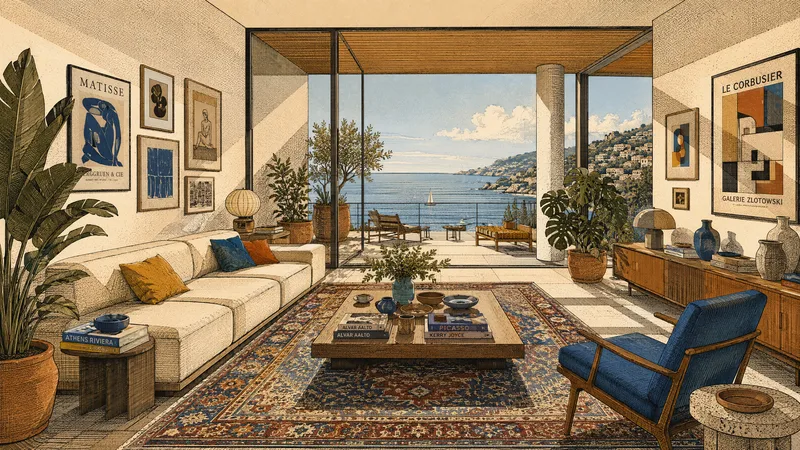 Image
ImageArchitectural Story Art
Transforms real photos or natural-language descriptions into architectural illustrations that combine the precision of architectural drawings with a narrative atmosphere. Suitable for interior spaces, building exteriors, landscapes, still lifes, and people scenes. Whether it’s a living room, study, gallery, or urban building, it can preserve the original composition and relationships between key objects, or reorganize them from text into clear spatial layers and visual focal points. Fine linework, crosshatching, and halftone textures define structure and materials, combined with strongly directional sunlight, hard-edged geometric shadows, and distinct projected beams of light. The image uses flat color blocks and a printmaking feel, with an overall palette of cream white, warm beige, ochre, terracotta, and warm wood tones. Small accents of highly saturated deep red, royal blue, emerald green, or indigo add focal points, avoiding photorealism and soft gradients. Rich elements such as plants, patterned rugs, art walls, books, staircases, arches, and large windows can be naturally integrated according to the scene, adding a sense of life and cultural atmosphere while maintaining visual order. Each generation produces one image along with a reusable English prompt, making it easy to continue refining the style, colors, and spatial expression.
 Image
Imagexiaoxiaodong P120 Concepts
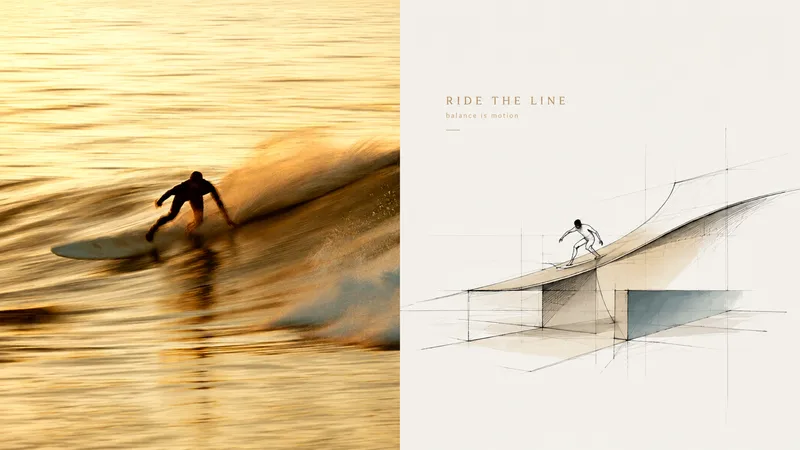
Want to turn a photo into a concept image with a sense of design exploration, without ending up with a fully rendered scene that traces every object? Panel 120 preserves the photo’s identity and spatial memory, distilling its key forms, outlines, and relationships into loose, freehand perspective linework. A few color blocks, geometric guide lines, and generous areas of blank space come together to form the work. Ideal for these situations Architectural, spatial, travel, or object photos need to become concept sketches with an editorial sensibility. The original composition is weak, the background is cluttered, or the subject is small, and you want to reorganize the visual focus through reduction, recomposition, and changes in scale. You want to preserve recognizability and spatial relationships while avoiding full-frame coloring or photorealistic renderings. The same style needs to be delivered in vertical, horizontal, design-only, wallpaper, and catalog batches. What it solves for you Remove backgrounds and secondary objects, leaving the core forms and visual memory points that represent the subject. Use relaxed, restrained, slightly repetitive perspective lines and a few construction lines to express design exploration. Make blank space part of the composition instead of filling the frame with decoration or color blocks. The comparison image contains exactly two equal sections; each source image is generated independently to avoid secondary stylization.
 Image
ImageCity Architecture Passport
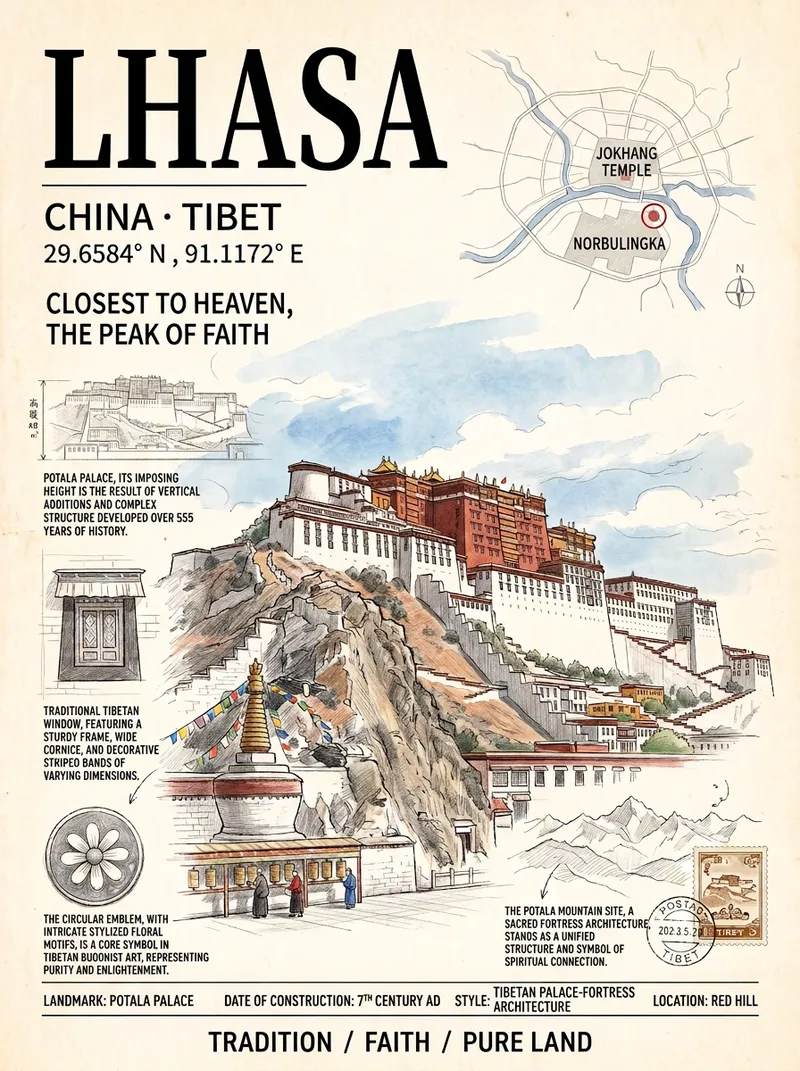
Ideal for travel posts, creative merchandise, social media covers, and home decor. Just enter a city name to automatically select its most representative landmark and generate a vertical travel poster in an “architecture passport” style: the main building is delicately rendered in colored pencil and watercolor, surrounded by a subtle city map, architectural survey drawings, detail close-ups, latitude and longitude, and handwritten annotations. It features an ivory paper texture and an upscale magazine-cover layout. All text in the image is in Simplified Chinese. The default aspect ratio is 3:4, and a custom ratio can be specified.
Information
- Version
- v2
- Last updated
- Runtime credits
- Usage-based
- Models
- Auto
