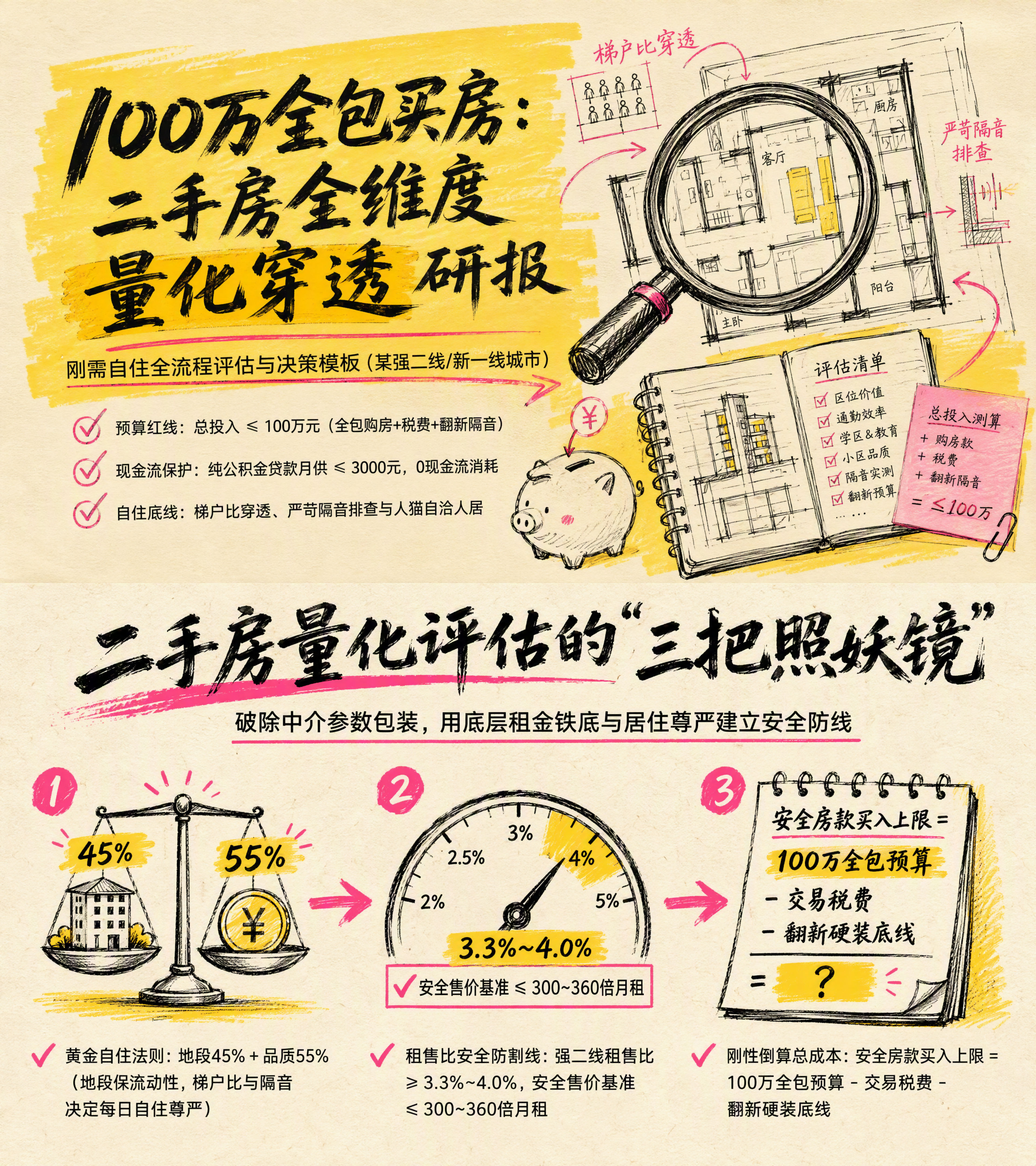
Smart Secondhand Home Buying
Assess value from a Beike listing screenshot
Smart Secondhand Home Buying
Assess value from a Beike listing screenshot
Showcase
Description
Based on screenshots or data from specific listings on Beike or Anjuke, this Skill adapts to the city’s rent-to-sale ratio benchmark, uses a financial discounting model and a self-use scoring sheet refined through three iterations to look past commercial housing’s marketing gloss, and produces a comprehensive cross-property comparison table plus red and black lists for more scientific decisions.
Related Skills
View all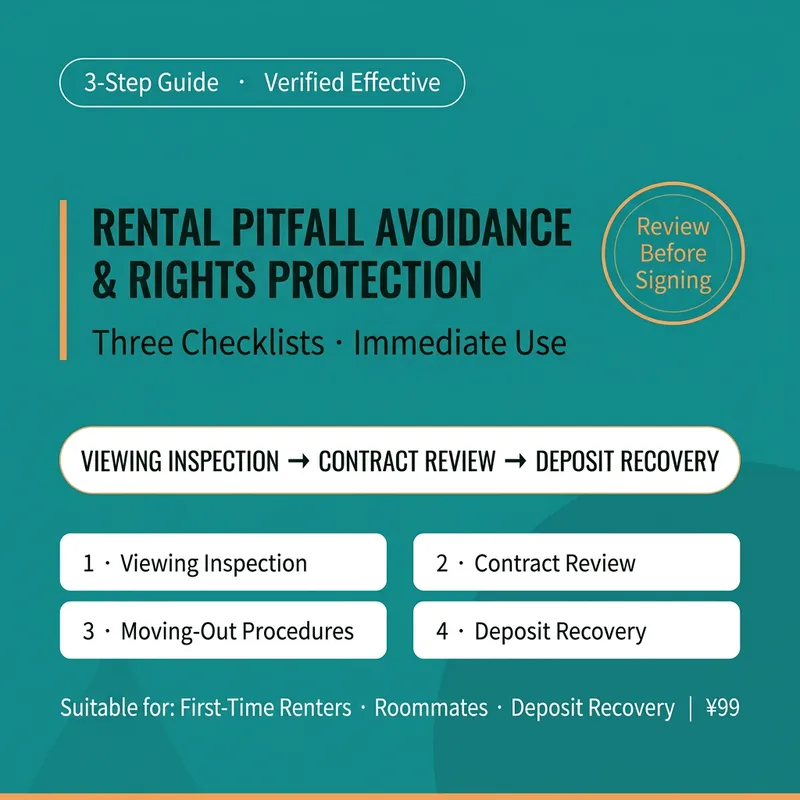 Write
WriteRental Risk Prevention
A rental risk prevention and rights protection skill for tenants. Triggered when users ask about viewing leases, recovering withheld deposits, dealing with runaway subletters or shady agencies, handling early termination penalties, spotting unfair contract terms, avoiding rental pitfalls, reclaiming deposits, dealing with long-term apartment defaults, or protecting rental rights. Uses the 'Three-Stage Risk Prevention Method' (Viewing Inspection, Contract Review, Move-Out Defense) to generate three actionable rental checklists: the Viewing Pitfall Checklist, the Contract Traffic-Light Review Sheet, and Move-Out Rights-Protection Scripts & Evidence Lists. Version 1.0.0. **[Positioning in One Sentence]** Your personal rental risk generator: transforms fake listings, subletting traps, unfair contract clauses, and deposit withholding into three ready-to-use lists—deciding whether to rent, which clauses to change, and how to get your deposit back. **[How to Use · Three-Stage Risk Prevention Method]** 1. Viewing Inspection: Identify fake listings, unauthorized subletters, shady agencies, and hidden rental loans one by one, providing a red-yellow-green viewing pitfall checklist. 2. Contract Review: Review 10 key items including parties, deposits, payment cycles, maintenance, default, and move-out, providing traffic-light judgments and rewriting scripts to clear risks before signing. 3. Move-Out Defense: How to refuse deposit deductions, negotiate early termination, keep evidence, and where to complain (local hotlines, housing authorities, consumer protection, small claims courts), with direct advice to call the police for rental loan defaults. **[What You Get]** A viewing pitfall checklist + contract traffic-light review sheet (including rewriting scripts) + move-out rights-protection scripts and evidence checklist, ready to copy and use. **[Compliance Disclaimer]** This skill does not constitute legal advice, does not replace a lawyer, does not predict outcomes, and does not guarantee that deposits will be returned. All judgments are preliminary risk assessments based on your descriptions and materials, and must be verified against original contracts, transfer receipts, and local housing regulations. For suspected criminal cases involving rental loans or agency fund flight, report to the police immediately and retain all proofs. Outputs are AI-generated for risk prevention reference only.
 Image
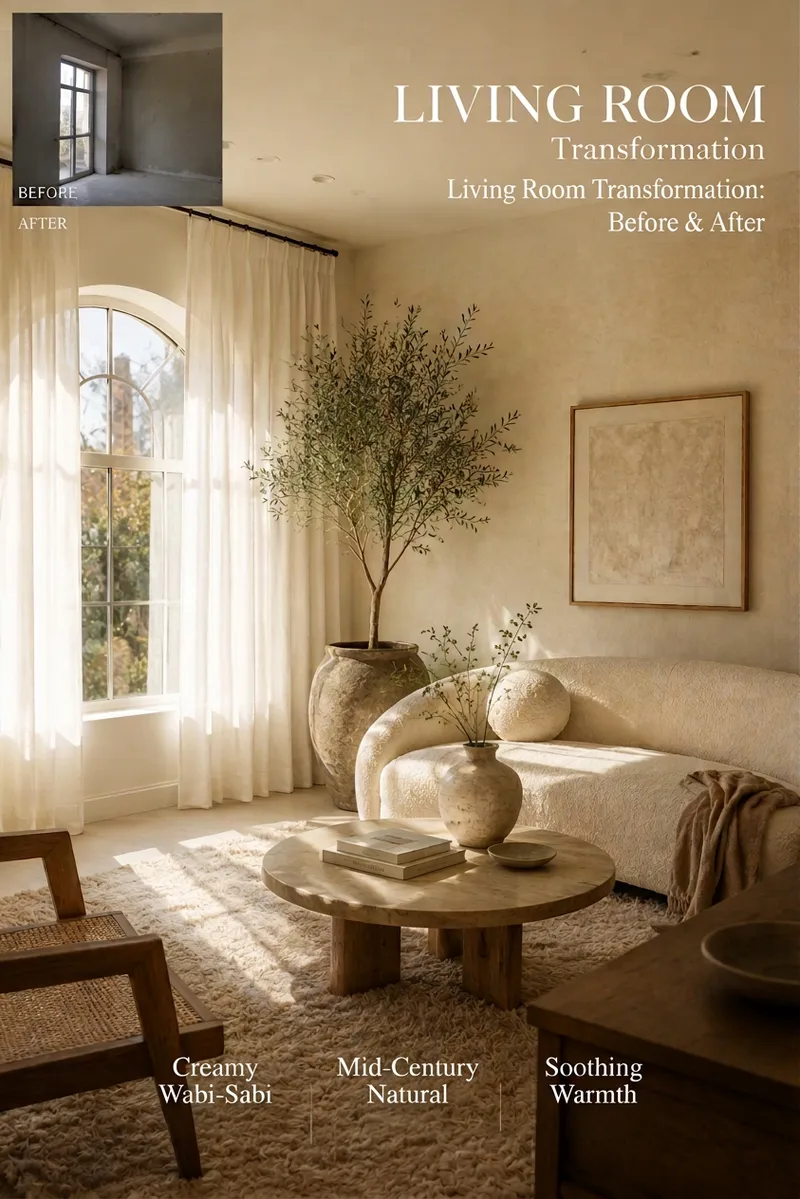
ImageAI Interior Decor & List Generator
An AI-powered space transformation tool designed for renters, home bloggers, homestay owners, and interior designers. Simply upload a photo of a bare room, empty space, or rental, and AI will accurately preserve the original door and window structures while instantly generating high-definition, viral-style renovation photos. At the same time, it outputs a detailed soft furnishing procurement list complete with budget breakdowns, product specifications, and color matching, making it easy for any space to transform into a dream room with zero hassle!
 Image
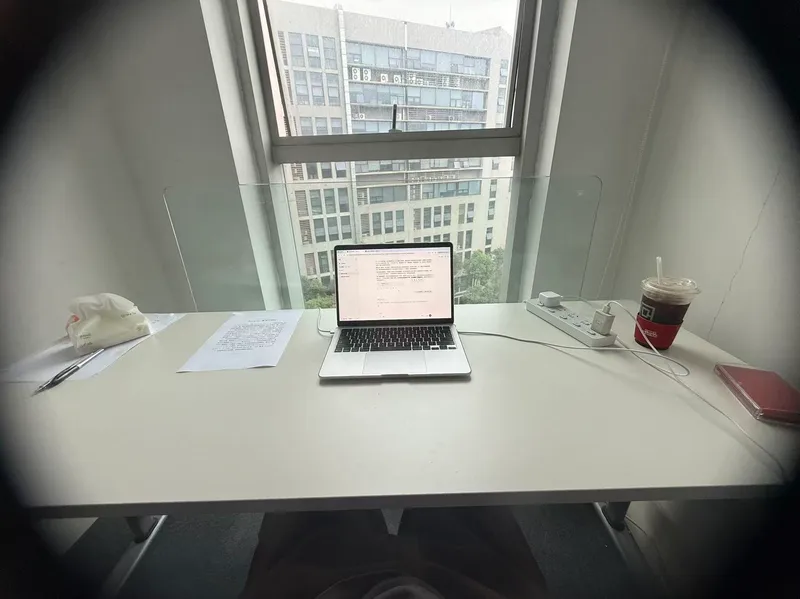
ImageRoom Corner Makeover
Upload a real room corner photo along with its intended use and budget, and this Skill generates two finished effect renders: a full daytime version and a nighttime version. Using the same camera angle, table, and items, the only difference is light and time—the daytime version relies on window light, while the nighttime version depends on lamp lighting. A cost table is included showing what to buy, individual prices, budget savings, or cut priorities if over budget. No more than three new items are added, all with realistic reference prices. It keeps your existing items, leaves walls, floors, and window placements untouched, maintains the camera angle, and matches your original photo aspect ratio. It does not overwhelm you with ten options to choose from, avoid forcing you to run prompts in other tools, and avoids buzzwords. Who is it for, and who is it not for? It is suited for renters, office desk users, people with clear budgets, and those tired of stock photo websites who just want to know what to buy. It is not suited for whole-house renovations, construction drawings, or adding large furniture. It handles a single corner, not an entire house. Three Hard Rules Do not throw away your things. Unless you explicitly state which item can be discarded, every existing item in the image must be identifiable across both renders. Its default stance is rearrangement first, purchasing second. Do not change hard finishes. Wall colors, flooring, window placements, and corner shapes are locked. It provides soft furnishing solutions, not construction plans. Do not change the camera angle. Both renders share lens parameters and height, and horizontal or vertical framing follows your original photo without unauthorized cropping for aesthetics. How to Use 1. Take a picture. Stand in place and capture the corner lines and countertop edges together, making sure the floor and window are visible. Blurry, overexposed, or floor-only photos may be rejected because the corner scope cannot be determined. 2. Speak. Describe the use, budget, and drilling permissions in one sentence. Missing details are fine as the Skill infers them, but clarity helps. More specific supplementary info yields more precise results: a desk and a display stand with the same wall and light need completely different items. Receive your images. Two images and one table, that is all. 3. For deeper content—a ten-direction style matrix, five progressive schemes across five axes, nine image sets (including main image, original comparison, detail close-ups, flat lay list), nine inspection checklists, and three-lock parameter cards—just ask, and it will expand. It is hidden by default to save credits since most decisions do not require draft processes.
Information
- Version
- v3
- Last updated
- Runtime credits
- Usage-based
- Models
- Auto
