Single-Image Video Generator
Turn single images into storyboard short videos
Single-Image Video Generator
Turn single images into storyboard short videos
Showcase
信仰刺绣帽TikTok视频
信仰刺绣帽|15秒真实感产品介绍
Description
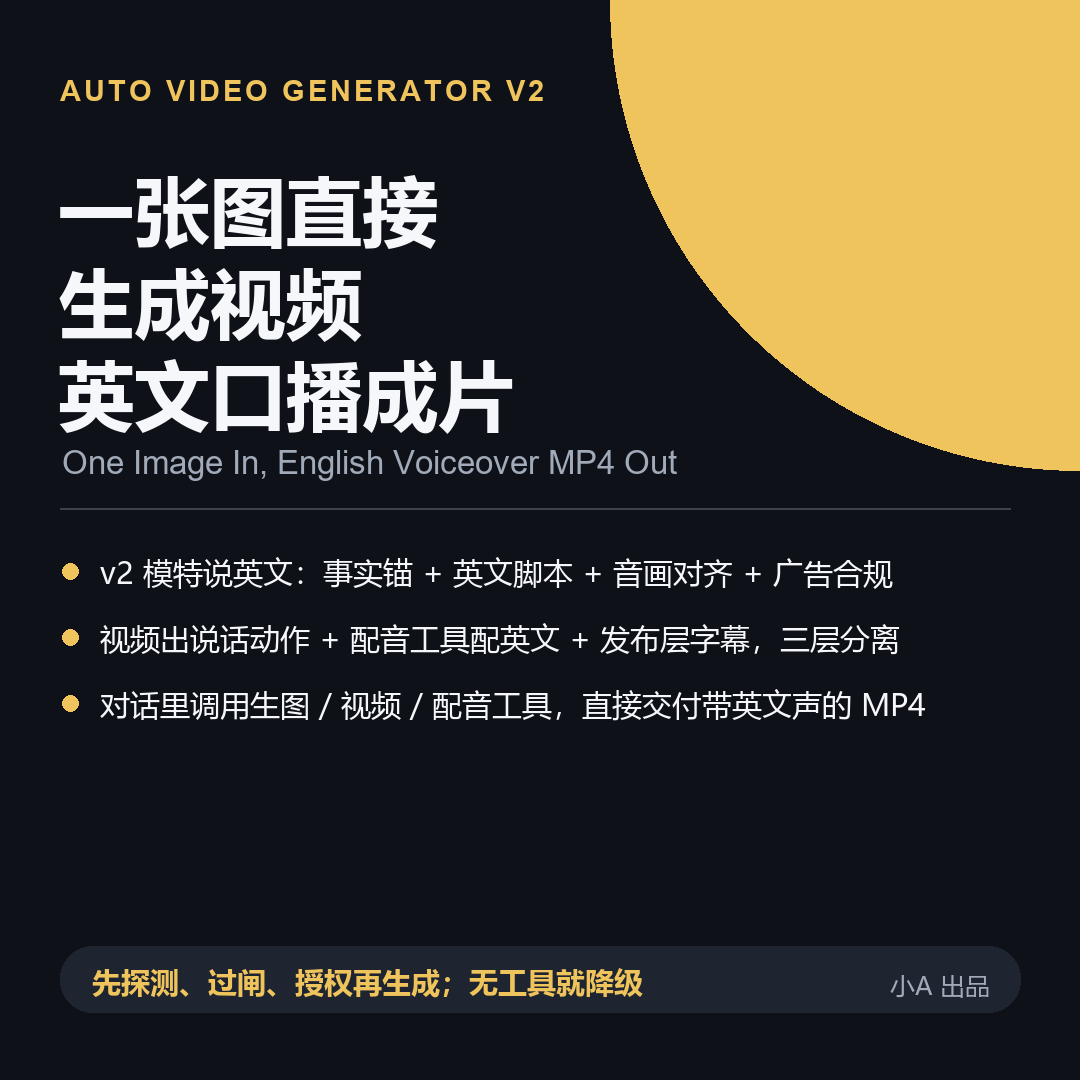
This Skill actively calls available image and video generation tools right inside the chat, delivering actual storyboard image files and stitched video files rather than just a sheet of prompt text. Starting from v2.0.0, models can also introduce products in English—not just moving their lips on screen, but actually building English voiceovers into the final output. ## Summary **Instead of giving you prompts to run yourself, it detects tools in the chat, gets your confirmation, directly creates storyboard images and a stitched MP4 file, and provides English subtitles plus step-by-step instructions for adding English vocals at the publishing stage.** ## Detailed Description When you upload an image, this Skill performs three tasks in the chat first: detects truly available image, video, and stitching tools in the current session; checks material ownership, trademark text, character compliance, authorization, content safety, advertising terms, AI labeling, and tool boundaries item by item; and clearly states how many times it plans to call tools and the resulting credit consumption, waiting for your explicit agreement before generating. Generation offers two paths. **Path A**: Generates six storyboard first-frame images, checks the subject, text, characters, and lighting frame by frame, turns each frame into a short clip, and finally stitches them into an MP4—preventing text drift and character shifting during the image stage. **Path B**: For single subjects, single actions, and no-text quick tests, use the input image plus a prompt to generate a video directly, falling back to Path A if it fails, avoiding repeated point consumption on a single path. Multiple neutral, fictional, or adult character descriptions can be applied to the same image. A sample video set is generated first for your confirmation before batch processing. Each batch ends with a report of actual tool calls and real file paths for easy consumption verification. **How English Narration Works (Tested and Honestly Explained)**: First, it locks in a verifiable product fact anchor (parameters, certifications, and prices that cannot be found are marked as "to be verified" without fabrication), then writes graded English scripts according to character tones—one for casual sharing, one for calm explanation, and one for professional review. Each sentence is 6 to 12 words and can be spoken within the corresponding shot duration. It creates an audio-video alignment table pinning down "which shot, what to say, where to place subtitles," checking English ad compliance sentence by sentence (zero tolerance for absolute terms, and parameters/certifications must have sources). **An Honest Platform Fact**: Video modes on platforms like YOUMIND only generate visuals, and audio tracks are usually background music, **without automatically generating English vocals**. Therefore, English narration is delivered in two layers: ① English subtitles are always generated and placed in the visual negative space as "visible English," independent of any voice tools; ② If no voice tool is detected in the current environment (common in YOUMIND), it provides you with the English script, alignment table, and step-by-step instructions for the publishing layer (paste English sentences into Jianying / CapCut's "Text to Speech," select an English voice, and trim/overlay according to the alignment table). **The final output video only contains subtitles, not English vocals, which you must add at the publishing layer**—it does not call background music English narration nor fake voiceovers. If the environment happens to have a voice tool, it directly generates and overlays the English audio track into the final video. **v2.1 Fixing "Grime" and "AI Look" (Fixed based on test feedback)**: Four layers of prompts add product clean anchors (clean, pristine, no smudges) and live-action texture anchors (natural skin texture, fabric weaves, handheld feel, natural light). The negative layer excludes stains, grime, wax skin, over-smoothing, plastic feel, and cartoon rendering. Close-up product shots are enlarged and checked shot by shot for cleanliness and realism. If dirty or too fake, anchors are added and re-adjusted, avoiding the delivery of dirty items or wax-like appearances as final work. **If the input image itself is dirty, please switch to a clean and clear product image first**—prompts cannot save a dirty image. **When no generation tools are available in the current environment, the Skill directly states "unable to automatically generate video" and provides a complete prompt package and storyboard table as a fallback delivery**. Regardless of the scenario, it never fakes generation, fakes voiceovers, or fabricates file paths. **It consumes credits**: Every image or video generation call incurs platform credit or subscription quota consumption, subject to the platform's current display. This Skill does not promise specific figures or claim zero cost. Generation results are probabilistic and do not guarantee one-shot success, viral hits, earnings, or platform approval. AI-generated content labeling is handled according to the target platform's current official requirements, with unclear rules marked as "to be verified." Available models and account status depend on your creation interface's real-time display. The Skill first detects tool support, and if unsupported, clearly states so and offers alternatives without faking the use of specified models. ## Three Selling Points 1. **Truly Produces Files**: Delivers storyboard images, video clips, and stitched MP4s, not just a sheet of prompt text. 2. **Reliable English Narration**: Fact anchors -> Graded English scripts -> Audio-video alignment -> Ad compliance -> Mandatory English subtitles + Publishing-layer English voiceover SOP. Honestly explains that the video itself does not speak English and vocals must be added later, avoiding treating background music as narration. 3. **Cures Grime and AI Look (v2.1)**: Clean anchors + Live-action texture anchors + Shot-by-shot enlarged QA ensure close-ups are clean and avoid plastic wax looks. It detects tools, passes 9 gates, reports consumption, and confirms before acting, gracefully falling back if tools are missing.
Recommended by
Dancang
Why we love this skill
Transforms a single image into storyboards, videos, English subtitles, and voiceover workflows after real tool detection, featuring fact-checking, compliance gates, and credit transparency.
Best for
Content creators and merchandisers who need to turn a single product image into storyboard short videos with English subtitles or narration.
How to use this Skill
Provide your input
Upload a clear image of the subject, and provide the style, scene, duration, aspect ratio, purpose, and verifiable product info; for English narration, include product facts and target platform.
Run the Skill
The Skill checks material compliance and available image, video, voice, and stitching tools, estimates credit costs, and generates storyboards and short videos upon your confirmation.
Review your result
Delivers storyboard images, video clips, and the stitched MP4 file, along with English subtitles, scripts, and alignment info. Adds voice tracks if available or provides publishing-layer voiceover steps.
Related Skills
View all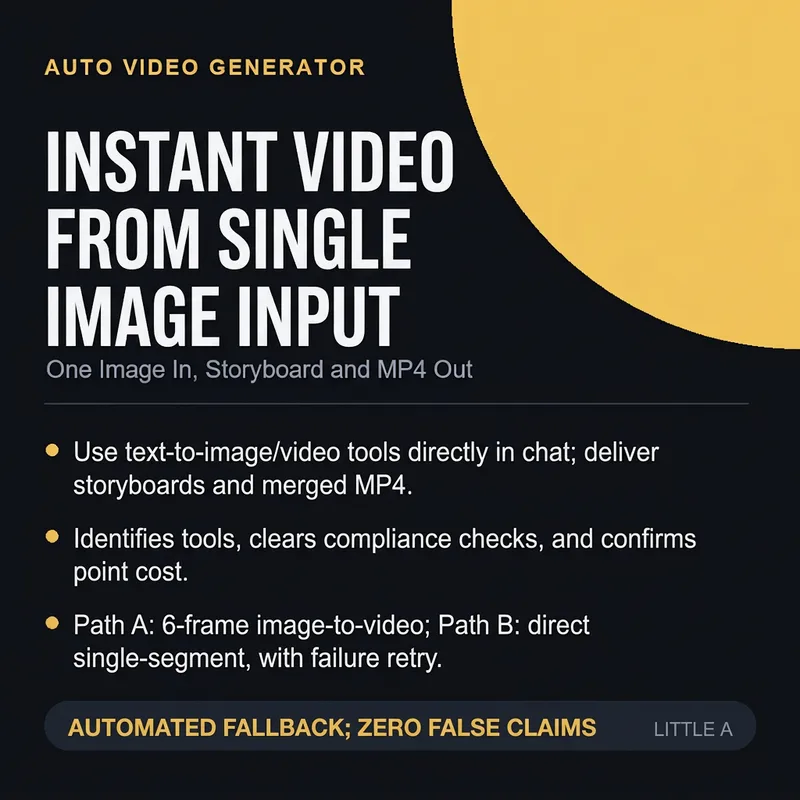 Video
Single-Image Video Generator
Upload an image and directly invoke available image and video generation tools in the chat to automatically produce storyboard first-frame images, convert frame by frame into video, and stitch them into an MP4. It first detects tool capabilities, passes eight compliance gates, informs you of credit consumption and obtains explicit authorization before generating. It supports Path A (generating storyboards first then converting to video) and Path B (direct single-segment output), and can batch-produce videos for multiple neutral characters from a single image. If no tools are available, it degrades gracefully to a prompt package.
 Video
Product Update Video
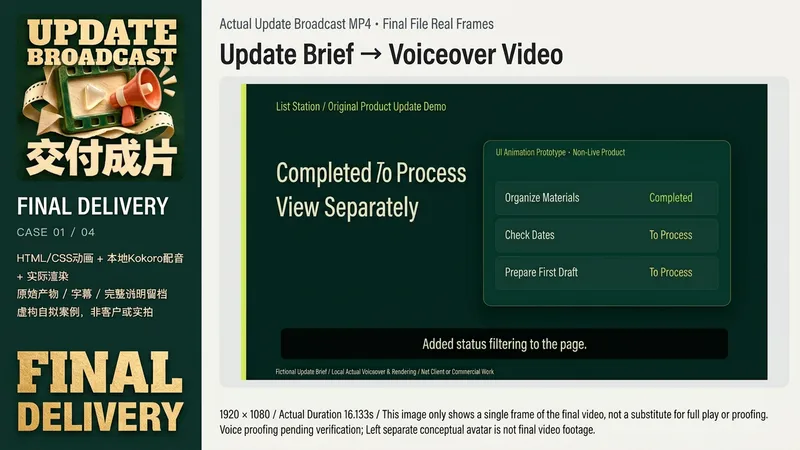
Suitable for creators, small teams, and educators who need to explain product changes. Provide a real update list, completed or planned status, authorized screenshots or prototypes, target audience, aspect ratio, and original audio. Missing dates, effects, and customer data will not be fabricated. Fictional product illustrations are clearly marked when you only have an idea. Input brief -> Verify facts and permissions -> Concise script and shots -> Actual voiceover or receive original audio -> Arrange subtitles and visuals based on actual audio -> Actual rendering -> Playback, visual and audio review -> Deliver MP4, SRT, script, and generated source projects. Real interfaces use original layouts only and are not sent for AI image generation. If rendering tools are missing, unrendered status is clearly stated. The four local examples are original fictional products: list filtering, calendar preview, pre-export check, and course progress. Using fixed Kokoro-82M version, zf_xiaobei local voice synthesis, HyperFrames 0.8.174, and Chrome/FFmpeg, outputting two 1920x1080, one 1080x1080, and one 1080x1920 videos, approx. 16.1-18.5 seconds; subtitles are scheduled based on actual audio sample durations without claiming mandatory word-level alignment. These are not live software, real customers, or actual learning outcomes. GPT is recommended for text planning. Core requirements include real files, animation or video rendering, FFmpeg/FFprobe, and available legal original audio or TTS. Instructions include a complete original local rendering assistant that only checks or renders existing HyperFrames projects and does not auto-generate UI or voiceover. You need to configure your own Node, HyperFrames CLI, and browser paths. Image tools are optional original aids; independent avatars are generated by ImageGen (model not returned) and are not case frames. Platform GPT-6.1 Sol is an optional setting and is not guaranteed to match local tools or models. Testing on YouMind did not consume credits, and installation does not guarantee these tools are immediately available. 299 credits cover installation only, excluding models, TTS, fonts, assets, third-party services, or hosting. Does not automatically clone voices, purchase services, or publish to other channels. Does not guarantee arbitrary input, zero errors, distribution, review, or commercial results. Current local examples have been genuinely rendered and played; independent audio track review is still pending and not treated as complete quality acceptance.
 Video
Viral E-Commerce Video Studio
Turn a single product image into a high-converting promotional video plan designed for immediate buyer engagement. Following the optimal 15–20 second high-retention pacing, it breaks the video down into four acts: capturing attention within the first 3 seconds through pain points or visual hooks, highlighting textures and craftsmanship with macro close-ups, showing real-life immersive use with before-and-after contrasts, and driving sales with product displays and limited-time offers. Each scene includes bilingual image generation prompts (maintaining consistent product appearance, color, and logo), camera and physical motion instructions (such as rapid zooms, panning, lighting sweeps, and sliding water droplets), along with a voiceover script, subtitle timeline, tone and emphasis notes, BGM beat suggestions, and compliance filtering to automatically avoid restricted promotional terms. Target Audience - E-commerce sellers and manufacturers: Create main product and detail page videos for proprietary items. - Live-streaming hosts and operations: Batch-produce short video assets before broadcasts. - Agency teams, MCNs, and ad optimizers: Test multiple creatives a day to quickly find high-ROAS winners. - Cross-border and independent site sellers: Generate English voiceover versions for TikTok and Reels. - Local businesses (dining, beauty, home): Promote new arrivals and special events. - Freelance editors and videographers: Deliver commercial scripts quickly and double efficiency.
Information
- Version
- v4
- Last updated
- Runtime credits
- Usage-based
- Models
- Auto
- Use cases
- Images & designVideo & audioMarketing & growth
- What you get
- ImageVideoAudio
- Visual styles
- Photorealistic
