Visual Scene Annotator
Reveal meaning, context, and structure behind the image
Visual Scene Annotator
Reveal meaning, context, and structure behind the image
Showcase
Description
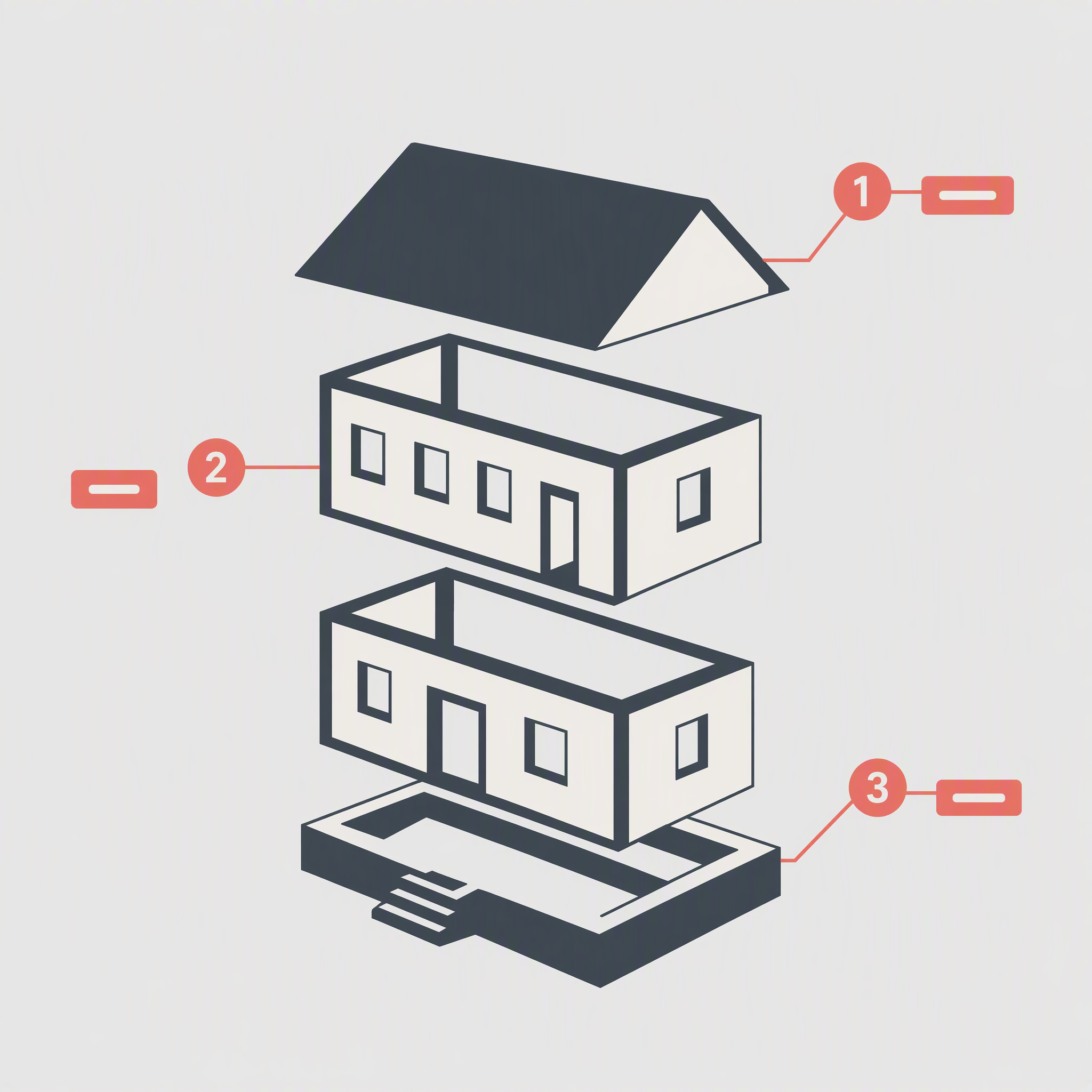
Turn a photo into a visual explanation of why its details matter. The Skill traces meaningful angles, shapes, joints, layers, and components on the original image, then explains their function, visual meaning, relevant background, and possible design influences. When useful, it adds a clearly labeled conceptual cutaway or exploded view beside the photo to show how the subject may be structured inside. Observed facts, verified context, and visual inference remain clearly separated.
Related Skills
View all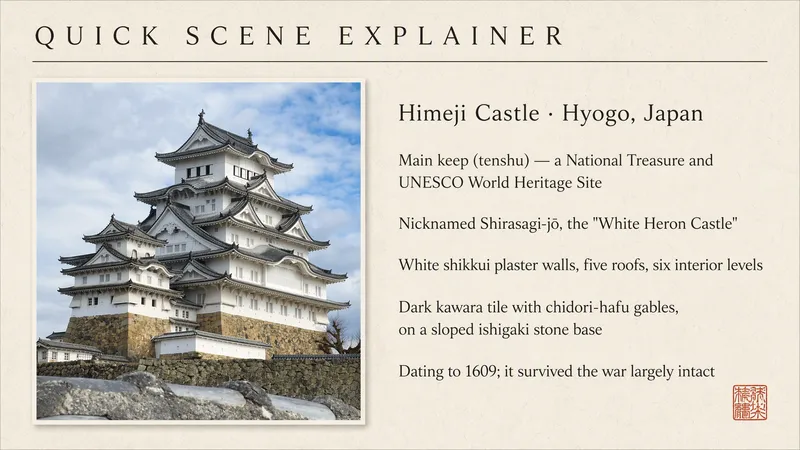
Quick Scene Explainer
Get a concise, text-only explanation of a photo or screenshot without waiting for image generation. It identifies the relevant object, interface, sign, diagram, or visible structure; refers to parts by their position in the image; answers the user's immediate question; and clearly marks anything it cannot confirm. Designed for quick mobile use, weak connections, and situations where the user needs an answer now rather than a redesigned image.
What is it ?
Turn a user's uploaded everyday photo into an immersive language scene with localized controls, object labels, pronunciation, a bilingual passage, typing practice, an overview, and a find-the-object game. Do not use for ordinary image descriptions or static word lists.
 Image
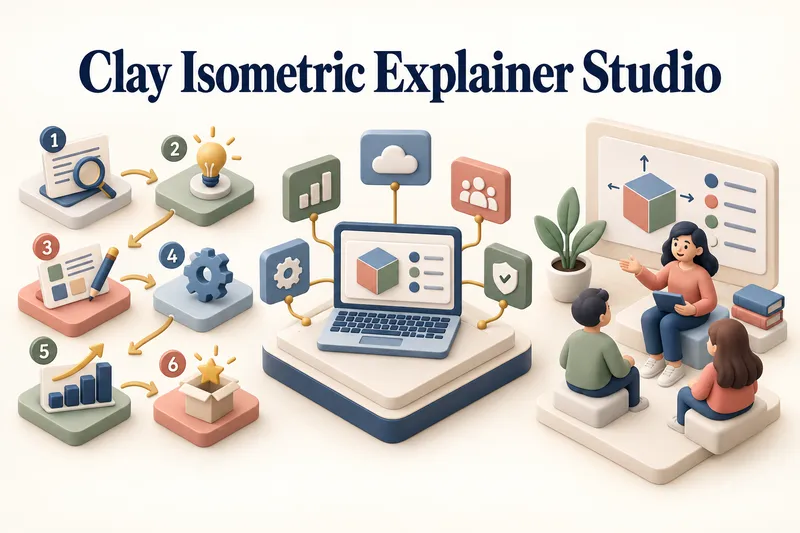
ImageClay Isometric Explainer Studio
Turn any topic into a clear, memorable visual explanation. Clay Isometric Explainer Studio transforms products, processes, services, systems, and educational subjects into polished hybrid 3D clay and isometric visuals. You can start with only a topic. The Studio performs a focused research snapshot, identifies the core message, recommends the clearest visual direction, and guides you through the creative process step by step. It builds the information architecture, maps each idea to a visual object, defines a consistent style system, and prepares a complete production prompt. Titles, numbered stages, information cards, labels, and short explanations are planned and included directly during image generation. Choose an Explainer Scene, Process Flow, Product Feature Board, Educational Visual, or a coherent 3–5-piece Visual Series. After the still image is approved, optionally turn it into a short image-to-video animation with subtle object motion, natural clay character gestures, or guided focus through numbered stages. Ideal for presentations, websites, social posts, posters, PDF pages, product communication, onboarding, and learning materials. Not intended for decorative 3D scenes without an explanatory purpose, random visual elements, dense paragraphs inside images, or final editable design files.
Information
- Version
- v15
- Last updated
- Runtime credits
- Usage-based
- Models
- Auto
