
Watercolor Infographic
Turn topics into vertical hand-drawn cards
Watercolor Infographic
Turn topics into vertical hand-drawn cards
Showcase
Description
Transform any topic or key points into an infographic script, then generate a vibrant, translucent watercolor hand-drawn vertical image featuring generous whitespace, colorful shadows, brush-stroke colored numbers, large headings, and precise explanatory text. Ideal for methodologies, policy explainers, and personal habits. Free of watermarks, brand logos, and unverified facts.
Recommended by
Dancang
Why we love this skill
Organizes content and visual concepts before generating vertical watercolor knowledge cards. It determines visuals and layout based on information relationships, strictly preserving the original meaning while balancing parallel rules, Chinese readability, and watercolor textures.
Best for
Content creators and educators who need to turn methods, principles, policy explainers, or habits into knowledge cards.
How to use this Skill
Provide your input
Provide a topic or a set of key points, along with any facts, character details, or rules you want to keep.
Run the Skill
The system organizes the title, items, descriptions, illustration scenes, and layout for your review. Once confirmed, it generates the vertical infographic.
Review your result
Receive a clear, well-structured watercolor hand-drawn knowledge infographic that preserves your confirmed content and visual plan.
Related Skills
View all Image
ImageHand-Drawn Infographic Collage
Enter a topic or a piece of educational copy to generate a vertical infographic in a hand-drawn collage notebook style, featuring large brushstroke titles, macaron-colored torn-paper sticky notes, clear handwritten text hierarchy, and cartoon characters with white sticker-style outlines that match the content. Ideal for long-form Xiaohongshu educational graphics about insurance, health, work, and general knowledge. The process runs in two steps: first, it produces a layout script and image-generation prompt for your review; then it generates the final image and performs a quality check.
 Image
ImageOne Text, One Visual
Have you saved lots of articles but still struggle to find the key points at a glance? Give it an article, note, or clearly defined topic that you have permission to use. It will organize the information around one question and present it as a hand-drawn-style diagram. The first version focuses on method steps and operational workflows. You’ll get: ① A knowledge diagram with clear steps, conditions, and reading order. ② Copyable text, including the title, nodes, and key explanations. ③ A source checklist that preserves the original evidence and items requiring confirmation. ④ Short sharing copy to make it easy to post with the image. It won’t depict parallel content as causal, omit key conditions, or invent performance data. When there is too much content, it will narrow the topic first while preserving readable type size and whitespace for mobile viewing. Creating the final image requires access to an image or drawing tool in the current environment. If no tool is available, it will clearly state that the image has not been generated and preserve the complete image-ready draft. Image-generation usage is subject to the platform’s rules at the time. Suitable for study organization, knowledge sharing, and adapting content for social media. It does not publish on your behalf or guarantee traffic. The sample image uses a newly created article and local drawing tools; it is not a YouMind runtime screenshot.
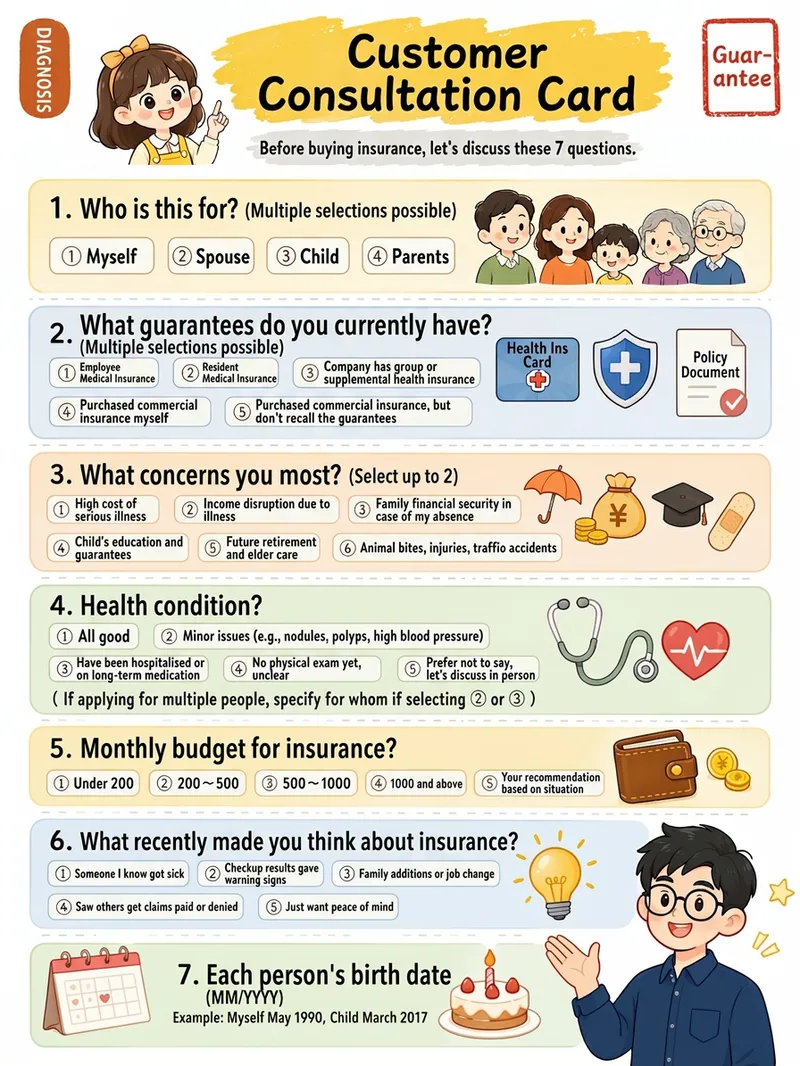
Xiaohongshu Hand-Drawn Infographics
Provide a complete piece of copy, choose the number of images and an aspect ratio (3:4 / 1:1 / 16:9), and generate Xiaohongshu infographics in a “hand-drawn knowledge card” style. The Skill includes a consistent visual system: bright, translucent pure-white paper texture with fine fibers, minimal speckling, and a clean, airy feel; bright yellow hand-drawn brush lettering for main titles; a gray brush-stroke subtitle band; a red stamp in the upper-right corner; a vertical capsule-shaped color label in the upper-left corner; colorful rounded module panels; and newly designed flat vector hand-drawn cartoon characters, along with a rich variety of icons and charts. During processing, it first organizes a “typesetting copy draft” that preserves the full text word for word for your confirmation. Once confirmed, it generates the images. Each module includes an icon or chart, keeping the visuals clear and readable while adding artistic character.
Information
- Version
- v3
- Last updated
- Runtime credits
- Usage-based
- Models
- Auto
- Use cases
- Writing & contentImages & designLearning & education
- What you get
- DocumentImage
- Visual styles
- Hand-drawnWatercolorPaper art
