Weekly top

Philosophy Frontiers Weekly
Enter the philosophy fields you follow, along with optional subtopics, key figures, and keywords. The skill searches for new English-language philosophical literature and academic events from the past seven days, checks your existing materials to remove duplicates, and ranks the results by relevance. It then produces a Chinese or multilingual weekly report in your language, saves it as a document, and asks whether you’d like to set up a recurring weekly task.

Create cinematic portraits
Describe a person and a scene — who they are, what they are wearing, where they stand, and the light or mood — and this skill composes the prompt and generates a set of cinematic, photorealistic portrait images. Any missing detail is filled with a tasteful, coherent default so a usable result always comes back. Works for any subject, culture, wardrobe, or environment.

One-Click Editorial Poster
Upload one or more photos, and automatically generate a sophisticated editorial-style poster for each photo, with the left half showing the original image and the right half featuring a narrative reconstruction with a key color panel. By default, the poster uses a 4:3 landscape split-screen layout: the left side preserves the original photo, while the right distills its narrative subject and pairs it with a low-saturation geometric color panel extracted from the original image. The overall look is restrained, quiet, and spacious, with a magazine editorial style. You can switch to layouts such as 3:4, 1:1, or 9:16 as requested, with the two sections divided equally. Multiple photos are processed independently and are not combined.
 Image
ImageMosaic Everything
Upload any photo to automatically create a minimalist art poster with a live-action photo on top and a block mosaic on the bottom. The subject is formed from hundreds of small watercolor-textured blocks, with the edges drifting outward and fading away, plus a poetic short caption. One image becomes a magazine-style design piece.

Research Review Assistant
An expert assistant for university-level research project reviews. Provide the materials for N projects in a given category. Each project includes three types of files: a proposal, a form-check summary or interim review form, and supporting evidence. File names may be scrambled, mismatched, or changed, and files may be DOCX, XLSX, PDF, or image files. Supporting evidence may be bundled into one file or provided as multiple separate files. This Skill then completes the following steps: ① Content-anchor alignment—extracts the project or center name, principal investigator, affiliated school, and project period from within the documents; matches the three-part file set for each project; and flags items requiring review when file names do not match their contents. ② Evidence normalization—whether bundled or separate, breaks materials into “atomic evidence items” and creates a coded ledger for each item with one of four status labels: complete, needs verification, missing, or questionable. This avoids judging the strength of the evidence by file count. ③ Three-dimensional item-by-item audit—evaluates each piece of evidence for relevance, authenticity, and completeness, then reconciles it against the commitments in the proposal and the self-reported results in the interim review form. ④ Dual-track scoring and comparative ranking—uses the five weighted criteria in Appendix 2 as the reporting standard and the five dimensions of the interim review as a reference standard. The two systems remain independent and are not combined, and all projects are ranked and grouped into tiers. ⑤ Delivers a structured review draft with “score + review comments” that can be pasted directly into the official form, and can generate an interactive scoring webpage when needed. Huali’s current standards are used by default. Users can confirm or revise the criteria, weights, and reference materials before work begins, or upload replacements. There are two confirmation checkpoints: first for alignment and the evidence ledger, then for scoring and ranking. When materials cannot be identified, the user is prompted to confirm. For project completion reviews, two additional hard requirements apply: first, the correspondence between the proposal’s expected outcomes and the documented evidence must be verified. If the evidence does not include an expected outcome listed in the proposal, the project automatically fails. Second, template issues are distinguished between using the completely wrong template, which results in failure, and partial formatting inconsistencies, which result in only a small deduction.
 Research
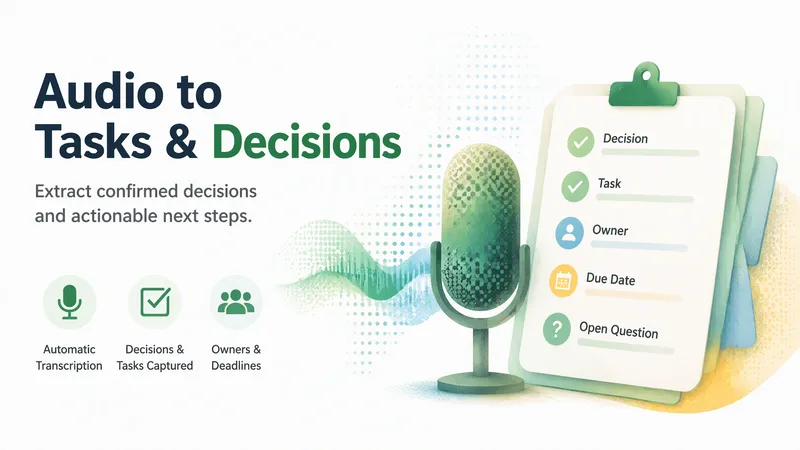
Audio to Tasks & Decisions
Turn an audio file or transcript into a concise editable record of decisions, tasks, owners, dates, blockers, and open questions. Missing speech text is transcribed automatically, with background continuation when needed, before any optional Agent actions are proposed.
 Write
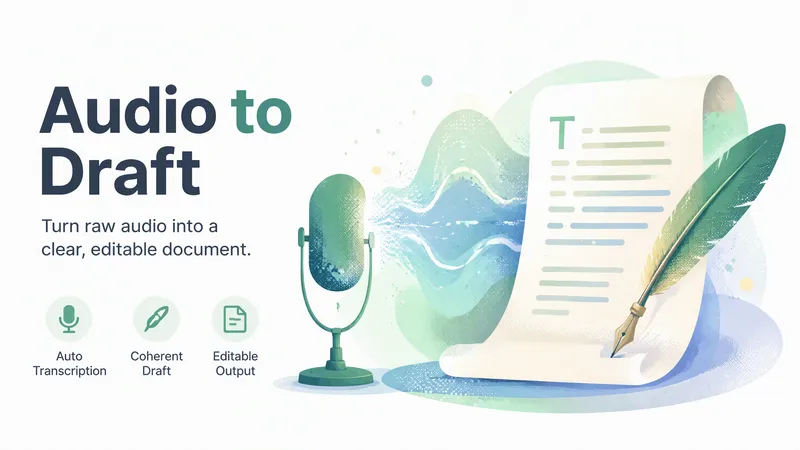
WriteAudio to Draft
Turn an audio file, voice note, spoken video, or transcript into one coherent editable draft. Missing speech text is transcribed automatically, with background continuation when needed, so the user does not have to return to resume the workflow.
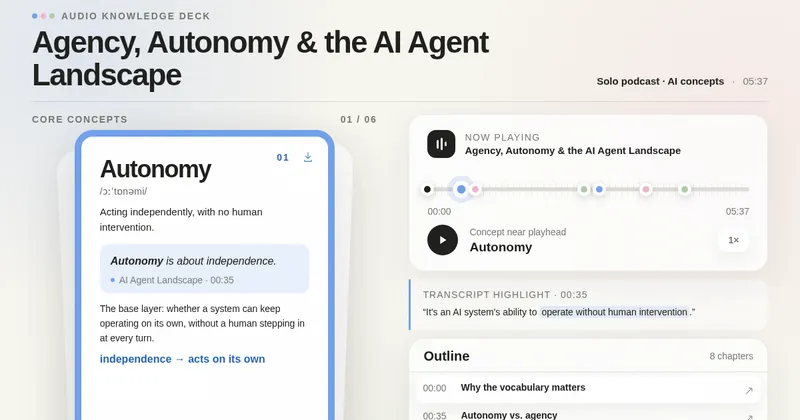
Audio to Knowledge Cards
Transform an audio file or transcript into a self-contained interactive webpage with source-grounded concept cards, synchronized audio and timestamps, transcript highlights, and a structured content outline. Card count adapts to the actual recording.