
Word Cloud Generator
Word Cloud Generator
Showcase
Description
Two-stage word cloud design assistant: Phase 1 deeply refines keywords to ensure data accuracy. After user review and confirmation, Phase 2 applies a fixed color palette and restrained layout to generate poster-level word cloud HTML files. Suitable for formal scenarios such as academic reports, final reports, presentation covers, etc.
Related Skills
View all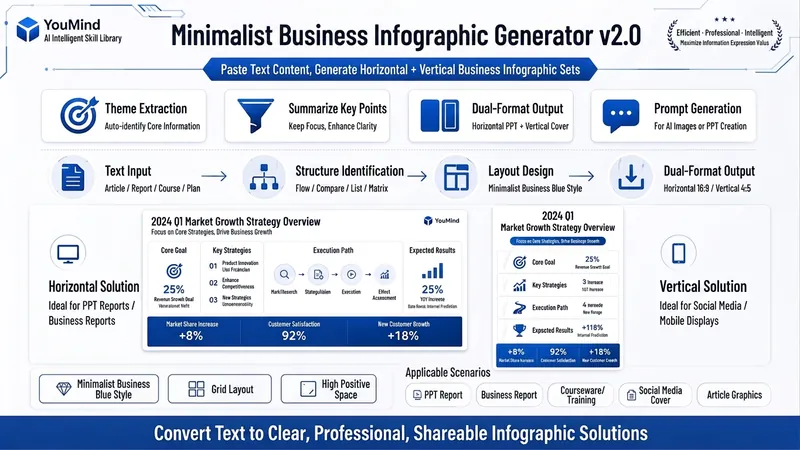 Image
ImageBiz Infographic Generator v2.0
Transforms complex text into clear, professional, presentation-ready business minimalist infographics. It can help you: 1. Automatically extract core information Extract topics, keywords, logical relationships, and key points from user-provided text, materials, course content, meeting minutes, or reports. 2. Automatically design infographic structure Match business expression formats such as flowcharts, comparison charts, hierarchical charts, matrix charts, checklist charts, and path charts based on content type. 3. Automatically generate dual-format solutions Output two sets of infographic designs: landscape and portrait. Landscape is suitable for PPT, presentations, and web display; portrait is suitable for Xiaohongshu, WeChat Moments, public account covers, and vertical screen display. 4. Automatically generate diagram prompts Output complete diagram prompts ready for use with AI drawing tools, designers, or PPT tools. Suitable for: Professionals, knowledge bloggers, trainers, course creators, consultants, operations staff, PPT designers, business report creators. How to use: Directly paste a piece of text, materials, course content, meeting minutes, or report summary. You don't need to organize the structure first; I will automatically extract the core content and generate both landscape and portrait business minimalist infographic solutions.
 Image
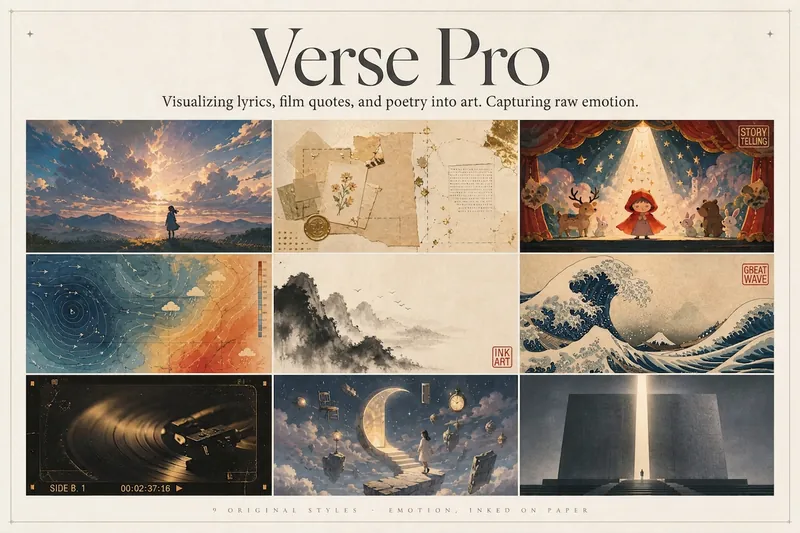
ImageLyric Shadow · Poster Pro
Turn a favorite lyric, piece of film narration, poem, or quote into a vivid visual expression—transforming its emotion into a poster with resonance, a clear point of view, and a sophisticated editorial design sensibility. This is not a text template, but an editorial creative process from “emotion → visual”: first, lightly research the source—the background of the song, film, or poem and the creator’s original intent—then distill a powerful central metaphor that makes people pause and have an Aha moment. Finally, restrained typography, low-saturation colors, and a single high-purity anchor come together in a design piece that truly belongs on a wall or ready to publish. The visual metaphor always takes center stage. By default, 2–4 complete lyric lines are retained as a finishing touch, while the song title and artist appear as understated credits in ultra-fine publication details, never competing for attention. Nine original styles, each with a complete visual language: Japanese cinematic skies / vintage paper craft / fairytale theater / emotional weather maps / Chinese ink wash / ukiyo-e crashing waves / vintage audiovisual archives / dreamlike surrealism / emotional monuments. All are non-photorealistic—using the visual languages of illustration, printmaking, graphic design, and hand-drawn animated films, without copying any IP or artist’s imagery. Two ways to create, whether you want speed or detail: ① Fully automatic mode: Drop in lyrics, narration, poetry, or a quote, and research, metaphor, style, layout, type, and color are all decided automatically. Get the image directly with no choices to make. ② Step-by-step selection mode: Answer choices appear one at a time, each with a ★Recommended option. You can also upload a reference image to fine-tune the mood only. Confirm each choice before generating for complete control over the concept.
 Image
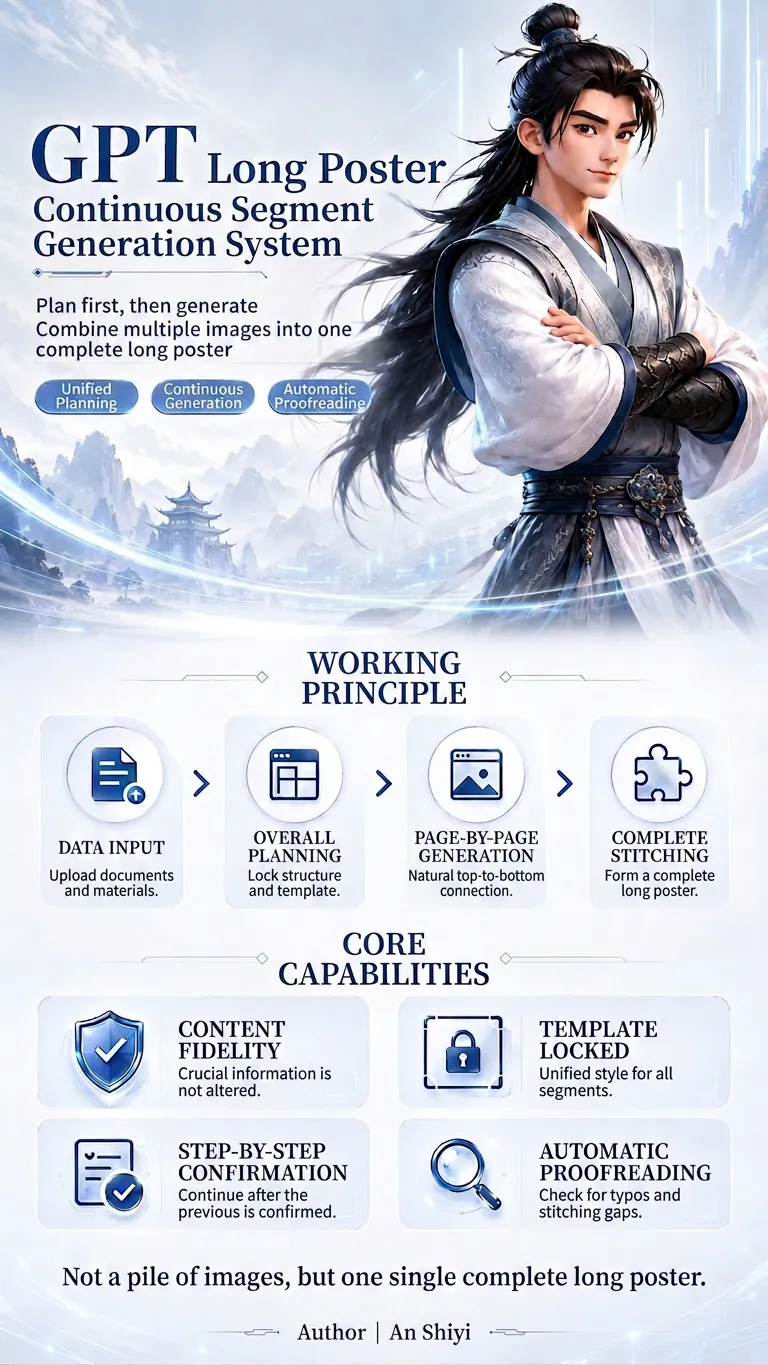
ImageExtra-long Poster Generator
This is a GPT planning and generation system specifically designed for creating continuous extra-long posters. It can identify different tasks such as redesign, partial replacement, and template expansion; extract and protect key information like prices, names, benefits, and dates at varying levels of priority; and then unify the planning of the poster's information flow, segment count, and visual master template. When using it, simply upload your files and assets, and specify the aspect ratio, style, and purpose. The system will first output a complete plan, and after confirmation, generate each segment one by one. It supports content fidelity, master template locking, text whitelisting, segment-by-segment confirmation, automatic proofreading, and seam checking, reducing issues such as inconsistent styles, text errors, duplicated content, and disconnection between sections, ultimately producing a coherent and unified long poster.
Information
- Version
- v3
- Last updated
- Runtime credits
- Usage-based
- Models
- Auto
