
Visual Scene Annotator
Reveal meaning, context, and structure behind the image
Visual Scene Annotator
Reveal meaning, context, and structure behind the image
展示內容
描述
Turn a photo into a visual explanation of why its details matter. The Skill traces meaningful angles, shapes, joints, layers, and components on the original image, then explains their function, visual meaning, relevant background, and possible design influences. When useful, it adds a clearly labeled conceptual cutaway or exploded view beside the photo to show how the subject may be structured inside. Observed facts, verified context, and visual inference remain clearly separated.
相關技能
查看全部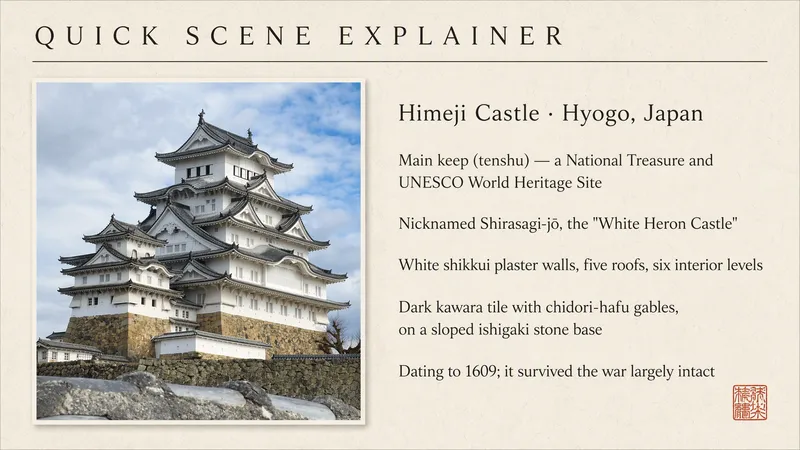
Quick Scene Explainer
Get a concise, text-only explanation of a photo or screenshot without waiting for image generation. It identifies the relevant object, interface, sign, diagram, or visible structure; refers to parts by their position in the image; answers the user's immediate question; and clearly marks anything it cannot confirm. Designed for quick mobile use, weak connections, and situations where the user needs an answer now rather than a redesigned image.
What is it ?
Turn a user's uploaded everyday photo into an immersive language scene with localized controls, object labels, pronunciation, a bilingual passage, typing practice, an overview, and a find-the-object game. Do not use for ordinary image descriptions or static word lists.
 圖片
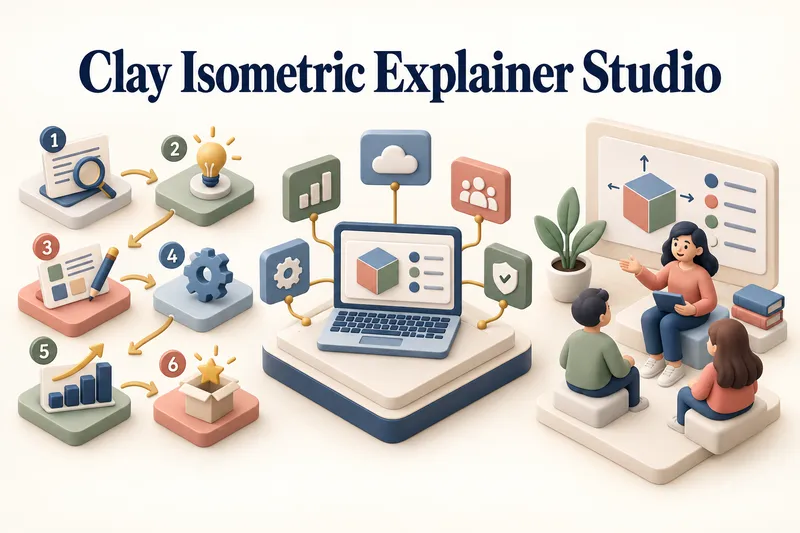
圖片黏土等角解說工作室
將任何主題轉化為清晰、令人印象深刻的視覺解說。 黏土等角解說工作室能將產品、流程、服務、系統與教育主題,轉化為精緻的混合 3D 黏土與等角視覺作品。 你只需提供一個主題即可開始。工作室會進行聚焦的研究快照、找出核心訊息、推薦最清晰的視覺方向,並逐步引導你完成創作流程。 它會建立資訊架構,將每個概念對應至視覺物件,定義一致的風格系統,並準備完整的製作提示。標題、編號階段、資訊卡、標籤與簡短說明,都會在生成圖片時直接規劃並加入。 你可以選擇解說場景、流程圖、產品功能板、教育視覺,或一組連貫的 3–5 件視覺系列。靜態圖片獲得確認後,還可選擇將其轉為短篇圖片轉影片動畫,加入細微的物件動態、自然的黏土角色手勢,或透過編號階段引導觀看重點。 適合用於簡報、網站、社群貼文、海報、PDF 頁面、產品溝通、新人導覽與學習教材。 不適用於沒有解說目的的裝飾性 3D 場景、隨機視覺元素、圖片中的密集段落,或最終可編輯的設計檔案。
資訊
- 版本
- v15
- 更新時間
- 執行點數
- 依實際用量
- 模型
- 自動選擇
