ダイナミックなシネマティック・タイトル・オーバーレイ
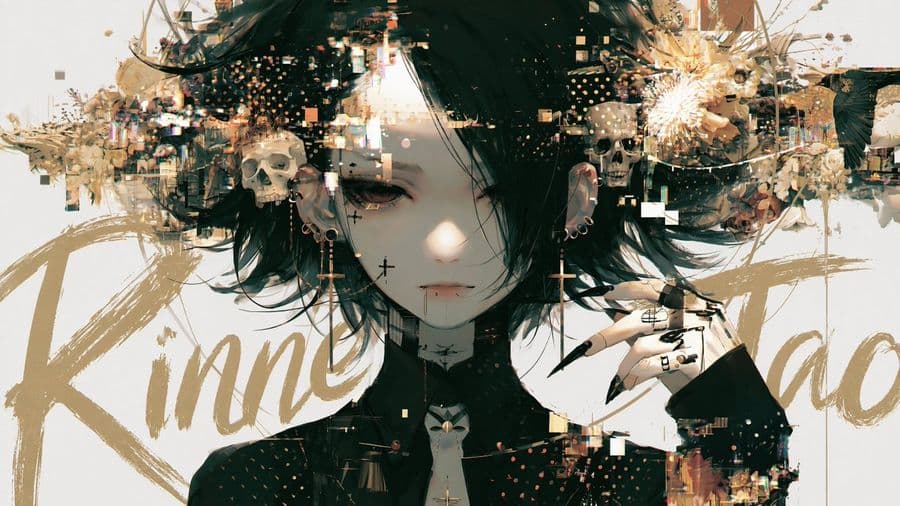
画像内のメイン被写体の背後に、筆文字スタイルの大きなタイトルを配置し、奥行きと映画のポスターのようなシネマティックな効果を生み出すための洗練されたプロンプトです。
プロンプト
Add a title text to this image with intentional layer depth.
[Text to Add]
- The phrase to add: "ここにタイトルを入力]"
[Typography]
- If the text is in English or romaji: handwritten brush script style — loose, expressive, confident strokes, imperfect and alive
- If the text is in Japanese: calligraphic brushwork by a master — rough, bold, spontaneous ink strokes with natural variation in pressure and thickness
- Scale: large and dominant — the text is a visual element, not a label
- Color: choose a color that does not clash with or duplicate the background — prioritize visual harmony over legibility
[Layer Depth — Critical Rule]
- The text must appear BEHIND the main subject (person, figure, or foreground object)
- The main subject occludes the text naturally — as if the subject is standing in front of the text
- The background remains behind both the text and the subject
- If any other text elements exist in the image (watermarks, captions, body copy, small text), the title must appear in front of all of them
- Layer order from back to front: background → existing text elements → title text → subject
[Legibility — Important]
- Do not force the text to be readable
- It is acceptable — even desirable — for portions of the text to be hidden behind the subject
- The text exists as a design element and compositional layer, not as information to be read
- Layout and aesthetic integration take priority over legibility at all times
[Placement]
- The text spans large across the image, partially hidden behind the subject
- Placement feels cinematic and intentional — like a movie poster or editorial cover
- Allow the text to bleed beyond the frame edges naturally
- Do not generate random text blocks, body copy, or filler text anywhere in the image
- Only the specified title text should appear as a new addition
[Style Preservation]
- Do not alter the subject, colors, or composition of the original image
- Add only the text layer — nothing else
参照画像
このプロンプトの使い方
- 1
上の完全なプロンプトをコピーします。
- 2
GPT Image 2 に対応したプラットフォーム(YouMind など)を開き、プロンプトを貼り付けます。
- 3
アイデアに合わせて被写体・スタイル・細部を入れ替え、生成します。
これは YouMind のプロンプトライブラリにある無料の AI プロンプトです。ほかにも数千点の 画像 プロンプトがあり、すべて自由にコピーして使えます。
ほかの 画像 プロンプトを見る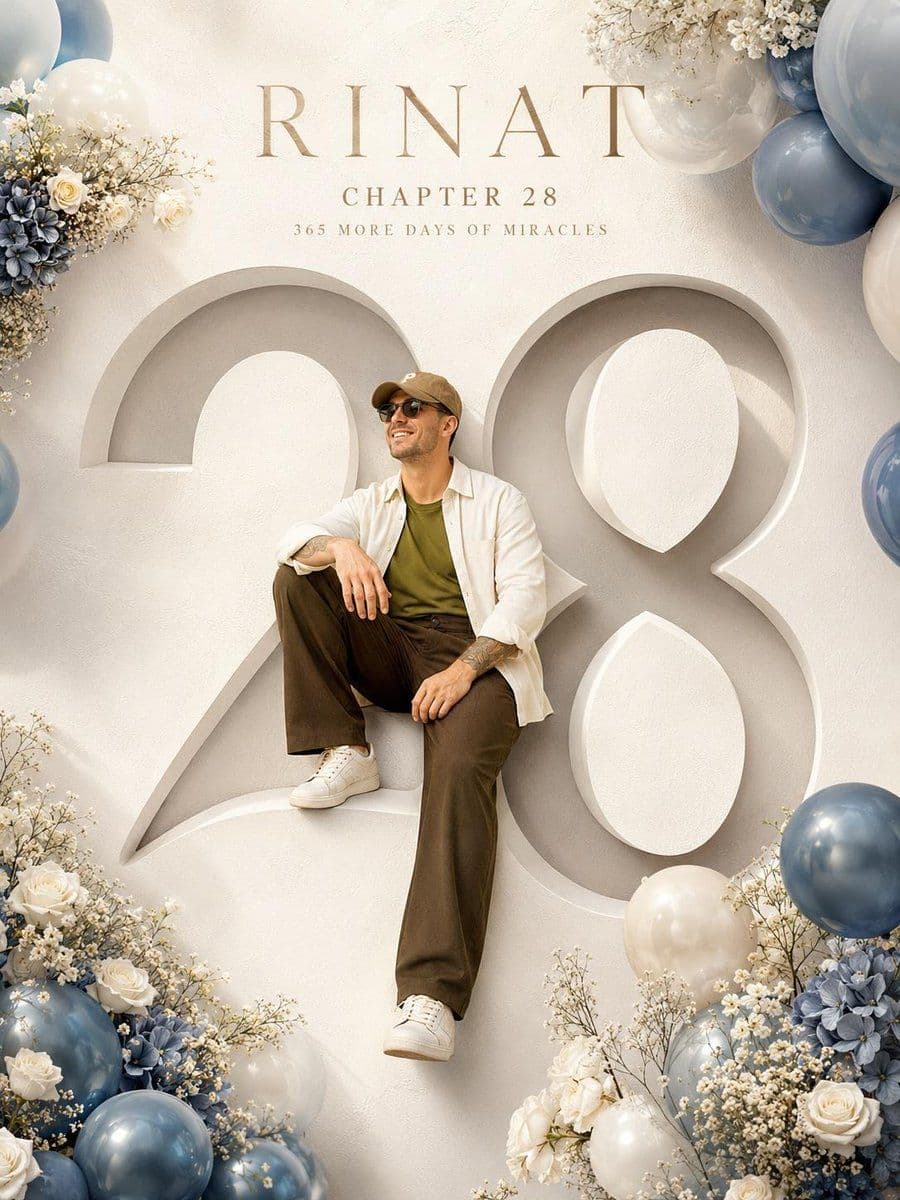
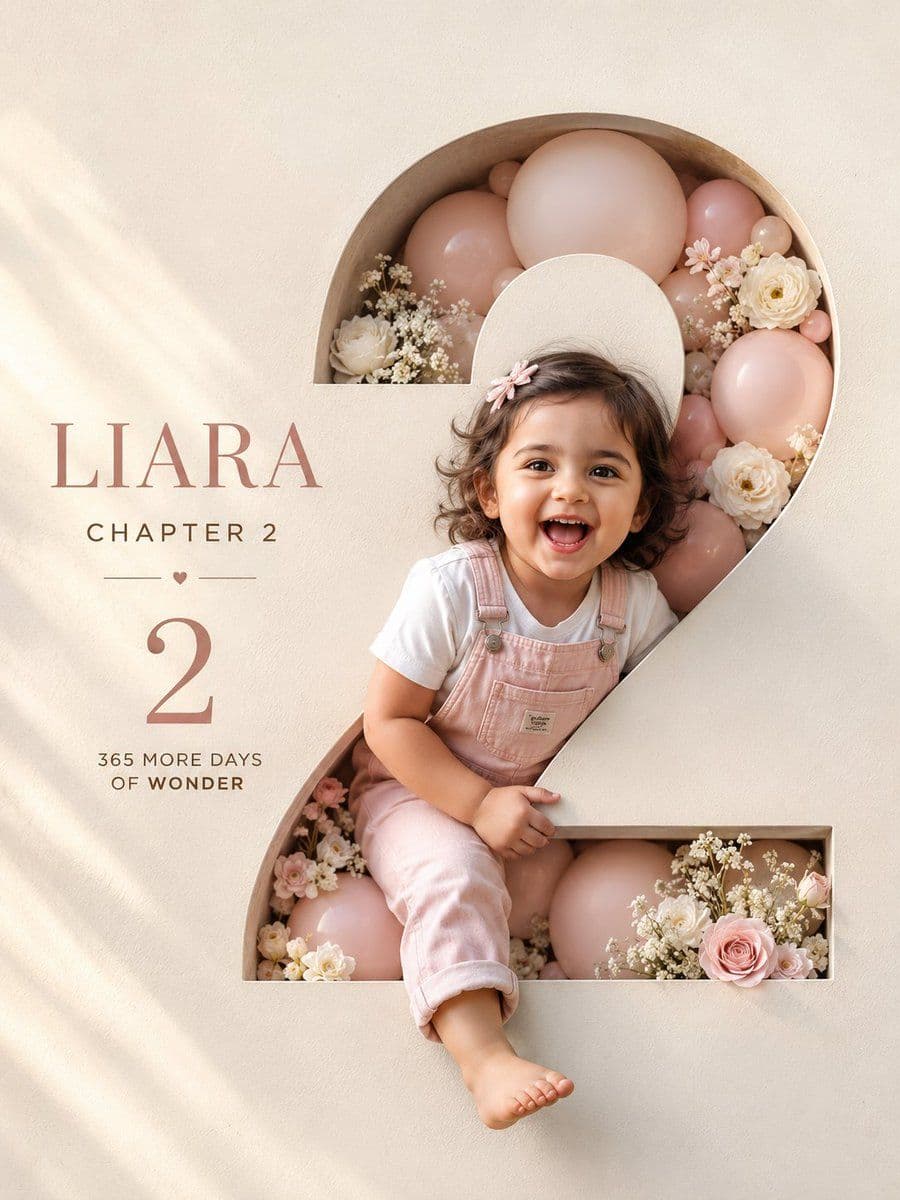

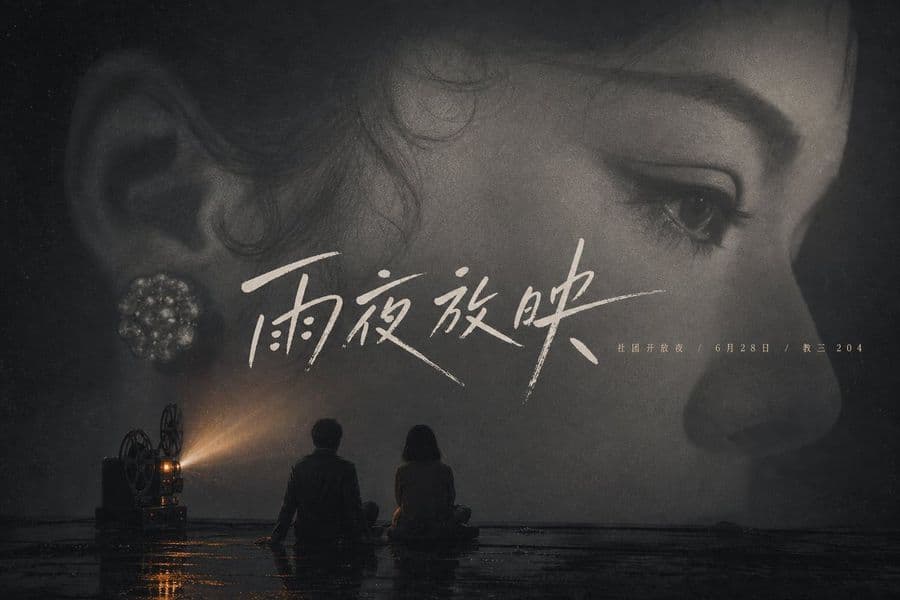
さらに探索
ビジョンツール
画像からプロンプト
どんな写真も詳細な AI 画像プロンプトに変換。無料の Image to Prompt 変換ツールが構図・スタイル・ライティングを解析し、数秒で同じ表現を再現できます。
クリエイターのために。ずっと無料。
YouMind は世界中のクリエイターに信頼される AI 制作パートナーです。ここにあるプロンプトは、より速く、より良い制作を助けるために厳選されています。