MagazineStyleBookPage
Description
Recommended by
nene@YouMind
Why we love this skill
This skill is a sophisticated layout designer, transforming raw text into beautifully paginated magazine-style content. It meticulously plans each page, prioritizing readability and preventing overflow with an innovative "space budget" system. Perfect for crafting professional documents, articles, or reports with elegant typography and optimal visual flow.
This skill transforms your long articles into magazine-style book pages with a single click, giving your writing a stunning editorial aesthetic — beautifully formatted, just like a real magazine.
Related Skills
View all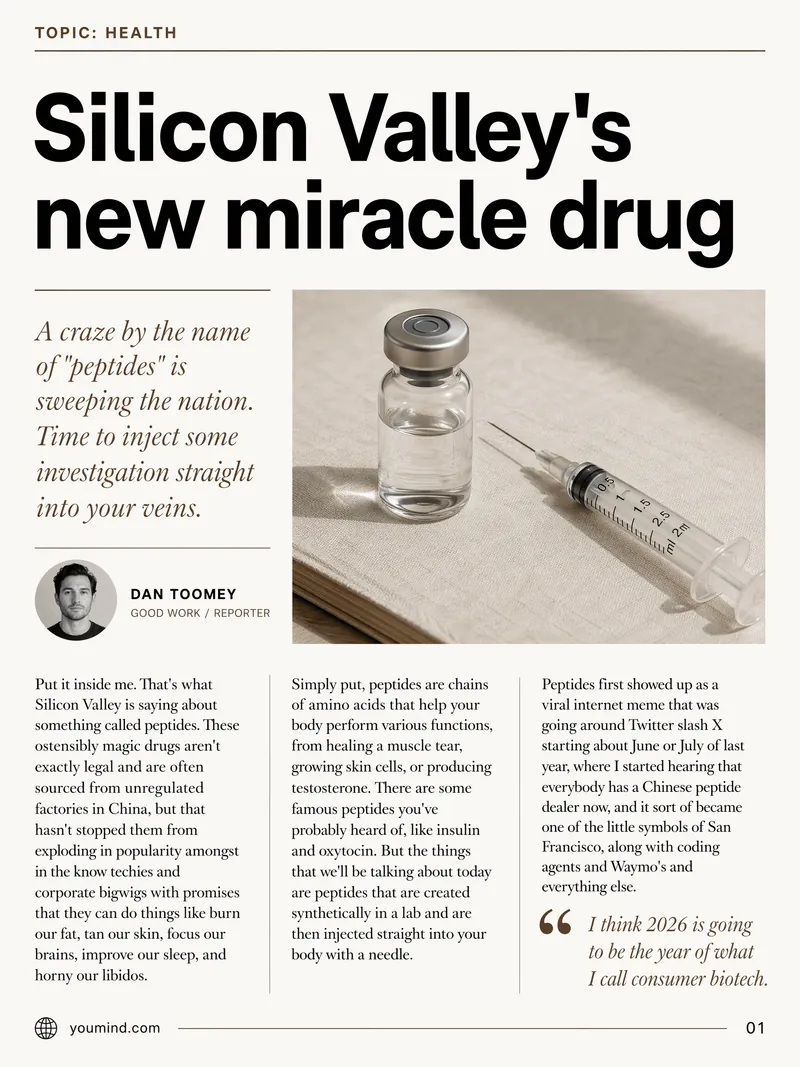 Image
ImageMagazine-style article page
Transform raw text into stunning, minimalist magazine layouts, great for Substack and newsletter.
 Image
ImageYouMind Landing Page Style Poster
Transform your content into a stunning visual narrative with a YouMind Landing Page Style Poster. This skill crafts beautiful infographic posters that capture attention with a unique Natural Retro-Futurism aesthetic. Perfect for showcasing key data, project highlights, or product features, your information will be presented in a sophisticated and easily digestible format. Leveraging a balanced cool-warm color palette featuring a light gray-blue base with subtle beige-peach accents, each poster embodies a modern UI feel. Expect elegant typography, with authoritative Source Han Serif for titles and clean sans-serif for body text, ensuring readability. The layout utilizes a dynamic Bento grid, arranging your content into visually engaging, soft-edged cards with generous breathing room, avoiding cluttered designs. Beyond striking visuals, the skill integrates subtle design elements like a uniform fine film grain, impressionistic rendering, and optional frosted glass icons for your data points. A single, translucent triangular prism can be added for an elegant accent, while the YouMind official logo is always discreetly placed to maintain brand consistency. This results in a professional, airy, and modern infographic that effectively communicates your message.
 Webpage
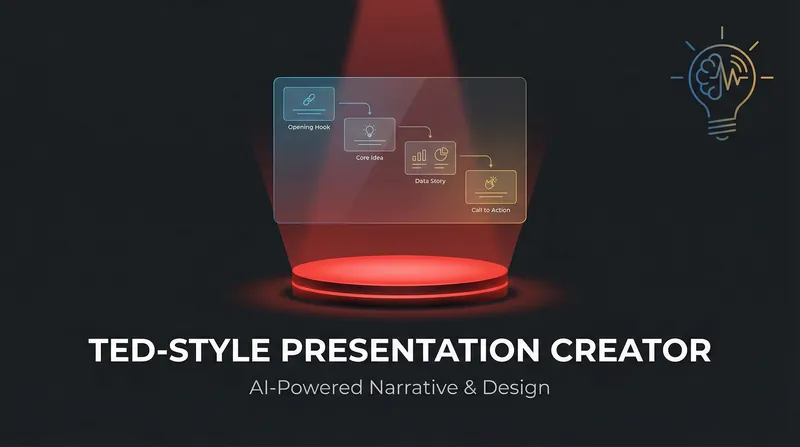
TED style presentation
Transform your ideas into captivating TED-style presentations. Craft compelling narratives and stunning visuals that inspire and engage, all with the click of a button.
MagazineStyleBookPage
Description
Recommended by
nene@YouMind
Why we love this skill
This skill is a sophisticated layout designer, transforming raw text into beautifully paginated magazine-style content. It meticulously plans each page, prioritizing readability and preventing overflow with an innovative "space budget" system. Perfect for crafting professional documents, articles, or reports with elegant typography and optimal visual flow.
This skill transforms your long articles into magazine-style book pages with a single click, giving your writing a stunning editorial aesthetic — beautifully formatted, just like a real magazine.
Related Skills
View allImageMagazine-style article page
Transform raw text into stunning, minimalist magazine layouts, great for Substack and newsletter.
ImageYouMind Landing Page Style Poster
Transform your content into a stunning visual narrative with a YouMind Landing Page Style Poster. This skill crafts beautiful infographic posters that capture attention with a unique Natural Retro-Futurism aesthetic. Perfect for showcasing key data, project highlights, or product features, your information will be presented in a sophisticated and easily digestible format. Leveraging a balanced cool-warm color palette featuring a light gray-blue base with subtle beige-peach accents, each poster embodies a modern UI feel. Expect elegant typography, with authoritative Source Han Serif for titles and clean sans-serif for body text, ensuring readability. The layout utilizes a dynamic Bento grid, arranging your content into visually engaging, soft-edged cards with generous breathing room, avoiding cluttered designs. Beyond striking visuals, the skill integrates subtle design elements like a uniform fine film grain, impressionistic rendering, and optional frosted glass icons for your data points. A single, translucent triangular prism can be added for an elegant accent, while the YouMind official logo is always discreetly placed to maintain brand consistency. This results in a professional, airy, and modern infographic that effectively communicates your message.
WebpageTED style presentation
Transform your ideas into captivating TED-style presentations. Craft compelling narratives and stunning visuals that inspire and engage, all with the click of a button.
Find your next favorite skill
Explore more curated AI skills for research, creation, and everyday work.