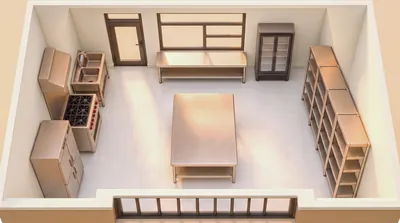
Spoken 3D Scene Modeling
Control Blender modeling with YM
Description
Through Blender MCP, directly control Blender to model and validate scene space, while iteratively refining AI image-generation prompts. For users who don't know 3D software, the AI agent handles all modeling, rendering troubleshooting, lighting validation, and prompt engineering. The ultimate goal is to keep scenes consistent when creating 3D animation videos: build the scene in Blender, control the camera, and pass the camera reference to the video-generation model.
Related Skills
View all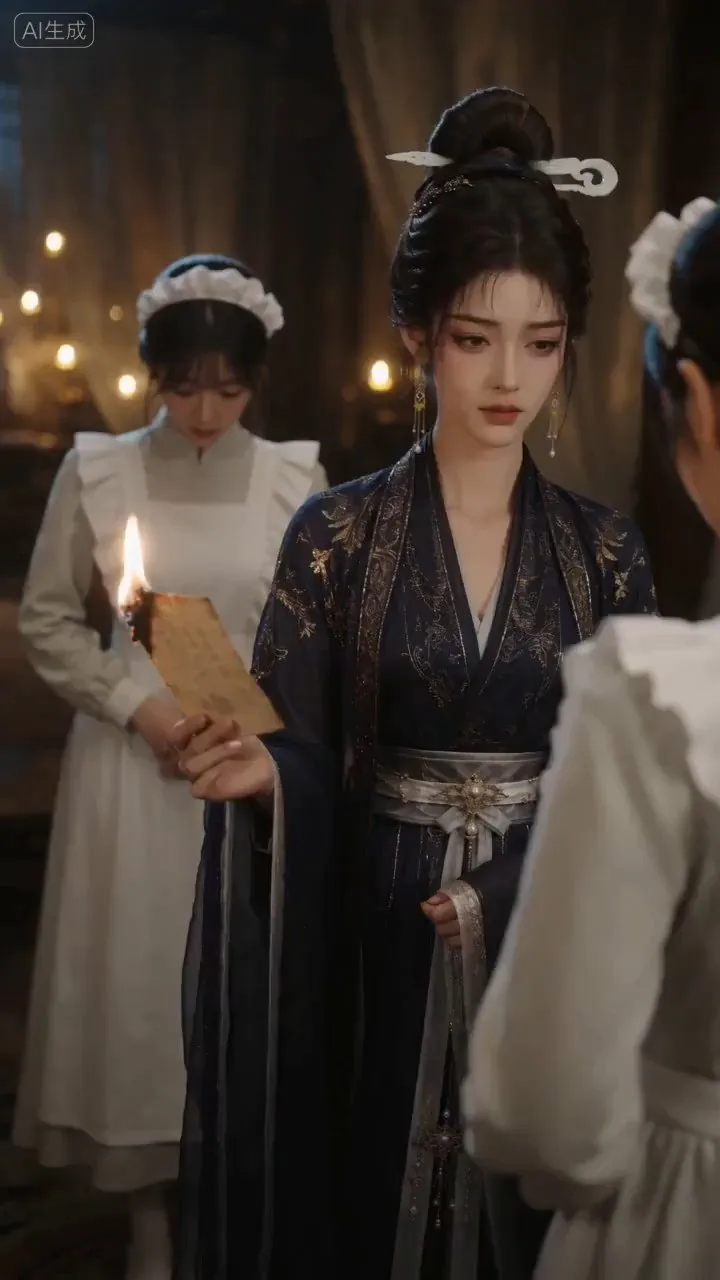
AI Video & Storyboard Prompts
Turn storylines, character profiles, or existing video prompts into professional storyboards and ready-to-use shot prompts for AI video generation. Whether the scene involves contemporary life, historical drama, mystery, romance, or high-payoff drama, the skill focuses on character relationships, pacing, and emotional hooks. It clearly defines shot scale, camera position, perspective, camera movement, composition, lighting, ambient sound, and dialogue, giving every shot a clear visual focus and actionable movement. The skill pays close attention to character consistency and scene continuity. It helps lock in each character’s appearance, clothing logic, identity and status, and defining details, reducing generation issues such as facial changes, visual drift, spatial confusion, and unclear actions. A character’s gaze, expressions, breathing, hand movements, and physical reactions are also translated into visible performance changes, strengthening conflict, tension, twists, and emotional progression. You can start with a complete storyline or provide existing character assets, storyboards, or prompts for targeted optimization. When you already have an established character profile, it can be reused directly to avoid redesigning it. The complete sequence can then be organized into clips of 15 seconds or less for generation with mainstream AI video models, while preserving visual, audio, and duration details for easy copying, use, and further editing.
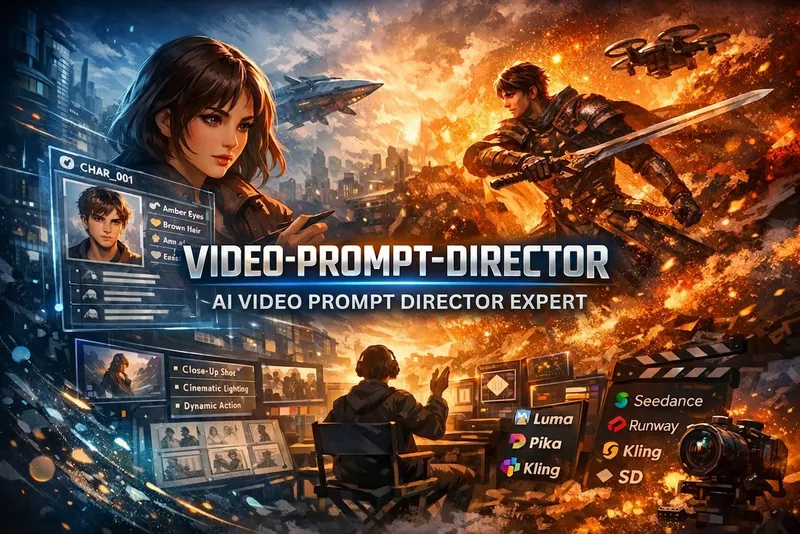
AI Video Director
Automatically expands plain-language descriptions of video and image scenes into director-level structured prompts for generation tools such as Seedance 2.0, Runway, Luma, Pika, Kling, and Stable Diffusion. This Skill must be triggered whenever the user mentions "generate a video," "video prompt," "video storyboard," "continue the scene," or "keep the character consistent," mentions "Seedance," "Runway," "Kling," or "Luma," or describes any video or image scene they want to generate. It should also be triggered when the user simply says "help me generate an XX image" or "a video of an XX scene."
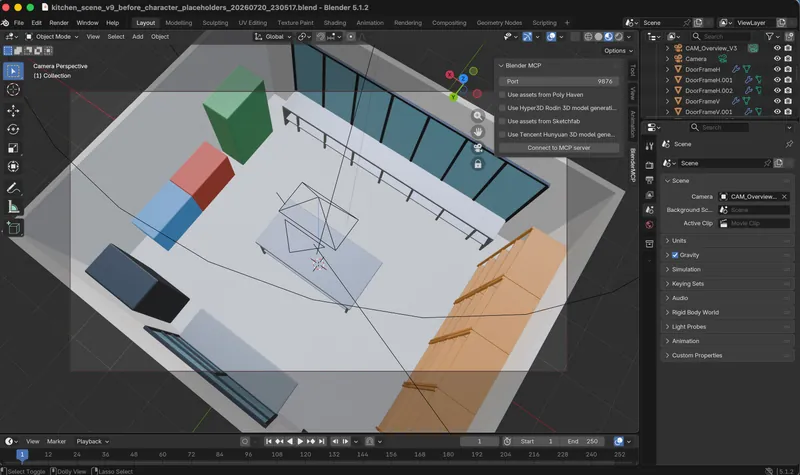
Blender MCP Installation Guide
Guides users from scratch to install Blender, the BlenderMCP plugin, and the uv package manager, and configure the MCP server, enabling AI to directly control Blender. Built for users who are completely unfamiliar with the command line, it includes troubleshooting for 6 common issue categories. The main Skill automatically invokes this when it detects MCP is unavailable on first run.
Spoken 3D Scene Modeling
Control Blender modeling with YM
Description
Through Blender MCP, directly control Blender to model and validate scene space, while iteratively refining AI image-generation prompts. For users who don't know 3D software, the AI agent handles all modeling, rendering troubleshooting, lighting validation, and prompt engineering. The ultimate goal is to keep scenes consistent when creating 3D animation videos: build the scene in Blender, control the camera, and pass the camera reference to the video-generation model.
Related Skills
View allAI Video & Storyboard Prompts
Turn storylines, character profiles, or existing video prompts into professional storyboards and ready-to-use shot prompts for AI video generation. Whether the scene involves contemporary life, historical drama, mystery, romance, or high-payoff drama, the skill focuses on character relationships, pacing, and emotional hooks. It clearly defines shot scale, camera position, perspective, camera movement, composition, lighting, ambient sound, and dialogue, giving every shot a clear visual focus and actionable movement. The skill pays close attention to character consistency and scene continuity. It helps lock in each character’s appearance, clothing logic, identity and status, and defining details, reducing generation issues such as facial changes, visual drift, spatial confusion, and unclear actions. A character’s gaze, expressions, breathing, hand movements, and physical reactions are also translated into visible performance changes, strengthening conflict, tension, twists, and emotional progression. You can start with a complete storyline or provide existing character assets, storyboards, or prompts for targeted optimization. When you already have an established character profile, it can be reused directly to avoid redesigning it. The complete sequence can then be organized into clips of 15 seconds or less for generation with mainstream AI video models, while preserving visual, audio, and duration details for easy copying, use, and further editing.
AI Video Director
Automatically expands plain-language descriptions of video and image scenes into director-level structured prompts for generation tools such as Seedance 2.0, Runway, Luma, Pika, Kling, and Stable Diffusion. This Skill must be triggered whenever the user mentions "generate a video," "video prompt," "video storyboard," "continue the scene," or "keep the character consistent," mentions "Seedance," "Runway," "Kling," or "Luma," or describes any video or image scene they want to generate. It should also be triggered when the user simply says "help me generate an XX image" or "a video of an XX scene."
Blender MCP Installation Guide
Guides users from scratch to install Blender, the BlenderMCP plugin, and the uv package manager, and configure the MCP server, enabling AI to directly control Blender. Built for users who are completely unfamiliar with the command line, it includes troubleshooting for 6 common issue categories. The main Skill automatically invokes this when it detects MCP is unavailable on first run.
Find your next favorite skill
Explore more curated AI skills for research, creation, and everyday work.