
Blender MCP Installation Guide
Description
Guides users from scratch to install Blender, the BlenderMCP plugin, and the uv package manager, and configure the MCP server, enabling AI to directly control Blender. Built for users who are completely unfamiliar with the command line, it includes troubleshooting for 6 common issue categories. The main Skill automatically invokes this when it detects MCP is unavailable on first run.
Related Skills
View all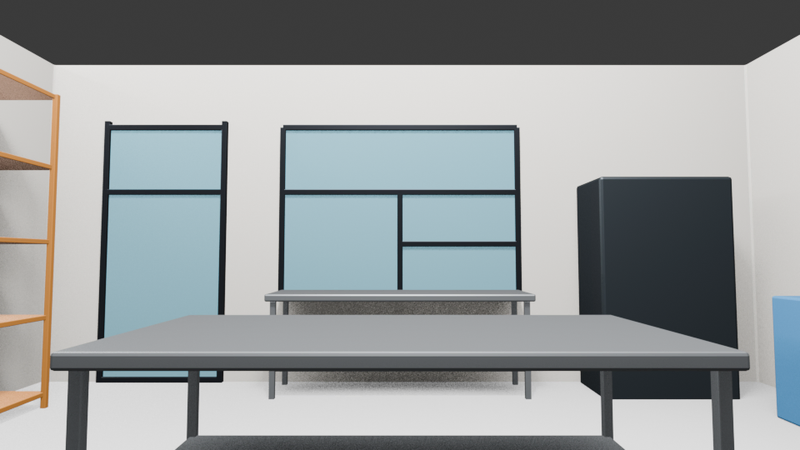
Spoken 3D Scene Modeling
Through Blender MCP, directly control Blender to model and validate scene space, while iteratively refining AI image-generation prompts. For users who don't know 3D software, the AI agent handles all modeling, rendering troubleshooting, lighting validation, and prompt engineering. The ultimate goal is to keep scenes consistent when creating 3D animation videos: build the scene in Blender, control the camera, and pass the camera reference to the video-generation model.
Cycles Black Block/Line Fix
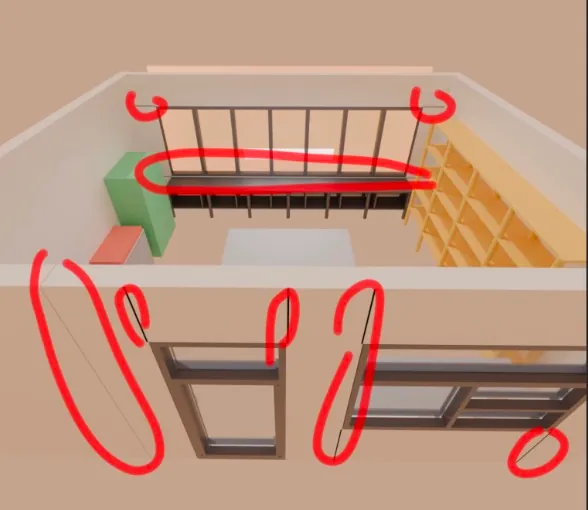
Expert at troubleshooting black blocks and black lines in Blender Cycles renders. Uses a 6-step process that starts with the cheapest fix and escalates as needed. AI can execute repair scripts directly via MCP. Diagnoses three root causes: coplanar surfaces (z-fighting), normal issues, and non-planar faces. Automatically called by the main Skill when black blocks are detected.
Blender MCP Installation Guide
Description
Guides users from scratch to install Blender, the BlenderMCP plugin, and the uv package manager, and configure the MCP server, enabling AI to directly control Blender. Built for users who are completely unfamiliar with the command line, it includes troubleshooting for 6 common issue categories. The main Skill automatically invokes this when it detects MCP is unavailable on first run.
Related Skills
View allSpoken 3D Scene Modeling
Through Blender MCP, directly control Blender to model and validate scene space, while iteratively refining AI image-generation prompts. For users who don't know 3D software, the AI agent handles all modeling, rendering troubleshooting, lighting validation, and prompt engineering. The ultimate goal is to keep scenes consistent when creating 3D animation videos: build the scene in Blender, control the camera, and pass the camera reference to the video-generation model.
Cycles Black Block/Line Fix
Expert at troubleshooting black blocks and black lines in Blender Cycles renders. Uses a 6-step process that starts with the cheapest fix and escalates as needed. AI can execute repair scripts directly via MCP. Diagnoses three root causes: coplanar surfaces (z-fighting), normal issues, and non-planar faces. Automatically called by the main Skill when black blocks are detected.
Find your next favorite skill
Explore more curated AI skills for research, creation, and everyday work.